Inloggning krävs
Logga in med ditt iOSGods-konto för att fortsätta.
Logga in med ditt iOSGods-konto för att fortsätta.

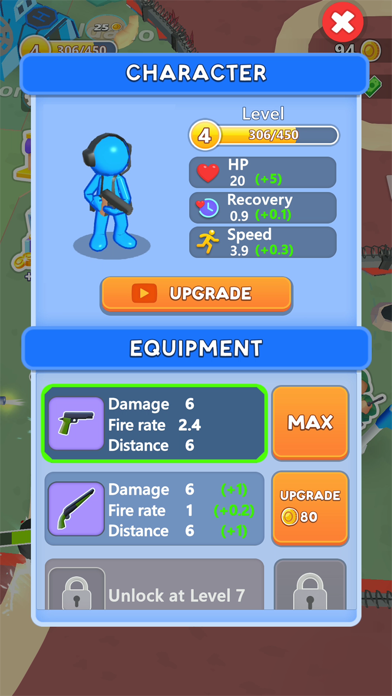
- Normal Currency
- Premium Currency
- Tickets
- Event Norml Currency
- Event Premium Currency
- Damage Multiplier
- Ads Removed [ if not use adblocker ]
Den här appen levereras även med iGameGod, vilket ger dig tillgång till Auto Touch för att automatisera repetitiva uppgifter, App Speed Manager för justerbar spelhastighet, värdesredigering med Memory Engine och fler kraftfulla verktyg för iOS-spel.
Ladda ner Fight For America: Country War Hack modded IPA från länkarna ovan. Tryck på installationsknappen och följ instruktionerna för att installera denna iOS-apphack på iPhone, iPad eller Apple Silicon.
Behöver du mer hjälp? Se våra iOSGods-appens vanliga frågor för detaljerade svar och felsökningstips.
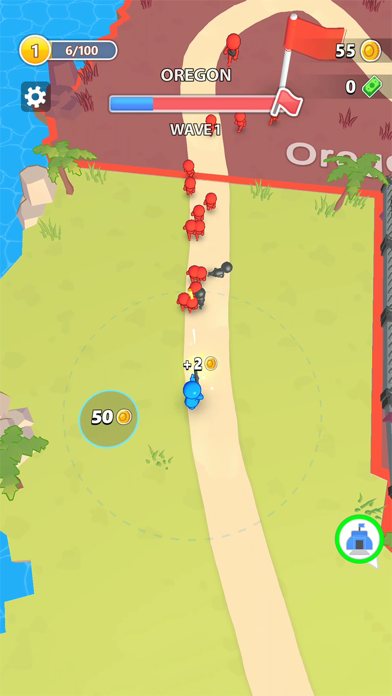
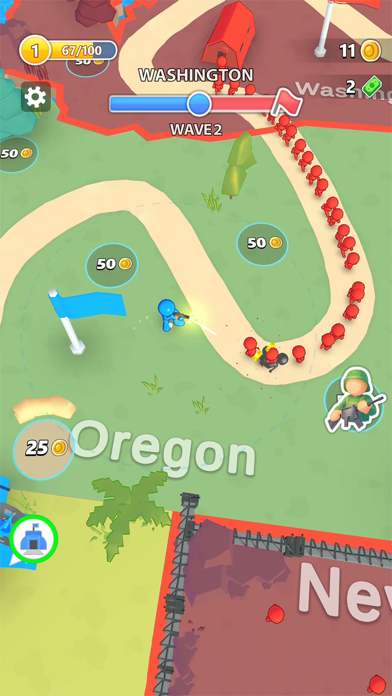
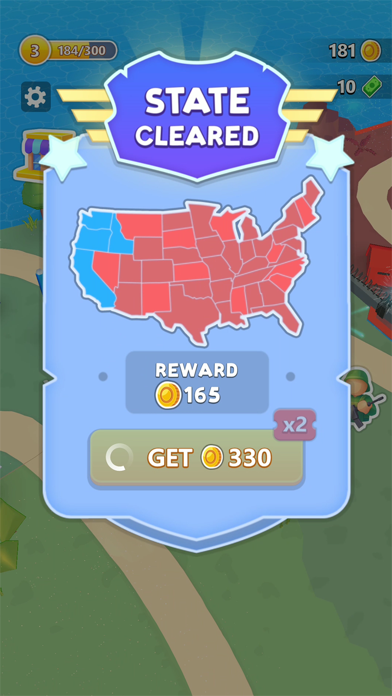
¡Lucha por América y defiende tu territorio! Este es un juego de territorios centrado en la estrategia y la táctica en el que debes avanzar por los estados para detener la invasión y la ocupación, liberando un estado tras otro de sus enemigos, mostrando tu patriotismo en todo su potencial en el campo de batalla.
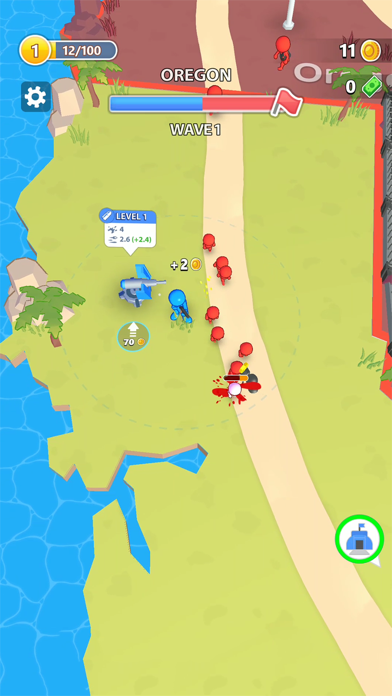
Concéntrate en la estrategia táctica y en el ataque base de tu territorio. ¡Deberás tomar posiciones y defender tu propio territorio mientras atacas las bases enemigas para proteger la ciudad, conquistar la torre, terminar esta guerra mundial y detener el conflicto de naciones! El juego presenta una variedad de countryballs diferentes como enemigos, cada uno con sus propios puntos fuertes y débiles únicos en el campo de batalla. ¡Todos los soldados tienen su peso en este genial juego de guerra!
Debes usar todo tipo de torretas y demás tácticas de guerra para derrotar a estos enemigos, proteger el país, enviar tropas, hacer barricadas y triunfar en la lucha por la conquista de América. ¡Deja que los mejores soldados del territorio tomen posiciones para trazar la línea de defensa y salvar a los estados de los Estados Unidos de los invasores, gracias a sus habilidades de lucha angular en 3D y su potencial patriota!
Con tropas estratégicamente posicionadas y líneas de defensa contra las revueltas, Fight for America es imprescindible para cualquier fanático al que le guste defender la torre y los juegos de guerra, que quieran conquistar la torre y el state io. Así, no dejes que los territorios que conquistaron otros acaben con tu onde de guerra mundial, encuentra soluciones tácticas y territoriales de ataque base, usa la torreta y otras tácticas de juegos de guerra, envía tropas a los confederados con soldados para ganar esta batalla y ¡termina esta guerra! ¡El objetivo es detener el conflicto nacional y salvar el suelo estadounidense de esta guerra civil! ¡Este juego es extraordinario e increíble como State io, Countryballs, Risk y los juegos estadounidenses en 3D de Angle Fight!
¡Arriesga todo reconquistando cada estados, defiende tu territorio con tus tácticas de guerra y las mejores estrategias de defensa estadounidense y detén la invasión y ocupación de la dictadura de los invasores! ¡Termina ahora con esta guerra mundial!
- iPhone eller iPad utan jailbreak/jailad eller med jailbreak.
- Sideloadly eller alternativ.
- Dator med Windows/macOS/Linux och iTunes installerat.
STEG 1: Ladda ner den förhackade .IPA-filen från länken ovan till din dator. För att ladda ner från iOSGods App, se vår Guide för att ladda ner IPA i iOSGods App som även innehåller ett videoexempel.
STEG 2: Ladda ner Sideloadly och installera det på din Windows eller Mac.
STEG 3: Öppna Sideloadly på din dator, anslut din iOS-enhet och vänta tills enhetens namn visas i Sideloadly.
STEG 4: När din iEnhet känns igen drar du den moddade .IPA-filen du laddat ner och släpper den i Sideloadly-programmet.
STEG 5: Ange e-postadressen till ditt Apple Account och tryck sedan på ”Start”. Du ombeds sedan ange ditt lösenord. Fyll i de uppgifter som krävs.
STEG 6: Vänta tills Sideloadly är klar med att sideloada/installera den hackade IPA-filen. Om problem uppstår under installationen, läs noten nedan.
STEG 7: När installationen är klar och du ser appen på din hemskärm behöver du gå till Inställningar → Allmänt → Profiler / VPN & enhetshantering. Tryck där på e-postadressen du angav i steg 6 och tryck sedan på ”Lita på [email protected]”.
STEG 8: Gå nu till din hemskärm och öppna den nyligen installerade appen — allt ska fungera som det ska. Du kan behöva följa ytterligare app-specifika instruktioner i hackets popup inne i spelet.
OBS: På iOS/iPadOS 16 och senare måste du aktivera Utvecklarläge. För gratis Apple Developer-konton behöver du upprepa processen var sjunde dag. Om du har frågor eller problem, läs vår Sideloadly FAQ-avsnitt i tråden.