ログインが必要
iOSGodsアカウントでサインインして続けてください。
iOSGodsアカウントでサインインして続けてください。

Into the Dead 2 Mod APKは、このゾンビアクションゲームを無限の火力と神のような無敵性で、アンデッドの大群を引き裂く止められない黙示録の暴走へと変えます。
このチートにより、サバイバルホラーは純粋なパワーファンタジーへと変わり、1発で波状攻撃全体を終わらせ、グレネードは壊滅的な範囲で爆発し、リソースは決して枯渇しないため、グラインドやリソース管理に気を取られることなく、完全に殺戮とストーリーに集中できます。
- 無限弾薬 / リロードなし → リロードを止めることなく継続的に発射
- ワンショットキル → 任意のゾンビを1発で排除
- 衝突なし / ゴッドモード → 敵を通り抜けてダメージを受けない
- インスタントグレネード → 遅延なしでグレネードを投げる
- 巨大爆発範囲 → グレネードがはるかに広い範囲を破壊
- 無限グレネード → 無制限のグレネード供給
- 無限シルバー / ゴールド → アップグレードと購入のための無制限のゲーム内通貨
Into the Dead 2 Mod APKを上のボタンからダウンロードします。ダウンロードをタップしたら、画面の指示に従ってAndroidデバイスまたはエミュレーターにModされたAPKをインストールしてください。
ヘルプが必要ですか? 詳しい回答とトラブルシューティングはAndroid よくある質問をご覧ください。
The sequel to the hit zombie action game Into the Dead (70+ million downloads)!
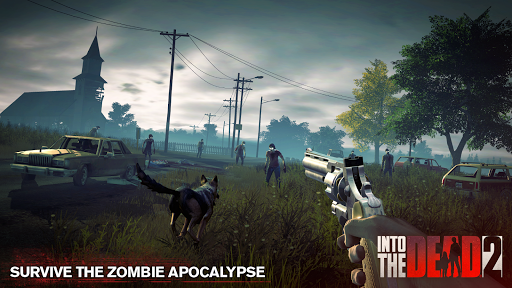
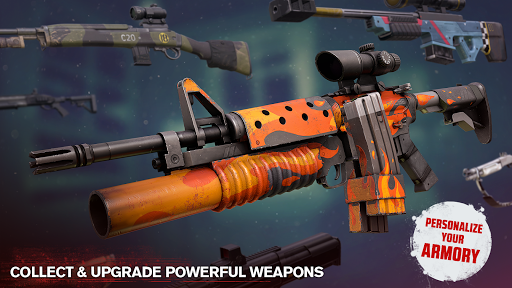
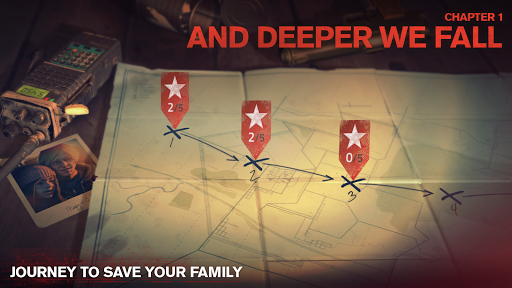
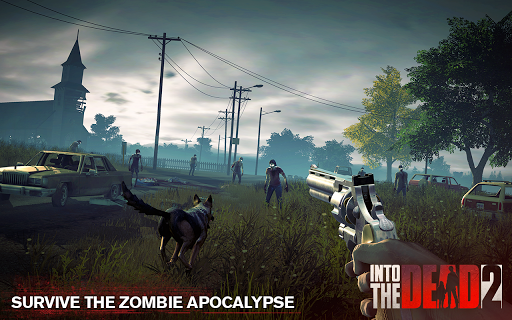
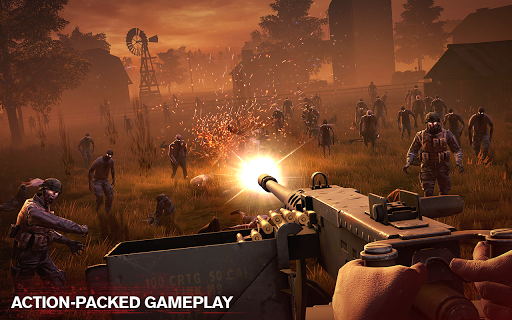
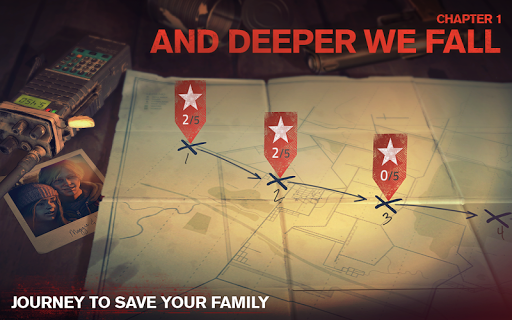
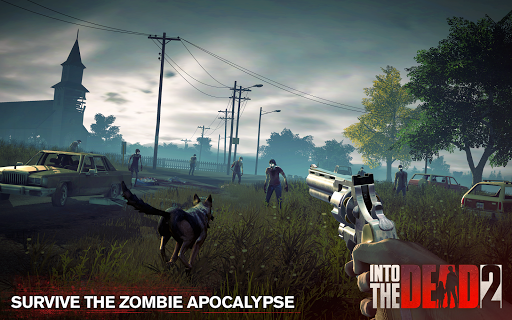
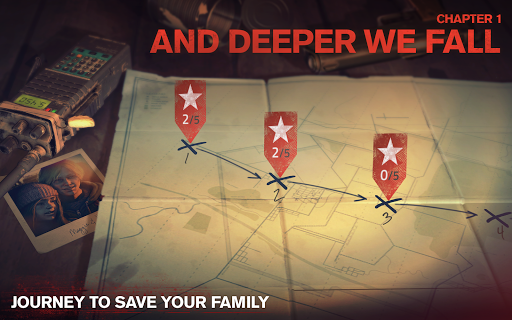
Journey through the zombie apocalypse in a race to save your family. Arm yourself with an arsenal of powerful weapons and do whatever it takes to survive. Maim, mow down, and massacre the Dead - anything to keep moving! In a world where no one is safe, how far will you go to make it out alive?
Continue the nightmare with exclusive story events including a terrifying prequel to Night of the Living Dead and an expansion to the Ghostbusters universe.
FEATURES:
• Evolving story and multiple endings — complete 7 action-packed chapters, 60 stages, and hundreds of challenges
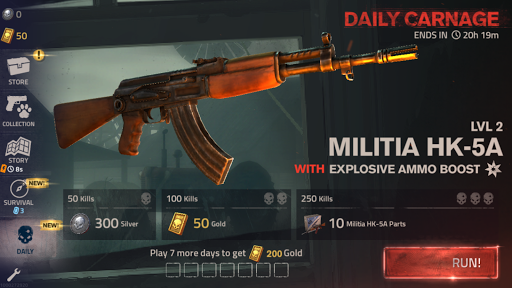
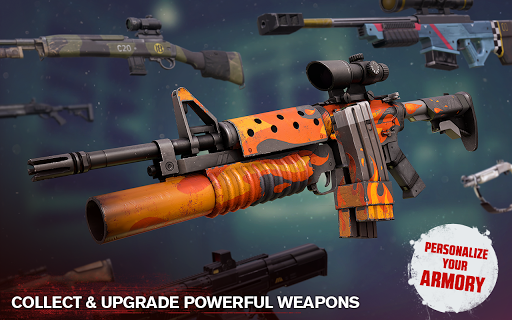
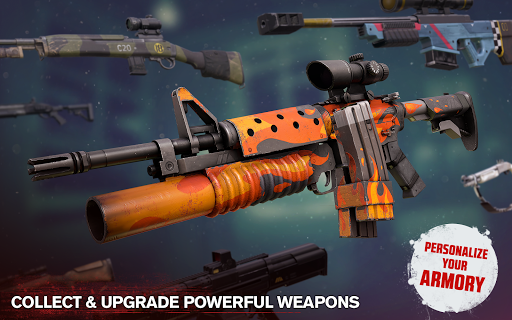
• Powerful weapons and ammo perks — unlock and upgrade melee weapons, firearms, explosives, and more!
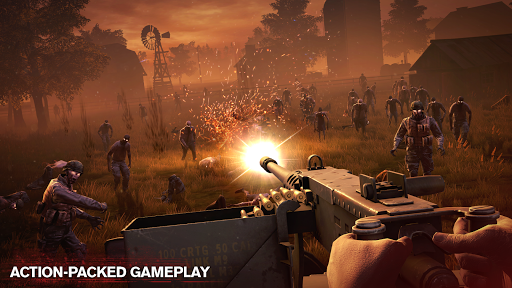
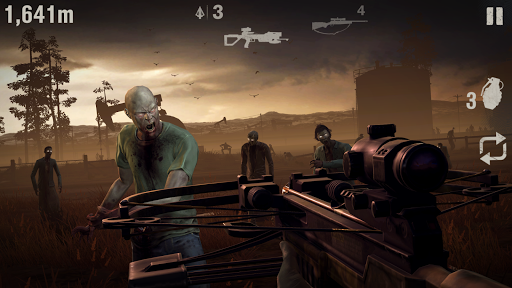
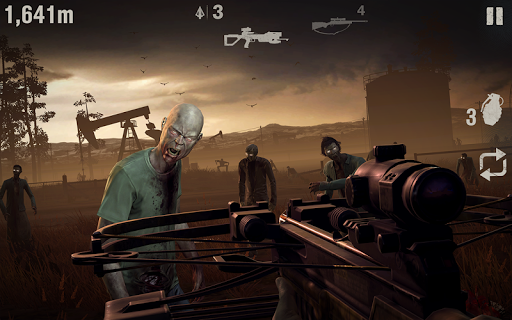
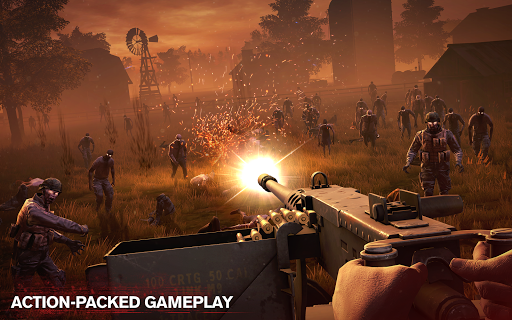
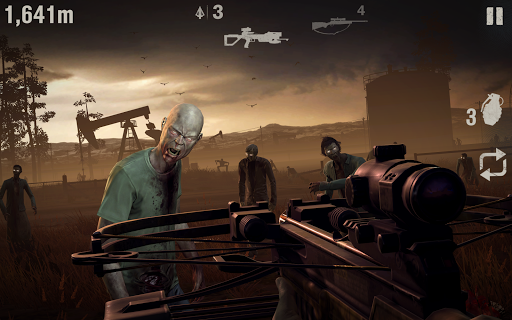
• Varied gameplay — fire from military gun emplacements, slay the hordes from atop vehicles, stab them to stay alive, or risk going after them on foot
• Multiple, immersive environments — discover different locations, from oil fields and military bases to campsites and rural farm communities
• Ever-increasing zombie threats — adapt your tactics to annihilate different hordes, including armoured and running zombies!
• 5 additional story events — from burning forests to frozen mountain tops
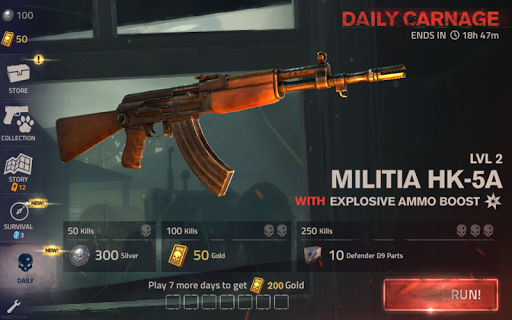
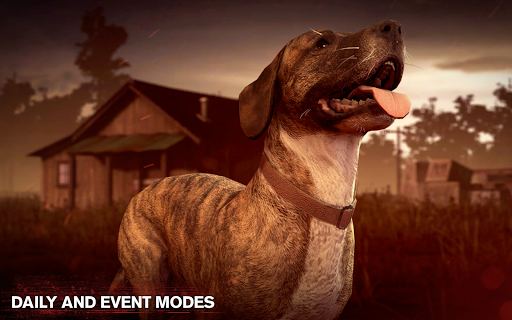
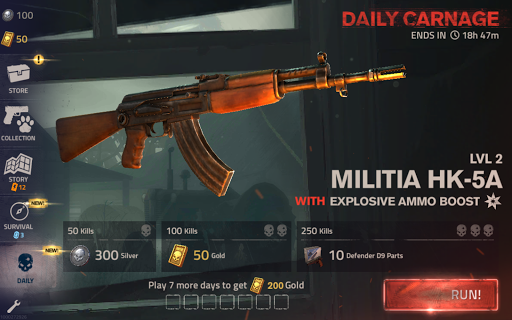
• Daily and special event modes — prove your skills to win exclusive prizes
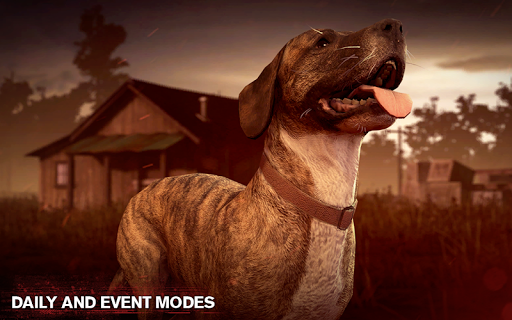
• Loyal canine companions — fend off zombies and stay protected in the field
• Play offline — take your game anywhere, no internet connection required
External storage permissions are required to ensure a smooth launch experience for all users
Into the Dead 2 is free to play but offers some game items for purchase with real money.
Into the Dead 2 requires the following permissions to access game expansion files:
Storage: modify or delete the contents of your USB storage
Storage: read the contents of your USB storage






![イントゥ・ザ・デッド 2 [Into the Dead 2] Mod APK](https://play-lh.googleusercontent.com/KJzppbod8tdh0r8Jbh2BheG7zsYzByjlzfjbcvHz4_R-fhDQzBTcJnKgqdlKWDogEQ=s100-rw)