Inicio de sesión requerido
Inicia sesión con tu cuenta de iOSGods para continuar.
Inicia sesión con tu cuenta de iOSGods para continuar.

Monedas ilimitadas, estrellas, vidas y potenciadores desbloqueados te ofrecen libertad infinita para resolver puzles en Wool Craze -Yarn Color Sort 3D Hack, un juego iOS modificado donde desenredas bolas de lana coloridas sin quedarte sin recursos ni chocar con muros de nivel.
Este hack elimina completamente la repetición, permitiéndote enfocarte únicamente en la lógica satisfactoria de emparejar y ordenar colores. Ya sea que busques un descanso relajante del estrés o enfrentes puzles más difíciles a tu propio ritmo, nunca tendrás que esperar a que se recargue la energía ni pagar para avanzar.
- Monedas ilimitadas → gasta libremente sin agotamiento
- Estrellas ilimitadas → gana y usa sin límites
- Vida ilimitada → juega continuamente sin pérdida de energía
- Potenciador ilimitado → activa potenciadores tan a menudo como necesites
Esta app también incluye iGameGod, que te ofrece acceso a Auto Touch para automatizar tareas repetitivas, App Speed Manager para ajustar la velocidad del juego, edición de valores con Memory Engine y más potentes herramientas para juegos de iOS.
Descarga Wool Craze -Yarn Color Sort 3D Hack modded IPA desde los enlaces de arriba. Toca el botón de instalación y sigue las instrucciones para instalar este hack iOS en tu iPhone, iPad o Mac con Apple Silicon.
¿Necesitas más ayuda? Consulta nuestras Preguntas frecuentes de la app iOSGods para respuestas detalladas y consejos de solución de problemas.
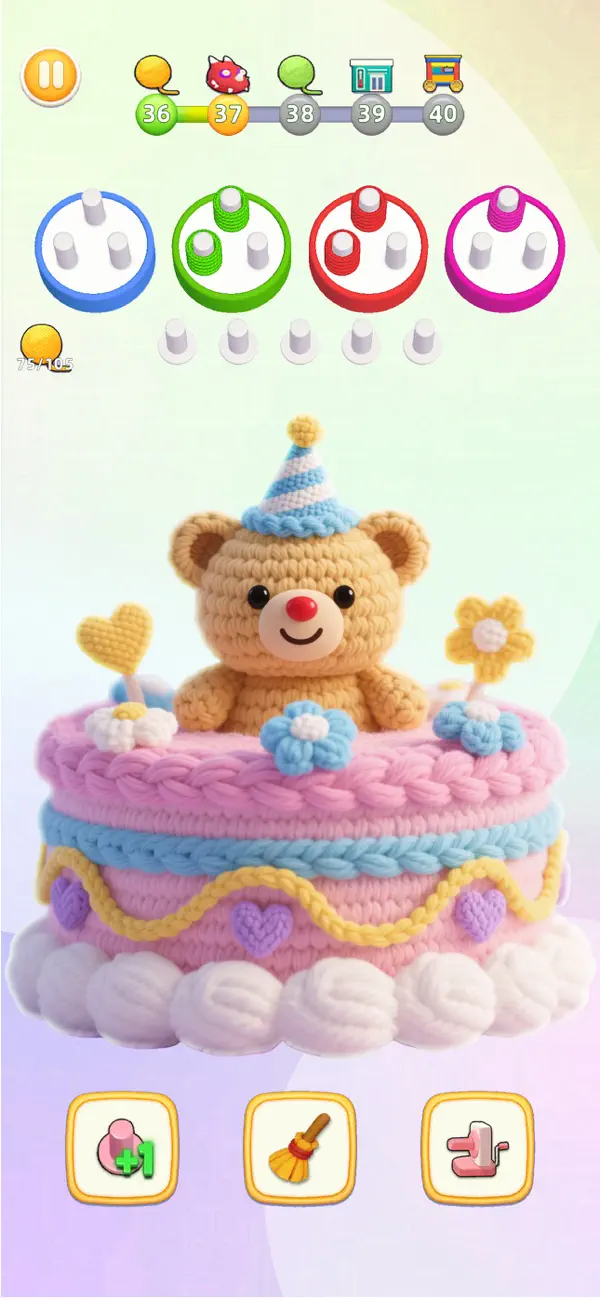
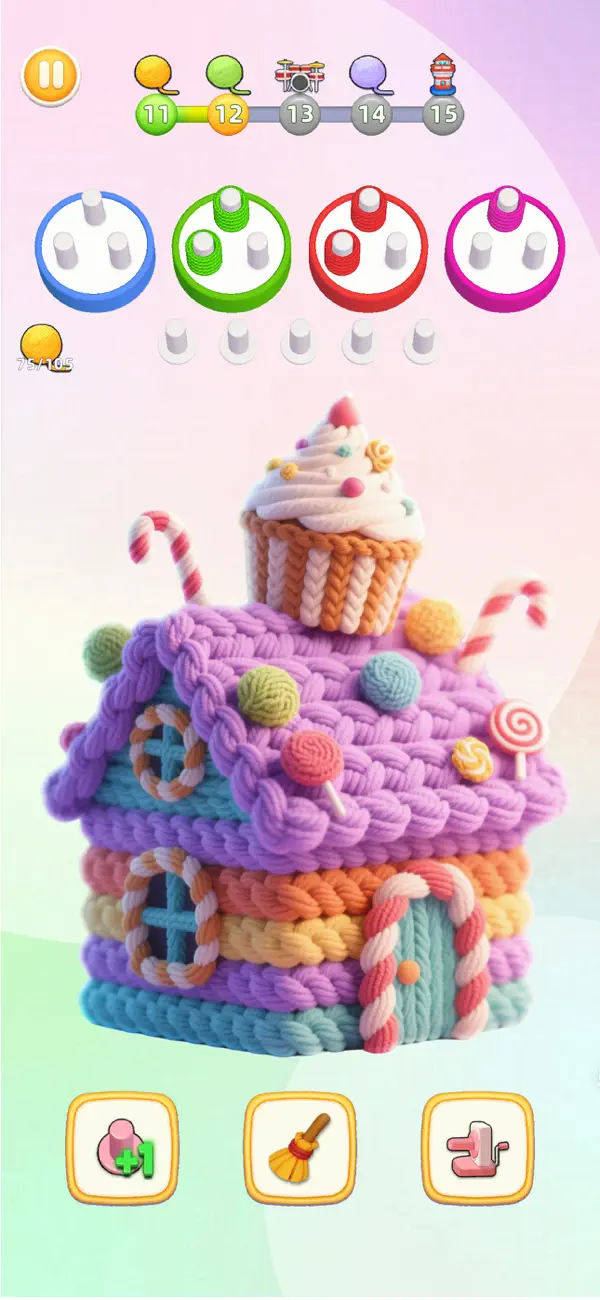
¡Terapia de color en la punta de tus dedos: tu “desestresante” personal!
¿Sientes que a tu vida le falta color? ¿Te sientes abrumado por el trabajo o los estudios y necesitas urgentemente un poco de diversión para relajarte? ¡No te preocupes, 《Wool Craze》 está aquí! Es como un jugo de frutas rico en color que ilumina tu vida al instante.
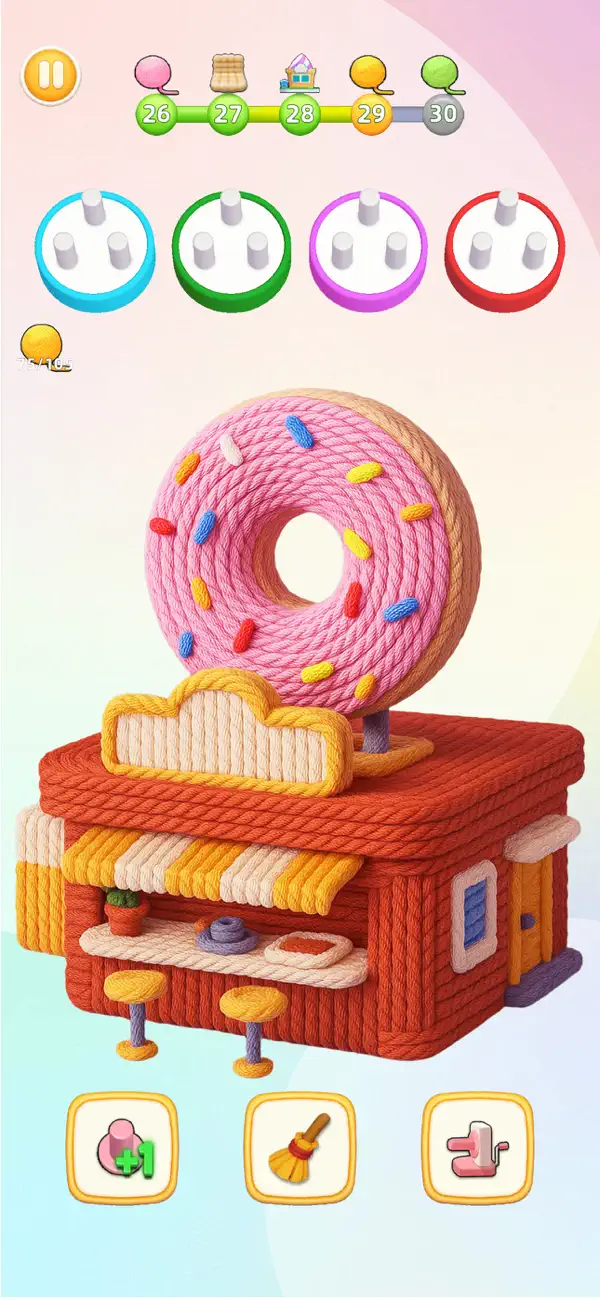
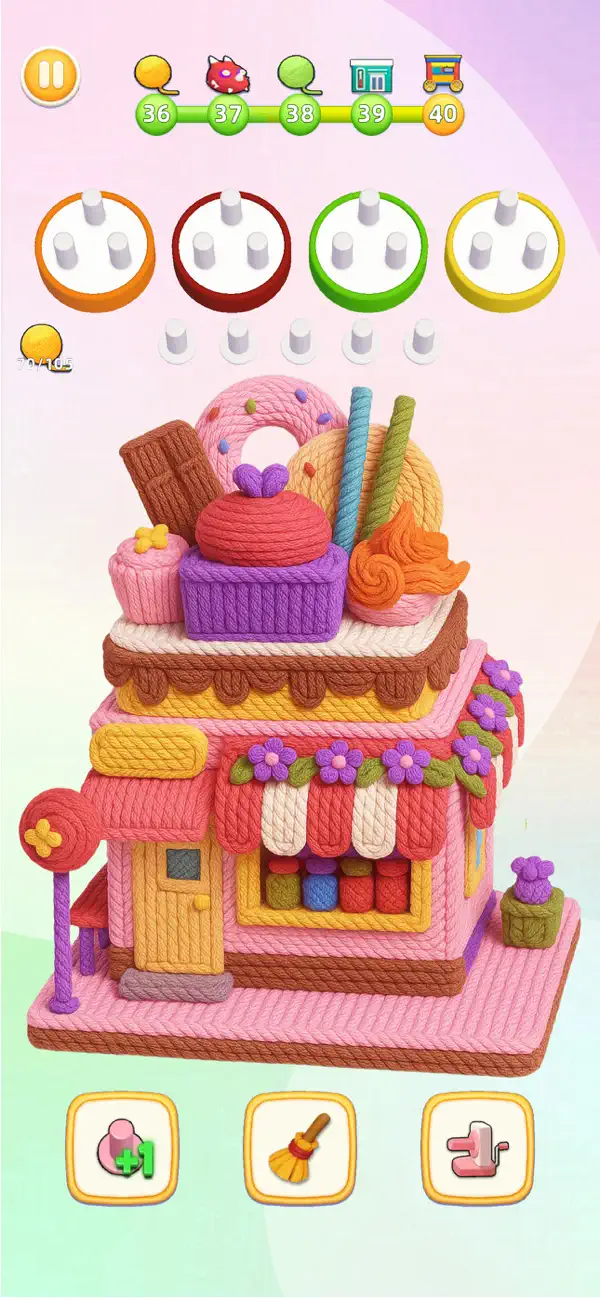
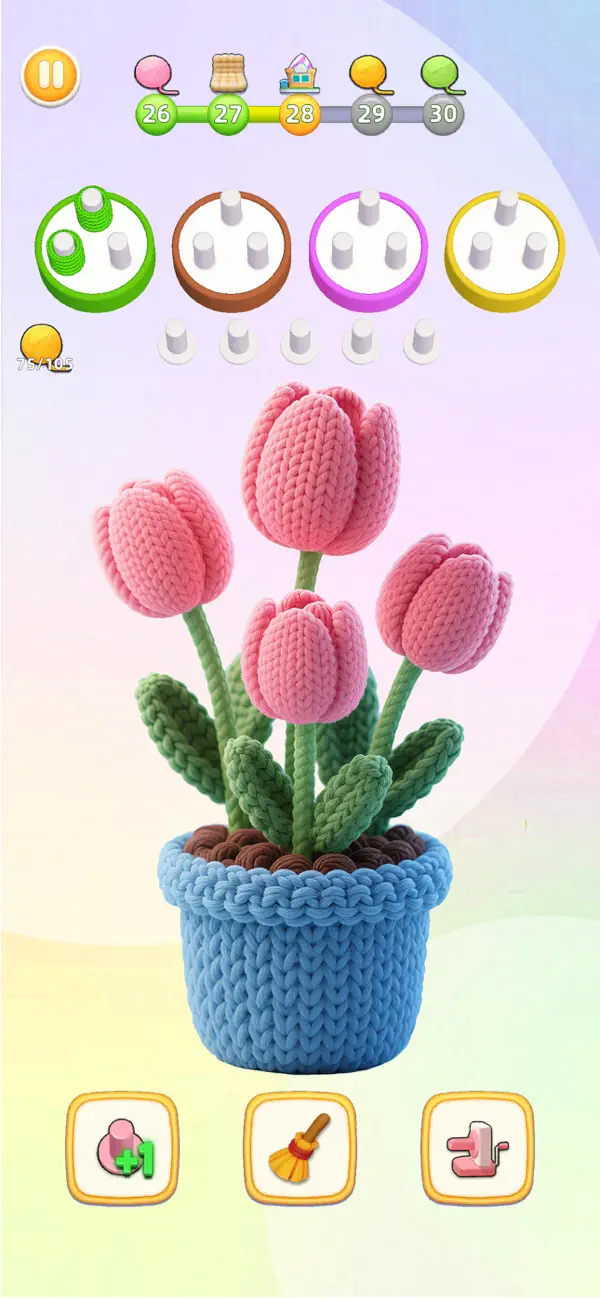
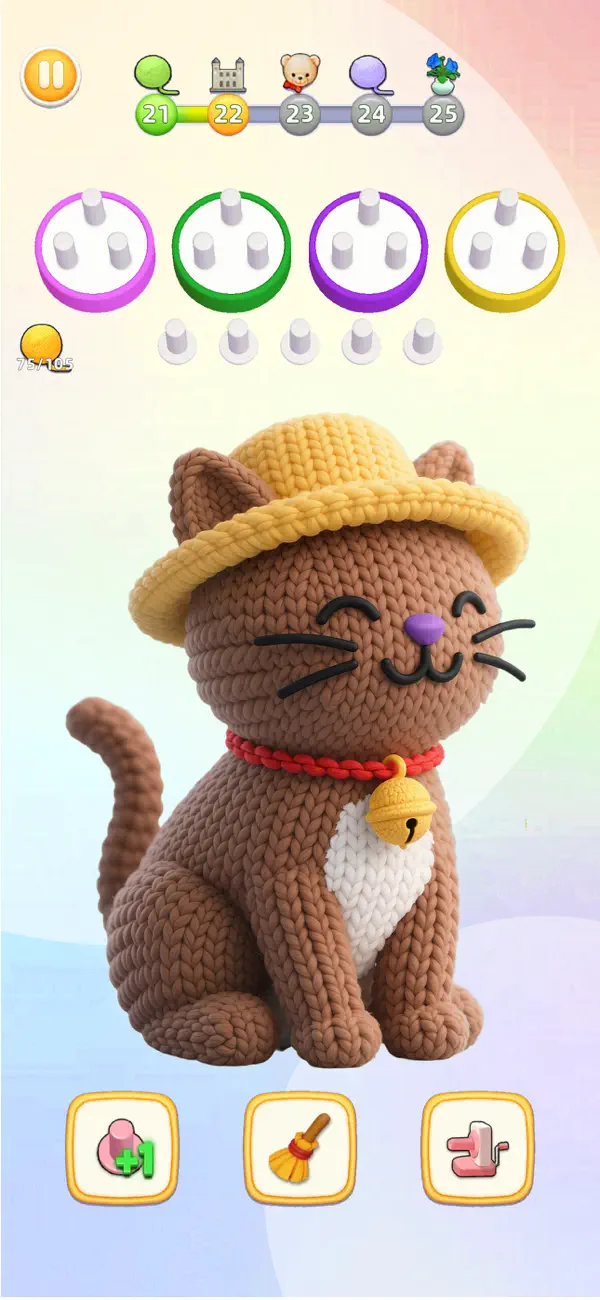
Frente a montones de bolas de hilo de colores, tu único objetivo es desenredarlas hábilmente, colocando cada color en su lugar, de manera ordenada.
Una tarea aparentemente simple, pero que esconde un sinfín de diversión y desafíos. Necesitas usar tu cerebro, observar cuidadosamente y usar varias técnicas de manera flexible para pasar de nivel sin problemas.
¿Por qué 《Wool Craze》 te engancha tanto?
-Fácil de empezar, inmersión total: ¡Operaciones simples y fáciles de entender que te permiten empezar al instante y disfrutar del placer de desenredar hilos!
-Festín de color, estado de ánimo alegre: ¡Combinaciones de colores brillantes, imágenes lindas y adorables que elevan tu estado de ánimo al instante!
-Rompecabezas intelectual, desafía tus límites: ¡Diseño de niveles de dificultad creciente que te permite ejercitar tu cerebro y mejorar tus habilidades de pensamiento!
-Juega y detente cuando quieras, desestrésate libremente: Un gran ayudante para los momentos libres, disfruta del placer de desenredar hilos y alivia el estrés en cualquier momento y en cualquier lugar.
¿Qué estás esperando? ¡Libera tu talento para el color y experimenta la emoción de desenredar ovillos de hilo!
¡Descarga 《Wool Craze》 y deja que tus dedos bailen libremente en un océano de color, embarcándote en un divertido viaje de desenredado de hilos!
- iPhone o iPad con o sin Jailbreak.
- Sideloadly u otras alternativas.
- Ordenador con Windows/macOS/Linux e iTunes instalado.
PASO 1: Descargue el archivo .IPA pre-modificado desde el enlace de arriba a su ordenador. Para descargarlo desde la iOSGods App, consulte nuestro Tutorial de descarga del IPA desde la iOSGods App, que incluye un ejemplo en vídeo.
PASO 2: Descargue Sideloadly e instálelo en su Windows o Mac.
PASO 3: Abra Sideloadly en su ordenador, conecte su dispositivo iOS y espere hasta que el nombre del dispositivo aparezca en Sideloadly.
PASO 4: Una vez que su iDevice sea reconocido, arrastre el archivo .IPA modificado que descargó y suéltelo en la aplicación Sideloadly.
PASO 5: Introduzca el correo electrónico de su Apple Account y, a continuación, pulse «Start». Le pedirá que introduzca su contraseña. Proporcione la información solicitada.
PASO 6: Espere a que Sideloadly termine de hacer sideload/instalar el IPA modificado. Si surgen problemas durante la instalación, por favor lea la nota a continuación.
PASO 7: Una vez completada la instalación y al ver la app en la pantalla de inicio, deberá ir a Ajustes → General → Perfiles / VPN y Gestión de Dispositivos. Una vez allí, toque el correo electrónico que introdujo en el paso 6 y, después, toque en «Confiar en [email protected]».
PASO 8: Ahora vaya a la pantalla de inicio y abra la app recién instalada; todo debería funcionar correctamente. Es posible que tenga que seguir instrucciones adicionales específicas de cada app dentro del popup del hack en el juego.
NOTA: En iOS/iPadOS 16 y posteriores, debe activar el Modo Desarrollador. Para cuentas gratuitas de Apple Developer, deberá repetir este proceso cada 7 días. Si tiene alguna pregunta o problema, lea nuestra sección de Preguntas Frecuentes de Sideloadly del tema.