Inicio de sesión requerido
Inicia sesión con tu cuenta de iOSGods para continuar.
Inicia sesión con tu cuenta de iOSGods para continuar.

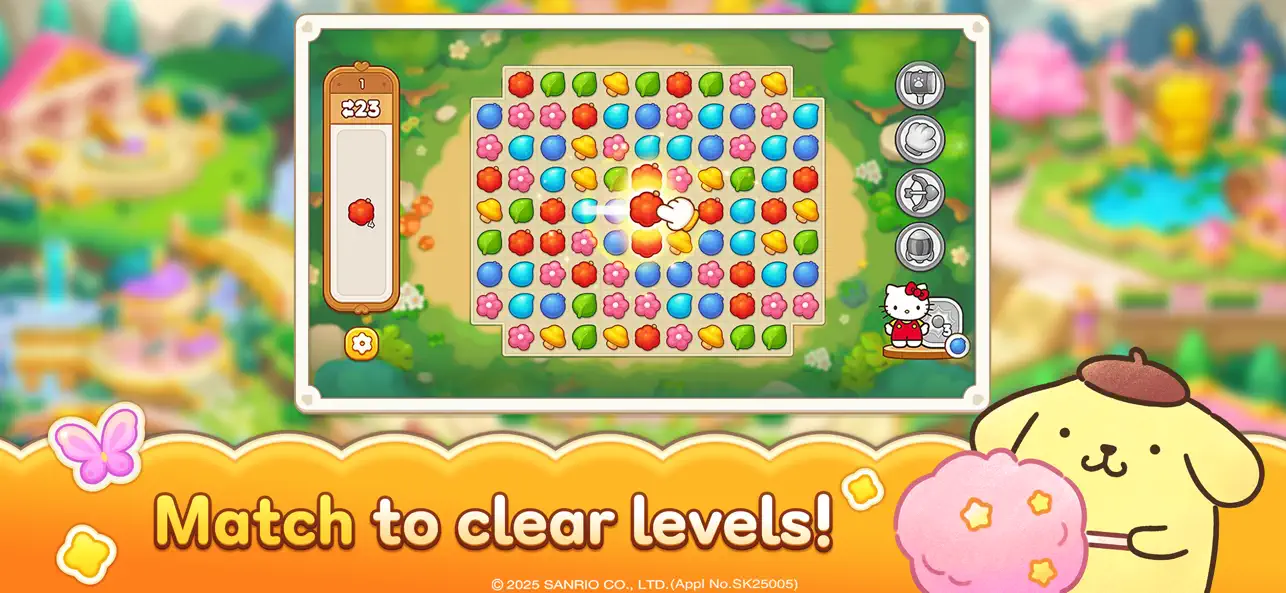
This match-3 puzzle hack for Hello Kitty Friends lets you breeze through levels with an automatic win feature. Clear stages instantly and restore Dreamland alongside your favorite Sanrio characters in this modded iOS game.
- Auto Win → Move a block to instantly clear the level
Esta app también incluye iGameGod, que te ofrece acceso a Auto Touch para automatizar tareas repetitivas, App Speed Manager para ajustar la velocidad del juego, edición de valores con Memory Engine y más potentes herramientas para juegos de iOS.
Descarga Hello Kitty Friends Match iOS Mod IPA desde los enlaces de arriba. Toca el botón de instalación y sigue las instrucciones para instalar este hack iOS en tu iPhone, iPad o Mac con Apple Silicon.
¿Necesitas más ayuda? Consulta nuestras Preguntas frecuentes de la app iOSGods para respuestas detalladas y consejos de solución de problemas.
Hello Kitty Friends' devs are back with a match-3 puzzle game!
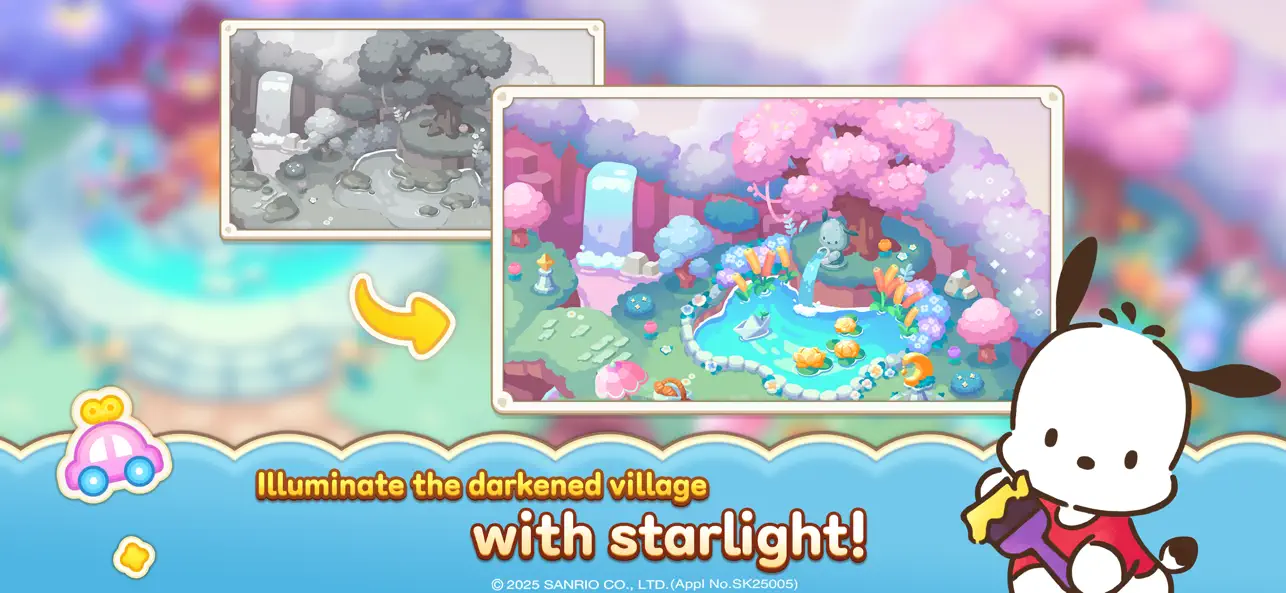
Clear match-3 levels with Hello Kitty and restore the ruined village.
Your kind friends, Sanrio characters will help you!
Enter the Dreamland right now!
[Features]
■ Play with characters made with an officially licensed by Sanrio.
■ Thousands of unique match-3 levels await you.
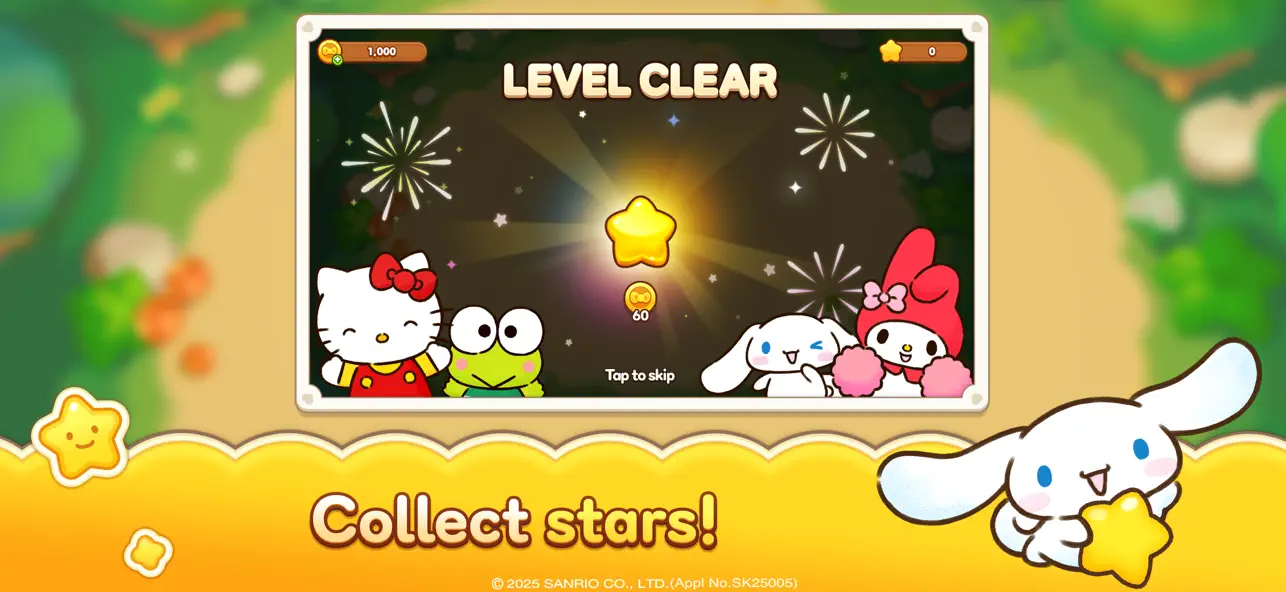
■ Collect cute and fun Sanrio characters.
■ Explore Dreamland with characters from Sanrio.
■ Save your cherished memories made in Dreamland in Album.
■ Exchange hearts with teammates and you will never be alone.
Come to Dreamland to find out more about Hello Kitty Friends Match!
[Optional Access]
The following access is requested upon use.
You may still continue using the service without the specific feature even if access is declined.
- Photos/Media/Files: Allows attaching files saved in the device when contacting Support.
[How to Remove Access]
- Settings > Apps > Select Category > Permissions > Allow or Remove Access
[Minimum Requirements]
- OS: iOS 12 or newer
- RAM: 2GB
- Storage: 1GB
[Information on Paid Contents and Usage]
※ Probabilistic items are included in the game.
※ Purchasing paid contents will incur additional charges.
- Provider : ⓒ LINE Games Corporation
- Terms of Service and Service Period : Refer to the information provided in-game
(If service period is not shown, the game service end date is to be regarded as the service period)
- Payment amount and method : Refer to the amounts and methods provided for each content in-game
- Content provision method : Issued directly to the game account that carried out the purchase or issued to the in-game mailbox
- Compensation for damages and handling of complaints : Refer to Articles 11 and 15 of the Terms of Service
- Inquiries : Submitted online through the in-game Support feature or by phone (1661-4184)
- Terms of Service : https://cs.line.games/policy/store/terms?companyCd=LINE_GAMES&svcCd=STORE
- Privacy Policy : https://cs.line.games/policy/store/privacy?companyCd=LINE_GAMES&svcCd=STORE
- e-mail : [email protected]
ⓒ 2025 SANRIO Co., Ltd. ⓒ LINE Games Corporation. ⓒ SUPERAWESOME Inc. All Rights Reserved.
- iPhone o iPad con o sin Jailbreak.
- Sideloadly u otras alternativas.
- Ordenador con Windows/macOS/Linux e iTunes instalado.
PASO 1: Descargue el archivo .IPA pre-modificado desde el enlace de arriba a su ordenador. Para descargarlo desde la iOSGods App, consulte nuestro Tutorial de descarga del IPA desde la iOSGods App, que incluye un ejemplo en vídeo.
PASO 2: Descargue Sideloadly e instálelo en su Windows o Mac.
PASO 3: Abra Sideloadly en su ordenador, conecte su dispositivo iOS y espere hasta que el nombre del dispositivo aparezca en Sideloadly.
PASO 4: Una vez que su iDevice sea reconocido, arrastre el archivo .IPA modificado que descargó y suéltelo en la aplicación Sideloadly.
PASO 5: Introduzca el correo electrónico de su Apple Account y, a continuación, pulse «Start». Le pedirá que introduzca su contraseña. Proporcione la información solicitada.
PASO 6: Espere a que Sideloadly termine de hacer sideload/instalar el IPA modificado. Si surgen problemas durante la instalación, por favor lea la nota a continuación.
PASO 7: Una vez completada la instalación y al ver la app en la pantalla de inicio, deberá ir a Ajustes → General → Perfiles / VPN y Gestión de Dispositivos. Una vez allí, toque el correo electrónico que introdujo en el paso 6 y, después, toque en «Confiar en [email protected]».
PASO 8: Ahora vaya a la pantalla de inicio y abra la app recién instalada; todo debería funcionar correctamente. Es posible que tenga que seguir instrucciones adicionales específicas de cada app dentro del popup del hack en el juego.
NOTA: En iOS/iPadOS 16 y posteriores, debe activar el Modo Desarrollador. Para cuentas gratuitas de Apple Developer, deberá repetir este proceso cada 7 días. Si tiene alguna pregunta o problema, lea nuestra sección de Preguntas Frecuentes de Sideloadly del tema.