Inicio de sesión requerido
Inicia sesión con tu cuenta de iOSGods para continuar.
Inicia sesión con tu cuenta de iOSGods para continuar.

Hack Features: Esta app también incluye iGameGod, que te ofrece acceso a Auto Touch para automatizar tareas repetitivas, App Speed Manager para ajustar la velocidad del juego, edición de valores con Memory Engine y más potentes herramientas para juegos de iOS.
- Freeze Money
- Freeze Research Point
- Freeze Items
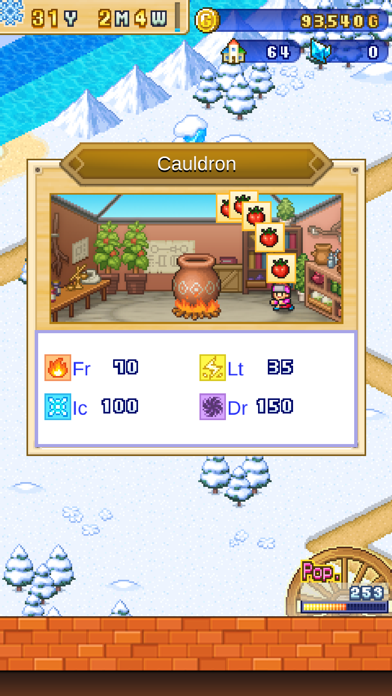
- Freeze Magic Pot Points
- 999 Character Stat
- 999999 Character Exp
- Unlock Setting Fast Mod
Descarga Dungeon Village 2 Hack modded IPA desde los enlaces de arriba. Toca el botón de instalación y sigue las instrucciones para instalar este hack iOS en tu iPhone, iPad o Mac con Apple Silicon.
¿Necesitas más ayuda? Consulta nuestras Preguntas frecuentes de la app iOSGods para respuestas detalladas y consejos de solución de problemas.
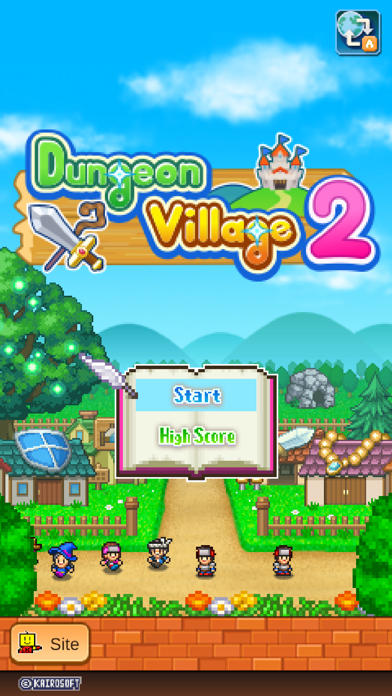
¡Comienza una nueva leyenda!
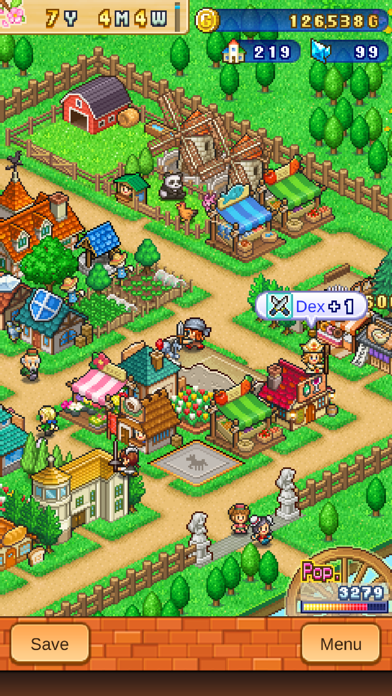
Construye y gestiona una ciudad en una pradera, en campos nevados ¡e incluso en el inframundo! Inaugura posadas, tiendas de armas y mucho más para atraer a más aventureros de visita.
Utiliza objetos y equipamiento para mejorar las habilidades de tus aventureros y ayudarles a ganar más oro y experiencia en sus misiones. ¡Busca nuevas mazmorras que explorar y nuevos monstruos contra los que luchar!
¿Necesitas ayuda para atraer aventureros? Prueba a construir nuevas instalaciones, vender nuevos tipos de comida o mejorar la zona para ganar títulos. Sigue experimentando y puede que te encuentres con premios poco comunes...
Conforme tu ciudad vaya creciendo y sea más popular, los aventureros no solo irán de visita, ¡sino que se mudarán allí!
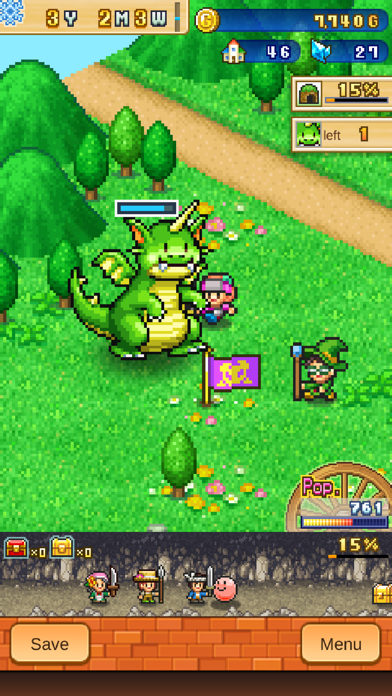
Se han añadido a la lista del juego anterior nuevos monstruos muy peculiares contra los que luchar.
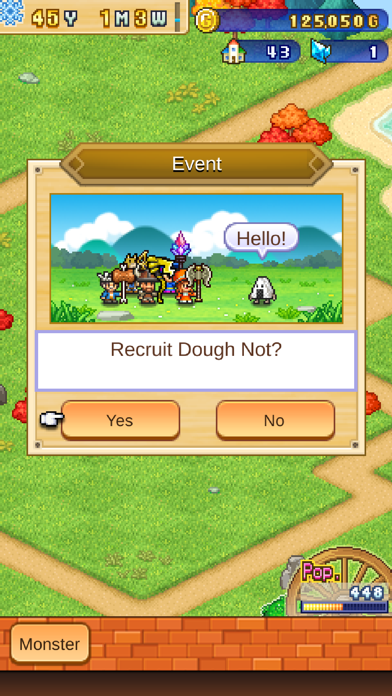
Juega bien tus cartas y algunos monstruos se harán tus amigos y se unirán a ti. Dales de comer, mantenlos contentos y se convertirán en aliados muy valiosos para tus misiones. Explora los diferentes mapas todo lo que puedas para desbloquear zonas nuevas.
¿Te apetece un cambio de aires? Traslada tu ciudad a una región diferente para descubrir monstruos desconocidos y conocer a nuevos y valientes aventureros.
¡Sube en la clasificación y construye la mejor ciudad que haya habido en el reino!
Agranda o ajusta el tamaño de la pantalla usando los controles táctiles.
Busca «Kairosoft» para ver todos nuestros juegos o visítanos en http://kairopark.jp
¡Echa un vistazo tanto a nuestros juegos gratuitos como a los de pago!
¡La serie de juegos de arte pixelado de Kairosoft continúa!
Síguenos en X (Twitter) para no perderte lo último en noticias e información sobre Kairosoft.
https://twitter.com/kairokun2010
- iPhone o iPad con o sin Jailbreak.
- Sideloadly u otras alternativas.
- Ordenador con Windows/macOS/Linux e iTunes instalado.
PASO 1: Descargue el archivo .IPA pre-modificado desde el enlace de arriba a su ordenador. Para descargarlo desde la iOSGods App, consulte nuestro Tutorial de descarga del IPA desde la iOSGods App, que incluye un ejemplo en vídeo.
PASO 2: Descargue Sideloadly e instálelo en su Windows o Mac.
PASO 3: Abra Sideloadly en su ordenador, conecte su dispositivo iOS y espere hasta que el nombre del dispositivo aparezca en Sideloadly.
PASO 4: Una vez que su iDevice sea reconocido, arrastre el archivo .IPA modificado que descargó y suéltelo en la aplicación Sideloadly.
PASO 5: Introduzca el correo electrónico de su Apple Account y, a continuación, pulse «Start». Le pedirá que introduzca su contraseña. Proporcione la información solicitada.
PASO 6: Espere a que Sideloadly termine de hacer sideload/instalar el IPA modificado. Si surgen problemas durante la instalación, por favor lea la nota a continuación.
PASO 7: Una vez completada la instalación y al ver la app en la pantalla de inicio, deberá ir a Ajustes → General → Perfiles / VPN y Gestión de Dispositivos. Una vez allí, toque el correo electrónico que introdujo en el paso 6 y, después, toque en «Confiar en [email protected]».
PASO 8: Ahora vaya a la pantalla de inicio y abra la app recién instalada; todo debería funcionar correctamente. Es posible que tenga que seguir instrucciones adicionales específicas de cada app dentro del popup del hack en el juego.
NOTA: En iOS/iPadOS 16 y posteriores, debe activar el Modo Desarrollador. Para cuentas gratuitas de Apple Developer, deberá repetir este proceso cada 7 días. Si tiene alguna pregunta o problema, lea nuestra sección de Preguntas Frecuentes de Sideloadly del tema.