Inicio de sesión requerido
Inicia sesión con tu cuenta de iOSGods para continuar.
Inicia sesión con tu cuenta de iOSGods para continuar.

Hack Features:
- Unlimited gems (buy extract blood)
- Cheat has more card
Esta app también incluye iGameGod, que te ofrece acceso a Auto Touch para automatizar tareas repetitivas, App Speed Manager para ajustar la velocidad del juego, edición de valores con Memory Engine y más potentes herramientas para juegos de iOS.
Descarga Alien Survivors Hack modded IPA desde los enlaces de arriba. Toca el botón de instalación y sigue las instrucciones para instalar este hack iOS en tu iPhone, iPad o Mac con Apple Silicon.
¿Necesitas más ayuda? Consulta nuestras Preguntas frecuentes de la app iOSGods para respuestas detalladas y consejos de solución de problemas.
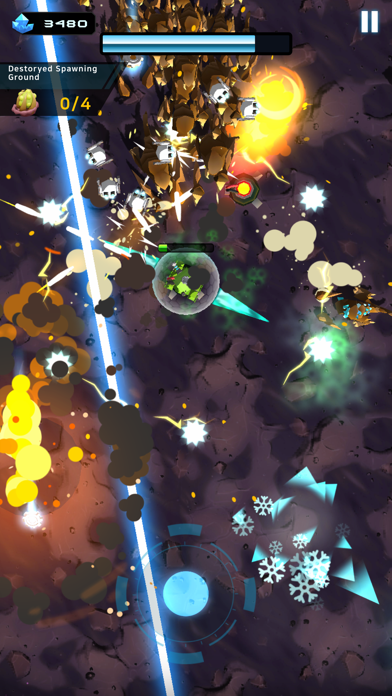
En un futuro cercano, la humanidad está al borde de la extinción debido a la falta de recursos energéticos.
Con la información de que los «Cristales azules» descubiertos en meteoritos espaciales contienen una infinita cantidad de energía,
la humanidad comenzó la exploración del planeta Titania para confirmar la información de que una gran cantidad de «Cristales azules» se encontraba enterrada bajo su superficie.
Sin embargo, luego de ser atacados por los Rastreros que se alimentan de esos Cristales azules en Titania, la expedición estuvo a punto de ser eliminada por completo…
Ahora, los desarrollos científicos y la tecnología adquirida debe utilizarse para limpiar el planeta y salvar a la humanidad recolectando «Cristales azules».
El futuro de la raza humana está en tus manos.
Función primaria:
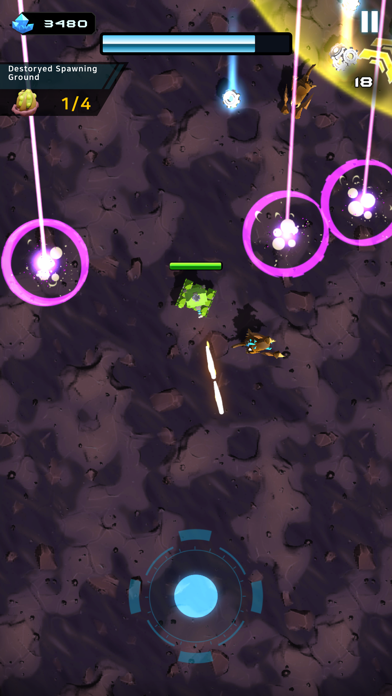
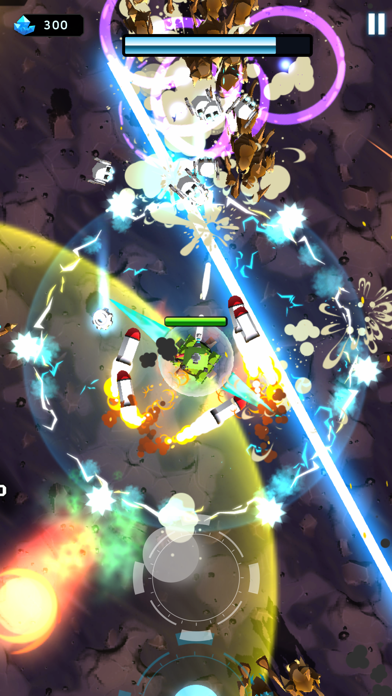
• Utiliza decenas de tecnologías distintas para sobrevivir a las amenazas de las áreas sin explorar.
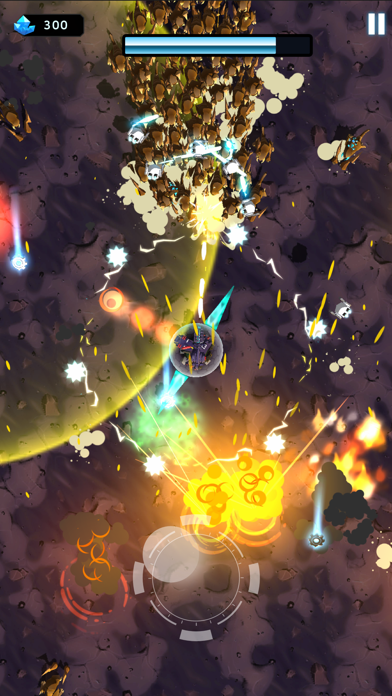
• Vence a un número interminable de enemigos subiendo de nivel tu tanque y utilizando poderosas tecnologías.
• Disfruta del desarrollo y unión de tecnologías que cambiarán en base a tus decisiones.
• Esperamos que estés ansioso por saber más sobre esta aventura en continuo crecimiento.
- iPhone o iPad con o sin Jailbreak.
- Sideloadly u otras alternativas.
- Ordenador con Windows/macOS/Linux e iTunes instalado.
PASO 1: Descargue el archivo .IPA pre-modificado desde el enlace de arriba a su ordenador. Para descargarlo desde la iOSGods App, consulte nuestro Tutorial de descarga del IPA desde la iOSGods App, que incluye un ejemplo en vídeo.
PASO 2: Descargue Sideloadly e instálelo en su Windows o Mac.
PASO 3: Abra Sideloadly en su ordenador, conecte su dispositivo iOS y espere hasta que el nombre del dispositivo aparezca en Sideloadly.
PASO 4: Una vez que su iDevice sea reconocido, arrastre el archivo .IPA modificado que descargó y suéltelo en la aplicación Sideloadly.
PASO 5: Introduzca el correo electrónico de su Apple Account y, a continuación, pulse «Start». Le pedirá que introduzca su contraseña. Proporcione la información solicitada.
PASO 6: Espere a que Sideloadly termine de hacer sideload/instalar el IPA modificado. Si surgen problemas durante la instalación, por favor lea la nota a continuación.
PASO 7: Una vez completada la instalación y al ver la app en la pantalla de inicio, deberá ir a Ajustes → General → Perfiles / VPN y Gestión de Dispositivos. Una vez allí, toque el correo electrónico que introdujo en el paso 6 y, después, toque en «Confiar en [email protected]».
PASO 8: Ahora vaya a la pantalla de inicio y abra la app recién instalada; todo debería funcionar correctamente. Es posible que tenga que seguir instrucciones adicionales específicas de cada app dentro del popup del hack en el juego.
NOTA: En iOS/iPadOS 16 y posteriores, debe activar el Modo Desarrollador. Para cuentas gratuitas de Apple Developer, deberá repetir este proceso cada 7 días. Si tiene alguna pregunta o problema, lea nuestra sección de Preguntas Frecuentes de Sideloadly del tema.