Inloggen vereist
Log in met je iOSGods-account om door te gaan.
Log in met je iOSGods-account om door te gaan.

- Cracked IPA
Deze app bevat ook iGameGod, waarmee je toegang krijgt tot Auto Touch om repetitieve taken te automatiseren, App Speed Manager voor een aanpasbare spelsnelheid, het bewerken van waarden met Memory Engine en andere krachtige iOS-gametools.
Download WolframAlpha Cracked modded IPA via de bovenstaande links. Tik op de installatieknop en volg de instructies om deze iOS-app-hack op je iPhone, iPad of Apple Silicon te installeren.
Meer hulp nodig? Bekijk onze Veelgestelde vragen over de iOSGods-app voor uitgebreide antwoorden en probleemoplossingstips.
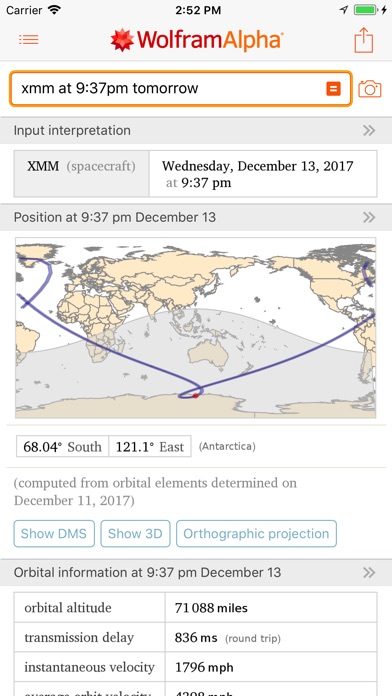
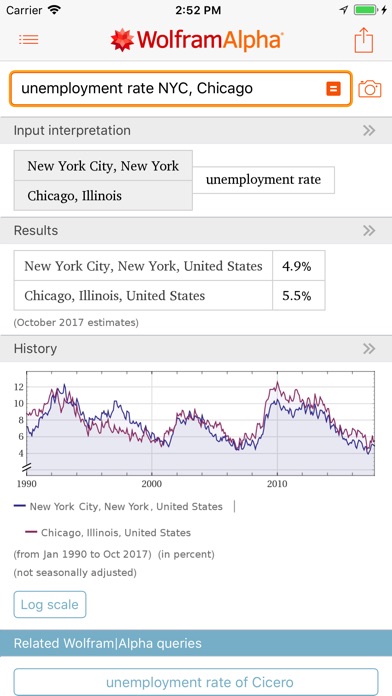
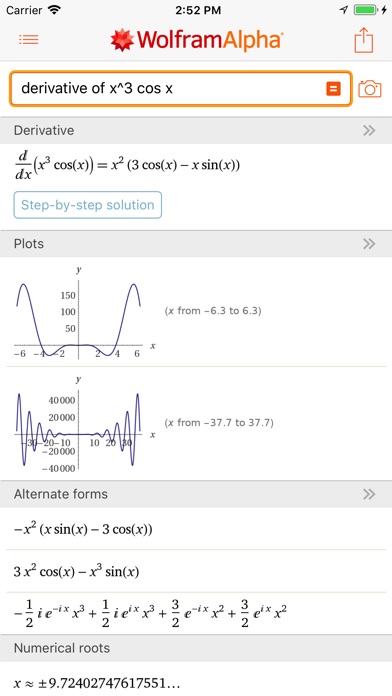
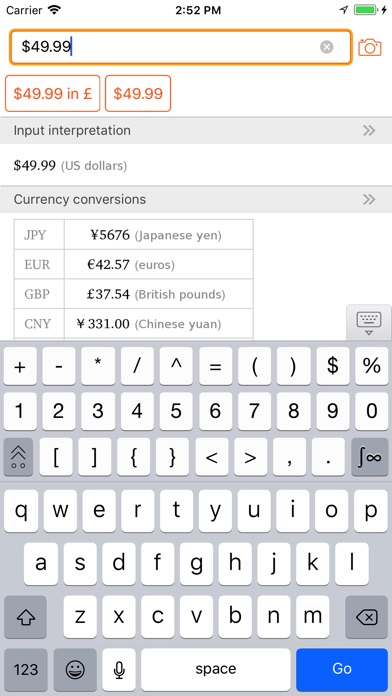
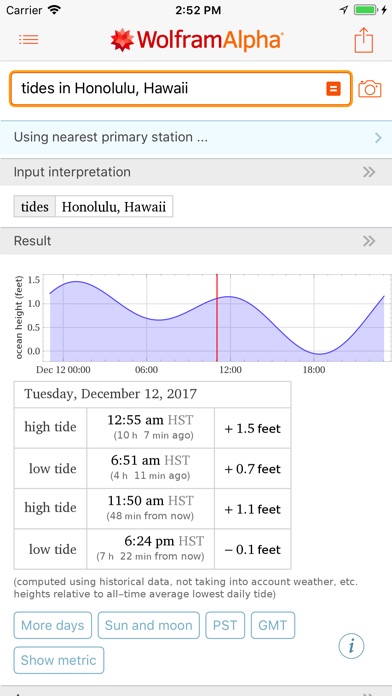
Use the power of Wolfram's computational intelligence to answer your questions. Building on 35+ years of development led by Stephen Wolfram, Wolfram|Alpha is the world's definitive source for instant expert knowledge and computation.
Across thousands of domains—with more continually added—Wolfram|Alpha uses its vast collection of algorithms and data to compute answers and generate reports for you.
Parts of Wolfram|Alpha are used in Apple's Siri assistant; this app gives you access to the full power of the Wolfram|Alpha computational knowledge engine.
Use Wolfram|Alpha to compute the following and much more:
• Identify a plane: "Flights overhead"
• Find out weather: "Weather last New Year's"
• Get information on movies: "Movies with Keanu Reeves and Sandra Bullock"
• Get financial insight: "APPL vs. MSFT"
• Calculate units and measurements: "Seconds in a nanocentury"
• Get trivia answers: "Number of tennis balls that can fit in a Boeing 747"
• Find nutritional information: "Whopper vs. Big Mac"
• Get fitness information: "Running calculator"
• Have fun: "Tell me a joke"
Subscription Details:
Become a Wolfram|Alpha Pro member to unlock additional features. Payment will be charged to your iTunes account at confirmation of purchase. Your subscription automatically renews unless auto-renew is turned off at least 24 hours before the end of the current period. Your account will be charged for renewal within 24 hours prior to the end of the current period. Subscription fees are $9.99 per month or up to $59.99 per year depending on your plan. You can manage your Wolfram|Alpha Pro subscription by visiting the iTunes Account Settings after purchase. Any unused portion of a free trial period, if offered, will be forfeited when you purchase a Wolfram|Alpha Pro subscription.
Privacy policy: https://www.wolfram.com/legal/privacy/wolfram
Terms of use: https://products.wolframalpha.com/iphone/app-internal/termsofuse.html
- Niet-jailbroken/jailed of jailbroken iPhone of iPad.
- Sideloadly of alternatieven.
- Computer met Windows/macOS/Linux en iTunes geïnstalleerd.
STAP 1: Download het vooraf gehackte .IPA-bestand via de link hierboven naar uw computer. Om het te downloaden vanuit de iOSGods App, bekijk onze iOSGods App IPA-downloadhandleiding met een videovoorbeeld.
STAP 2: Download Sideloadly en installeer het op uw Windows of Mac.
STAP 3: Open Sideloadly op uw computer, sluit uw iOS-apparaat aan en wacht tot de naam van uw apparaat in Sideloadly verschijnt.
STAP 4: Zodra uw iDevice is herkend, sleept u het gedownloade gemodde .IPA-bestand naar de Sideloadly-applicatie.
STAP 5: Voer het e-mailadres van uw Apple Account in en druk op “Start”. U wordt vervolgens gevraagd om uw wachtwoord in te voeren. Geef de gevraagde informatie op.
STAP 6: Wacht tot Sideloadly het sideloaden/installeren van de gehackte IPA heeft voltooid. Als er problemen zijn tijdens de installatie, lees dan onderstaande opmerking.
STAP 7: Zodra de installatie is voltooid en u de app op uw beginscherm ziet, gaat u naar Instellingen → Algemeen → Profielen / VPN- en apparaatbeheer. Tik daar op het e-mailadres dat u in stap 6 hebt ingevoerd en tik vervolgens op “Vertrouw [email protected]”.
STAP 8: Ga nu naar uw beginscherm en open de zojuist geïnstalleerde app; alles zou correct moeten werken. Mogelijk moet u verdere app-specifieke instructies volgen in de hack-popup in het spel.
OPMERKING: Op iOS/iPadOS 16 en later moet u Ontwikkelaarsmodus inschakelen. Voor gratis Apple Developer-accounts moet u dit proces elke 7 dagen herhalen. Als u vragen of problemen hebt, lees dan onze Sideloadly FAQ-sectie van het onderwerp.