Inicio de sesión requerido
Inicia sesión con tu cuenta de iOSGods para continuar.
Inicia sesión con tu cuenta de iOSGods para continuar.

Hack Features:
- All DLCs Purchased
Esta app también incluye iGameGod, que te ofrece acceso a Auto Touch para automatizar tareas repetitivas, App Speed Manager para ajustar la velocidad del juego, edición de valores con Memory Engine y más potentes herramientas para juegos de iOS.
Descarga Toca Boca Hair Salon 4 iOS Mod IPA desde los enlaces de arriba. Toca el botón de instalación y sigue las instrucciones para instalar este hack iOS en tu iPhone, iPad o Mac con Apple Silicon.
¿Necesitas más ayuda? Consulta nuestras Preguntas frecuentes de la app iOSGods para respuestas detalladas y consejos de solución de problemas.
¡Bienvenido a Toca Boca Hair Salon 4! Desata tu creatividad en el salón de belleza y dale vida a cualquier estilo que te imagines. Tanto si eliges un personaje y le creas un aspecto completamente nuevo que hayas imaginado como si simplemente ves dónde te llevan tus utensilios, cada cambio de imagen es una aventura. ¡Usa tu creatividad con el maquillaje, pintura de cara, los utensilios para el cabello y la barba ¡y muchísimo más!
Toca Boca Hair Salon 4 forma parte de Piknik: ¡una suscripción e infinitas formas de jugar y aprender! Obtén acceso completo a las mejores aplicaciones de preescolar del mundo, desde Toca Boca o Sago Mini a Originator con un plan ilimitado.
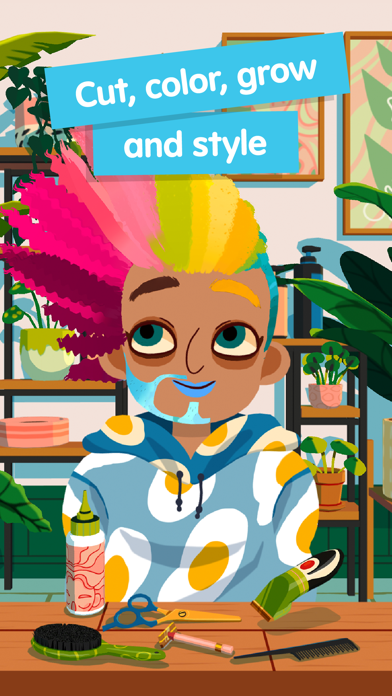
CORTA, TIÑE Y PEINA EN LA ZONA DE CABELLO Y BARBA
¡Recorta, afeita e incluso haz crecer el cabello de nuevo en cualquier lugar de la cabeza de tu personaje! Esta zona tiene todos los utensilios de calor que necesitas para rizar, alisar y dar textura. ¿Tienes ganas de crear algo colorido? Toma los botes de tinte y elige cualquier color del arcoíris para dar un aspecto nuevo y atrevido. ¡Tu salón, tus reglas!
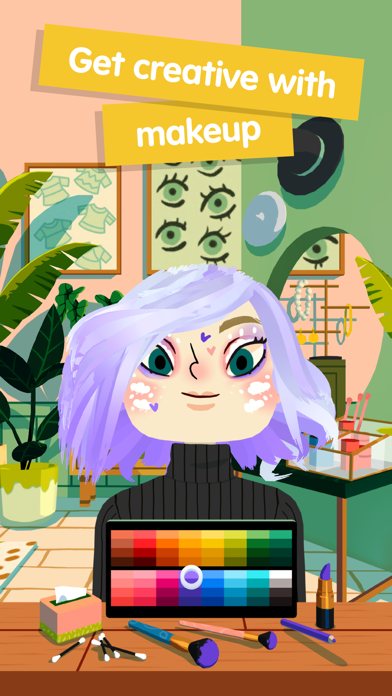
USA TU CREATIVIDAD CON EL MAQUILLAJE EN LA ZONA FACIAL
¡Amplía tu peluquería adquiriendo la zona facial! Encontrarás todo tipo de maquillaje con todos los colores para tener opciones infinitas de maquillaje. ¡Crea pestañas exuberantes con rímel y elige un utensilio para poner lápiz de ojos, sombra o colorete! ¿Te gustaría un aspecto más atrevido? Toma las pinturas del rostro y dibuja sobre la cara de tu personaje para obtener un estilo nuevo creativo que sea todo, menos aburrido.
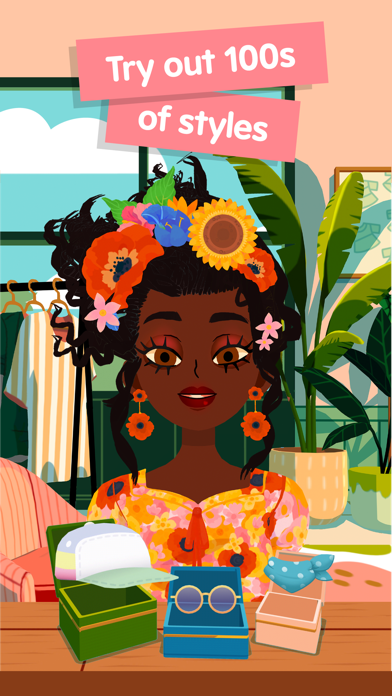
ELIGE UN NUEVO CONJUNTO EN LA ZONA DEL ESTILO
¿Qué sería un cambio de aspecto sin ropa nueva que le queden bien? ¡Hay cientos de estilos que se adaptarán a ese aspecto nuevo en la zona del estilo! Cambia el atuendo de tu personaje, elige unos adhesivos y añade un toque final con accesorios como gafas y sombreros.
TOMA UNA FOTO EN EL FOTOMATÓN
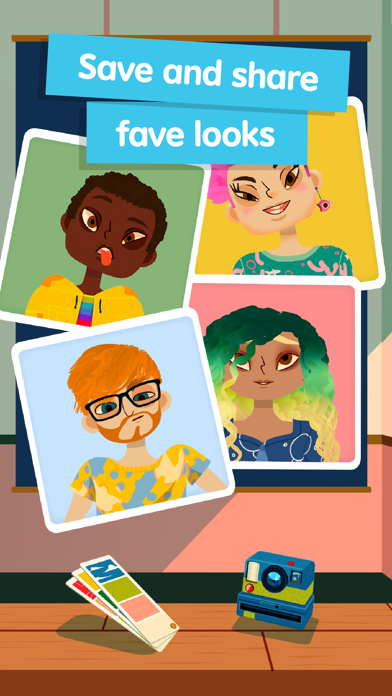
¡Escoge un fondo, fíjate cómo posa y toma una fotografía del nuevo estilo de tu personaje! Incluso puedes guardar la foto del cambio de imagen de tu personaje en un álbum fotográfico y volver a retocar su estilo más tarde.
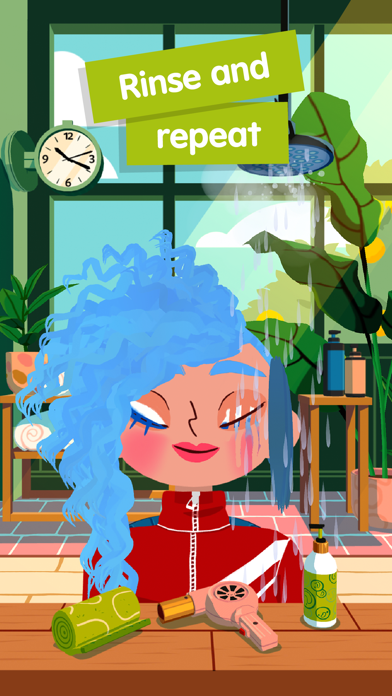
LAVA CON ABUNDANTE ESPUMA EN LA ZONA DEL CHAMPÚ
¿Nos preparamos para un comienzo desde cero? Lava el cabello, sécalo con la toalla o con el secador en la zona del champú. ¡Mira cómo desaparecen su maquillaje y su pintura facial para que puedas crear un aspecto completamente nuevo en el salón de belleza!
POLÍTICA DE PRIVACIDAD
Todos los productos de Toca Boca cumplen el estándar COPPA. Nos tomamos la privacidad muy seriamente y nos comprometemos a proporcionar aplicaciones seguras y protegidas para los niños en las que los padres puedan confiar. Para obtener más información acerca de cómo diseñamos y mantenemos seguros los juegos para niños, por favor, lee nuestra
Política de privacidad: https://playpiknik.link/privacy-policy
Términos de uso: https://playpiknik.link/terms-of-use
ACERCA DE TOCA BOCA
Toca Boca es un galardonado estudio de juegos que crea juguetes digitales para niños. Creemos que jugar y divertirse es la mejor forma para conocer el mundo. Por lo tanto, creamos juguetes digitales y juegos que ayudan a estimular la imaginación y a los que podéis jugar junto a vuestros hijos. Y lo mejor de todo: lo hacemos de forma segura sin publicidad de terceros.
- iPhone o iPad con o sin Jailbreak.
- Sideloadly u otras alternativas.
- Ordenador con Windows/macOS/Linux e iTunes instalado.
PASO 1: Descargue el archivo .IPA pre-modificado desde el enlace de arriba a su ordenador. Para descargarlo desde la iOSGods App, consulte nuestro Tutorial de descarga del IPA desde la iOSGods App, que incluye un ejemplo en vídeo.
PASO 2: Descargue Sideloadly e instálelo en su Windows o Mac.
PASO 3: Abra Sideloadly en su ordenador, conecte su dispositivo iOS y espere hasta que el nombre del dispositivo aparezca en Sideloadly.
PASO 4: Una vez que su iDevice sea reconocido, arrastre el archivo .IPA modificado que descargó y suéltelo en la aplicación Sideloadly.
PASO 5: Introduzca el correo electrónico de su Apple Account y, a continuación, pulse «Start». Le pedirá que introduzca su contraseña. Proporcione la información solicitada.
PASO 6: Espere a que Sideloadly termine de hacer sideload/instalar el IPA modificado. Si surgen problemas durante la instalación, por favor lea la nota a continuación.
PASO 7: Una vez completada la instalación y al ver la app en la pantalla de inicio, deberá ir a Ajustes → General → Perfiles / VPN y Gestión de Dispositivos. Una vez allí, toque el correo electrónico que introdujo en el paso 6 y, después, toque en «Confiar en [email protected]».
PASO 8: Ahora vaya a la pantalla de inicio y abra la app recién instalada; todo debería funcionar correctamente. Es posible que tenga que seguir instrucciones adicionales específicas de cada app dentro del popup del hack en el juego.
NOTA: En iOS/iPadOS 16 y posteriores, debe activar el Modo Desarrollador. Para cuentas gratuitas de Apple Developer, deberá repetir este proceso cada 7 días. Si tiene alguna pregunta o problema, lea nuestra sección de Preguntas Frecuentes de Sideloadly del tema.