ต้องเข้าสู่ระบบ
เข้าสู่ระบบด้วยบัญชี iOSGods เพื่อดำเนินการต่อ
เข้าสู่ระบบด้วยบัญชี iOSGods เพื่อดำเนินการต่อ
เครดิตไม่จำกัด คริสตัลไม่จำกัด และการซื้อในแอปฟรีเปลี่ยน Dead Effect 2: Space Zombies ให้กลายเป็นเกมยิงวิทยาศาสตร์โกงที่ไม่อาจหยุดได้ ให้คุณติดตั้งอุปกรณ์ได้ทันทีและครอบงำทุกภารกิจโดยไม่ต้องบดบัง
เมื่อคุณเปิดใช้งานเคล็ดลับเหล่านี้ การบดบังจะหายไป ซื้ออาวุธและอัพเกรดได้อย่างอิสระ ปลดล็อกเนื้อหาพรีเมียมตามต้องการ และมุ่งเน้นไปที่การกระทำเท่านั้น ไม่ว่าคุณจะตามหาคะแนนสูงหรือเล่นภารกิจแคมเปญซ้ำ mod IPA นี้จะลบการบล็อกการชำระเงินเพื่อให้คุณสามารถสัมผัสการผจญภัย FPS แบบเต็มรูปแบบได้ตามความเร็วของคุณเอง
- เครดิตไม่จำกัด → ใช้จ่ายได้อย่างอิสระสำหรับอาวุธและอัพเกรด
- คริสตัลไม่จำกัด → ปลดล็อกเนื้อหาพรีเมียมโดยไม่มีข้อจำกัด
- การซื้อในแอปฟรี → แตะการซื้อในแอปใดก็ได้เพื่อรับรายการฟรี
- 弹药ไม่จำกัด → ไม่เคยหมดระหว่างการต่อสู้
- ฆ่าด้วยการโจมตีครั้งเดียว → กำจัดศัตรูได้ทันที
- ไม่มีการกระจายกระสุน → ความแม่นยำสมบูรณ์ในทุกนัด
- ไม่มีระยะเวลาพักความสามารถ → ใช้พลังได้อย่างต่อเนื่อง
- ไม่มีค่าใช้จ่ายความสามารถ → เปิดใช้งานความสามารถโดยไม่มีการระบายทรัพยากร
แอปนี้ยังมาพร้อมกับ iGameGod ซึ่งช่วยให้คุณเข้าถึง Auto Touch สำหรับการทำงานซ้ำ ๆ โดยอัตโนมัติ, App Speed Manager สำหรับปรับความเร็วของเกม, การแก้ไขค่าด้วย Memory Engine และเครื่องมือสำหรับเกม iOS ที่ทรงพลังอื่น ๆ อีกมากมาย
ดาวน์โหลด Dead Effect 2: Space Zombies - Free Hack modded IPA จากลิงก์ด้านบน แตะปุ่มติดตั้งและทำตามคำแนะนำบนหน้าจอเพื่อติดตั้งแฮ็กแอป iOS นี้บน iPhone, iPad หรือ Apple Silicon
ต้องการความช่วยเหลือเพิ่มเติม? ดู คำถามที่พบบ่อยของแอป iOSGods สำหรับคำตอบโดยละเอียดและเคล็ดลับการแก้ไขปัญหา
“Dead Effect 2 is a gory and shiny gout of FPS action. It feels slick, and it looks absolutely stunning.” - PocketGamer
"Dead Effect 2 is an outstanding first person shooter experience on iOS that is a must have." - Apple'N'Apps
*IMPORTANT* Dead Effect 2 requires an iPad 3 (or newer), iPhone 5 (or newer), iPad Mini 2 (or newer), iPad Air. An Internet connection is required to play.
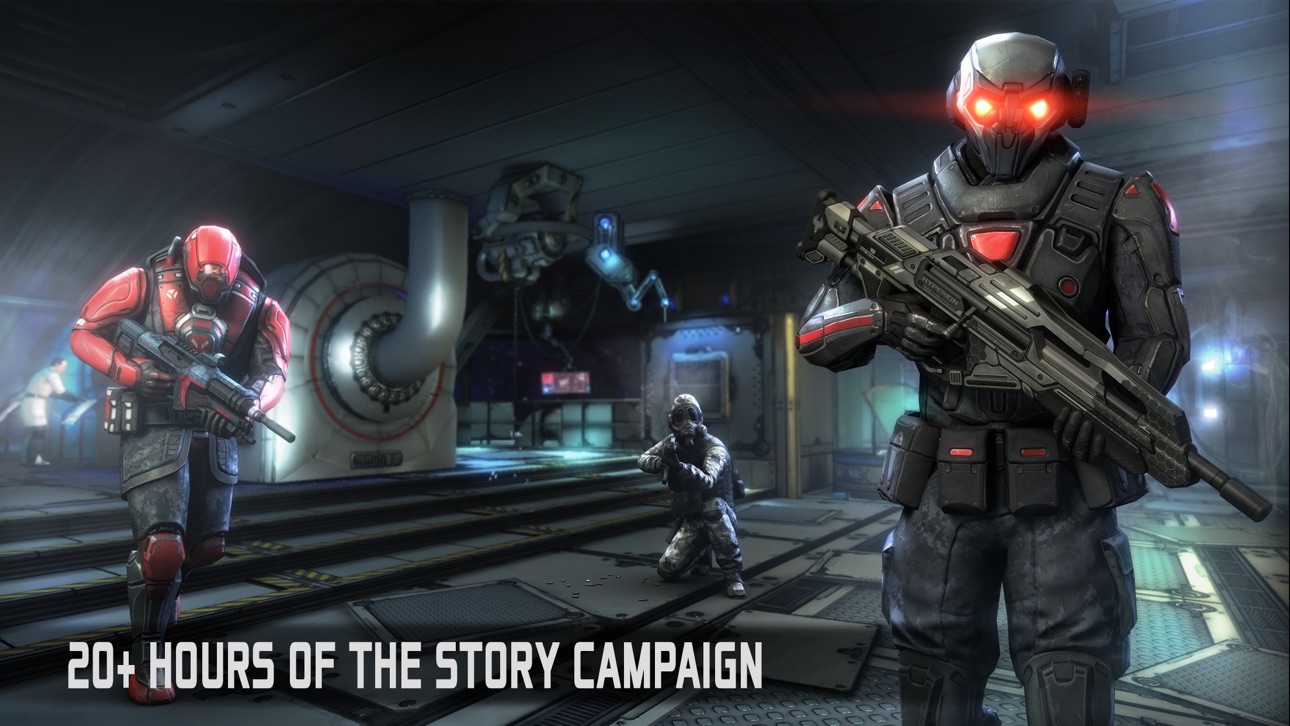
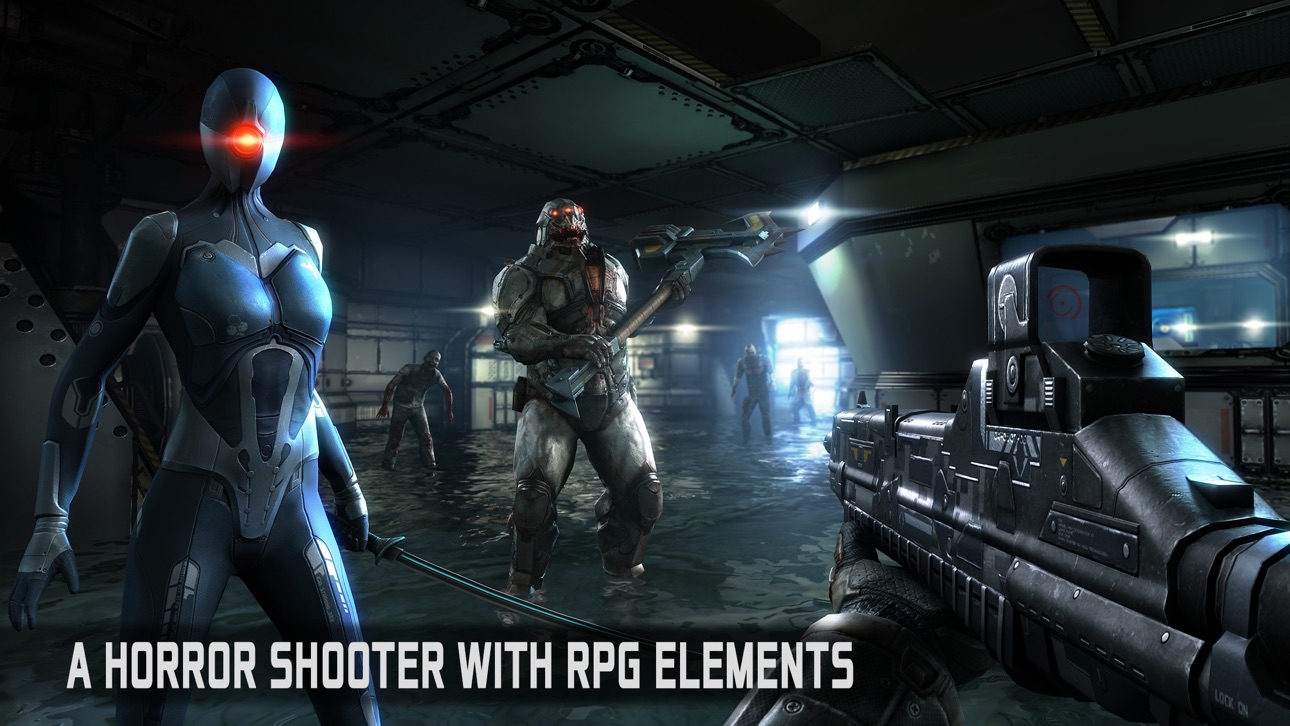
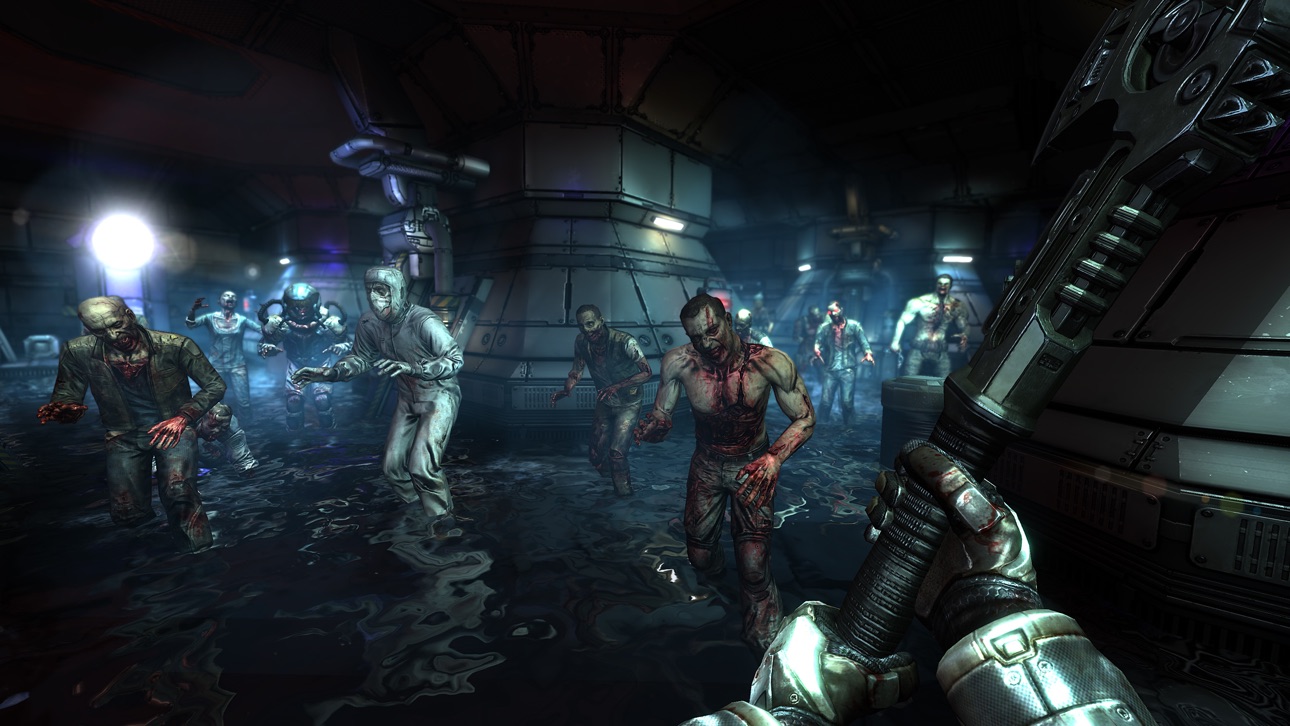
Looking to push the boundaries of mobile gaming to another level, Dead Effect 2 is a console-quality action sci-fi shooter with RPG elements. Follow the enticing storyline, train and develop your character, collect and upgrade weapons, gear and high-tech body implants.
Dead Effect 2 placed 2nd at the Very Big Indie Pitch contest at PG Connects Helsinki 2015.
KEY FEATURES:
CONSOLE-QUALITY GRAPHICS AND SOUND
• breathtaking graphics using the latest Apple technology
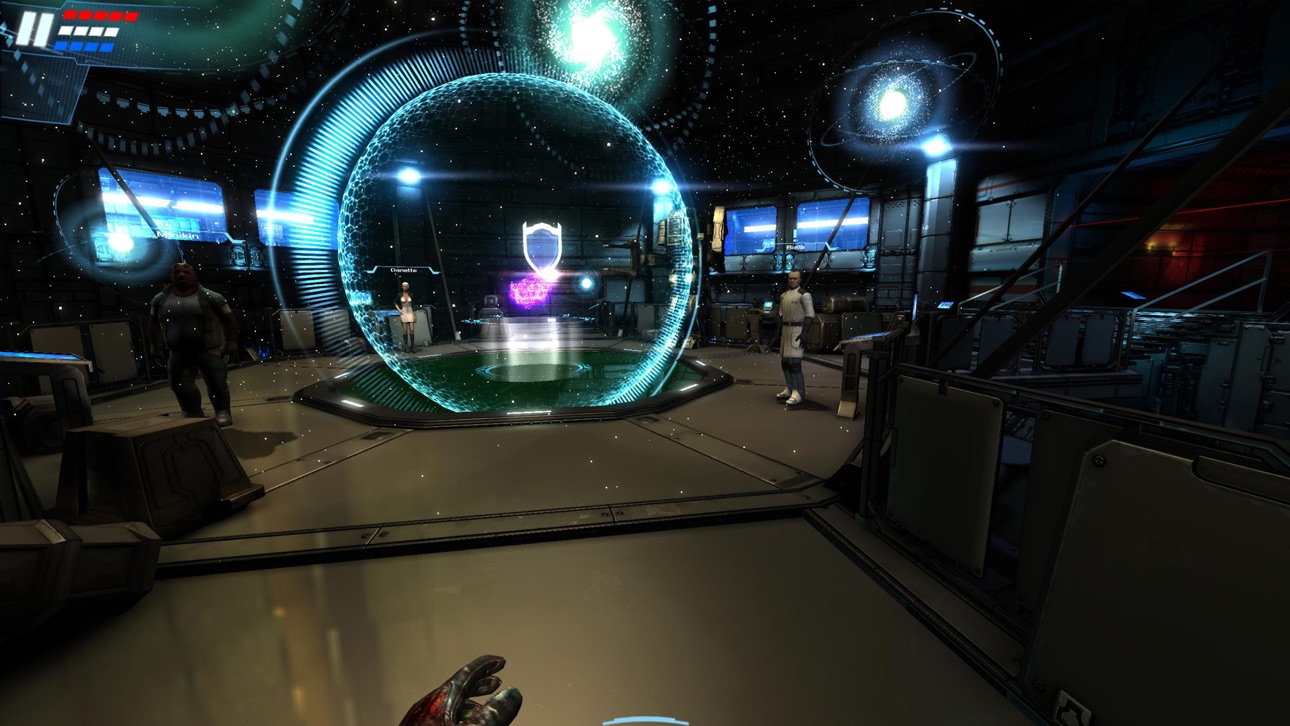
• realistic ragdoll effects and stunning environments
• narrated by professional voice actors
• atmospheric soundtrack and movie-quality sound effects
RPG LAYER WITH DEEP CHARACTER DEVELOPMENT
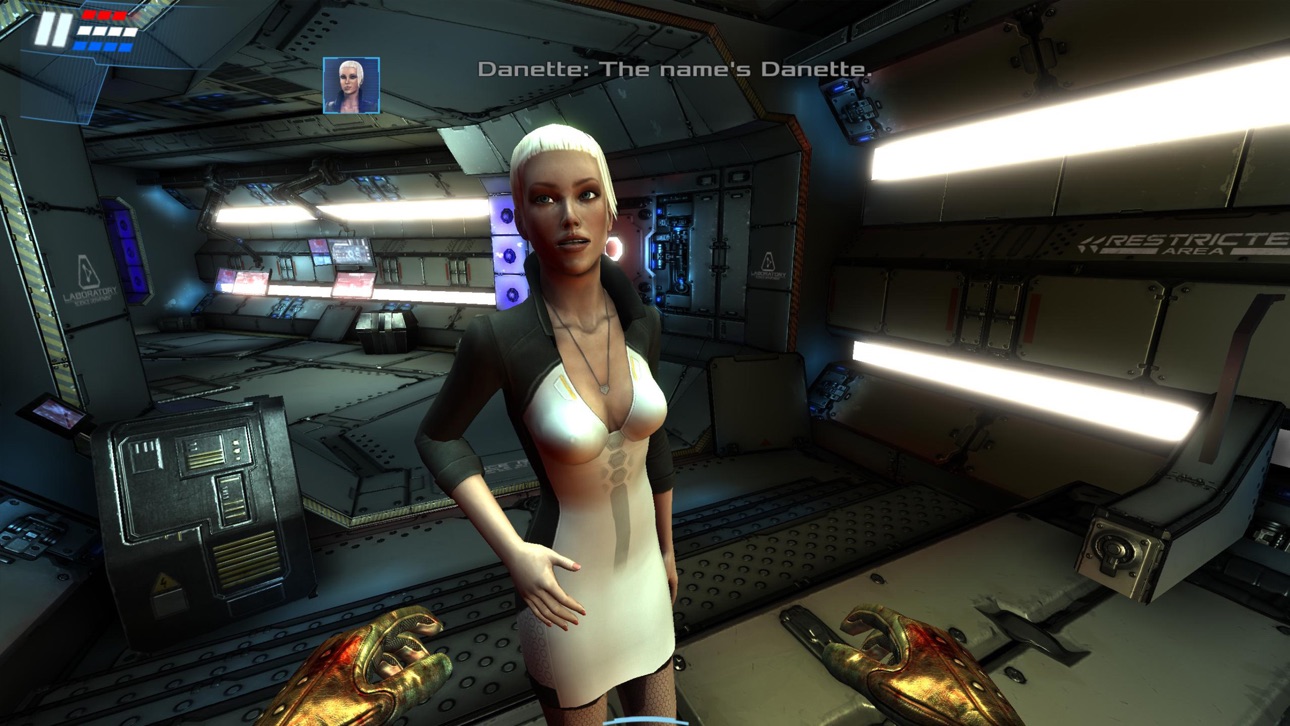
• 3 personas = 3 different personalities
• character training and development
• unique system of 100+ upgradable body implants and gear sets
• 40+ upgradable weapons
IMMERSIVE GAMEPLAY WITH CUSTOMIZABLE CONTROLS
• 20+ hours of campaign gameplay and 10+ hours of special missions
• elaborate system of achievements
• full controller support
• fully customizable on-screen controls
Feel free to drop us a line at [email protected], or catch up with our latest news on our official website or a social media channel of your choice:
www.deadeffect2.com
Facebook: Dead Effect
Twitter: @DeadEffectGame
YouTube: BadFly Interactive
ภาพหน้าจอ © เจ้าของแต่ละราย · App Store


iOSGods ไม่มีความเกี่ยวข้อง ไม่ได้รับการรับรอง และไม่ได้รับการสนับสนุนจาก Apple Inc., Google LLC หรือผู้พัฒนาแอปที่แสดงไว้ที่นี่ Apple, iOS และ App Store เป็นเครื่องหมายการค้าของ Apple Inc. Android และ Google Play เป็นเครื่องหมายการค้าของ Google LLC ชื่อแอป ไอคอน ภาพ และเครื่องหมายการค้าอื่นทั้งหมดเป็นทรัพย์สินของเจ้าของแต่ละราย

- iPhone หรือ iPad ที่ไม่ได้เจลเบรก/ไม่ได้เจลเบรก หรือเจลเบรกแล้ว
- Sideloadly หรือทางเลือกอื่น
- คอมพิวเตอร์ที่ใช้ Windows/macOS/Linux และติดตั้ง iTunes ไว้
ขั้นตอนที่ 1: ดาวน์โหลดไฟล์ .IPA ที่แฮกไว้ล่วงหน้าจากลิงก์ด้านบนลงในคอมพิวเตอร์ของคุณ หากต้องการดาวน์โหลดจากแอป iOSGods โปรดดู วิธีดาวน์โหลด IPA ในแอป iOSGods ซึ่งมีตัวอย่างวิดีโอประกอบ
ขั้นตอนที่ 2: ดาวน์โหลด Sideloadly แล้วติดตั้งบน Windows หรือ Mac ของคุณ
ขั้นตอนที่ 3: เปิด Sideloadly บนคอมพิวเตอร์ เชื่อมต่ออุปกรณ์ iOS แล้วรอจนกว่าชื่ออุปกรณ์ของคุณจะปรากฏใน Sideloadly
ขั้นตอนที่ 4: เมื่อ iDevice ของคุณถูกตรวจพบแล้ว ให้ลากไฟล์ .IPA ที่ม็อดมาวางลงในโปรแกรม Sideloadly
ขั้นตอนที่ 5: กรอกอีเมล Apple Account ของคุณ จากนั้นกด "Start" ระบบจะถามรหัสผ่าน กรอกข้อมูลที่จำเป็นให้เรียบร้อย
ขั้นตอนที่ 6: รอจนกว่า Sideloadly จะ sideload/ติดตั้งไฟล์ IPA ที่แฮกเสร็จ หากเกิดปัญหาระหว่างติดตั้ง โปรดอ่านหมายเหตุด้านล่าง
ขั้นตอนที่ 7: เมื่อการติดตั้งเสร็จสิ้นและเห็นแอปบนหน้าจอหลักแล้ว ให้ไปที่ การตั้งค่า → ทั่วไป → โปรไฟล์ / VPN และการจัดการอุปกรณ์ จากนั้นแตะที่อีเมลที่คุณกรอกในขั้นตอนที่ 6 แล้วแตะ "เชื่อถือ [email protected]"
ขั้นตอนที่ 8: จากนั้นไปที่หน้าจอหลักและเปิดแอปที่ติดตั้งใหม่ ทุกอย่างควรทำงานได้ปกติ คุณอาจต้องทำตามคำแนะนำเพิ่มเติมเฉพาะแอปในป๊อปอัปของม็อดในเกม
หมายเหตุ: สำหรับ iOS/iPadOS 16 ขึ้นไป คุณต้อง เปิดโหมดนักพัฒนา (Developer Mode) สำหรับบัญชี Apple Developer แบบฟรี คุณต้องทำขั้นตอนนี้ซ้ำทุก 7 วัน หากมีคำถามหรือพบปัญหา โปรดอ่าน หัวข้อ FAQ ของ Sideloadly ในกระทู้
Game Name iOS Mod IPA is an action adventure game enhanced with powerful gameplay boosts and quality-of-life improvements. Win battles faster, earn rewards quicker, and enjoy uninterrupted play without ads.
- Unlimited Gold - spend freely to unlock premium content
- Damage Multiplier - deal significantly more damage in combat
- Defense Multiplier - take less damage and survive longer
- Reward Multiplier - earn more loot from every battle
- Max Level - instantly reach the highest player rank
- No Ads - play without interruptions or advertisements
This app also comes with iGameGod, giving you access to Auto Touch to automate repetitive tasks, App Speed Manager for adjustable gameplay speed, Memory Engine value editing, and more powerful iOS game tools.
ดาวน์โหลด Game Name Mod IPA จากลิงก์ด้านบน แตะปุ่มติดตั้งและทำตามคำแนะนำบนหน้าจอเพื่อติดตั้งแฮ็กแอป iOS นี้บน iPhone, iPad หรือ Apple Silicon
ต้องการความช่วยเหลือเพิ่มเติม ดู คำถามที่พบบ่อยของแอป iOSGods สำหรับคำตอบโดยละเอียดและเคล็ดลับการแก้ไขปัญหา
----------------------------------------------------------
--------------------------------------------------