Inloggen vereist
Log in met je iOSGods-account om door te gaan.
Log in met je iOSGods-account om door te gaan.

Navigeer door vertakkende romantische verhaallijnen en maak keuzes die je liefdesverhaal vormgeven in Love Story: Interactive Games, nu met deze gratis Mod IPA hack die premium valuta ontgrendelt. Pas je karakter aan, zet je in voor relaties en ontgrendel verhaalroutes met onbeperkte middelen binnen handbereik.
- Onbeperkte diamanten (toevoegen/uitgeven) → geef vrijelijk uit aan verhaalkeuzesn en aanpassingen
- Onbeperkte tickets (toevoegen/uitgeven) → speel hoofdstukken zonder te wachten tot energie wordt aangevuld
Deze app bevat ook iGameGod, waarmee je toegang krijgt tot Auto Touch om repetitieve taken te automatiseren, App Speed Manager voor een aanpasbare spelsnelheid, het bewerken van waarden met Memory Engine en andere krachtige iOS-gametools.
Download Love Story: Interactive Games Hack modded IPA via de bovenstaande links. Tik op de installatieknop en volg de instructies om deze iOS-app-hack op je iPhone, iPad of Apple Silicon te installeren.
Meer hulp nodig? Bekijk onze Veelgestelde vragen over de iOSGods-app voor uitgebreide antwoorden en probleemoplossingstips.
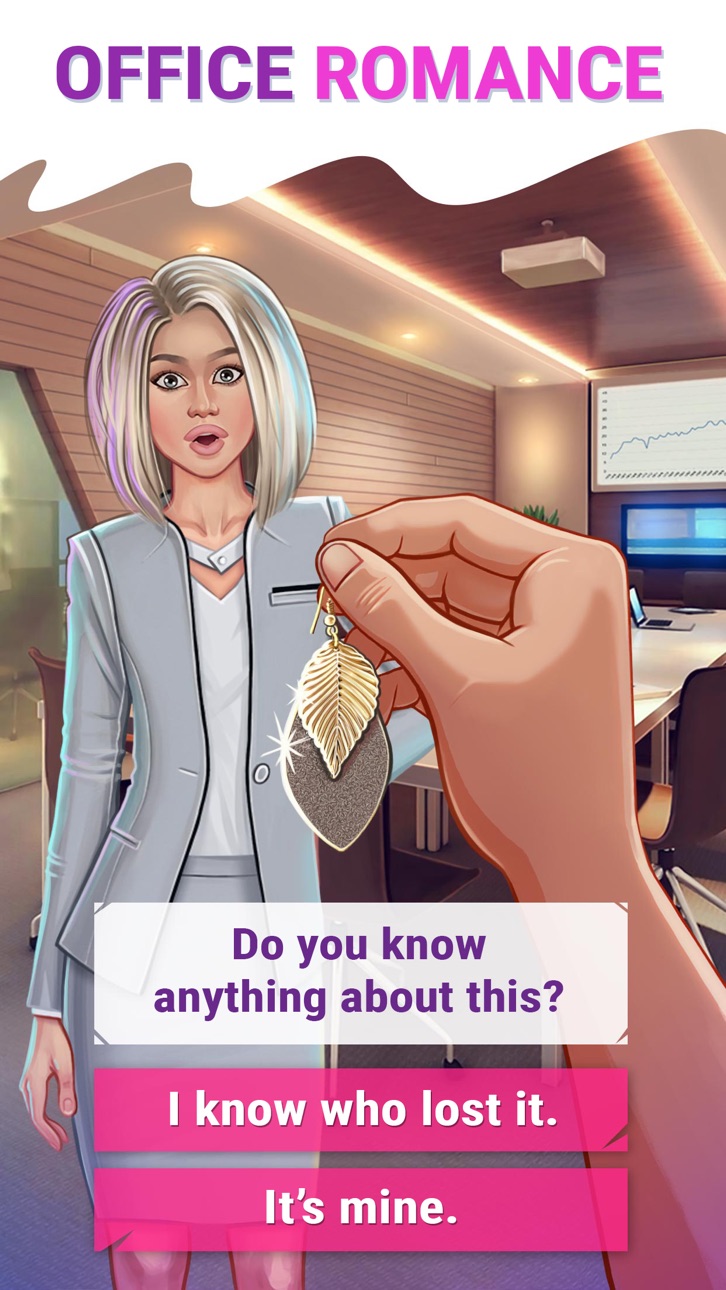
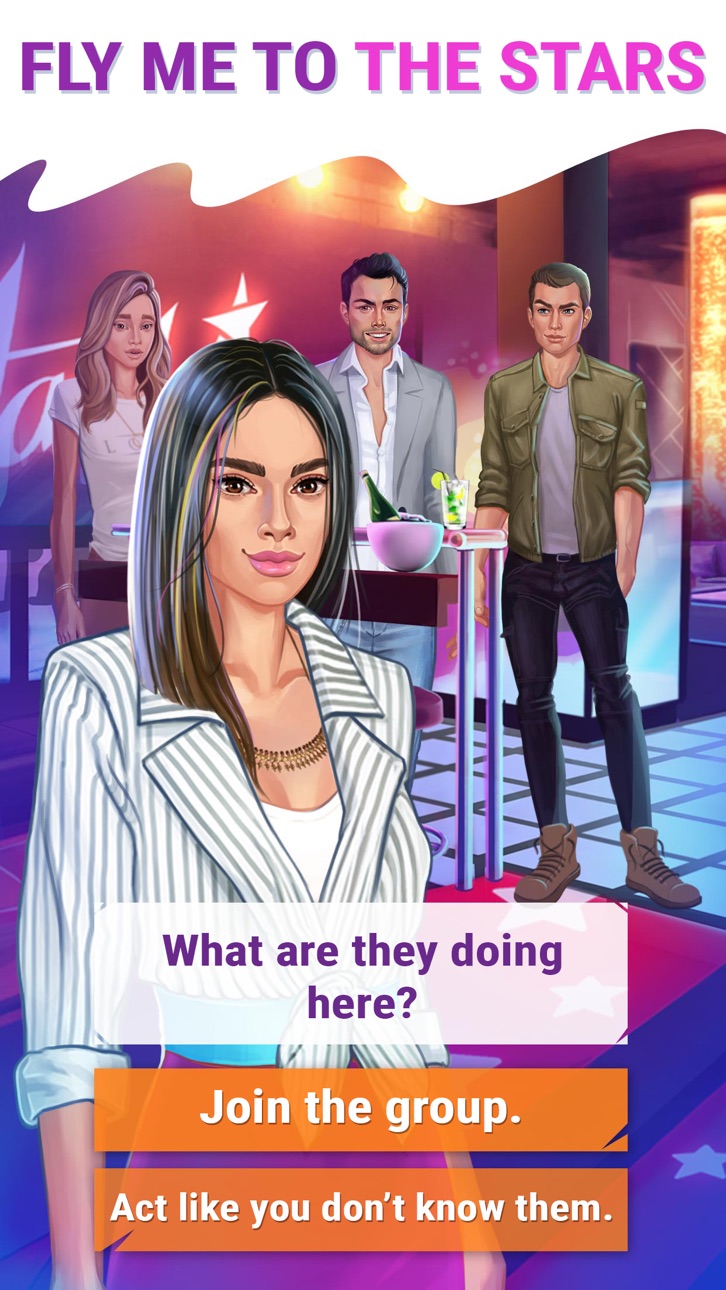
The most amazing collection of interactive stories is at your fingertips! Dive into romance adventures like you've never seen before! Our library is updated every week, so you'll always have a new journey to begin.
LOVE STORY ® brings a unique concept that allows you to choose your path and transform the storyline with every decision you make. We will lead you through exciting chapters and romantic tales in a fully interactive experience. Embark on a journey that you'll never forget!
Customize your appearance, pick a name & find the perfect outfit!
Fall in love, reveal secrets & experience incredible drama!
Control what happens in YOUR Love Story ®!
Choose a story from the collection and live it to the fullest!
Top picks:
The Tycoon’s Secret Some proposals are more complex than they seem. Do you dare to follow your heart and live your dreams?
The Family Legacy Experience a world of high stakes and loyalty. Be brave and earn your place in the inner circle.
Many more exciting adventures inside...
Follow LOVE STORY ® on social media to stay up to date! Find us on Instagram, Facebook, and Twitter: @WebelinxLoveStory
Screenshots © respectieve eigenaren · App Store



iOSGods is niet verbonden aan, onderschreven door of gesponsord door Apple Inc., Google LLC of de ontwikkelaars van de hier vermelde apps. Apple, iOS en App Store zijn handelsmerken van Apple Inc. Android en Google Play zijn handelsmerken van Google LLC. Alle overige app-namen, iconen, afbeeldingen en handelsmerken behoren toe aan hun respectieve eigenaren.
- Niet-jailbroken/jailed of jailbroken iPhone of iPad.
- Sideloadly of alternatieven.
- Computer met Windows/macOS/Linux en iTunes geïnstalleerd.
STAP 1: Download het vooraf gehackte .IPA-bestand via de link hierboven naar uw computer. Om het te downloaden vanuit de iOSGods App, bekijk onze iOSGods App IPA-downloadhandleiding met een videovoorbeeld.
STAP 2: Download Sideloadly en installeer het op uw Windows of Mac.
STAP 3: Open Sideloadly op uw computer, sluit uw iOS-apparaat aan en wacht tot de naam van uw apparaat in Sideloadly verschijnt.
STAP 4: Zodra uw iDevice is herkend, sleept u het gedownloade gemodde .IPA-bestand naar de Sideloadly-applicatie.
STAP 5: Voer het e-mailadres van uw Apple Account in en druk op “Start”. U wordt vervolgens gevraagd om uw wachtwoord in te voeren. Geef de gevraagde informatie op.
STAP 6: Wacht tot Sideloadly het sideloaden/installeren van de gehackte IPA heeft voltooid. Als er problemen zijn tijdens de installatie, lees dan onderstaande opmerking.
STAP 7: Zodra de installatie is voltooid en u de app op uw beginscherm ziet, gaat u naar Instellingen → Algemeen → Profielen / VPN- en apparaatbeheer. Tik daar op het e-mailadres dat u in stap 6 hebt ingevoerd en tik vervolgens op “Vertrouw [email protected]”.
STAP 8: Ga nu naar uw beginscherm en open de zojuist geïnstalleerde app; alles zou correct moeten werken. Mogelijk moet u verdere app-specifieke instructies volgen in de hack-popup in het spel.
OPMERKING: Op iOS/iPadOS 16 en later moet u Ontwikkelaarsmodus inschakelen. Voor gratis Apple Developer-accounts moet u dit proces elke 7 dagen herhalen. Als u vragen of problemen hebt, lees dan onze Sideloadly FAQ-sectie van het onderwerp.
Hack Features:
- Inf Coins (Spend)
App Installation Instructions:
---------------------------------------------------------
----------------------------------------------------------
If you require more information or help, please read our Frequently Asked Questions topic on iOSGods.com.
----------------------------------------------------------
--------------------------------------------------




![[VIP] SwordArtOnline: IntegralFactor SAOIF Hack](https://is1-ssl.mzstatic.com/image/thumb/Purple116/v4/6d/2b/48/6d2b4890-100a-afff-6286-f7af91d94529/AppIcon-1x_U007emarketing-0-7-0-85-220.png/100x100bb.jpg)