ログインが必要
iOSGodsアカウントでサインインして続けてください。
iOSGodsアカウントでサインインして続けてください。
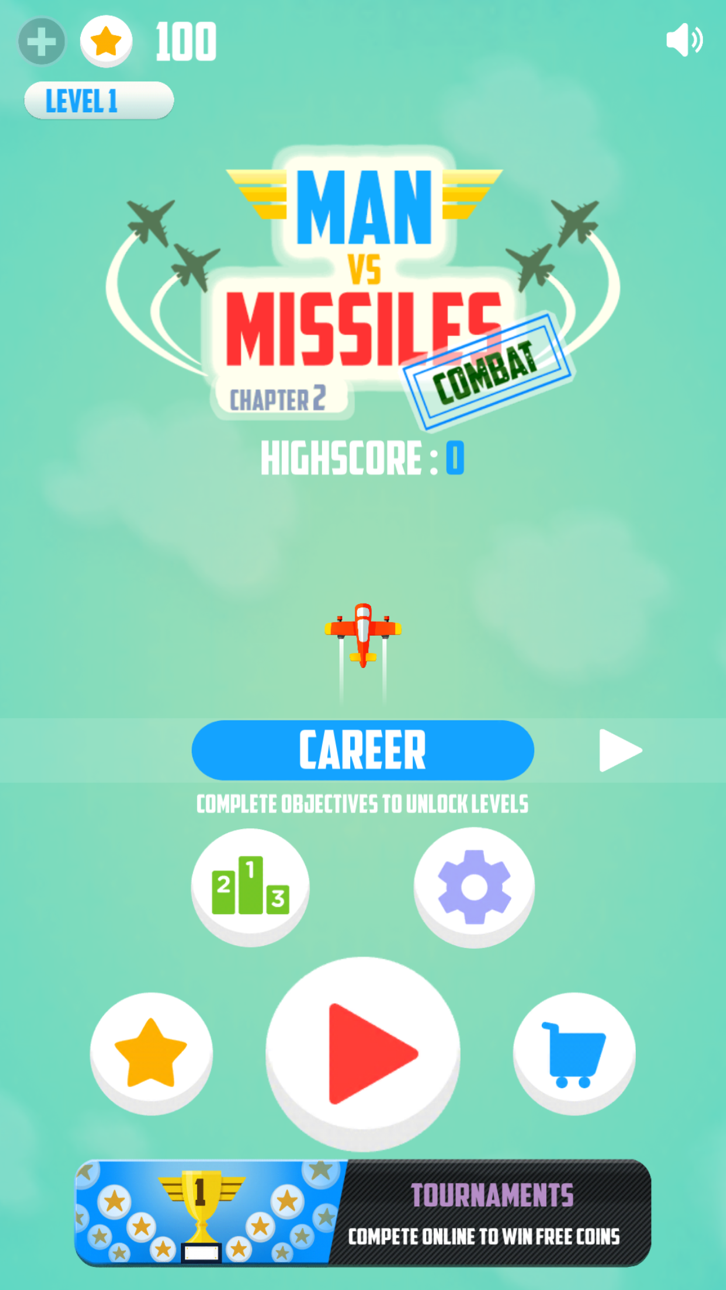
Man Vs. Missiles: Combat Hackで無限コインを即座に獲得し、モッド化されたiOSゲームでグラインドなしにすべての飛行機とアップグレードをアンロックできます。敵のジェット機を回避し、パワーアップを集め、無制限のゲーム内通貨を手に入れて空を支配しましょう。
- 無限コイン(取得) → 飛行機とアップグレード用の無制限通貨
このアプリにはiGameGodも搭載されており、繰り返し作業を自動化するAuto Touch、ゲーム速度を調整できるApp Speed Manager、Memory Engineによる値の編集など、強力なiOSゲーム用ツールをご利用いただけます。
Man Vs. Missiles: Combat Hack modded IPAを上のリンクからダウンロードします。インストールボタンをタップし、画面の指示に従ってiPhone、iPad、Apple SiliconにこのiOSアプリハックをインストールします。
さらにヘルプが必要ですか? 詳しい回答とトラブルシューティングはiOSGodsアプリ よくある質問をご覧ください。
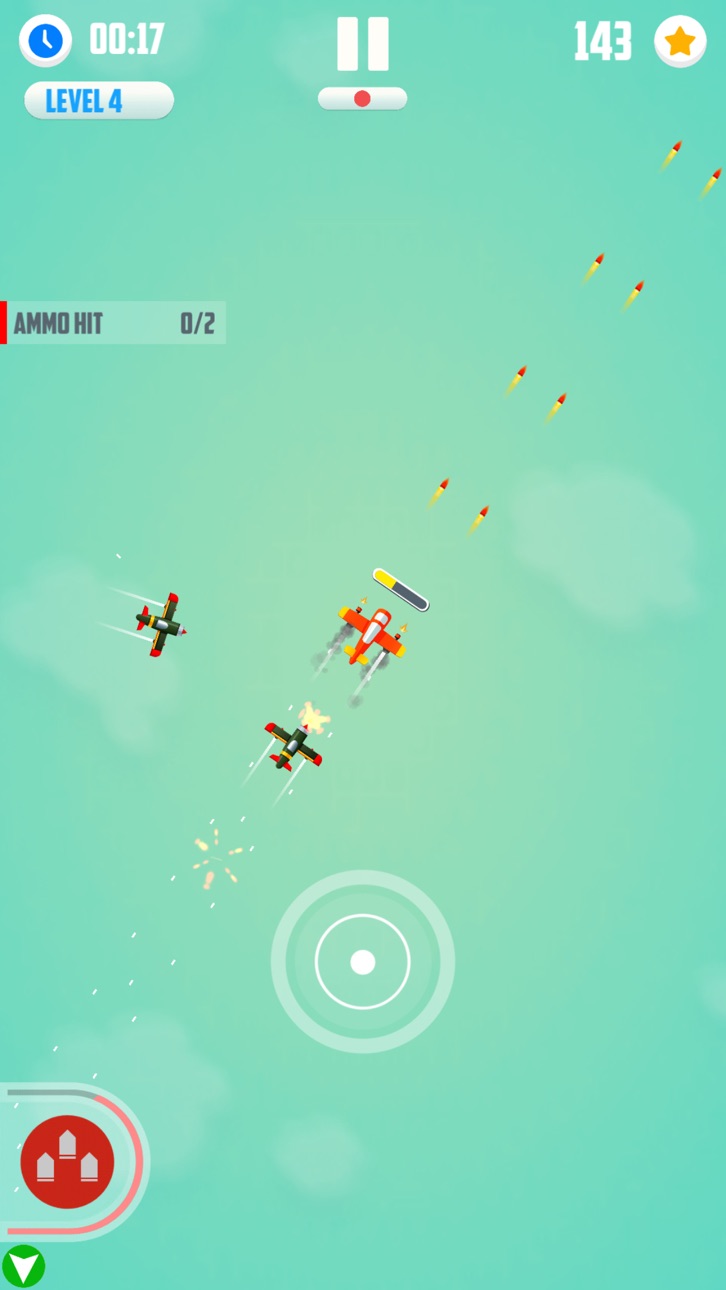
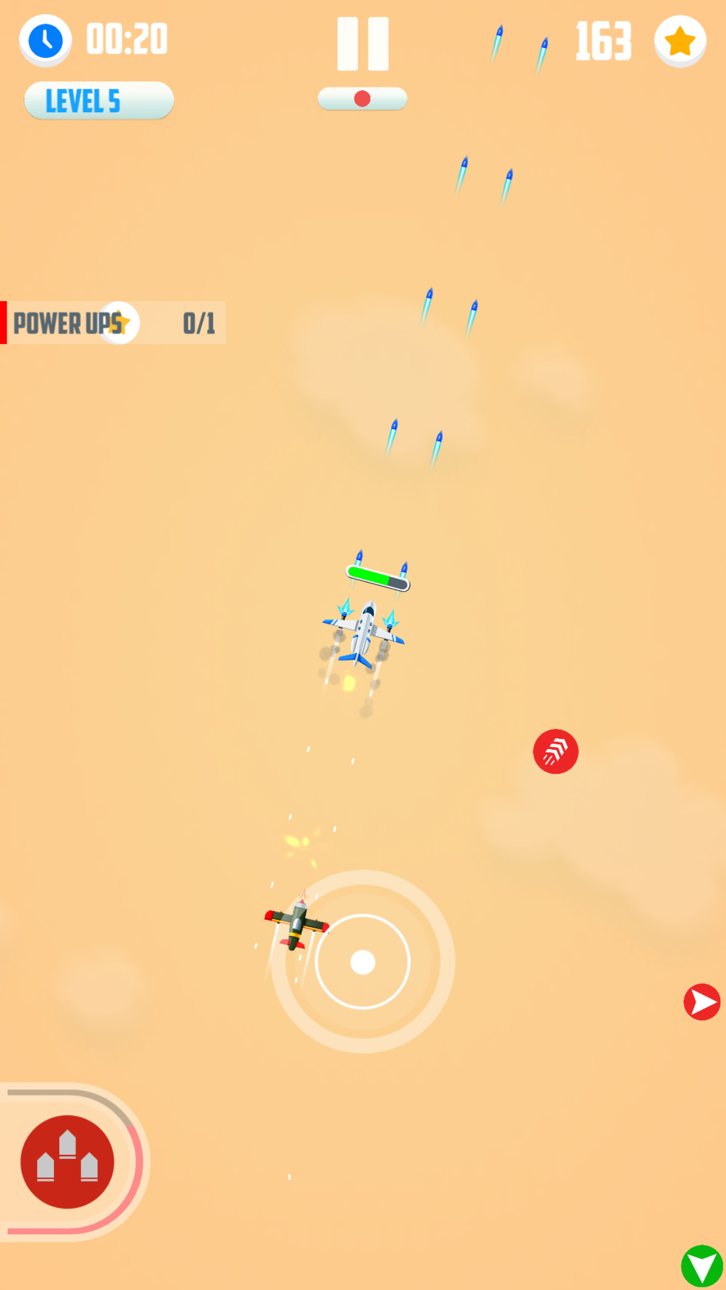
敵飛行機をかわして打ち落とされる前にできるだけ長く飛行機を飛ばしましょう!
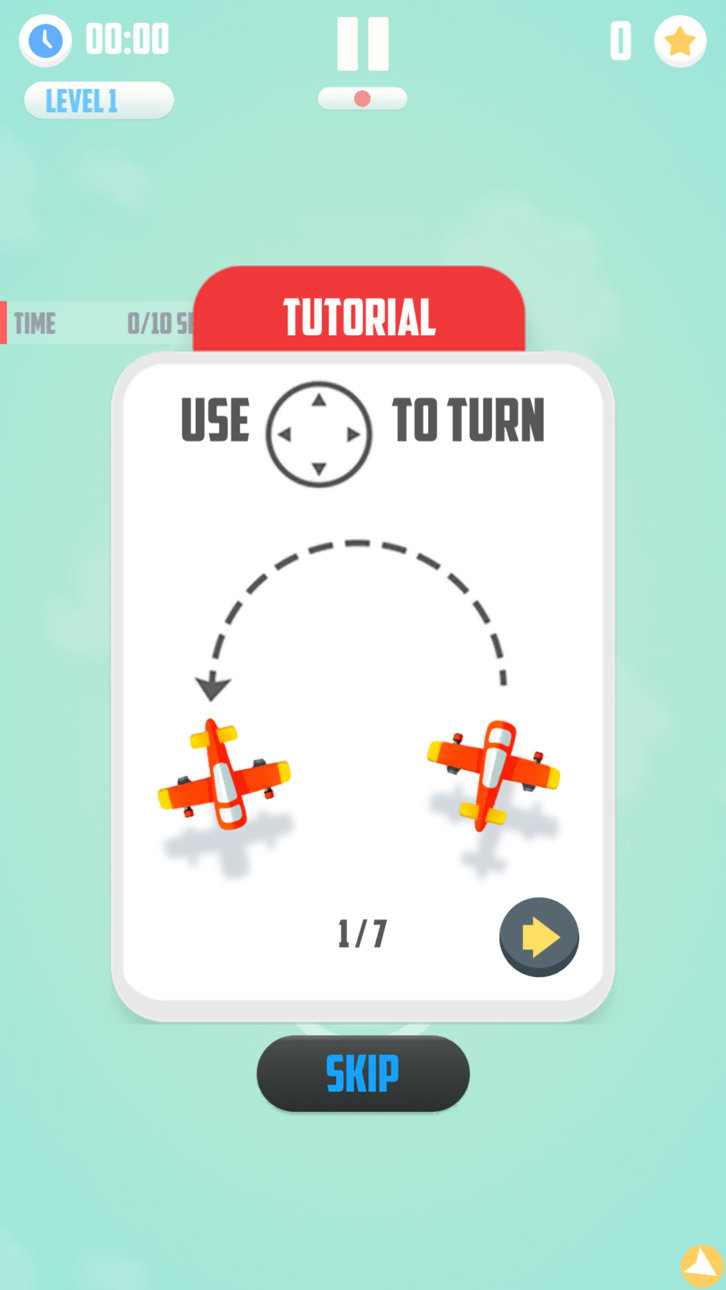
- 指で飛行機を旋回させて近づいてくるジェット機から飛び立ちましょう。
- 4つの敵ジェット機があなたを追いかけて落とそうとします。
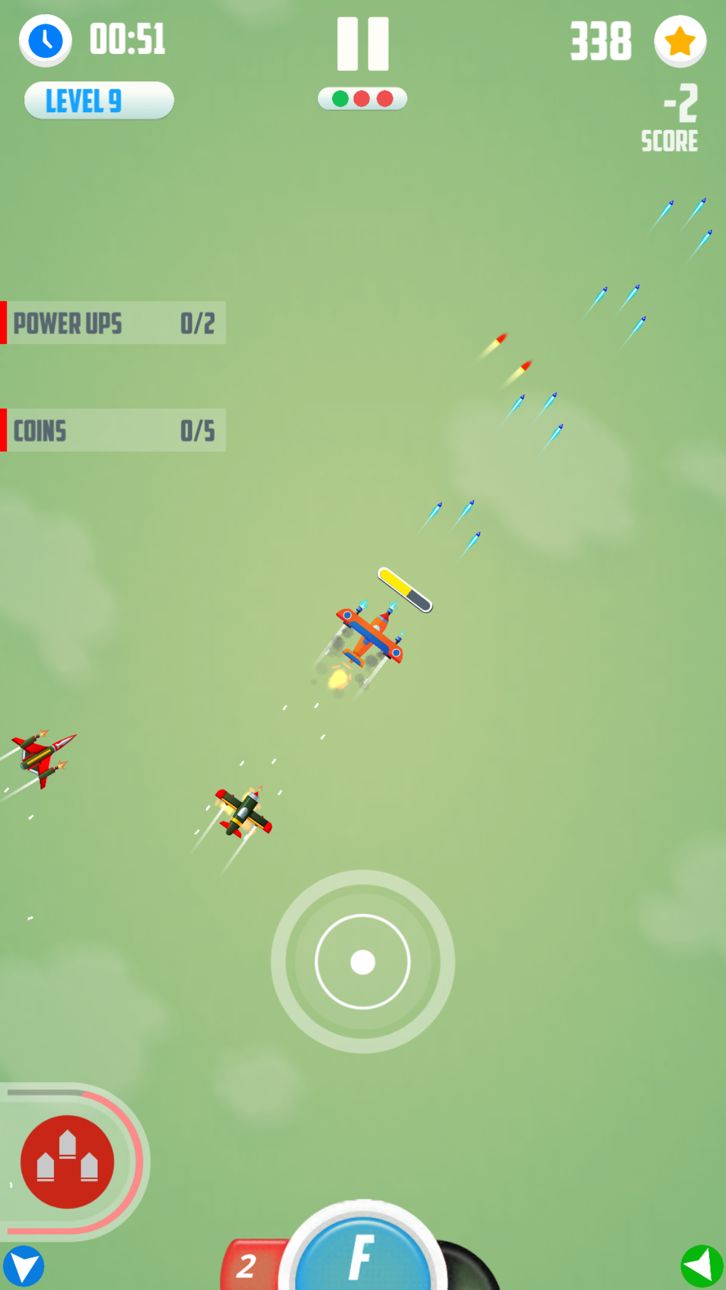
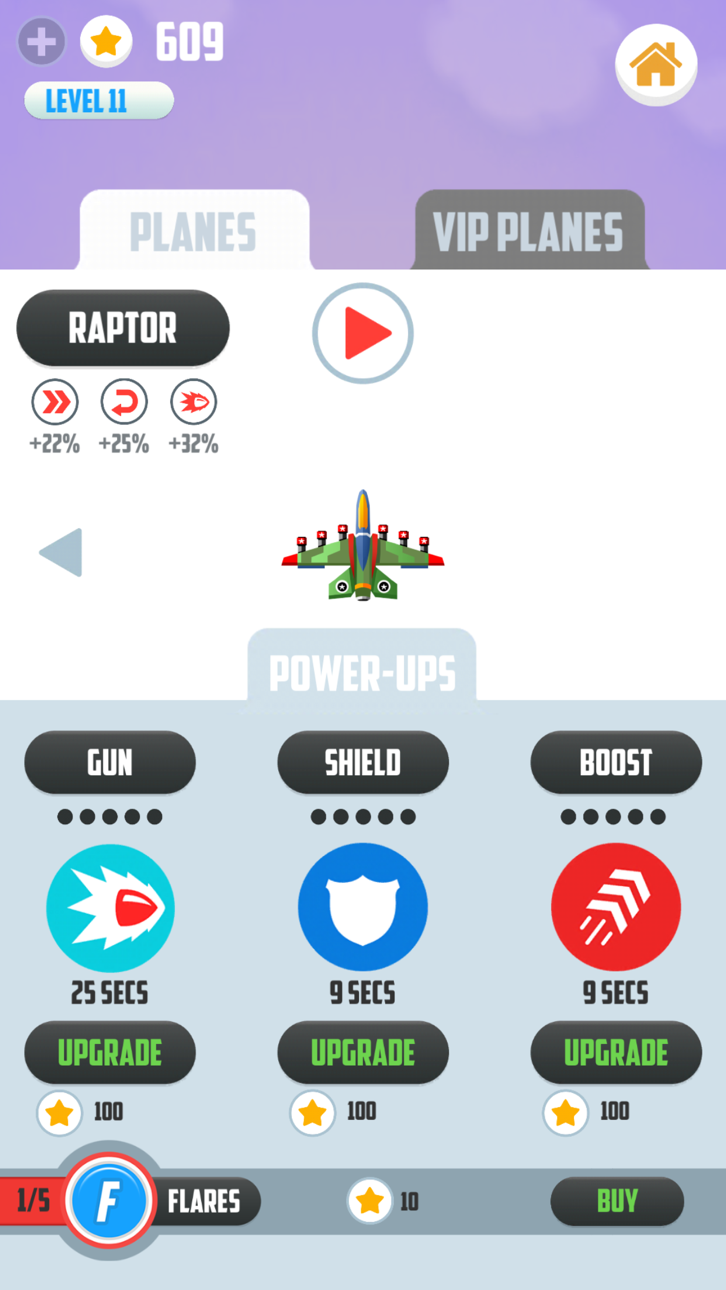
- ゲーム中でシールドやブーストのようなあなたをパワーアップさせるアイテムを入手しましょう。
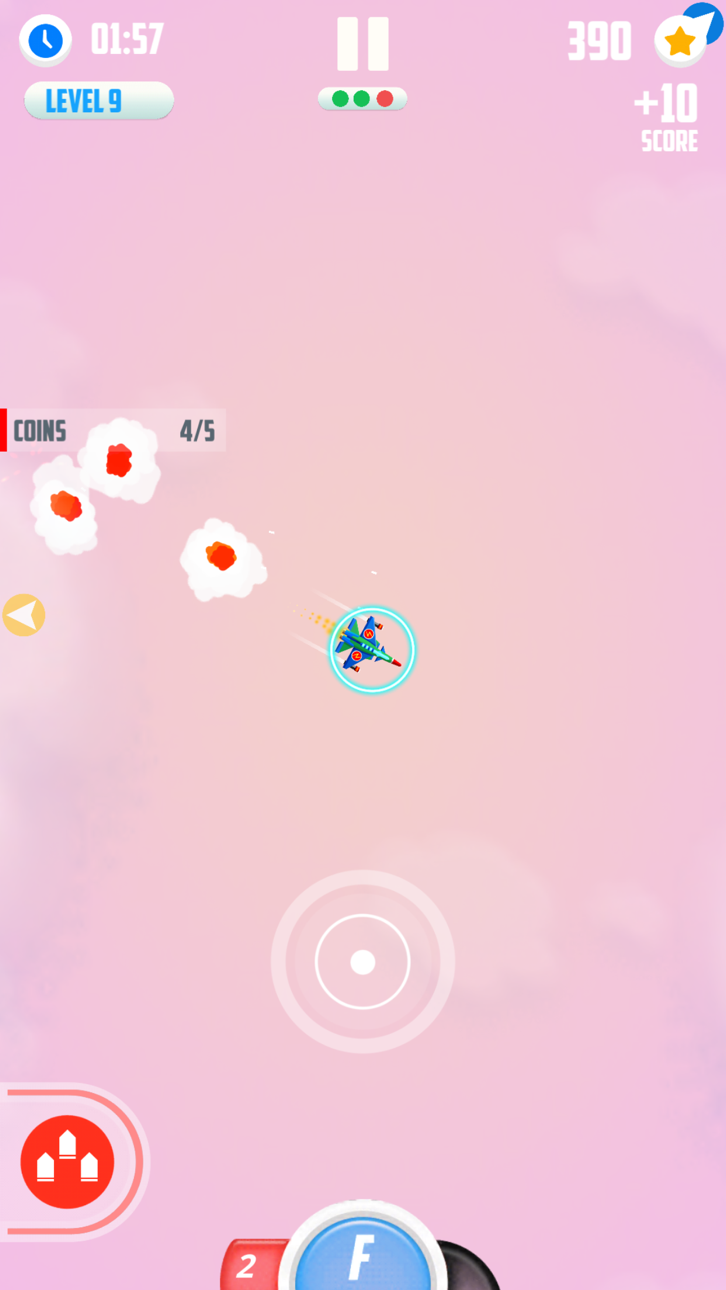
- 新しい飛行機と更にパワーアップアイテムが購入できるコインを入手しましょう。
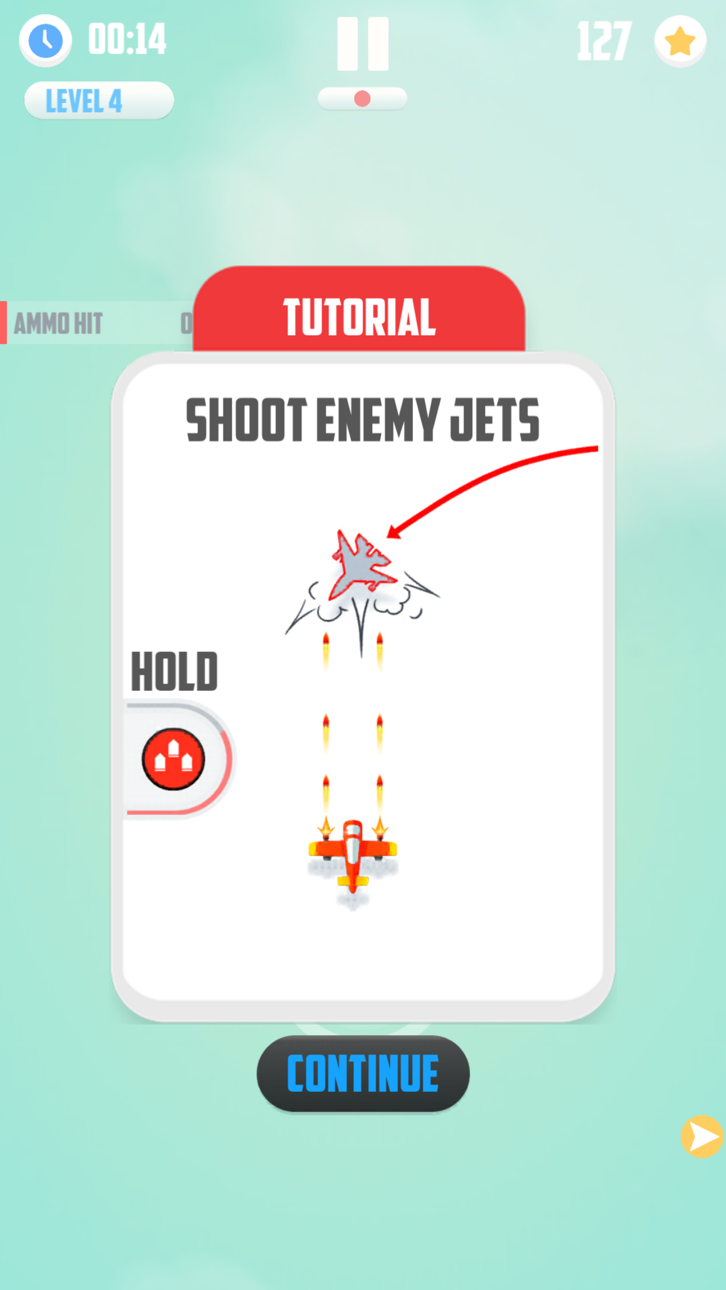
- 機内銃システムで敵ジェット機を打ち落としましょう。
- それぞれ固有の目的のあるキャリアモードである全60レベルをクリアしましょう。
- オンライントーナメントの海外&国内ランキングをクリアしましょう。
- ロシア語、韓国語、中国語、日本語に対応しています。
- 認証アクセスのための7日間フリートライアルモードがあります。
- オンラインリアルマルチプレイヤーとサバイバルゲームモードのご紹介!
人対ミサイルをプレイしてことがあれば、こちらをダウンロードしてください。
もしまだプレイしていない場合はどうして流行っているか当ててみてください。
それなので、何を待っているのですか。人間 対ミサイル:戦闘ー2章に挑戦する気があれば、このゲームをダウンロードしてください。
もしこのゲームが気に入ったら評価してください。そしてご意見等[email protected]まで送ってください。
プロモーションビデオ:
https://www.youtube.com/watch?v=ACGfDVQbrbk
--------
ご注意ください:人間 対ミサイル:戦闘は無料でダウンロードできてプレイできます;そうであっても、いくつかのゲーム中のアイテムは実際のお金で購入が可能です。もし購入機能を使わないのであれば、あなたの端末の設定で、アプリ内課金を無効にしてください。
VIPアクセスと呼ばれる、自動更新定額モードは、ゲーム上のすべての飛行機が使えるようになり
、特別な能力を持ったVIP飛行機も使うことができます。また、全ての広告も非表示にできて、500デイリーボーナスコインがプレゼントされます。
ウィークリー7日フリートライアル、マンスリー、年間の3パックに申し込みが可能です。
全ての支払いは購入や自動更新の後、iTunesのアカウントに課金されます。
定額モードの更新は自動更新モードをオフにしていないか、期間の終わりの前でなければ、自動的に行われます。アカウントは期間終了の24時間以内に課金されます。
自動更新は購入後にユーザーのアカウントの設定により停止される場合があります。
現在の定額モードのキャンセルは定額モード期間内であれば可能です。
未使用のフリートライアル期間は購入後には無効になります。
追記 アプリ内課金はゲームをクリアするのに必要ではありません。定額モードやコインパックなしでも、すべてのレベルを含んだゲームをクリアすることができます。しかし、全ての飛行機や違ったものを見つけたい場合は、定額モードに申し込むことによって、ゲーム内の全ての飛行機が開放され購入することができます。
弊社の利用規約および個人情報保護方針はこちらのリンクから:
個人情報保護方針:https://www.spielstudios.com/privacy
弊社の利用規約:https://www.spielstudios.com/termsofservice
スクリーンショット © 各権利者 · App Store



iOSGods は Apple Inc.、Google LLC、および掲載アプリの開発者と提携しておらず、承認や協賛も受けていません。Apple、iOS、App Store は Apple Inc. の商標です。Android および Google Play は Google LLC の商標です。その他のアプリ名、アイコン、画像、商標はすべて各権利者に帰属します。

- 脱獄/Jailed済みまたは脱獄済みのiPhoneまたはiPad。
- Sideloadlyまたは代替手段。
- iTunesがインストールされているWindows/macOS/Linuxを実行しているコンピュータ。
ステップ1: 上のリンクから事前にハックされた.IPAファイルをコンピュータにダウンロードします。iOSGodsアプリからダウンロードする方法は、ビデオ例付きのiOSGodsアプリIPAダウンロードチュートリアルをご覧ください。
ステップ2: SideloadlyをダウンロードしてWindowsまたはMacにインストールします。
ステップ3: コンピュータでSideloadlyを開き、iOSデバイスを接続して、デバイス名がSideloadlyに表示されるまで待ちます。
ステップ4: iDeviceが認識されたら、ダウンロードしたModされた.IPAファイルをSideloadlyアプリにドラッグ&ドロップします。
ステップ5: Apple Accountのメールアドレスを入力し、「Start」を押します。次にパスワードの入力を求められます。必要な情報を入力してください。
ステップ6: Sideloadlyがハックされたipaのサイドロード/インストールを完了するのを待ちます。インストール中に問題が発生した場合は、以下の注意事項をお読みください。
ステップ7: インストールが完了し、ホーム画面にアプリが表示されたら、設定 → 一般 → プロファイル / VPNとデバイス管理に移動する必要があります。そこで、ステップ6で入力したメールをタップし、「Trust [email protected]」をタップします。
ステップ8: ホーム画面に戻り、新しくインストールされたアプリを開けば、すべて正常に動作するはずです。ゲーム内のハックのポップアップで、アプリごとの追加指示に従う必要がある場合があります。
注意: iOS/iPadOS 16以降では、デベロッパモードを有効にするが必要です。無料のApple Developerアカウントの場合、このプロセスを7日ごとに繰り返す必要があります。質問や問題がある場合は、トピックのSideloadly FAQセクションをお読みください。
Hack Features:
- Inf Coins (Spend)
App Installation Instructions:
---------------------------------------------------------
----------------------------------------------------------
If you require more information or help, please read our Frequently Asked Questions topic on iOSGods.com.
----------------------------------------------------------
--------------------------------------------------