ログインが必要
iOSGodsアカウントでサインインして続けてください。
iOSGodsアカウントでサインインして続けてください。
Gravity Rider Zero Hackで無限の命と宝石を手に入れ、バイクのバランスを取りながら障害物を登り、重力に逆らうコースをマスターする冒険を楽しみましょう。このModded iOSゲームはグラインドを排除し、リソースや失敗ペナルティを心配することなく、数十台のハイテクプロトタイプ車両でテクニックを磨くことに集中できます。
- 無限の命(減少しません) → 進捗を失う恐れなくライドできます
- 無限の宝石(0と表示されますが、宝石がかかるものは何でも購入できます) → すべての購入とアップグレードをアンロックできます
このアプリにはiGameGodも搭載されており、繰り返し作業を自動化するAuto Touch、ゲーム速度を調整できるApp Speed Manager、Memory Engineによる値の編集など、強力なiOSゲーム用ツールをご利用いただけます。
Gravity Rider Zero Hack modded IPAを上のリンクからダウンロードします。インストールボタンをタップし、画面の指示に従ってiPhone、iPad、Apple SiliconにこのiOSアプリハックをインストールします。
さらにヘルプが必要ですか? 詳しい回答とトラブルシューティングはiOSGodsアプリ よくある質問をご覧ください。
このゲームにはアップグレードパーツはありません。難易度が急上昇することはなく、パワーアップされた乗物と競い合うレースもありません。どのコースもバランスが完璧なので、好きなものに乗ってすぐ勝てるようになります。
障害物を乗り越えて前進
このバイクバランスゲームでは、障害物を乗り越えたり、新しい賢いメカニックを見つけたり、トライアルに挑戦したりして、各レベルをクリアします。
巨大な傾斜、レーザー、スパイク、いつも厄介な重力などが行く手を遮ろうとしています。冷や汗をかくことはありません。ちょっとしたテクニックを活かしてパーフェクトなスピードで走れば障害を乗り越えられるので、転ぶことなどありません。大丈夫です。
多種多様なハイテクプロトタイプを運転
未来的なデザインのレース車両をたくさん集めましょう。タスクを完了させたり、チャレンジをクリアしたり、コース記録を破ったりすれば、新しいバイクをアンロックできます。いつも新しい目標や新記録が楽しみになります。トライアルバイク、四輪バギー、第二次世界大戦時代のバイク、宇宙ロケットなど、何でもあります。
退屈な繰り返しはありません
Gravity Rider Zeroには存在しないもののリスト。
- 値段が高過ぎるアップグレードパーツ
- 退屈な繰り返し
- チケット
- タイムゲート
- 難度の急上昇
- 不可解な高難度
- ガレージスペースの制限
好きなものを好きな場所で
欲しいレースカーやバイクをすべてアンロックできます。好きな時にモトクロス、MMXバギー、四輪バギーなどで走れます。車両のスタッツは参加レースにぴったりのバランスなので、好きなコースでスピーディーに走れます。楽して勝てる究極の秘密チートバイクはありません。いつも不運を招く車両もありません。どれもが良い車両です。
あなたが主役
Gravity Rider Zeroの操作は簡単で確実性が高いのが特徴。丁度良くアクセルをかけて適切な場所でバイクを傾けられるので、スピーディーに障害物をかわせます。タイミング良くブレーキをかけて罠を避けることもできます。トラクションを得るためにジャンプの後で車体を傾けていち早く着地をすることもできます。ジャンプの前にブレーキをかければ、空中にいる時間を短縮できます。色々と試してみてください。
また、障害物をしっかりと乗り越えてクラッシュなしのレベルクリアに集中することもできます。バイクレースではカスタマイズが可能ですが、メカニックにどれだけ力を入れてもらうかは、あなた次第です。
フルキャリアモード
クラシックなソロキャリア進行システムを楽しめます。ライフを使い切らずに3ステージをクリアすれば、次の世界に進めます。どの世界にもそれぞれ仕掛けがあり、宇宙の星の数ほどの様々な環境が用意されています。星の数と言いましたが、単なる誇張ではありません。惑星間を旅して宇宙のクレイジーなコースを目にできます。それと、進めば進むほど車両スタッツがアップします。バランス良くアップされますが、今までよりも速く走れるようになることは間違いなしです。
集めてカスタマイズ
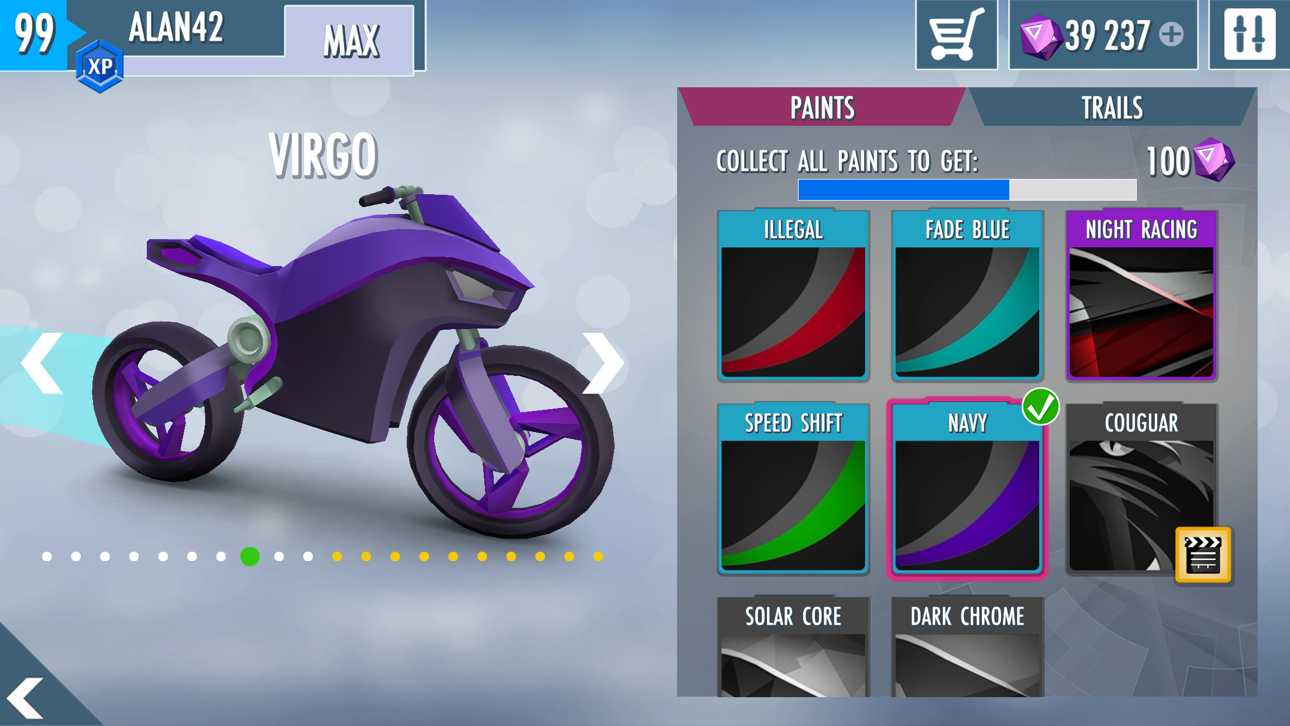
車両のコレクションやカスタマイズが楽しめます。レースカーを塗り替えたり、バイクに新しい色をプラスしたり、カートのライトトレイルがネオンになるようアップグレードしたり。バイクのチューニングがいつもパーフェクトな状態ならスタイルもそのままで良いとは限りません。アップグレードさせましょう!
くつろいだ気分で
Gravity Rider Zeroの大きな特徴はクールな運転とピュアなレーシングの2つ。キャリアモードでこの特徴がよく表れています。大事なことに重点を置いて、余計なものは省きました。最高のターンを決めて、時間と闘って、ベストタイムを更新させたいですか?このゲームでならできます。
走りを楽しんでウイリーで格好よく決めましょう(^_^)
ご質問がございましたら、[email protected]にお問い合わせください。
ゲームをダウンロードすると、使用許諾契約書、利用規約、およびプライバシーポリシーに同意したとみなされます: http://support.vividgames.com/policies
スクリーンショット © 各権利者 · App Store



iOSGods は Apple Inc.、Google LLC、および掲載アプリの開発者と提携しておらず、承認や協賛も受けていません。Apple、iOS、App Store は Apple Inc. の商標です。Android および Google Play は Google LLC の商標です。その他のアプリ名、アイコン、画像、商標はすべて各権利者に帰属します。
- 脱獄/Jailed済みまたは脱獄済みのiPhoneまたはiPad。
- Sideloadlyまたは代替手段。
- iTunesがインストールされているWindows/macOS/Linuxを実行しているコンピュータ。
ステップ1: 上のリンクから事前にハックされた.IPAファイルをコンピュータにダウンロードします。iOSGodsアプリからダウンロードする方法は、ビデオ例付きのiOSGodsアプリIPAダウンロードチュートリアルをご覧ください。
ステップ2: SideloadlyをダウンロードしてWindowsまたはMacにインストールします。
ステップ3: コンピュータでSideloadlyを開き、iOSデバイスを接続して、デバイス名がSideloadlyに表示されるまで待ちます。
ステップ4: iDeviceが認識されたら、ダウンロードしたModされた.IPAファイルをSideloadlyアプリにドラッグ&ドロップします。
ステップ5: Apple Accountのメールアドレスを入力し、「Start」を押します。次にパスワードの入力を求められます。必要な情報を入力してください。
ステップ6: Sideloadlyがハックされたipaのサイドロード/インストールを完了するのを待ちます。インストール中に問題が発生した場合は、以下の注意事項をお読みください。
ステップ7: インストールが完了し、ホーム画面にアプリが表示されたら、設定 → 一般 → プロファイル / VPNとデバイス管理に移動する必要があります。そこで、ステップ6で入力したメールをタップし、「Trust [email protected]」をタップします。
ステップ8: ホーム画面に戻り、新しくインストールされたアプリを開けば、すべて正常に動作するはずです。ゲーム内のハックのポップアップで、アプリごとの追加指示に従う必要がある場合があります。
注意: iOS/iPadOS 16以降では、デベロッパモードを有効にするが必要です。無料のApple Developerアカウントの場合、このプロセスを7日ごとに繰り返す必要があります。質問や問題がある場合は、トピックのSideloadly FAQセクションをお読みください。
Game Name iOS Mod IPA is an action adventure game enhanced with powerful gameplay boosts and quality-of-life improvements. Win battles faster, earn rewards quicker, and enjoy uninterrupted play without ads.
- Unlimited Gold - spend freely to unlock premium content
- Damage Multiplier - deal significantly more damage in combat
- Defense Multiplier - take less damage and survive longer
- Reward Multiplier - earn more loot from every battle
- Max Level - instantly reach the highest player rank
- No Ads - play without interruptions or advertisements
This app also comes with iGameGod, giving you access to Auto Touch to automate repetitive tasks, App Speed Manager for adjustable gameplay speed, Memory Engine value editing, and more powerful iOS game tools.
Game Name Mod IPAを上のリンクからダウンロードします。インストールボタンをタップし、画面の指示に従ってiPhone、iPad、Apple SiliconにこのiOSアプリハックをインストールします。
さらにヘルプが必要ですか 詳しい回答とトラブルシューティングはiOSGodsアプリ よくある質問をご覧ください。
----------------------------------------------------------
--------------------------------------------------