Inicio de sesión requerido
Inicia sesión con tu cuenta de iOSGods para continuar.
Inicia sesión con tu cuenta de iOSGods para continuar.
Golpea a tu jefe tiránico con un arsenal infinito en Beat the Boss 2 Mod IPA, la secuela de venganza llena de acción donde empuñas fuerzas mágicas, armas letales y cuchillas mortales para hacerlo pagar. Este hack te otorga monedas infinitas para que desbloquees armas y mejoras sin necesidad de grindear, permitiéndote enfocarte en el combate satisfactorio y los derribos creativos que hicieron que el original fuera un éxito con 50 millones de jugadores en todo el mundo.
- Monedas Infinitas (Monedas, Gemas) → desbloquea todas las armas y mejoras al instante
Esta app también incluye iGameGod, que te ofrece acceso a Auto Touch para automatizar tareas repetitivas, App Speed Manager para ajustar la velocidad del juego, edición de valores con Memory Engine y más potentes herramientas para juegos de iOS.
Descarga Beat the Boss 2 Hack modded IPA desde los enlaces de arriba. Toca el botón de instalación y sigue las instrucciones para instalar este hack iOS en tu iPhone, iPad o Mac con Apple Silicon.
¿Necesitas más ayuda? Consulta nuestras Preguntas frecuentes de la app iOSGods para respuestas detalladas y consejos de solución de problemas.
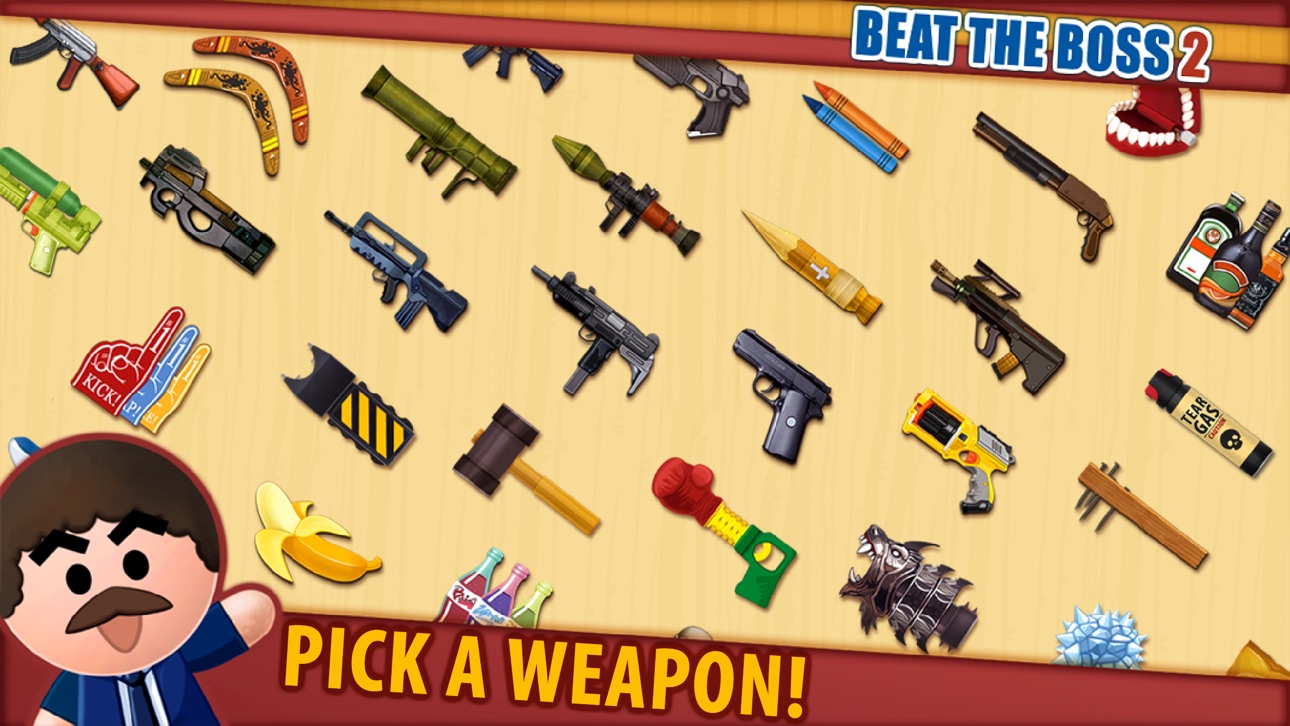
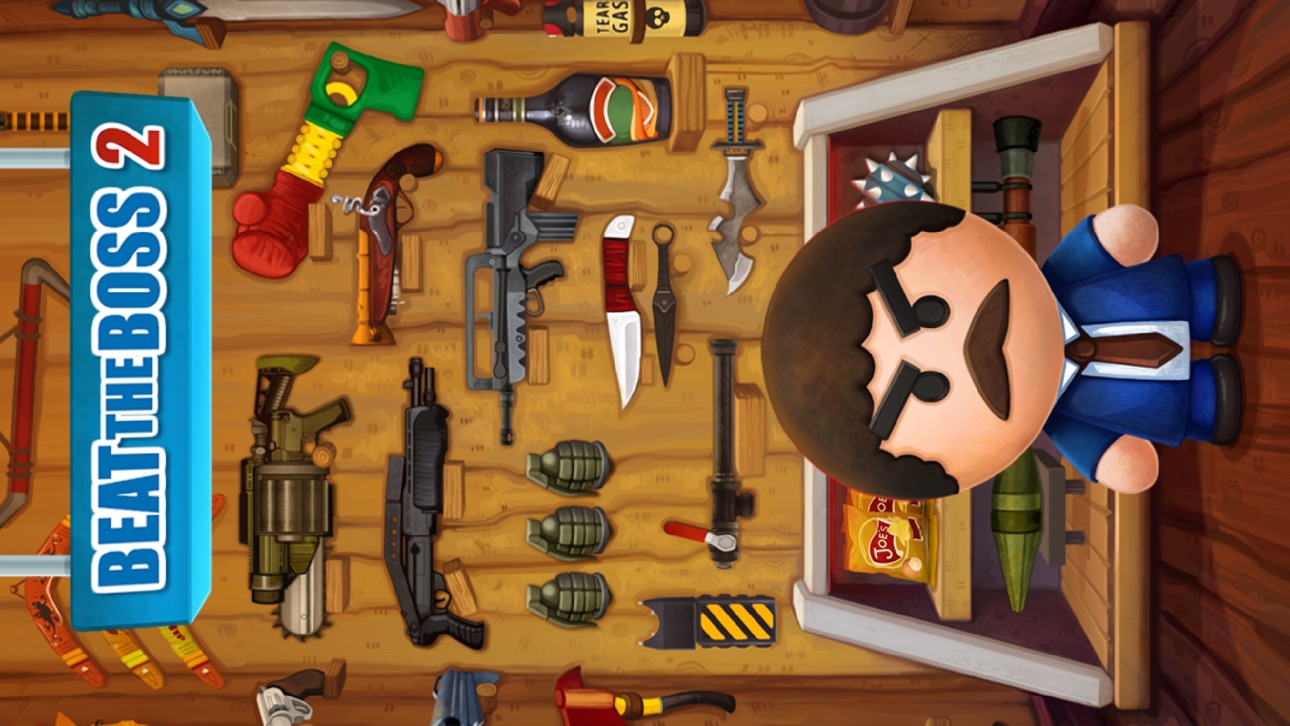
Il boss è tornato ed è pronto a renderti impossibile la vita. Ma tu non sei più quel bravo ragazzo che segue gli ordini senza batter ciglio. Ora hai il potere di vendicarti di questo capo tiranno. Dotato di un arsenale di armi temibili, colpisci il boss con poteri magici, pistole letali e lame mortali. Se l’è presa con la persona sbagliata e questa volta la pagherà…
Beat the Boss 2 è il tanto atteso seguito del titolo originale. Questa versione cerca di migliorare in tutti i modi possibili ogni elemento che ha reso famoso il suo predecessore, il quale ha raggiunto i 16 milioni di download. La semplicità dei comandi rimane una costante; i nuovi elementi includono nuove illustrazioni, armi, livelli, effetti sonori e uno stile di gioco migliorato. Non si tratta solo di un buon gioco, si tratta di un gioco strepitoso! Perché?
- Ridi a crepapelle: battute forti, poco adatte a persone anziane.
- Effetti realistici: le botte che darai provocheranno una reazione estremamente soddisfacente.
- Fantastiche armi: 80+ armi premium per spaccare crani, spezzare ossa e terrorizzare.
- Una nuova mappa della città: 7 livelli interattivi, ognuno dotato di boss specifici e segreti da scoprire.
- Un nuovo modo di giocare: obiettivi divertenti e fantastiche ricompense.
Capturas © sus respectivos dueños · App Store


iOSGods no está afiliado, avalado ni patrocinado por Apple Inc., Google LLC ni por los desarrolladores de las apps que aparecen aquí. Apple, iOS y App Store son marcas comerciales de Apple Inc. Android y Google Play son marcas comerciales de Google LLC. Todos los demás nombres de apps, iconos, imágenes y marcas pertenecen a sus respectivos dueños.

- iPhone o iPad con o sin Jailbreak.
- Sideloadly u otras alternativas.
- Ordenador con Windows/macOS/Linux e iTunes instalado.
PASO 1: Descargue el archivo .IPA pre-modificado desde el enlace de arriba a su ordenador. Para descargarlo desde la iOSGods App, consulte nuestro Tutorial de descarga del IPA desde la iOSGods App, que incluye un ejemplo en vídeo.
PASO 2: Descargue Sideloadly e instálelo en su Windows o Mac.
PASO 3: Abra Sideloadly en su ordenador, conecte su dispositivo iOS y espere hasta que el nombre del dispositivo aparezca en Sideloadly.
PASO 4: Una vez que su iDevice sea reconocido, arrastre el archivo .IPA modificado que descargó y suéltelo en la aplicación Sideloadly.
PASO 5: Introduzca el correo electrónico de su Apple Account y, a continuación, pulse «Start». Le pedirá que introduzca su contraseña. Proporcione la información solicitada.
PASO 6: Espere a que Sideloadly termine de hacer sideload/instalar el IPA modificado. Si surgen problemas durante la instalación, por favor lea la nota a continuación.
PASO 7: Una vez completada la instalación y al ver la app en la pantalla de inicio, deberá ir a Ajustes → General → Perfiles / VPN y Gestión de Dispositivos. Una vez allí, toque el correo electrónico que introdujo en el paso 6 y, después, toque en «Confiar en [email protected]».
PASO 8: Ahora vaya a la pantalla de inicio y abra la app recién instalada; todo debería funcionar correctamente. Es posible que tenga que seguir instrucciones adicionales específicas de cada app dentro del popup del hack en el juego.
NOTA: En iOS/iPadOS 16 y posteriores, debe activar el Modo Desarrollador. Para cuentas gratuitas de Apple Developer, deberá repetir este proceso cada 7 días. Si tiene alguna pregunta o problema, lea nuestra sección de Preguntas Frecuentes de Sideloadly del tema.
Game Name iOS Mod IPA is an action adventure game enhanced with powerful gameplay boosts and quality-of-life improvements. Win battles faster, earn rewards quicker, and enjoy uninterrupted play without ads.
- Unlimited Gold - spend freely to unlock premium content
- Damage Multiplier - deal significantly more damage in combat
- Defense Multiplier - take less damage and survive longer
- Reward Multiplier - earn more loot from every battle
- Max Level - instantly reach the highest player rank
- No Ads - play without interruptions or advertisements
This app also comes with iGameGod, giving you access to Auto Touch to automate repetitive tasks, App Speed Manager for adjustable gameplay speed, Memory Engine value editing, and more powerful iOS game tools.
Descarga Game Name Mod IPA desde los enlaces de arriba. Toca el botón de instalación y sigue las instrucciones para instalar este hack iOS en tu iPhone, iPad o Mac con Apple Silicon.
¿Necesitas más ayuda Consulta nuestras Preguntas frecuentes de la app iOSGods para respuestas detalladas y consejos de solución de problemas.
----------------------------------------------------------
--------------------------------------------------




![[ SEA ] Honkai Impact 3 iOS Mod IPA](https://is1-ssl.mzstatic.com/image/thumb/Purple221/v4/09/03/0f/09030fe5-0b8c-be31-e059-81e3eb3ed336/AppIcon-1x_U007emarketing-0-10-0-85-220-0.png/100x100bb.jpg)