Accesso richiesto
Accedi con il tuo account iOSGods per continuare.
Accedi con il tuo account iOSGods per continuare.
Potenzia il tuo danno e la difesa con questo Elemental World: Adventure Mod IPA, con moltiplicatori di danno e difesa più MP illimitato per lanciare incantesimi senza limiti. Esplora dungeon casuali, combina elementi e sconfiggi mostri con statistiche potenziate in questo RPG d'azione e avventura in pixel art.
- Moltiplicatore di danno → aumenta la tua potenza d'attacco
- Moltiplicatore di difesa → riduci il danno in arrivo
- MP illimitato → lancia incantesimi liberamente senza limiti di risorse
Questa app include anche iGameGod, che ti offre accesso ad Auto Touch per automatizzare attività ripetitive, App Speed Manager per regolare la velocità di gioco, modifica dei valori con Memory Engine e altri potenti strumenti per giochi iOS.
Scarica Elemental World: Adventure Hack modded IPA dai link sopra. Tocca il pulsante di installazione e segui le istruzioni per installare questo hack iOS sul tuo iPhone, iPad o Mac con Apple Silicon.
Hai bisogno di altro aiuto? Consulta le nostre Domande frequenti sull'app iOSGods per risposte dettagliate e consigli per la risoluzione dei problemi.
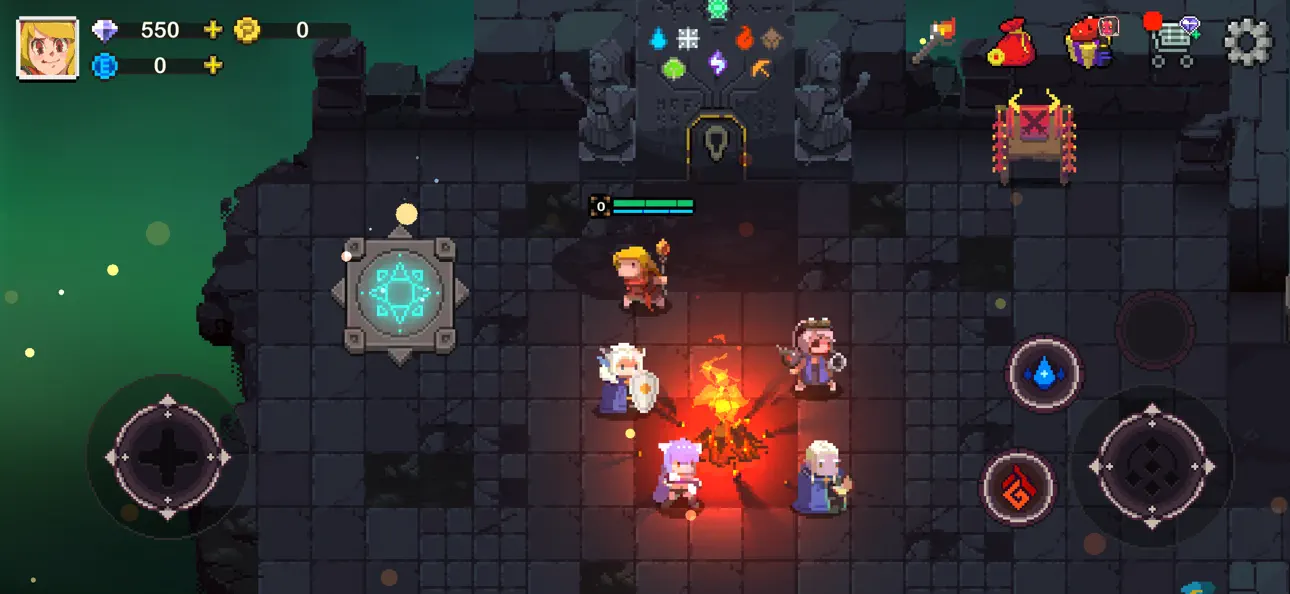
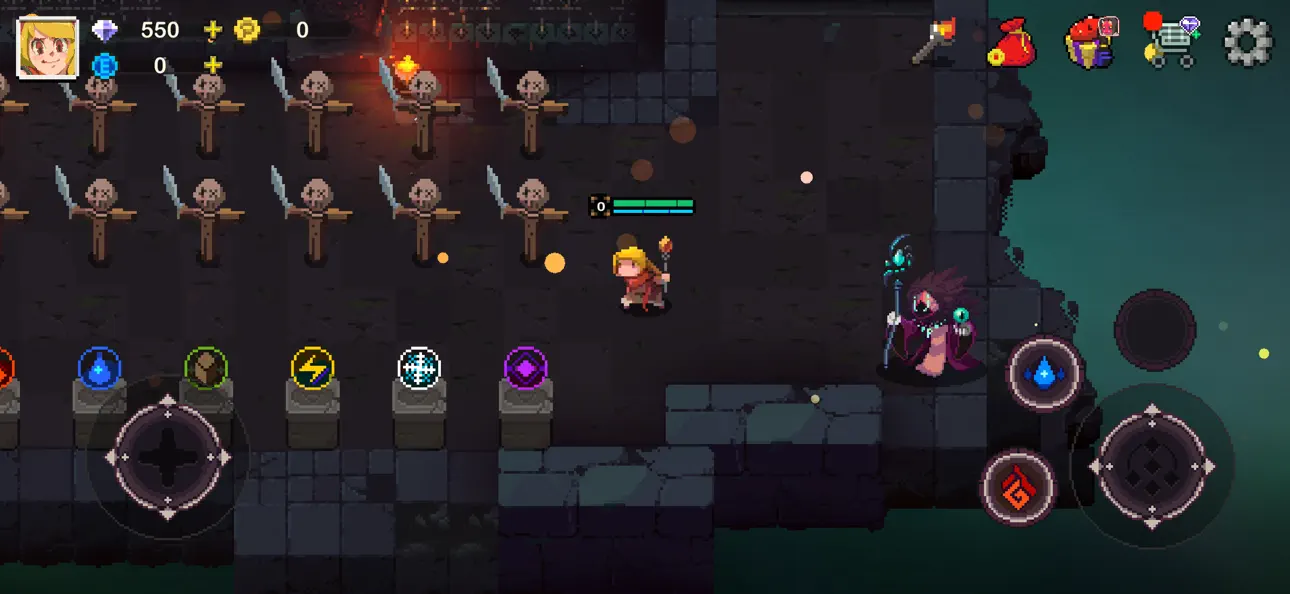
In this fascinating action-adventure RPG with roguelike elements and beautiful pixel art graphics, you will explore randomized worlds by combining elements to cast powerful spells.
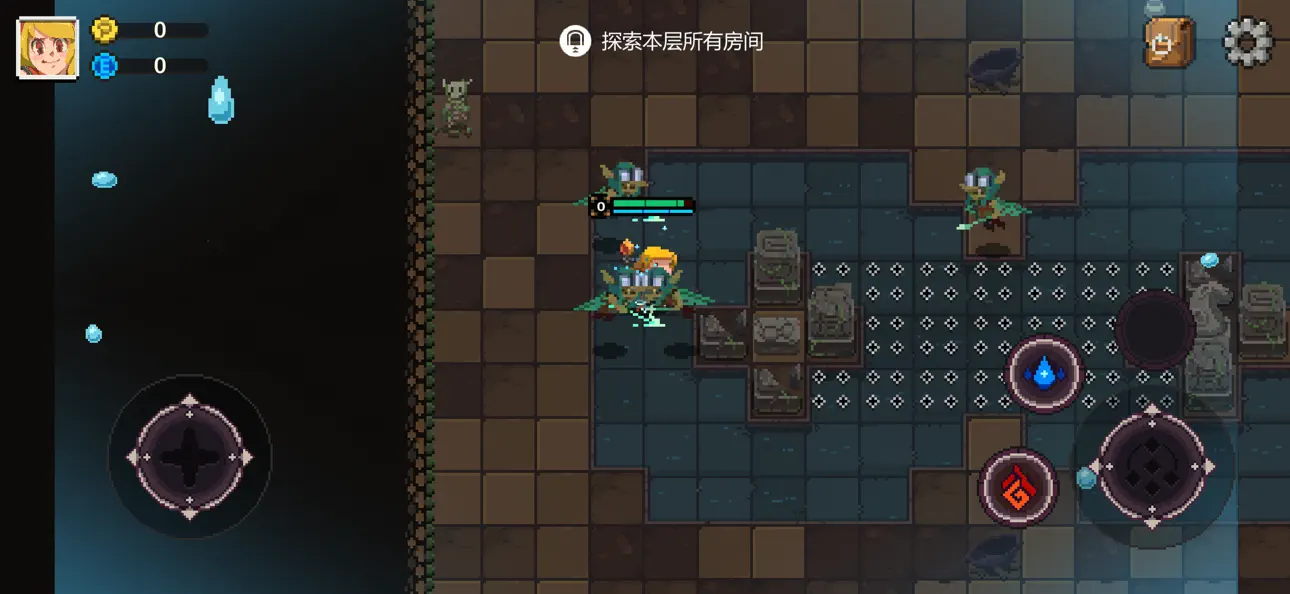
Use your surroundings and improve your skills to defeat hordes of monsters hiding in dungeons. Find powerful items, meet strange creatures, and play as different unique classes on your quest to uncover the secrets of the Elemental World. Challenge your friends in thrilling battles or invite them to join your journey in co-op adventures.
RANDOMIZED WORLDS & ROGUELIKE GAMEPLAY
Every run is different thanks to randomized maps and enemies. Choose from multiple classes like Mage, Hunter, or Ronin and test your reflexes and tactics in dynamic battles.
MASTER THE ELEMENTS
Combine up to three of six powerful elements to unleash devastating spells. Discover new spell scrolls, and enjoy intuitive dual-joystick controls made for fast-paced action.
SKILL & STRATEGY MATTER
Turn the environment to your advantage—burn grass, freeze water, or detonate barrels. Find secret paths, rare loot, and magical treasures as you exploit enemy weaknesses and take down epic bosses.
STUNNING PIXEL GRAPHICS & IMMERSIVE SOUND
Vibrant pixel art and charming characters bring the world to life. Enjoy a memorable original soundtrack that enhances every moment of your adventure.
Screenshot © rispettivi proprietari · App Store


iOSGods non è affiliata, approvata né sponsorizzata da Apple Inc., Google LLC o dagli sviluppatori delle app elencate qui. Apple, iOS e App Store sono marchi di Apple Inc. Android e Google Play sono marchi di Google LLC. Tutti gli altri nomi delle app, icone, immagini e marchi appartengono ai rispettivi proprietari.

- iPhone o iPad non jailbroken/jailed oppure jailbroken.
- Sideloadly o alternative.
- Computer con Windows/macOS/Linux con iTunes installato.
PASSO 1: Scarica il file .IPA pre-modificato dal link sopra sul tuo computer. Per scaricarlo dall'iOSGods App, consulta il nostro Tutorial download IPA dell'iOSGods App, che include un esempio video.
PASSO 2: Scarica Sideloadly e installalo sul tuo Windows o Mac.
PASSO 3: Apri Sideloadly sul tuo computer, collega il tuo dispositivo iOS e attendi finché il nome del dispositivo non appare in Sideloadly.
PASSO 4: Una volta riconosciuto il tuo iDevice, trascina il file .IPA moddato che hai scaricato e rilascialo nell'applicazione Sideloadly.
PASSO 5: Inserisci l'email del tuo Apple Account, poi premi “Start”. Ti verrà quindi chiesto di inserire la password. Procedi e fornisci le informazioni richieste.
PASSO 6: Attendi che Sideloadly completi il sideload/installazione dell'IPA modificata. Se ci sono problemi durante l'installazione, leggi la nota qui sotto.
PASSO 7: Una volta completata l'installazione e vista l'app sulla schermata Home, dovrai andare in Impostazioni → Generali → Profili / Gestione VPN e dispositivi. Una volta lì, tocca l'email inserita al passo 6 e poi tocca “Autorizza [email protected]”.
PASSO 8: Ora vai sulla schermata Home e apri l'app appena installata: tutto dovrebbe funzionare correttamente. Potrebbe essere necessario seguire ulteriori istruzioni specifiche all'interno del popup dell'hack nel gioco.
NOTA: Per iOS/iPadOS 16 e versioni successive, devi attivare la Modalità sviluppatore. Per gli account Apple Developer gratuiti, dovrai ripetere questa procedura ogni 7 giorni. Se hai domande o problemi, leggi la nostra sezione FAQ Sideloadly del topic.
Game Name iOS Mod IPA is an action adventure game enhanced with powerful gameplay boosts and quality-of-life improvements. Win battles faster, earn rewards quicker, and enjoy uninterrupted play without ads.
- Unlimited Gold - spend freely to unlock premium content
- Damage Multiplier - deal significantly more damage in combat
- Defense Multiplier - take less damage and survive longer
- Reward Multiplier - earn more loot from every battle
- Max Level - instantly reach the highest player rank
- No Ads - play without interruptions or advertisements
This app also comes with iGameGod, giving you access to Auto Touch to automate repetitive tasks, App Speed Manager for adjustable gameplay speed, Memory Engine value editing, and more powerful iOS game tools.
Scarica Game Name Mod IPA dai link sopra. Tocca il pulsante di installazione e segui le istruzioni per installare questo hack iOS sul tuo iPhone, iPad o Mac con Apple Silicon.
Hai bisogno di altro aiuto Consulta le nostre Domande frequenti sull'app iOSGods per risposte dettagliate e consigli per la risoluzione dei problemi.
----------------------------------------------------------
--------------------------------------------------