Accesso richiesto
Accedi con il tuo account iOSGods per continuare.
Accedi con il tuo account iOSGods per continuare.
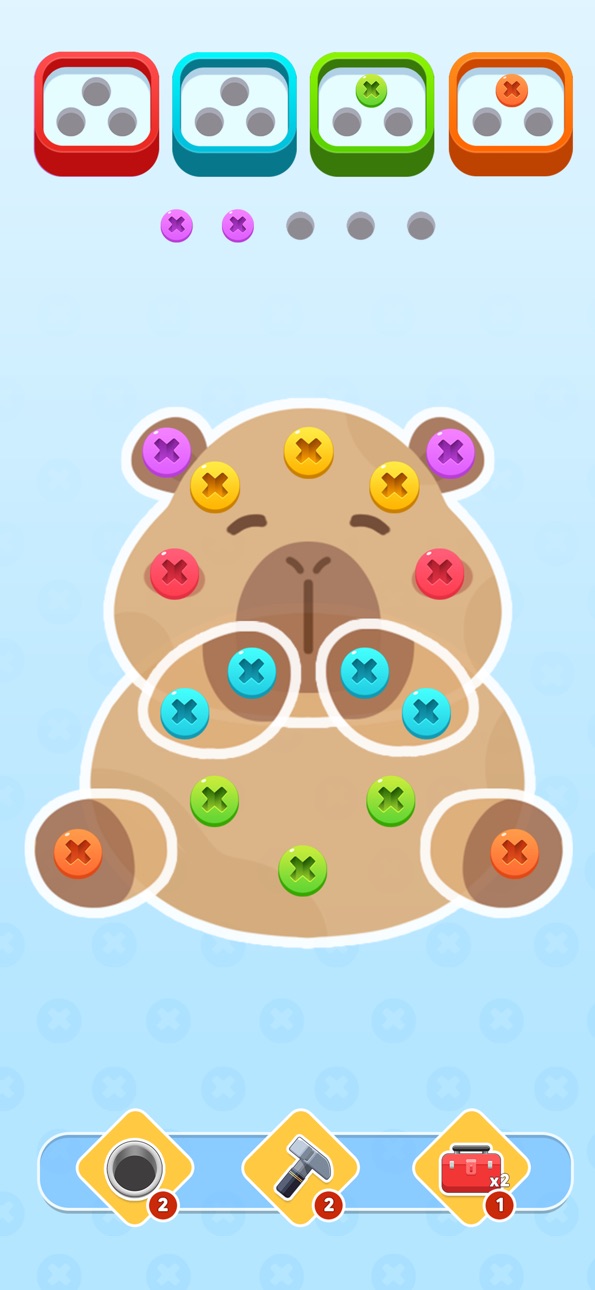
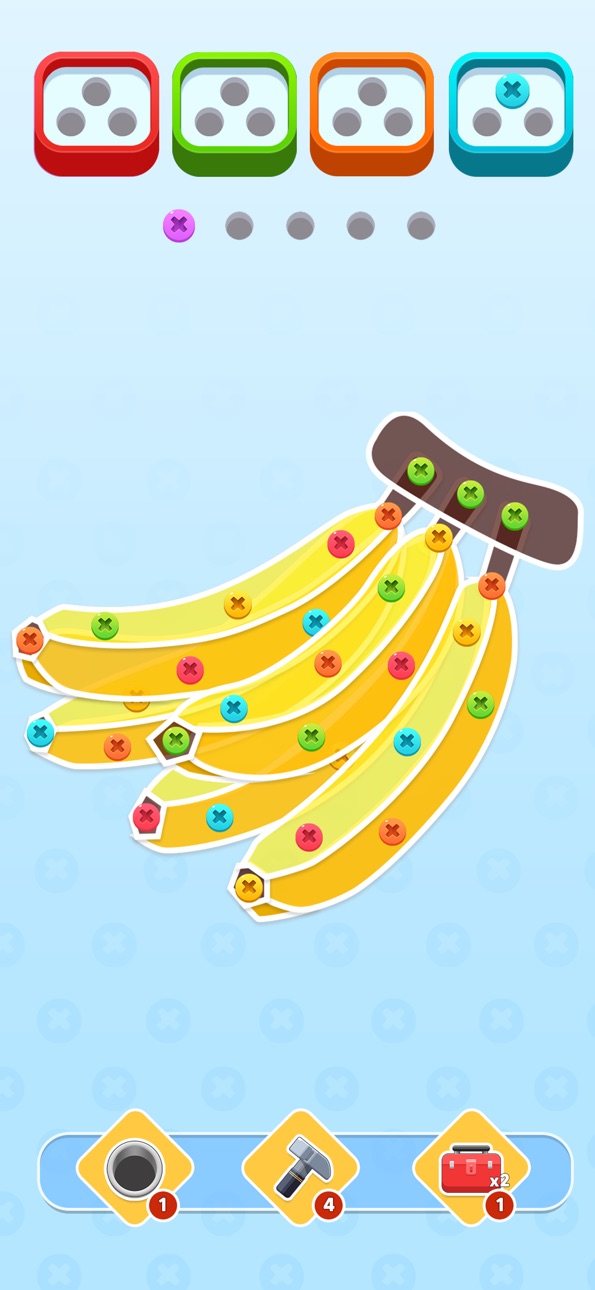
Screw It Out! è un puzzle game dove sviti bulloni e dadi per risolvere sfide sempre più complicate, e questa Mod IPA ti fornisce un costante rifornimento di biglietti per continuare a giocare senza aspettare. Scorri il dito per svitare gli ostacoli e avanza attraverso livelli pieni di enigmi in questa esperienza puzzle casual e soddisfacente.
- Aggiungi Biglietti (+1000 ogni volta) → ottieni biglietti su richiesta per continuare a giocare
Questa app include anche iGameGod, che ti offre accesso ad Auto Touch per automatizzare attività ripetitive, App Speed Manager per regolare la velocità di gioco, modifica dei valori con Memory Engine e altri potenti strumenti per giochi iOS.
Scarica Screw It Out! Hack modded IPA dai link sopra. Tocca il pulsante di installazione e segui le istruzioni per installare questo hack iOS sul tuo iPhone, iPad o Mac con Apple Silicon.
Hai bisogno di altro aiuto? Consulta le nostre Domande frequenti sull'app iOSGods per risposte dettagliate e consigli per la risoluzione dei problemi.
Welcome to "Screw It Out!", where your sole mission is to untwist, unscrew, and screw away all your problems—literally! Ever looked at a bolt and thought, "I could totally be a screw master"? Well, now’s your chance to prove it! Get ready for a screw jam of epic proportions, where pins, nuts, and bolts are your only obstacles.
In this challenging world of screw pins and nuts & bolts, you’ll be unscrewing all the nuts and put them in the right boxes to win. Your only tool? A sharp mind and the occasional flick of your finger. From the simplest untwisting tasks to some head-scratching screw outs, you’ll be feeling like a true unscrewing ninja in no time.
But beware! One wrong move and you might find yourself tangled up in a screw jam. So grab your metaphorical wrench, screw up (in a good way), and show those bolts who’s boss!
Why you’ll love this game:
- Untwist and shout: Hundreds of levels designed to test your ability to screw out of even the toughest situations.
- Screw away stress: It’s simple, addictive, and best of all, it’s way more satisfying than yelling at actual hardware.
- Nutty visuals: Bright, colorful, and full of bolts that just beg to be unscrewed.
- Become the Screw Master: Show off your skills as you out-screw (yes, that’s a thing) your friends and enemies alike.
Ready to take on the ultimate screw puzzle challenge? Download this Screw Puzzle game now and see if you’ve got what it takes to screw your way to victory!
Screenshot © rispettivi proprietari · App Store


iOSGods non è affiliata, approvata né sponsorizzata da Apple Inc., Google LLC o dagli sviluppatori delle app elencate qui. Apple, iOS e App Store sono marchi di Apple Inc. Android e Google Play sono marchi di Google LLC. Tutti gli altri nomi delle app, icone, immagini e marchi appartengono ai rispettivi proprietari.

- iPhone o iPad non jailbroken/jailed oppure jailbroken.
- Sideloadly o alternative.
- Computer con Windows/macOS/Linux con iTunes installato.
PASSO 1: Scarica il file .IPA pre-modificato dal link sopra sul tuo computer. Per scaricarlo dall'iOSGods App, consulta il nostro Tutorial download IPA dell'iOSGods App, che include un esempio video.
PASSO 2: Scarica Sideloadly e installalo sul tuo Windows o Mac.
PASSO 3: Apri Sideloadly sul tuo computer, collega il tuo dispositivo iOS e attendi finché il nome del dispositivo non appare in Sideloadly.
PASSO 4: Una volta riconosciuto il tuo iDevice, trascina il file .IPA moddato che hai scaricato e rilascialo nell'applicazione Sideloadly.
PASSO 5: Inserisci l'email del tuo Apple Account, poi premi “Start”. Ti verrà quindi chiesto di inserire la password. Procedi e fornisci le informazioni richieste.
PASSO 6: Attendi che Sideloadly completi il sideload/installazione dell'IPA modificata. Se ci sono problemi durante l'installazione, leggi la nota qui sotto.
PASSO 7: Una volta completata l'installazione e vista l'app sulla schermata Home, dovrai andare in Impostazioni → Generali → Profili / Gestione VPN e dispositivi. Una volta lì, tocca l'email inserita al passo 6 e poi tocca “Autorizza [email protected]”.
PASSO 8: Ora vai sulla schermata Home e apri l'app appena installata: tutto dovrebbe funzionare correttamente. Potrebbe essere necessario seguire ulteriori istruzioni specifiche all'interno del popup dell'hack nel gioco.
NOTA: Per iOS/iPadOS 16 e versioni successive, devi attivare la Modalità sviluppatore. Per gli account Apple Developer gratuiti, dovrai ripetere questa procedura ogni 7 giorni. Se hai domande o problemi, leggi la nostra sezione FAQ Sideloadly del topic.
Game Name iOS Mod IPA is an action adventure game enhanced with powerful gameplay boosts and quality-of-life improvements. Win battles faster, earn rewards quicker, and enjoy uninterrupted play without ads.
- Unlimited Gold - spend freely to unlock premium content
- Damage Multiplier - deal significantly more damage in combat
- Defense Multiplier - take less damage and survive longer
- Reward Multiplier - earn more loot from every battle
- Max Level - instantly reach the highest player rank
- No Ads - play without interruptions or advertisements
This app also comes with iGameGod, giving you access to Auto Touch to automate repetitive tasks, App Speed Manager for adjustable gameplay speed, Memory Engine value editing, and more powerful iOS game tools.
Scarica Game Name Mod IPA dai link sopra. Tocca il pulsante di installazione e segui le istruzioni per installare questo hack iOS sul tuo iPhone, iPad o Mac con Apple Silicon.
Hai bisogno di altro aiuto Consulta le nostre Domande frequenti sull'app iOSGods per risposte dettagliate e consigli per la risoluzione dei problemi.
----------------------------------------------------------
--------------------------------------------------