Accesso richiesto
Accedi con il tuo account iOSGods per continuare.
Accedi con il tuo account iOSGods per continuare.
Ottieni gemme e denaro illimitati con questo Adventure Chef Mod IPA, permettendoti di acquistare qualsiasi cosa senza spendere soldi veri o guardare annunci. Costruisci il tuo impero culinario in tutto il mondo con accesso istantaneo alla valuta premium e rimuovi il paywall che rallenta gli aggiornamenti del tuo ristorante.
- IAP (Acquisti In-App) GRATIS [ Acquista Qualsiasi Cosa ] ANNUNCI → acquista oggetti premium senza pagamento
- Gemme → valuta premium illimitata
- Denaro → valuta di gioco illimitata
Questa app include anche iGameGod, che ti offre accesso ad Auto Touch per automatizzare attività ripetitive, App Speed Manager per regolare la velocità di gioco, modifica dei valori con Memory Engine e altri potenti strumenti per giochi iOS.
Scarica Adventure Chef Hack modded IPA dai link sopra. Tocca il pulsante di installazione e segui le istruzioni per installare questo hack iOS sul tuo iPhone, iPad o Mac con Apple Silicon.
Hai bisogno di altro aiuto? Consulta le nostre Domande frequenti sull'app iOSGods per risposte dettagliate e consigli per la risoluzione dei problemi.
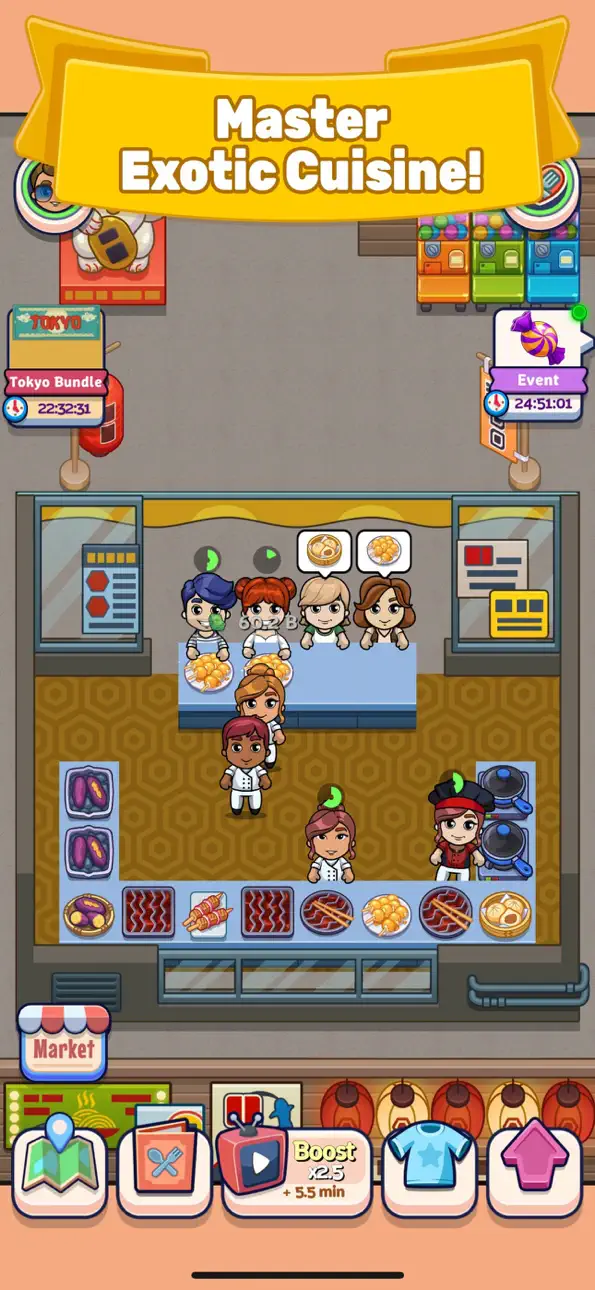
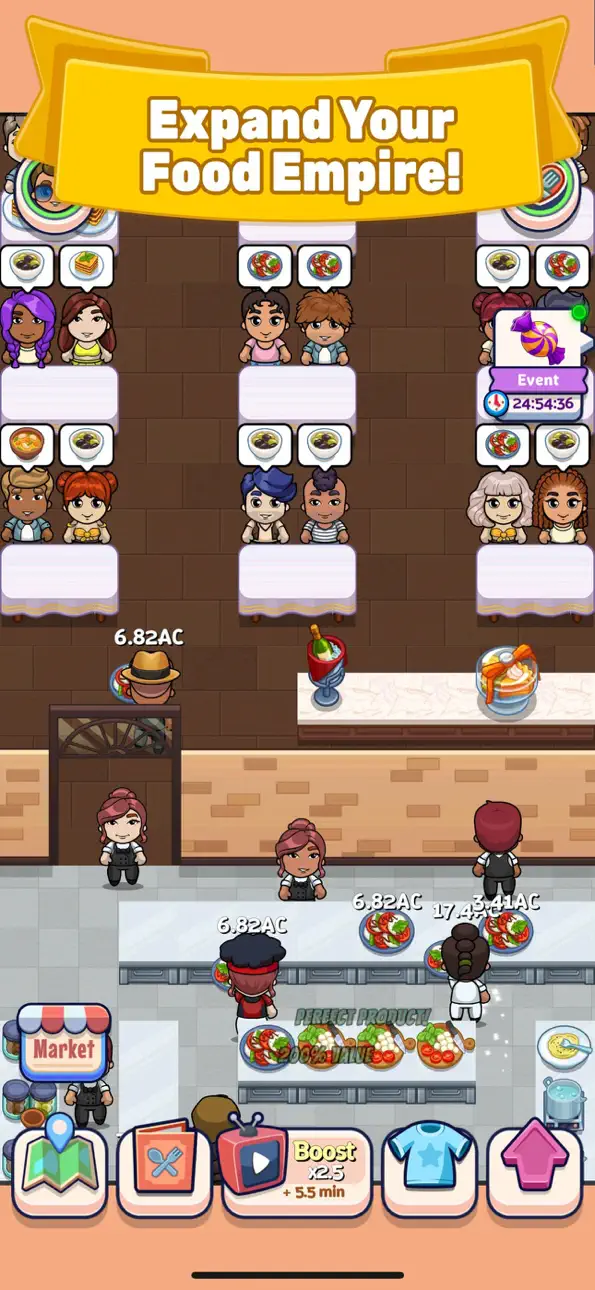
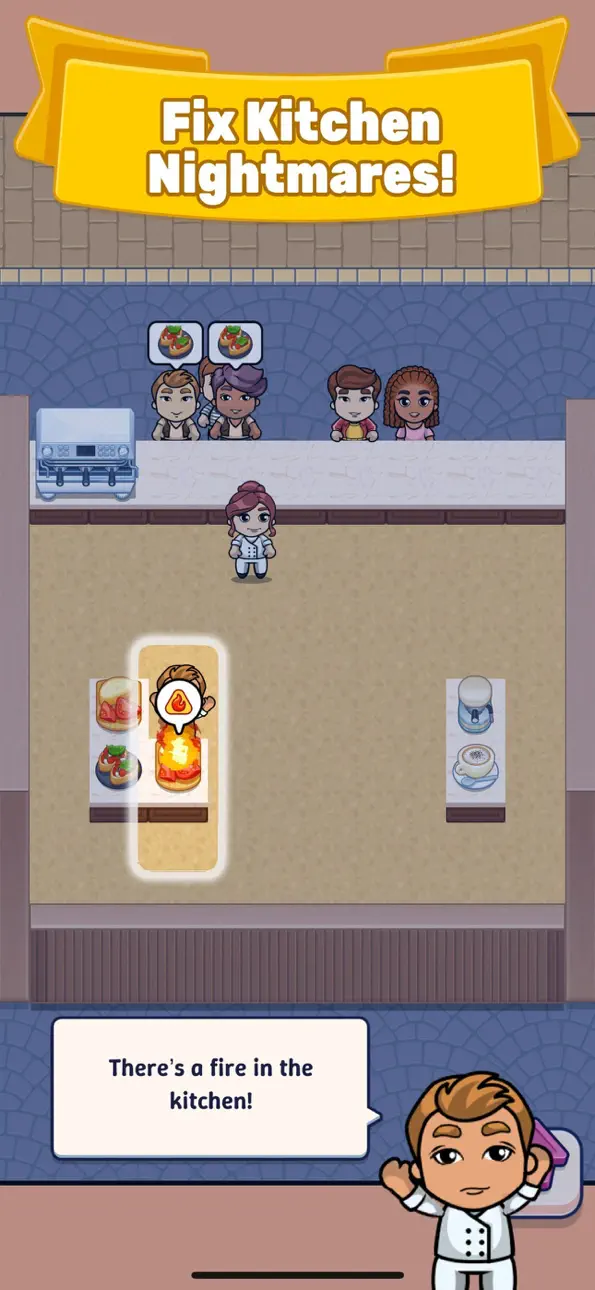
Embark on an exciting global cooking adventure in Adventure Chef, where you’ll open restaurants in famous cities and serve delicious local dishes to eager customers. This idle/strategy game is your chance to become a world-renowned chef and build your very own culinary empire!
Cook Global Cuisines
Travel to different cities and prepare authentic dishes from each region to impress your customers and keep them coming back for more.
Upgrade Your Restaurants and Food
Expand and enhance every part of your restaurant! Upgrade your food quality, kitchen equipment, and restaurant décor to attract more customers and boost your profits.
Unlock Unique Chefs and Staff
Recruit talented chefs and staff from around the world. Each member brings unique skills to improve your restaurant’s efficiency and customer satisfaction.
Collect Rare Items and Boost Performance
Find powerful tools and boosters that will give your restaurant an edge. With the right items, you can speed up service, increase profits, and unlock even more exciting features!
Idle Gameplay with Strategy
Whether you’re actively playing or letting your restaurant run in the background, Adventure Chef keeps the rewards coming! Perfect for casual and strategic gamers alike.
Are you ready to rise to culinary fame? Download Adventure Chef today and start your journey to become a master chef across the globe!
Check in every day for amazing rewards!
Please note Adventure Chef is a free-to-play experience, but some game items are available for purchase using real money. A network connection is also required. See our terms of use for full details: https://metamoki.com/terms-of-use
Screenshot © rispettivi proprietari · App Store


iOSGods non è affiliata, approvata né sponsorizzata da Apple Inc., Google LLC o dagli sviluppatori delle app elencate qui. Apple, iOS e App Store sono marchi di Apple Inc. Android e Google Play sono marchi di Google LLC. Tutti gli altri nomi delle app, icone, immagini e marchi appartengono ai rispettivi proprietari.

- iPhone o iPad non jailbroken/jailed oppure jailbroken.
- Sideloadly o alternative.
- Computer con Windows/macOS/Linux con iTunes installato.
PASSO 1: Scarica il file .IPA pre-modificato dal link sopra sul tuo computer. Per scaricarlo dall'iOSGods App, consulta il nostro Tutorial download IPA dell'iOSGods App, che include un esempio video.
PASSO 2: Scarica Sideloadly e installalo sul tuo Windows o Mac.
PASSO 3: Apri Sideloadly sul tuo computer, collega il tuo dispositivo iOS e attendi finché il nome del dispositivo non appare in Sideloadly.
PASSO 4: Una volta riconosciuto il tuo iDevice, trascina il file .IPA moddato che hai scaricato e rilascialo nell'applicazione Sideloadly.
PASSO 5: Inserisci l'email del tuo Apple Account, poi premi “Start”. Ti verrà quindi chiesto di inserire la password. Procedi e fornisci le informazioni richieste.
PASSO 6: Attendi che Sideloadly completi il sideload/installazione dell'IPA modificata. Se ci sono problemi durante l'installazione, leggi la nota qui sotto.
PASSO 7: Una volta completata l'installazione e vista l'app sulla schermata Home, dovrai andare in Impostazioni → Generali → Profili / Gestione VPN e dispositivi. Una volta lì, tocca l'email inserita al passo 6 e poi tocca “Autorizza [email protected]”.
PASSO 8: Ora vai sulla schermata Home e apri l'app appena installata: tutto dovrebbe funzionare correttamente. Potrebbe essere necessario seguire ulteriori istruzioni specifiche all'interno del popup dell'hack nel gioco.
NOTA: Per iOS/iPadOS 16 e versioni successive, devi attivare la Modalità sviluppatore. Per gli account Apple Developer gratuiti, dovrai ripetere questa procedura ogni 7 giorni. Se hai domande o problemi, leggi la nostra sezione FAQ Sideloadly del topic.
Game Name iOS Mod IPA is an action adventure game enhanced with powerful gameplay boosts and quality-of-life improvements. Win battles faster, earn rewards quicker, and enjoy uninterrupted play without ads.
- Unlimited Gold - spend freely to unlock premium content
- Damage Multiplier - deal significantly more damage in combat
- Defense Multiplier - take less damage and survive longer
- Reward Multiplier - earn more loot from every battle
- Max Level - instantly reach the highest player rank
- No Ads - play without interruptions or advertisements
This app also comes with iGameGod, giving you access to Auto Touch to automate repetitive tasks, App Speed Manager for adjustable gameplay speed, Memory Engine value editing, and more powerful iOS game tools.
Scarica Game Name Mod IPA dai link sopra. Tocca il pulsante di installazione e segui le istruzioni per installare questo hack iOS sul tuo iPhone, iPad o Mac con Apple Silicon.
Hai bisogno di altro aiuto Consulta le nostre Domande frequenti sull'app iOSGods per risposte dettagliate e consigli per la risoluzione dei problemi.
----------------------------------------------------------
--------------------------------------------------