需要登入
請使用您的 iOSGods 帳戶登入以繼續。
Hack Features:
- Unlimited Everything
- No Ads
從上方連結下載 Hero Quest: Idle RPG War Games Hack modded IPA。點選安裝按鈕並依照畫面指示在 iPhone、iPad 或 Apple Silicon 上安裝此 iOS 應用程式修改版。
需要更多協助?請查看我們的 iOSGods 應用程式常見問題 以獲得詳細解答與疑難排解。
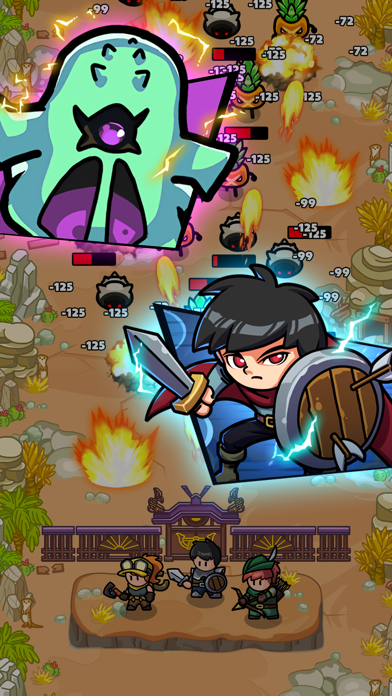
Hero Quest: Rumble War - Defend the Kingdom in Offline Fantasy RPG!
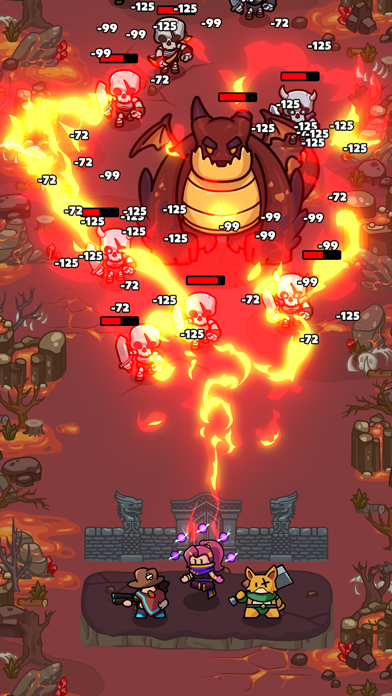
The dark rumble of war drums echoes through the land. Monsters, led by a fearsome dragon, surge from a rift in the earth, threatening to engulf the kingdom in chaos. You are a lone hero, called upon to stand as the last line of defense. Embark on a perilous journey through fantastical landscapes - from scorching lava worlds to frozen glaciers - to gather ancient treasures and unlock forgotten powers.
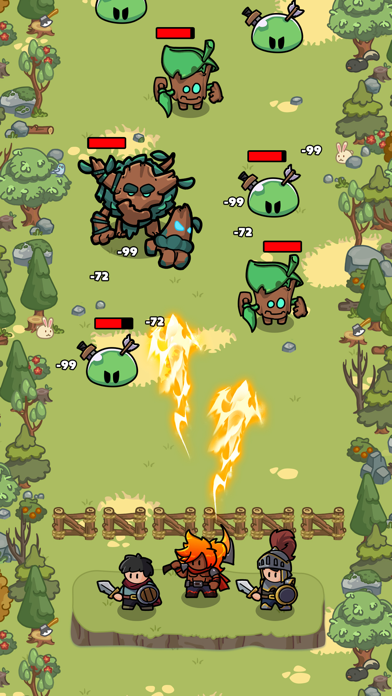
In this offline RPG, your skills and strategy will be put to the test in epic battles against monstrous hordes. Master the art of combat, learn powerful spells, and forge alliances with legendary heroes. Build your defenses, upgrade your weapons, and unlock new abilities to become the ultimate champion.
Hero Quest: Rumble War offers:
- Thrilling offline RPG gameplay: No need for an internet connection, embark on your adventure anytime, anywhere.
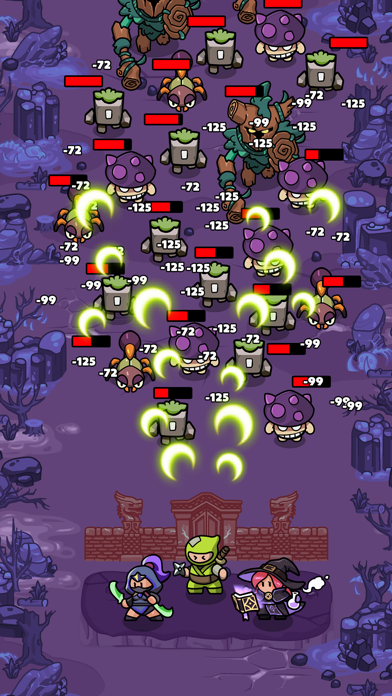
- Epic battles: Face off against monstrous enemies in intense, action-packed combat.
- Strategize and conquer: Develop your hero's skills, learn powerful magic, and forge alliances to overcome impossible odds.
- Explore a vibrant fantasy world: Journey through diverse landscapes, each with its own unique challenges and secrets to discover.
- Build your defenses: Protect your kingdom by constructing powerful fortifications and strategic defenses.
- Unravel the mystery: Uncover the secrets of the dark rift and the forces behind the invasion.
- Become a legend: Rise through the ranks and earn your place among the kingdom's greatest heroes.
Will you answer the call of duty and become the shield that protects the kingdom? Download Hero Quest: Rumble War and join the fight for survival!
- 未越獄/受限或已越獄的 iPhone 或 iPad。
- Sideloadly 或替代方案。
- 執行 Windows/macOS/Linux 且已安裝 iTunes 的電腦。
步驟 1: 透過上方連結將已破解的 .IPA 檔案下載到您的電腦。若要從 iOSGods App 下載,請參閱我們的 iOSGods App IPA 下載教學,其中包含影片範例。
步驟 2: 下載 Sideloadly 並將其安裝在您的 Windows 或 Mac 上。
步驟 3: 在電腦上開啟 Sideloadly,連接您的 iOS 裝置,並等待裝置名稱出現在 Sideloadly 中。
步驟 4: 當 Sideloadly 辨識到您的 iOS 裝置後,將下載好的修改版 .IPA 檔案拖曳並放到 Sideloadly 應用程式中。
步驟 5: 輸入您的 Apple Account 電子郵件,然後按下「Start」。系統會要求您輸入密碼,請依指示提供所需資訊。
步驟 6: 等待 Sideloadly 完成已破解 IPA 的旁載/安裝。如果安裝過程中發生問題,請閱讀下方的注意事項。
步驟 7: 安裝完成並在主畫面上看到該應用程式後,您需要前往 設定 → 一般 → 描述檔 / VPN 與裝置管理。進入後,點選您在步驟 6 中輸入的電子郵件,然後點選「信任 [email protected]」。
步驟 8: 現在回到主畫面並開啟新安裝的應用程式,一切應該都能正常運作。您可能需要依照遊戲內破解彈出視窗中的進一步指示操作。
注意: 在 iOS/iPadOS 16 及更新版本上,您必須 啟用開發者模式。若使用免費的 Apple Developer 帳號,您將需要每 7 天重複此程序。如有任何疑問或問題,請閱讀我們的 主題中的 Sideloadly 常見問題區段。