Требуется вход
Войдите в учётную запись iOSGods, чтобы продолжить.
Войдите в учётную запись iOSGods, чтобы продолжить.
This app has iGameGod Jailed enabled so you can use the iOS Cheat Engine, Speed Hack Manager or Auto Touch Recorder to your liking! If you would like to add iGameGod Jailed to your app, you can do so by following the instructions in the official topic!
For tutorials, videos & examples on how to use iGameGod, please visit: https://iosgods.com/tags/iGameGod/
Скачайте Zombie Waves-shooting game Hack modded IPA по ссылкам выше. Нажмите кнопку установки и следуйте инструкциям, чтобы установить этот хак iOS на iPhone, iPad или Mac с Apple Silicon.
Нужна помощь? Посмотрите наши Часто задаваемые вопросы по приложению iOSGods, чтобы получить подробные ответы и советы по устранению неполадок.
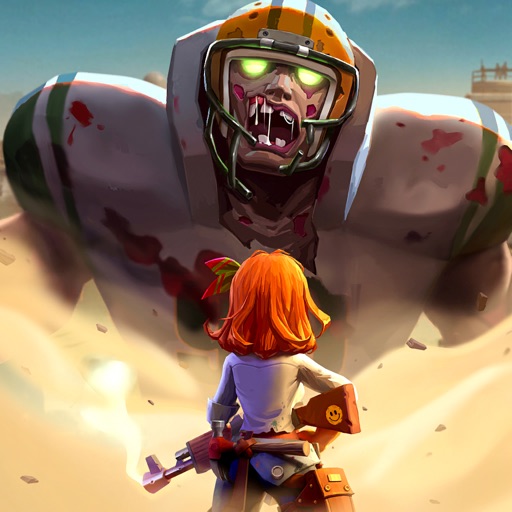
Danger lurks around every corner in this zombie-infested post-apocalypse! Keep your wits sharp — the myriad infected will attempt to overwhelm you with their endless numbers the minute you step foot into the world.
Rally companions to your side as you attempt to unravel the truth behind the outbreak.
Test your survivalist mettle against a world intent on one goal: your demise!
Load up on ammo, cull the shambling hordes that block your way, and stand your ground as a beacon of hope in humanity’s darkest hour!
Gameplay Features:
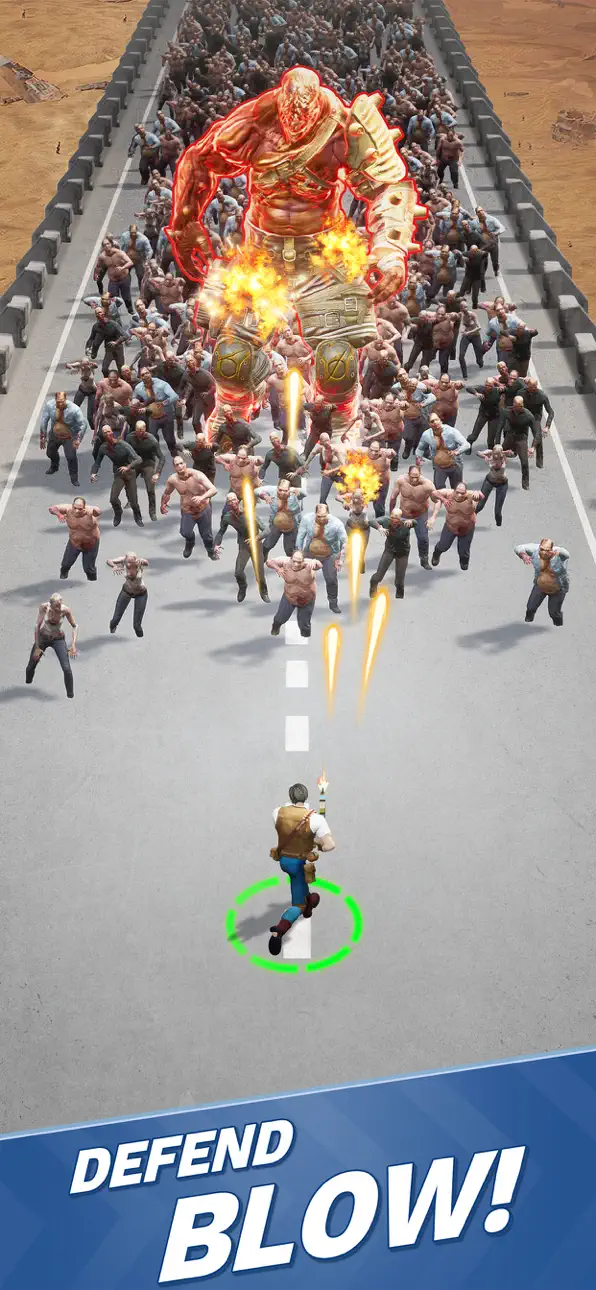
-One-handed Controls: Single-handedly mow down hordes of mutant horrors
-Craft tactics and synergies based around 100+ roguelite skills and gamebreaking ultimate abilities
-A multitude of stage scenarios for an immersive tooth-and-nail survival experience
-A grotesque conglomeration of formidable bosses that will attempt to thwart your progress at every turn
Support:
Facebook: @ZombieWaves
Facebook fan group: @Zombie Waves
Discord: https://discord.gg/zombiewaves
Customer Service: [email protected]
- iPhone или iPad без джейлбрейка/в обычном режиме или с джейлбрейком.
- Sideloadly или альтернативы.
- Компьютер с Windows/macOS/Linux и установленным iTunes.
ШАГ 1: Скачайте предварительно взломанный файл .IPA по ссылке выше на свой компьютер. Чтобы скачать его из приложения iOSGods, посмотрите наш Туториал по скачиванию IPA в приложении iOSGods, в котором есть видеопример.
ШАГ 2: Скачайте Sideloadly и установите его на Windows или Mac.
ШАГ 3: Откройте Sideloadly на компьютере, подключите iOS-устройство и дождитесь, пока его имя появится в Sideloadly.
ШАГ 4: Когда устройство будет распознано, перетащите скачанный модифицированный файл .IPA в окно Sideloadly.
ШАГ 5: Введите адрес электронной почты вашего Apple Account, затем нажмите «Start». После этого вас попросят ввести пароль. Укажите необходимые данные.
ШАГ 6: Дождитесь, пока Sideloadly завершит sideload/установку взломанного IPA. При возникновении проблем во время установки ознакомьтесь с примечанием ниже.
ШАГ 7: После завершения установки и появления приложения на главном экране перейдите в Настройки → Основные → Профили / VPN и управление устройством. Там нажмите на email, который вы ввели на шаге 6, а затем нажмите «Доверять [email protected]».
ШАГ 8: Теперь перейдите на главный экран и откройте установленное приложение — всё должно работать. Возможно, потребуется выполнить дополнительные инструкции в попапе мода внутри игры.
ПРИМЕЧАНИЕ: На iOS/iPadOS 16 и новее необходимо включить режим разработчика. Для бесплатных учётных записей Apple Developer этот процесс нужно повторять каждые 7 дней. Если возникнут вопросы или проблемы, ознакомьтесь с нашим разделом FAQ по Sideloadly в теме.
Hack Features:
- Inf Coins (Spend)
App Installation Instructions:
---------------------------------------------------------
----------------------------------------------------------
If you require more information or help, please read our Frequently Asked Questions topic on iOSGods.com.
----------------------------------------------------------
--------------------------------------------------



![Screw Jam iOS Mod IPA [ Debug Menu ]](https://is1-ssl.mzstatic.com/image/thumb/Purple221/v4/24/35/29/24352922-205c-5807-8cf7-26a41d3ef125/AppIcon-0-0-1x_U007emarketing-0-8-0-85-220.png/100x100bb.jpg)


