Accesso richiesto
Accedi con il tuo account iOSGods per continuare.
Accedi con il tuo account iOSGods per continuare.
Costruisci il tuo impero PC definitivo con questo hack Mod IPA gratuito per PC Creator 2, con mining istantaneo, nessun usura della scheda grafica e consegne istantanee per accelerare il tuo viaggio da magnate. Sblocca il pieno potenziale di questo simulatore di costruzione PC con trucchi che eliminano i ritardi di grinding e aumentano il tuo moltiplicatore di mining, permettendoti di progettare e gestire la tua attività di computer al tuo ritmo.
- Nessuna usura della scheda grafica → preserva la durabilità del tuo hardware
- Mining istantaneo → salta i tempi di attesa e estrai immediatamente
- Consegne istantanee → ricevi gli ordini senza ritardi
- Moltiplicatore di mining → aumenta il tuo output di mining
Questa app include anche iGameGod, che ti offre accesso ad Auto Touch per automatizzare attività ripetitive, App Speed Manager per regolare la velocità di gioco, modifica dei valori con Memory Engine e altri potenti strumenti per giochi iOS.
Scarica PC Creator 2 - PC Building Sim Hack modded IPA dai link sopra. Tocca il pulsante di installazione e segui le istruzioni per installare questo hack iOS sul tuo iPhone, iPad o Mac con Apple Silicon.
Hai bisogno di altro aiuto? Consulta le nostre Domande frequenti sull'app iOSGods per risposte dettagliate e consigli per la risoluzione dei problemi.
Diventa un vero idle tycoon: costruisci e aggiorna PC, gestisci il tuo business empire e goditi un simulatore realistico da PC builder con sfide infinite!
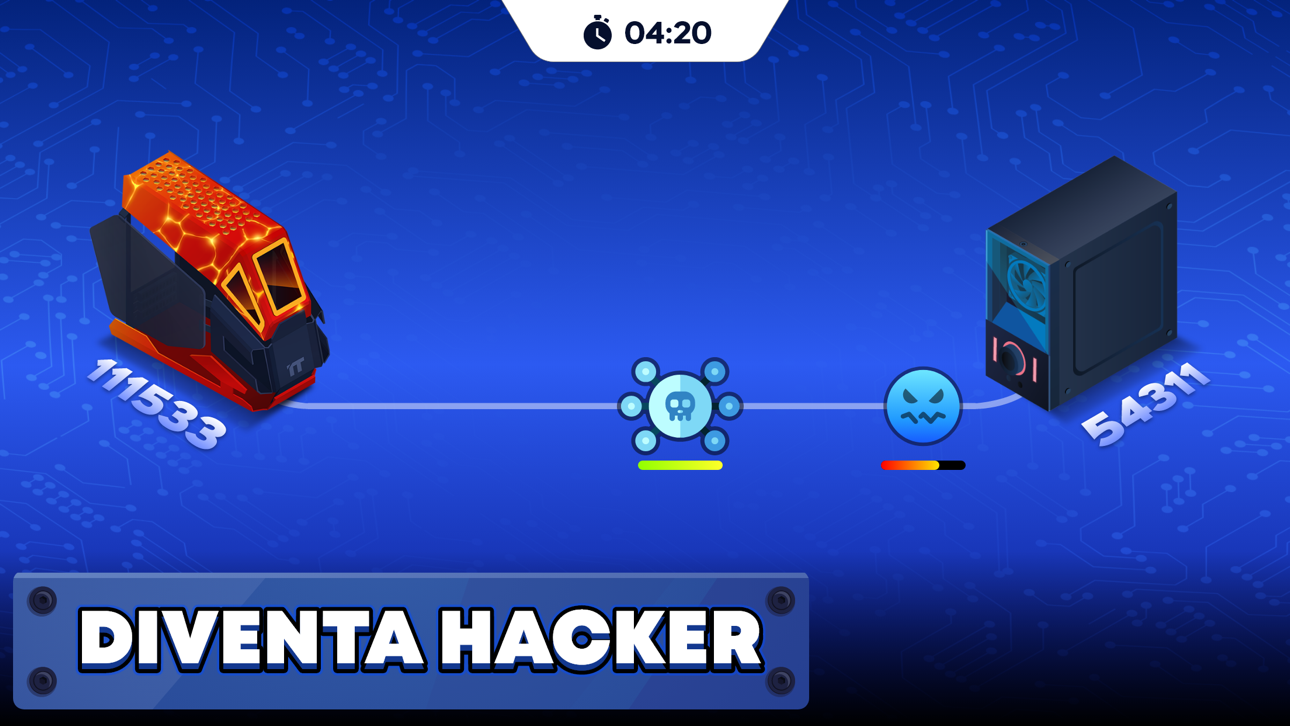
PC Creator 2 è un simulatore di costruzione PC innovativo che combina l'emozione dei giochi tycoon, idle games e simulazioni di business, offrendo ai giocatori un'esperienza senza pari nella costruzione del proprio impero PC. Immergiti in un mondo di hardware, creatività e strategia mentre progetti, costruisci e gestisci la tua attività PC.
COSTRUISCI IL TUO PC
Inizia il tuo viaggio selezionando e assemblando componenti PC per creare il rig da gaming definitivo o soddisfare le esigenze specifiche dei tuoi clienti. Sperimenta con un'ampia selezione di hardware e configurazioni, dandoti la libertà di costruire il PC dei tuoi sogni o spingere i limiti delle tue competenze tecniche.
POTENZIA IL TUO PC
Migliora i tuoi sistemi con componenti aggiornati, esegui benchmark realistici e stress test per garantire le massime prestazioni. Che tu stia ottimizzando per il gaming, uso professionale o mining, ogni aggiornamento conta in questo dettagliato simulatore di costruzione PC.
COMPLETA GLI INCARICHI DEI CLIENTI
Accetta richieste impegnative dei clienti, ognuna con i propri requisiti unici e budget. Completare con successo questi ordini ti fa guadagnare denaro, rafforza la tua reputazione e apre ancora più opportunità per espandere la tua attività.
PIÙ CHE SEMPLICE COSTRUZIONE
Rimani motivato con una varietà di missioni e sfide che mantengono il gameplay fresco e gratificante. Completare questi compiti ti aiuterà a progredire, guadagnare risorse preziose e sviluppare le tue competenze come magnate dei PC.
COMMERCIO E MINING
Vai oltre la tradizionale costruzione di PC assemblando rig di mining e immergendoti nel mondo delle criptovalute. Questo aggiunge un nuovo livello economico dove le tue costruzioni possono generare criptovalute e aumentare le tue entrate di gioco.
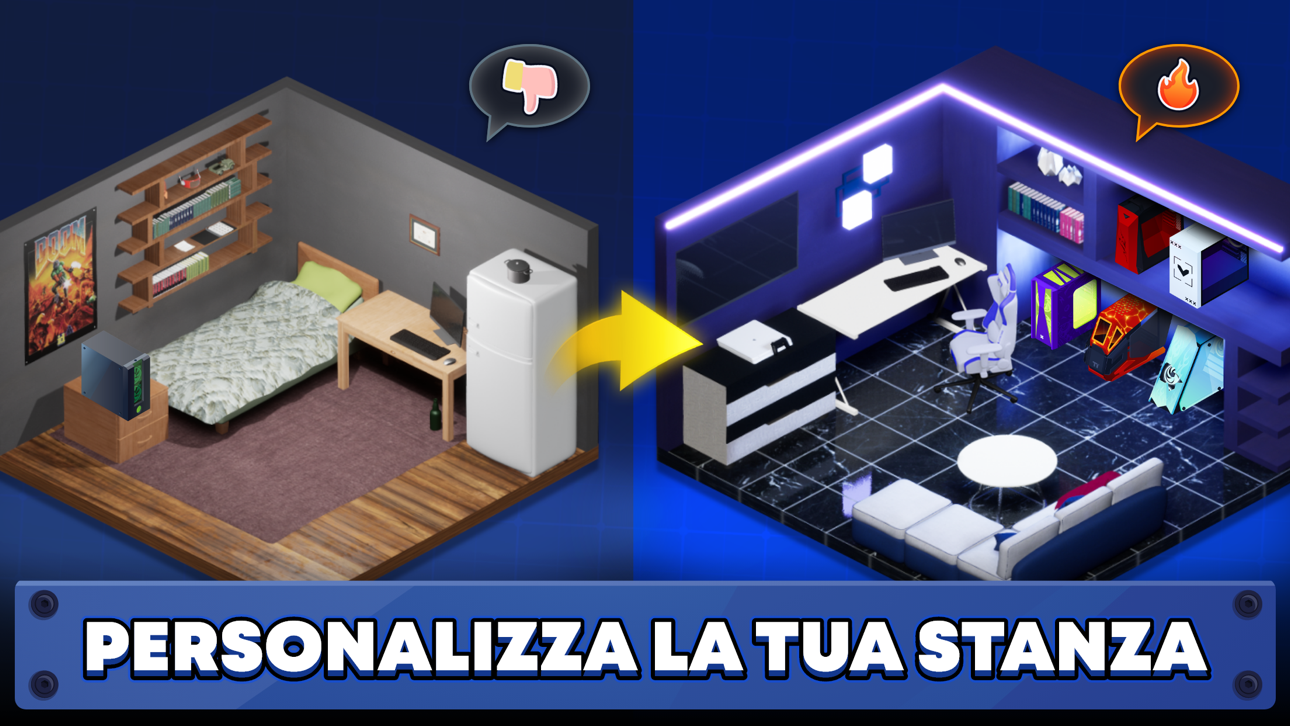
PERSONALIZZA IL TUO POSTO DI LAVORO
Crea un ambiente unico e professionale personalizzando il tuo laboratorio PC. Adatta il tuo spazio per adattarlo al tuo stile mentre migliori la funzionalità della tua attività.
COSTRUISCI UN IMPERO AZIENDALE
Usa il sistema di trading in-game per comprare e vendere componenti, gestire risorse e trovare offerte intelligenti per aiutarti a rimanere avanti nel gioco. Il trading strategico è la chiave per far crescere il tuo impero aziendale.
Guadagna e gestisci sia valuta tradizionale che criptovalute mentre espandi il tuo impero aziendale. Investisci saggiamente, ottimizza i tuoi costi e trasforma il tuo laboratorio in un centro prospero di innovazione e profitto.
Con PC Creator 2, non costruisci solo computer—costruisci un'attività prospera, risolvi i problemi dei clienti ed esplori le infinite possibilità della tecnologia. Unisciti ora e diventa il miglior costruttore di PC e magnate in questo emozionante simulatore!
Informativa sulla Privacy: https://creaty.me/privacy-policy
Termini di Utilizzo: https://creaty.me/terms
Screenshot © rispettivi proprietari · App Store


iOSGods non è affiliata, approvata né sponsorizzata da Apple Inc., Google LLC o dagli sviluppatori delle app elencate qui. Apple, iOS e App Store sono marchi di Apple Inc. Android e Google Play sono marchi di Google LLC. Tutti gli altri nomi delle app, icone, immagini e marchi appartengono ai rispettivi proprietari.

- iPhone o iPad non jailbroken/jailed oppure jailbroken.
- Sideloadly o alternative.
- Computer con Windows/macOS/Linux con iTunes installato.
PASSO 1: Scarica il file .IPA pre-modificato dal link sopra sul tuo computer. Per scaricarlo dall'iOSGods App, consulta il nostro Tutorial download IPA dell'iOSGods App, che include un esempio video.
PASSO 2: Scarica Sideloadly e installalo sul tuo Windows o Mac.
PASSO 3: Apri Sideloadly sul tuo computer, collega il tuo dispositivo iOS e attendi finché il nome del dispositivo non appare in Sideloadly.
PASSO 4: Una volta riconosciuto il tuo iDevice, trascina il file .IPA moddato che hai scaricato e rilascialo nell'applicazione Sideloadly.
PASSO 5: Inserisci l'email del tuo Apple Account, poi premi “Start”. Ti verrà quindi chiesto di inserire la password. Procedi e fornisci le informazioni richieste.
PASSO 6: Attendi che Sideloadly completi il sideload/installazione dell'IPA modificata. Se ci sono problemi durante l'installazione, leggi la nota qui sotto.
PASSO 7: Una volta completata l'installazione e vista l'app sulla schermata Home, dovrai andare in Impostazioni → Generali → Profili / Gestione VPN e dispositivi. Una volta lì, tocca l'email inserita al passo 6 e poi tocca “Autorizza [email protected]”.
PASSO 8: Ora vai sulla schermata Home e apri l'app appena installata: tutto dovrebbe funzionare correttamente. Potrebbe essere necessario seguire ulteriori istruzioni specifiche all'interno del popup dell'hack nel gioco.
NOTA: Per iOS/iPadOS 16 e versioni successive, devi attivare la Modalità sviluppatore. Per gli account Apple Developer gratuiti, dovrai ripetere questa procedura ogni 7 giorni. Se hai domande o problemi, leggi la nostra sezione FAQ Sideloadly del topic.
Game Name iOS Mod IPA is an action adventure game enhanced with powerful gameplay boosts and quality-of-life improvements. Win battles faster, earn rewards quicker, and enjoy uninterrupted play without ads.
- Unlimited Gold - spend freely to unlock premium content
- Damage Multiplier - deal significantly more damage in combat
- Defense Multiplier - take less damage and survive longer
- Reward Multiplier - earn more loot from every battle
- Max Level - instantly reach the highest player rank
- No Ads - play without interruptions or advertisements
This app also comes with iGameGod, giving you access to Auto Touch to automate repetitive tasks, App Speed Manager for adjustable gameplay speed, Memory Engine value editing, and more powerful iOS game tools.
Scarica Game Name Mod IPA dai link sopra. Tocca il pulsante di installazione e segui le istruzioni per installare questo hack iOS sul tuo iPhone, iPad o Mac con Apple Silicon.
Hai bisogno di altro aiuto Consulta le nostre Domande frequenti sull'app iOSGods per risposte dettagliate e consigli per la risoluzione dei problemi.
----------------------------------------------------------
--------------------------------------------------