تسجيل الدخول مطلوب
سجّل الدخول بحساب iOSGods للمتابعة.
سجّل الدخول بحساب iOSGods للمتابعة.

توقف عن إهدار الحركات والأرواح في Aqua Match Mod APK، حيث يقوم هذا التهكير بتجميد عدادات الموارد الخاصة بك حتى تتمكن من التركيز بشكل كامل على حل الألغاز دون ضغط نفاد الموارد. انغمس في لعبة مطابقة ملونة بثلاث قطع حيث تحسب كل حركة، وأصدقاؤك السمك اللطيفون ينتظرون في أحواض السمك التي تصممها.
مع تجميد الحركات والأرواح والمعززات والعملات والأحجار الكريمة، أنت حر في تجربة الاستراتيجيات والتعامل مع أصعب المستويات بالسرعة التي تناسبك. مثالي للاعبين الذين يريدون الاستمتاع بحل الألغاز والديكور دون الحاجة للعب المتكرر أو مراقبة المؤقتات.
- تجميد الحركات → العب دون استهلاك عدادات الحركات
- تجميد الأرواح → استمر في اللعب دون فقدان الأرواح
- تجميد المعززات → استخدم المعززات دون استنزاف
- تجميد العملات → أنفق بحرية دون فقدان العملة
- تجميد الأحجار الكريمة → احتفظ بالعملة المميزة سليمة
قم بتنزيل Aqua Match Mod APK من الزر أعلاه. بعد الضغط على تنزيل، اتبع التعليمات لتثبيت ملف APK المعدل على جهاز Android أو المحاكي.
هل تحتاج إلى مساعدة؟ راجع الأسئلة الشائعة لـ Android للحصول على إجابات مفصلة ونصائح لاستكشاف الأخطاء.
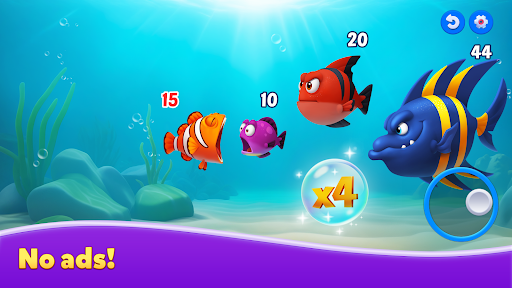
Welcome to Aqua Match! Dive into a world of colorful puzzles and bring your dream aquariums to life with dozens of adorable fish!
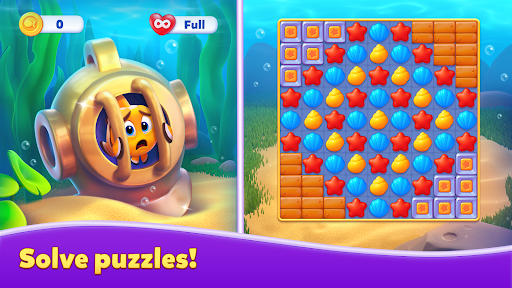
Experience exciting match-3 gameplay as you decorate aquariums and make new fishy friends! Solve puzzles, enhance your aquariums, and create cozy homes for your playful fish. Start your underwater adventure NOW!
Features:
● Unique gameplay: swap and match, decorate aquariums, and enjoy quality time with your adorable fish!
● Hundreds of challenging match-3 levels with powerful boosters and unique elements!
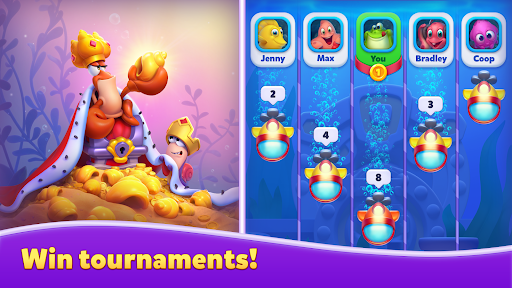
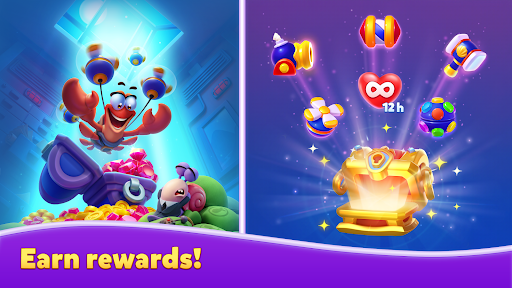
● Competitive events and tournaments: swim your way to the top and earn amazing rewards!
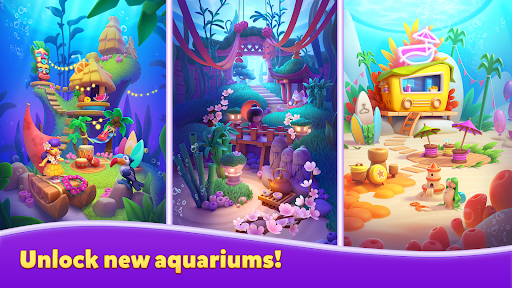
● Creative aquarium decorations: choose from a variety of beloved and impressive themes!
● Unlock adorable fish with unique personalities!
● Stunning visuals that bring your aquariums to life!
Play with your friends from Facebook, or make new friends in the game community!
Aqua Match is free to play, but some in-game elements (including randomized items) can be purchased for real money.
A Wi-Fi or internet connection is not required to play.
*An internet connection is required to enable competitions and other features.*
Enjoying Aqua Match? Follow us:
Facebook: https://www.facebook.com/aquamatchofficial
Instagram: https://www.instagram.com/aqua_match/
Need to report an issue or ask a question? Contact Player Support through the game by going to Settings > Support. If you can't access the game, use our web chat by clicking the chat icon in the lower right corner of our website: https://playrix.helpshift.com/hc/en/28-aqua-match/
Privacy Policy:
https://playrix.com/en/privacy/index.html
Terms of Service:
https://playrix.com/en/terms/index.html