تسجيل الدخول مطلوب
سجّل الدخول بحساب iOSGods للمتابعة.
سجّل الدخول بحساب iOSGods للمتابعة.

Mod Features
- God Mode
- Freeze Attack
- Free Skill Usage
- Monster Suicide
- Freeze Monsters
- Infinite Balance
- Infinite Stats Point
قم بتنزيل Subscribe to My Adventure Mod APK من الزر أعلاه. بعد الضغط على تنزيل، اتبع التعليمات لتثبيت ملف APK المعدل على جهاز Android أو المحاكي.
هل تحتاج إلى مساعدة؟ راجع الأسئلة الشائعة لـ Android للحصول على إجابات مفصلة ونصائح لاستكشاف الأخطاء.
///// Achievements /////
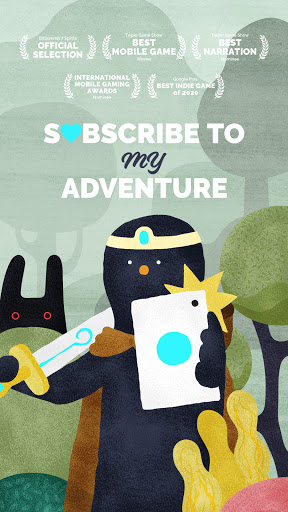
・2020 - Google Play Best Indie Game of 2020 | Winner
・2020 - Taipei Game Show Best Mobile Game | Winner
・2020 - Taipei Game Show Best Narration | Nominee
・2020 - IMGA Global | Nominee
・2019 - Kyoto BitSummit 7 Spirits | Official Selection
///// Introduction /////
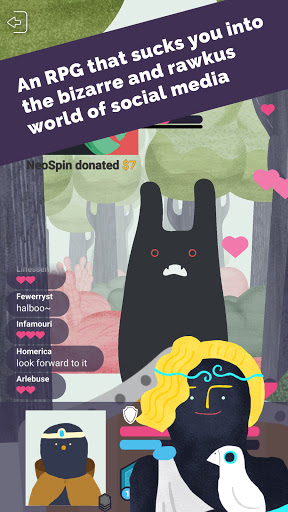
Subscribe to My Adventure is an RPG that simulates a real-life social platform.
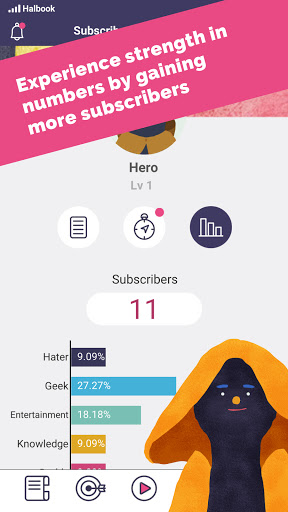
Players take on the role of a rookie streamer trying to gain followers and subscriptions through various adventures — all while striving to become a famous influencer.
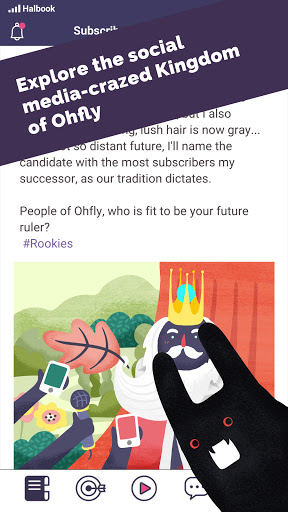
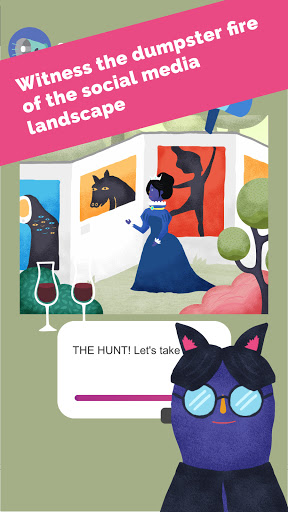
Along the way, you'll encounter modern online phenomena such as mob mentality, witch hunts, and echo chambers. As the story unfolds, the fate of the kingdom will gradually be revealed.
///// Features /////
・Realistic social platform simulation:
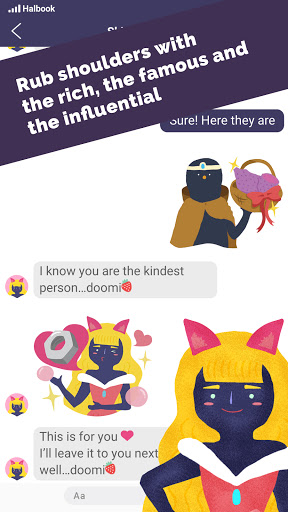
The story unfolds through a virtual social network that mimics real-life social media. Chat with characters, post stories, and share private messages just like you would online.
・Diverse adventure routines:
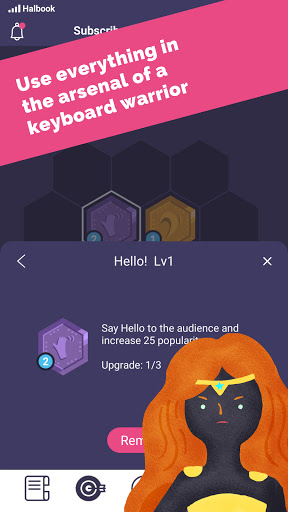
Experiment with different move combinations to tackle challenges — sometimes, being entertaining can win over the audience more easily than defeating your foes!
・Branching storylines:
As public opinion shifts, you can align yourself with different factions, leading to unique outcomes and alternate endings.
・Online personas and social reflection:
The game encapsulates the behavior and identity of real-world online communities, with characters whose experiences mirror those of modern society.
・Picture book–inspired art style:
Embark on adventures in a beautifully illustrated world brought to life with a unique, storybook aesthetic.
///// Language Support /////
・English
・繁體中文
・简体中文
////////////////////
Content Warning:
This game aims to portray authentic interactions within online communities.
As a result, it may include harsh language or situations that could cause emotional stress for some players.
This game contains in-game offers to purchase digital goods or premium items with real-world currency (or with virtual coins or other in-game currencies purchasable with real-world currency), where players do not know in advance which specific digital goods or premium items they will receive (e.g., loot boxes, item packs, mystery rewards).
Term of Use: https://gamtropy.com/term-of-use-en/
Privacy Policy: https://gamtropy.com/privacy-policy-en/
© 2020 Gamtropy Co., Ltd. All rights reserved.
- iPhone أو iPad بجيلبريك أو بدون جيلبريك.
- Sideloadly أو بدائلها.
- كمبيوتر يعمل بنظام Windows/macOS/Linux مع تثبيت iTunes.
الخطوة 1: قم بتنزيل ملف .IPA المعدّل مسبقًا من الرابط أعلاه إلى الكمبيوتر الخاص بك. للتنزيل من تطبيق iOSGods App، اطلع على دليل تنزيل IPA من تطبيق iOSGods App الذي يتضمن مثالًا بالفيديو.
الخطوة 2: قم بتنزيل Sideloadly وتثبيته على جهاز Windows أو Mac.
الخطوة 3: افتح Sideloadly على الكمبيوتر، ووصّل جهاز iOS الخاص بك، وانتظر حتى يظهر اسم جهازك داخل Sideloadly.
الخطوة 4: بمجرد التعرّف على جهاز iDevice الخاص بك، اسحب ملف .IPA المعدّل الذي قمت بتنزيله وأفلِته داخل تطبيق Sideloadly.
الخطوة 5: أدخل البريد الإلكتروني لحساب Apple Account الخاص بك، ثم اضغط على «Start». سيُطلب منك بعد ذلك إدخال كلمة المرور. تابع وأدخل المعلومات المطلوبة.
الخطوة 6: انتظر حتى ينتهي Sideloadly من تحميل/تثبيت ملف IPA المعدّل. في حال واجهت أي مشاكل أثناء التثبيت، يرجى قراءة الملاحظة أدناه.
الخطوة 7: بعد اكتمال التثبيت ورؤية التطبيق على الشاشة الرئيسية، انتقل إلى Settings → General → Profiles / VPN & Device Management. ثم اضغط على البريد الإلكتروني الذي أدخلته في الخطوة 6، ثم اضغط على «الوثوق بـ [email protected]».
الخطوة 8: الآن انتقل إلى الشاشة الرئيسية وافتح التطبيق الذي تم تثبيته للتو وسيعمل كل شيء بشكل صحيح. قد تحتاج إلى اتباع تعليمات إضافية خاصة بكل تطبيق داخل النافذة المنبثقة للتعديل أثناء اللعب.
ملاحظة: بدءًا من iOS/iPadOS 16 وما بعده، يجب تفعيل وضع المطور (Developer Mode). بالنسبة لحسابات Apple Developer المجانية، ستحتاج إلى تكرار هذه العملية كل 7 أيام. إذا كانت لديك أي أسئلة أو مشاكل، يرجى قراءة قسم الأسئلة الشائعة حول Sideloadly في الموضوع.