تسجيل الدخول مطلوب
سجّل الدخول بحساب iOSGods للمتابعة.
سجّل الدخول بحساب iOSGods للمتابعة.

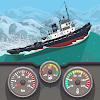
عملات غير محدودة تفتح الثروة الفورية والتقدم الأسرع في Nautical Life : Boats & Yachts Mod APK، مما يتيح لك شراء اليخوت الفاخرة وتخصيص الديكورات الداخلية وتوسيع أسطول الصيد الخاص بك دون الحاجة للعب المتكرر. تجمع لعبة محاكاة صيد خاملة هذه بين طريقة اللعب المريحة وعناصر لعبة الأدوار بينما تبحر حول العالم وتصطاد أسماكاً غريبة وتبني إمبراطوريتك البحرية عبر دورات يوم وليل ديناميكية.
- عملات غير محدودة → اشتر اليخوت والترقيات على الفور
قم بتنزيل Nautical Life : Boats & Yachts Mod APK من الزر أعلاه. بعد الضغط على تنزيل، اتبع التعليمات لتثبيت ملف APK المعدل على جهاز Android أو المحاكي.
هل تحتاج إلى مساعدة؟ راجع الأسئلة الشائعة لـ Android للحصول على إجابات مفصلة ونصائح لاستكشاف الأخطاء.
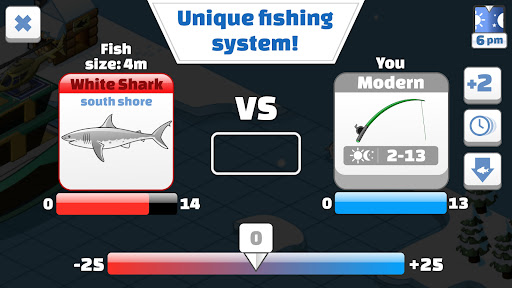
Welcome aboard the world of Nautical Life - a boat tycoon game. Come sail and enjoy a unique experience of an idle fishing game with some RPG!
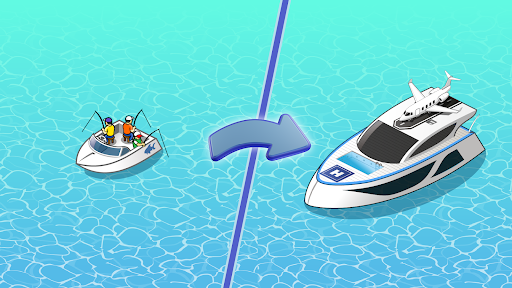
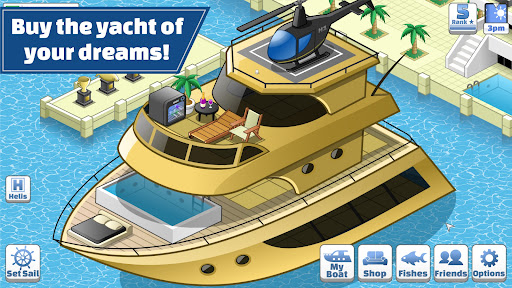
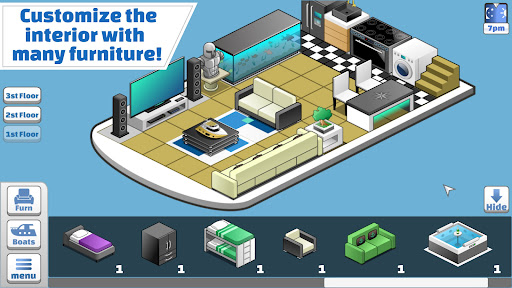
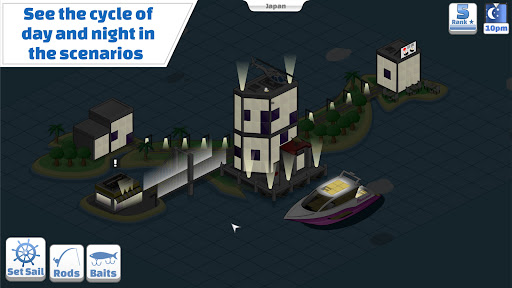
Here you can buy your dream yacht or boat and customize the interior with dozens of furnitures and items. Fish away across the world and distribute your boats across the seas and oceans to catch the biggest prizes. Watch the day and night cycles affecting the landscape and the fish availability.
Sail your yacht around the world to catch all the different and beautiful fishes and get rich! Test your fishing skills and become a fish tycoon
- 13 amazing and unique speedboats, boats and yachts
- 100 items to customize your boat - including a fish tank (or is that a shark tank?)!
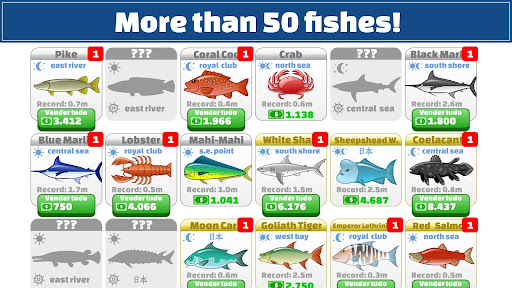
- 65 different species of sea fishes and creatures
- Day and night missions around the world
- Show your friends how your yacht looks like, like a real fish tycoon
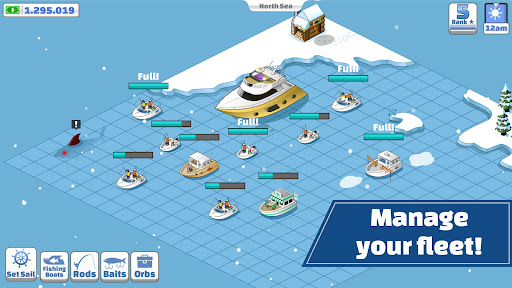
- Manage your fishing boats to raise your game wealth
- 13 fishing rods with different attributes
- Have fun betting on South Shore Casino!
Our amazing free boat tycoon game brings nostalgic feelings to our users. Farm, gain experience, buy better and new yachts and raise your in game rankings. It truly feels like real fishing boat life.
Come play for free and sail around the wonderful world of Nautical Life - Tycoon game