تسجيل الدخول مطلوب
سجّل الدخول بحساب iOSGods للمتابعة.
سجّل الدخول بحساب iOSGods للمتابعة.

Full Game Unlocked grants instant access to all content in this award-winning roguelike-deckbuilder Mod APK for Android. Peglin combines Peggle-style pachinko mechanics with Slay the Spire deck-building strategy, letting you venture through the woods, conquer the fortress, and delve into the dragon's lair to reclaim your gold without progression gates.
- Full Game Unlocked → access all content without purchase restrictions
قم بتنزيل Peglin - A Pachinko Roguelike Mod APK من الزر أعلاه. بعد الضغط على تنزيل، اتبع التعليمات لتثبيت ملف APK المعدل على جهاز Android أو المحاكي.
هل تحتاج إلى مساعدة؟ راجع الأسئلة الشائعة لـ Android للحصول على إجابات مفصلة ونصائح لاستكشاف الأخطاء.
The award-winning roguelike-deckbuilder Peglin is finally available on Android! This version lets you try it before you buy it with unlimited access to the first third of the game and a one-time purchase to own the complete game and all future updates!
The dragons have been popping peglins and stealing all of your gold for as long as you can remember. Enough is enough. It's time to venture through the woods, conquer the fortress, and delve into the heart of the dragon's lair to take back what's yours and teach those dragons a lesson.
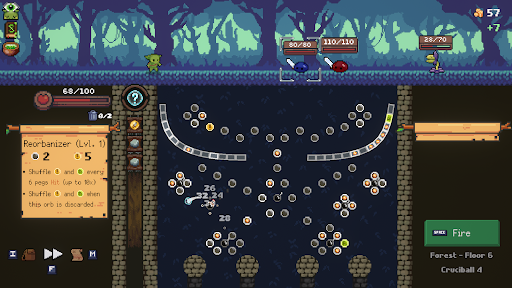
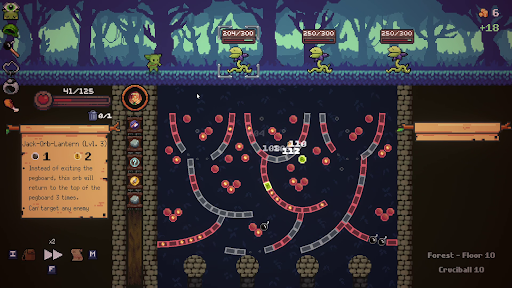
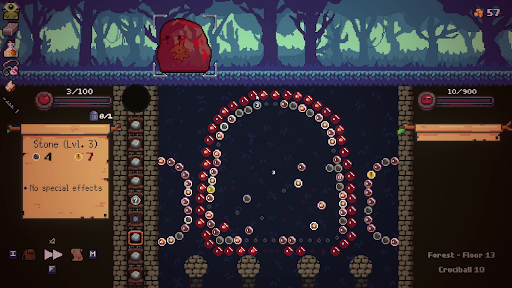
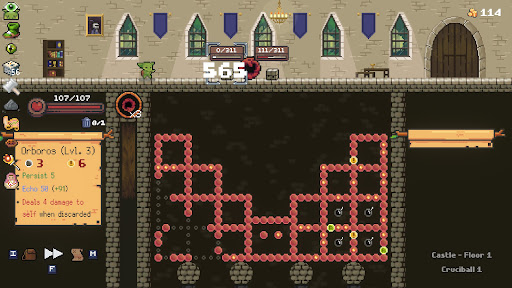
Peglin plays like a combination of Peggle and Slay the Spire. The enemies are tough, and if you're defeated your run is over, but you've got powerful orbs with special effects and incredible relics that influence both your enemies and the physics you'll use to defeat them.
Features:
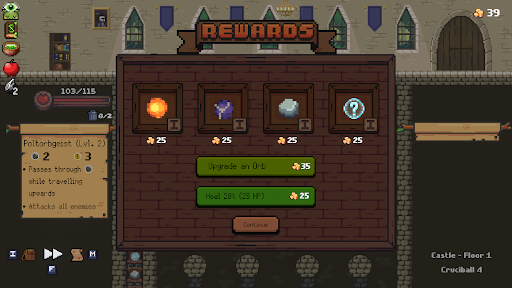
- Collect and upgrade powerful orbs and relics to defeat the monsters and bosses that stand in your way.
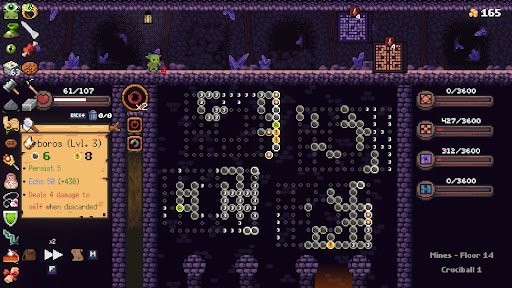
- Fight enemies with Pachinko-like gameplay - hit more pegs to do more damage. Use crit potions, refresh potions, and bombs wisely.
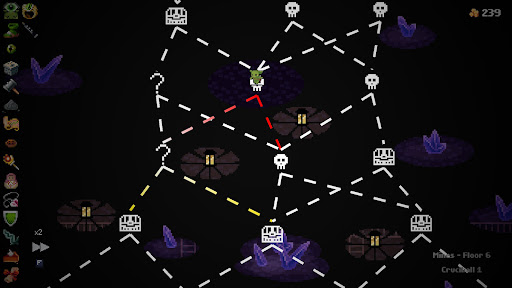
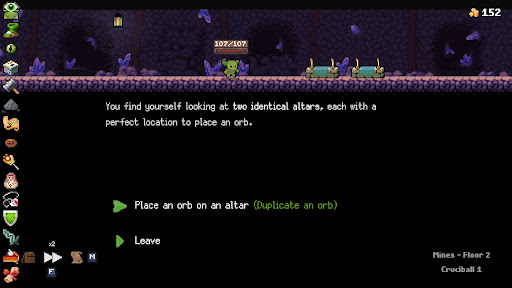
- Explore a new map every time, with different orbs, enemies, and surprises along the way.