تسجيل الدخول مطلوب
سجّل الدخول بحساب iOSGods للمتابعة.
سجّل الدخول بحساب iOSGods للمتابعة.

قم بتنزيل Fishing and Life Mod APK من الزر أعلاه. بعد الضغط على تنزيل، اتبع التعليمات لتثبيت ملف APK المعدل على جهاز Android أو المحاكي.
هل تحتاج إلى مساعدة؟ راجع الأسئلة الشائعة لـ Android للحصول على إجابات مفصلة ونصائح لاستكشاف الأخطاء.
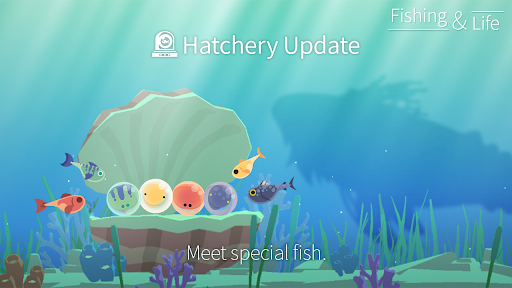
◎ 100-Player Survival Update ◎
Compete with 100 anglers and survive to the end!
A surprising gold reward awaits you!
◎ New Feature Update ◎
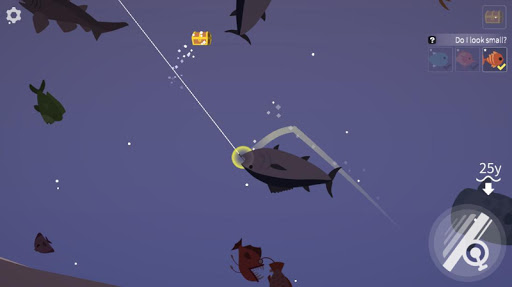
The underwater fish-locating feature and the season pass are now available!
When you feel bored, try enjoying a relaxing fishing.
Fishing is to Heal your heart.
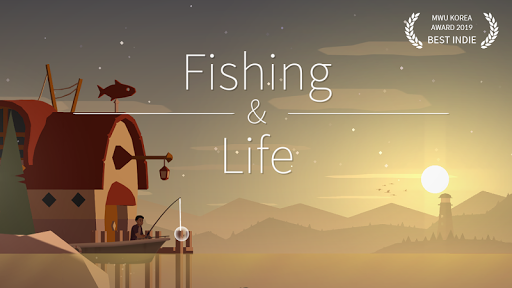
The best fishing game with relaxing and nice graphics.
Don't worry. It will be ok!
We introduce the beautiful and peaceful game to those who are tired and exhausted from daily life.
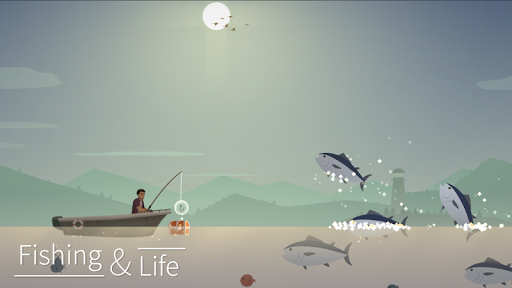
Enjoy fishing whales just with a simple control while listening to the sound of waves ASMR at the beautiful sea.
◎Fishing and Life Story◎
☞ The main character so normal that he could be anyone anywhere went fishing in the sea of memories on a very tiring day.
☞ He only has a shabby boat and a fishing rod, but he enjoys the peaceful fishing at the beautiful sea where the sun sets, shooting stars fall and the sky fades into the lighthouse.
◎ What you can do◎
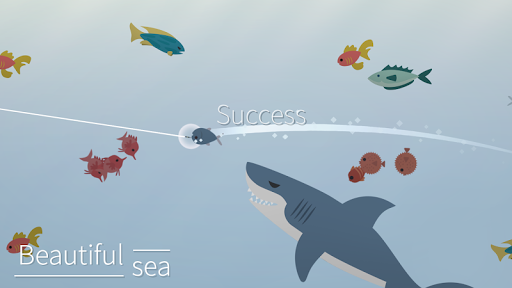
☞ You can fish beautiful fish, scary sharks, and big whales just with simple control.
☞ Enjoy the beautiful sunset and the moonlight that fades into the sea.
It presents the beautiful scenes of the sunrise and moonset as time goes by.
☞ The sound of the waves heals your heart.
The natural ASMR waves sound brings you to the carefree sea.
☞ Try to put your fish in the aquarium. Even just looking at them makes you feel at ease.
☞ Enjoy your own fishing while getting changed into different clothes.
☞ It's ok to just get on the boat and go to the sea.
Various boats will take you further into the sea.
▣ Facebook: https://www.facebook.com/nexelonFreeGames ▣
★Warning★
1. Deleting or switching mobile devices will reset the app data
2. The product contains an in-app purchase feature. If you agree to make a purchase, you will be billed.
◎ Support for languages: Korean, English, French, German, Portuguese, Russian, Spanish, Italian, Dutch, Indonesian, Malay, Thai, Vietnamese, Taiwan, Chinese, Turkish, Hindi, Japanese
Fish!~fishing games for free! with healing.
※ If you selectively allow permissions, you will still be able to access features that don't require the permissions.
※ If you are using an Android version lower than version 6.0, you can not set selective access separately, we recommend that you upgrade to 6.0 or later.
▶How to withdraw access?
After the agreeing the access rights, you can reset or revoke access rights as follows:
[OS 6.0 or later]
Settings> Apps & notifications > Select your app> Permissions > Withdraw the acess
[before OS 6.0]
Upgrade your operating system and follow the above steps or delete the app