تسجيل الدخول مطلوب
سجّل الدخول بحساب iOSGods للمتابعة.
سجّل الدخول بحساب iOSGods للمتابعة.
بناء وإدارة مستشفى أحلامك أثناء علاج المرضى في Happy Hospital: ASMR Blast Mod APK، محاكاة مريحة حيث توازن بين الرعاية الطبية وترقيات المرافق والقرارات الإدارية.
يزيل هذا التهكير الملل بفتح الترقيات والتعزيزات المجانية، وحذف الإعلانات، وجعل عملتك تمتد أكثر في المتجر، حتى تتمكن من التركيز على حلقة اللعب المرضية لشفاء المرضى وتوسيع إمبراطوريتك الطبية دون إنفاق أموال حقيقية أو مشاهدة مقاطع فيديو لا نهاية لها.
- ترقيات مجانية → بناء مستشفاك بدون تكلفة
- تعزيزات مجانية → تسريع التقدم فوراً
- العملة لا تطرح عند الشراء من المتجر (ليس القسائم) → الإنفاق دون فقدان رصيدك
- بدون إعلانات → لعب بدون انقطاع
- فوز سهل في لعبة البرغي الصغيرة → تجاوز تحديات المكافآت بسهولة
قم بتنزيل Happy Hospital®: ASMR Blast Mod APK من الزر أعلاه. بعد الضغط على تنزيل، اتبع التعليمات لتثبيت ملف APK المعدل على جهاز Android أو المحاكي.
هل تحتاج إلى مساعدة؟ راجع الأسئلة الشائعة لـ Android للحصول على إجابات مفصلة ونصائح لاستكشاف الأخطاء.
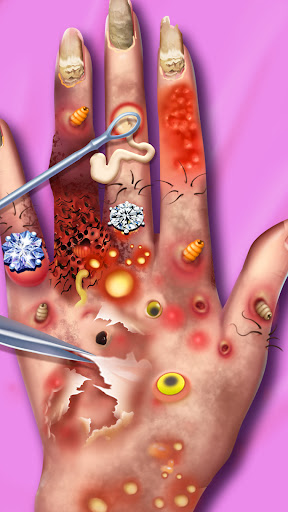
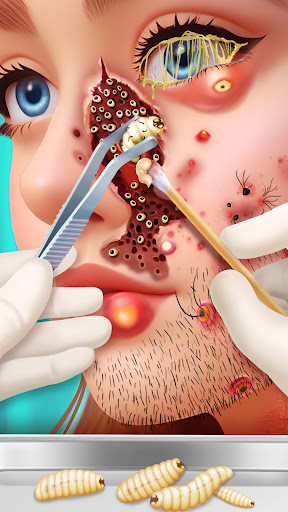
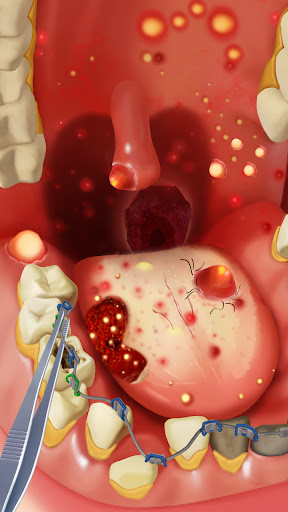
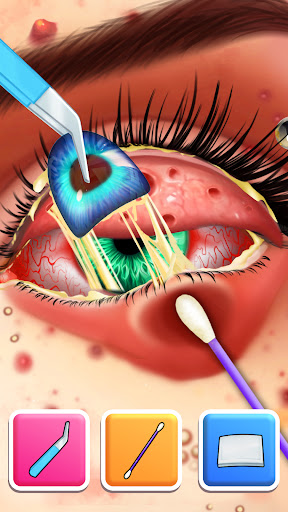
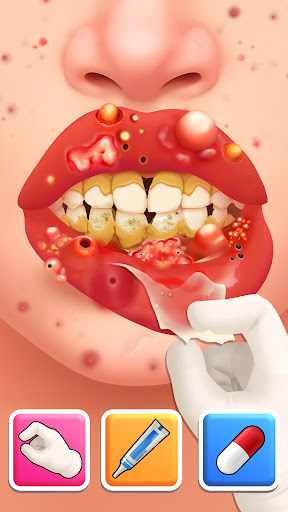
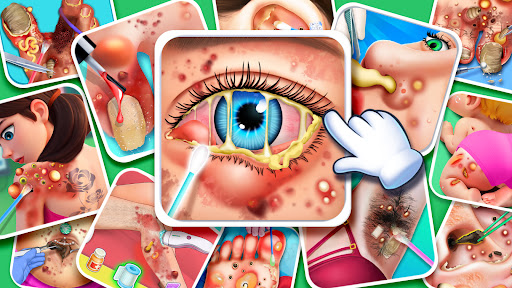
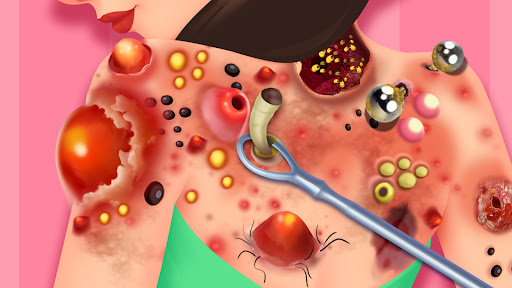
This is a health hospital simulation game, where you can play as a doctor, or nurse, and help patients recover. You can also play the role of a hospital administrator, building, maintaining, and managing your hospital.
Here you can get coins by curing patients and upgrading the various facilities of the hospital to create a perfect medical center.
Game Features:
- There are hundreds of different level objectives, the content of the level is exciting, and you will not get bored;
- Doctors from various departments will appear at the level, and you can help cure various patients;
- Perfect hospital facility upgrade system, no matter how difficult the level can be easily passed;
- Decorate your hospital, you can design different styles of equipment to create your own hospital;
- The unique achievement collection system makes your game no longer monotonous;
- Rich activity rewards bring a more fulfilling sense of purpose.
Want to build a hospital? This is the place for your dreams to come true!