Anmeldung erforderlich
Melden Sie sich mit Ihrem iOSGods-Konto an, um fortzufahren.
Melden Sie sich mit Ihrem iOSGods-Konto an, um fortzufahren.
Dieses Casual-RPG-Hack für Coinpush Heroes kombiniert Münzwerfer-Arcade-Gameplay mit Heldensammlung und Monsterkämpfen in einer westlichen Fantasy-Welt. Die modifizierte iOS-Version enthält mächtige Cheats, um deine Gegner zu dominieren und schneller durch das Spiel voranzukommen.
- OHK (Einschlag-Tötung) → besiege Feinde sofort
- Niemals Sterben → überlebe jeden Kampf
(Automatische Updates von .deb)
Diese App wird zusätzlich mit iGameGod geliefert und bietet Ihnen Zugriff auf Auto Touch zur Automatisierung sich wiederholender Aufgaben, App Speed Manager für eine anpassbare Spielgeschwindigkeit, Memory Engine zur Wertbearbeitung und weitere leistungsstarke iOS-Spielwerkzeuge.
Laden Sie Coinpush Heroes Hack modded IPA über die obigen Links herunter. Tippen Sie auf den Installations-Button und folgen Sie den Anweisungen, um diese iOS-App auf Ihrem iPhone, iPad oder Apple Silicon zu installieren.
Brauchen Sie mehr Hilfe? In unseren iOSGods App häufig gestellten Fragen finden Sie ausführliche Antworten und Tipps zur Fehlerbehebung.
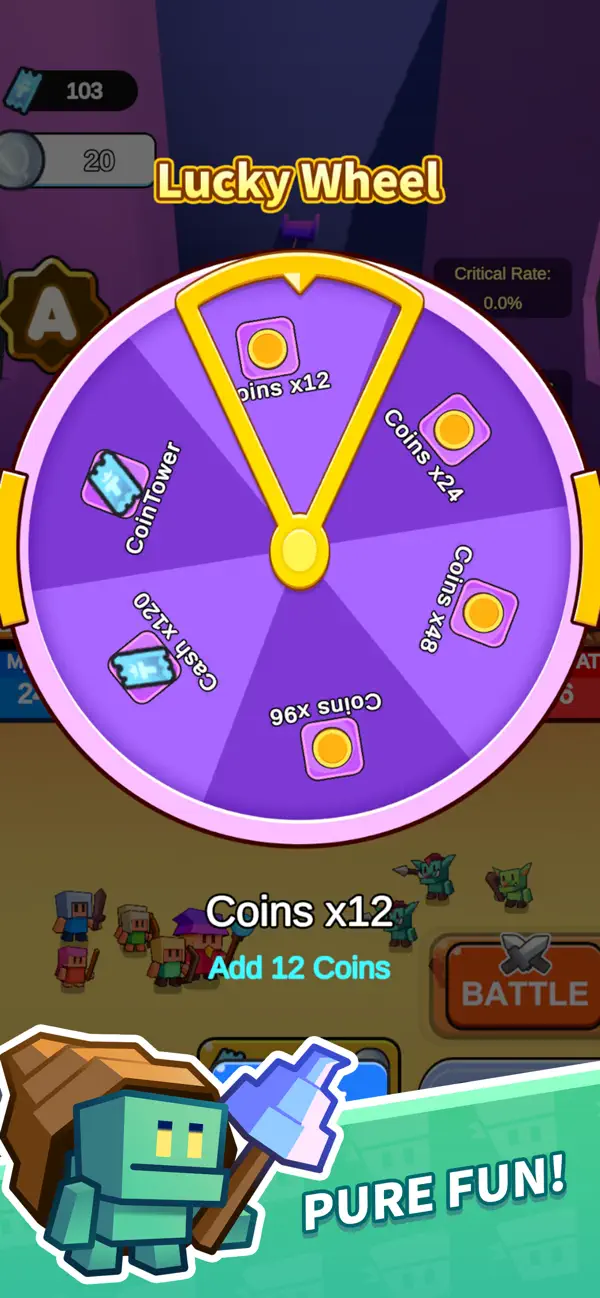
Welcome to Coinpush Heroes – Where Arcade Fun Meets Epic RPG Battles!
Are you ready to turn a pile of gold into a powerful army? Step into a whimsical western fantasy world where your coin-pushing skills determine the fate of the battle!
Coinpush Heroes is a unique casual RPG that combines the addictive thrill of a classic coin dozer machine with the strategy of hero collection and monster battling.
GAME FEATURES:
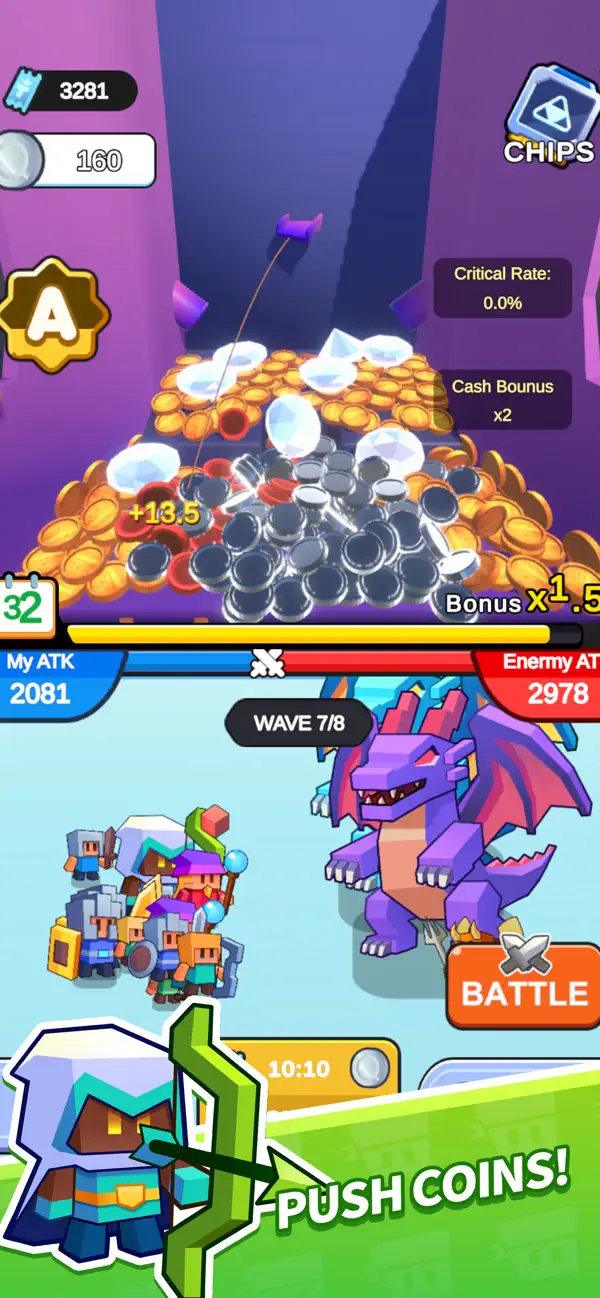
Unique Coin Pusher Gameplay
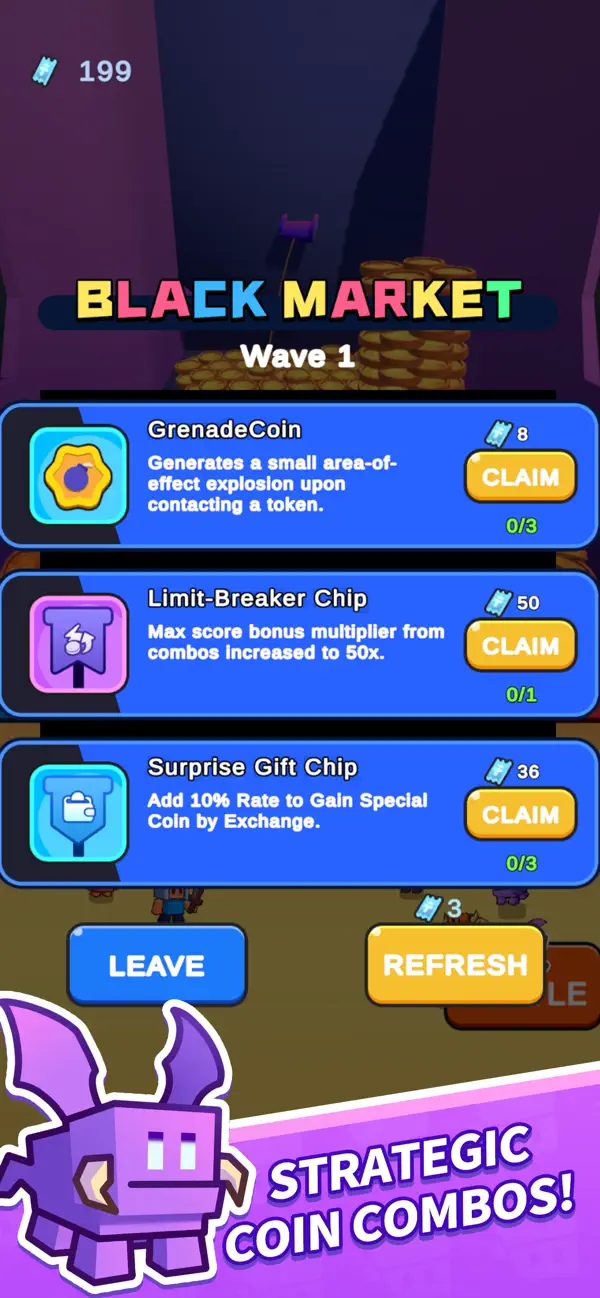
Drop coins strategically on the magic pusher! Every coin you push off the ledge converts into energy and points to summon your troops. Trigger massive coin showers and special combos to overwhelm the enemy!
Summon & Battle
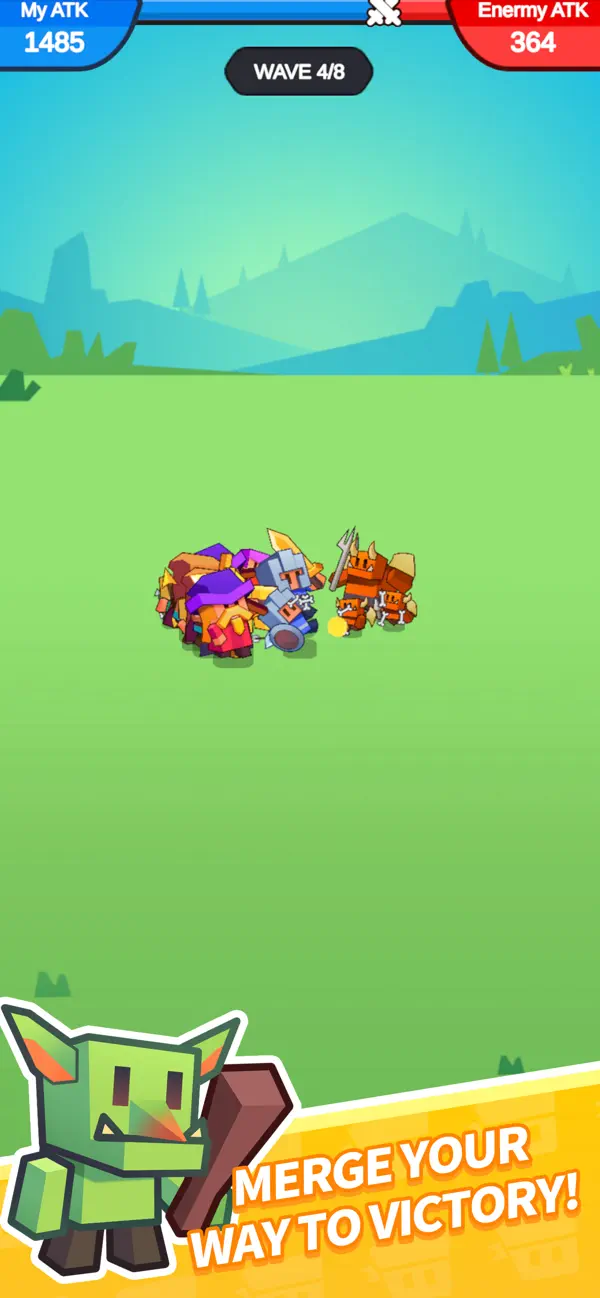
Your coins are your weapon! Convert your points into brave knights, powerful mages, and sturdy archers. Watch as your summoned units march forward to clash with the evil monster legion in real-time.
Collect & Upgrade Heroes
Unlock a roster of charming cartoon heroes. Level them up, enhance their skills, and build the ultimate team. From tanky warriors to devastating spellcasters, choose the right heroes to counter different monster waves.
Epic Fantasy Adventure
Journey through a vibrant cartoon world filled with goblins, dragons, and ancient magic. Face off against giant bosses that will test your pushing speed and strategy.
Casual & Relaxing
Simple controls, satisfying physics, and colorful graphics make this the perfect game to play anytime, anywhere. Whether you have 5 minutes or an hour, the battle awaits!
Drop the coin, summon the hero, and win the war! Download Coinpush Heroes today and let the magic battle begin!
- Nicht-Jailbroken/Jailed oder Jailbroken iPhone oder iPad.
- Sideloadly oder Alternativen.
- Computer mit Windows/macOS/Linux und installiertem iTunes.
SCHRITT 1: Laden Sie die vorinstallierte .IPA-Datei über den obigen Link auf Ihren Computer herunter. Zum Herunterladen aus der iOSGods-App siehe unser iOSGods App IPA Download-Tutorial mit Videobeispiel.
SCHRITT 2: Laden Sie Sideloadly herunter und installieren Sie es auf Ihrem Windows oder Mac.
SCHRITT 3: Öffnen Sie Sideloadly auf Ihrem Computer, verbinden Sie Ihr iOS-Gerät und warten Sie, bis Ihr Gerätename in Sideloadly erscheint.
SCHRITT 4: Sobald Ihr iDevice erkannt wird, ziehen Sie die heruntergeladene gemoddete .IPA-Datei in die Sideloadly-Anwendung.
SCHRITT 5: Geben Sie Ihre Apple-Account-E-Mail ein und drücken Sie „Start". Sie werden dann nach Ihrem Passwort gefragt. Geben Sie die erforderlichen Informationen ein.
SCHRITT 6: Warten Sie, bis Sideloadly das Sideloading/Installieren der gehackten IPA abgeschlossen hat. Bei Problemen während der Installation lesen Sie bitte den Hinweis unten.
SCHRITT 7: Sobald die Installation abgeschlossen ist und die App auf Ihrem Home-Bildschirm angezeigt wird, müssen Sie zu Einstellungen → Allgemein → Profile / VPN & Geräteverwaltung gehen. Tippen Sie dort auf die E-Mail, die Sie in Schritt 6 eingegeben haben, und dann auf „Trust [email protected]".
SCHRITT 8: Gehen Sie nun zu Ihrem Home-Bildschirm und öffnen Sie die neu installierte App – alles sollte einwandfrei funktionieren. Möglicherweise müssen Sie weitere App-spezifische Anweisungen im Hack-Popup im Spiel befolgen.
HINWEIS: iOS/iPadOS 16 und höher: Sie müssen den Entwicklermodus aktivieren. Bei kostenlosen Apple Developer-Accounts müssen Sie diesen Vorgang alle 7 Tage wiederholen. Bei Fragen oder Problemen lesen Sie bitte unsere Sideloadly-FAQ-Sektion im Thema.