Inloggen vereist
Log in met je iOSGods-account om door te gaan.
Log in met je iOSGods-account om door te gaan.
Onsterfelijkheid en onbeperkte aanvalsvermenigvuldigers transformeren PlatyGuard: Swarm Slayer in een onweerstaanbare actie-ervaring, waarmee je door mutantenhorden kunt snijden zonder angst voor nederlaag. Deze gemodificeerde iOS hack verwijdert advertenties en ontgrendelt elke held en skin vanaf het begin, zodat je je volledig kunt concentreren op het beheersen van combo's en het bouwen van je perfecte speelstijl.
Of je nu voor het eerst de post-apocalyptische woestenij verkent of je gevechtstrategie perfectioneert, deze mod IPA verwijdert de grind en progressiebelemmeringen, zodat je direct met alle 100+ items en karakters kunt experimenteren.
- Onsterfelijkheid → neem geen schade van vijanden
- Aanvalsvermenigvuldiger (stel niet de maximale waarde in, anders wordt het opnieuw ingesteld op 1) → verhoog je schadeopbrengst aanzienlijk
- Valuta's bevriezen (niet volledig getest) → voorkom uitputting van hulpbronnen tijdens het spelen
- Geen advertenties / advertenties overslaan → geniet van ononderbroken gameplay
- Alle helden + skins ontgrendelen → krijg direct toegang tot elke karakter en cosmetische variant
Deze app bevat ook iGameGod, waarmee je toegang krijgt tot Auto Touch om repetitieve taken te automatiseren, App Speed Manager voor een aanpasbare spelsnelheid, het bewerken van waarden met Memory Engine en andere krachtige iOS-gametools.
Download PlatyGuard: Swarm Slayer iOS Mod IPA via de bovenstaande links. Tik op de installatieknop en volg de instructies om deze iOS-app-hack op je iPhone, iPad of Apple Silicon te installeren.
Meer hulp nodig? Bekijk onze Veelgestelde vragen over de iOSGods-app voor uitgebreide antwoorden en probleemoplossingstips.
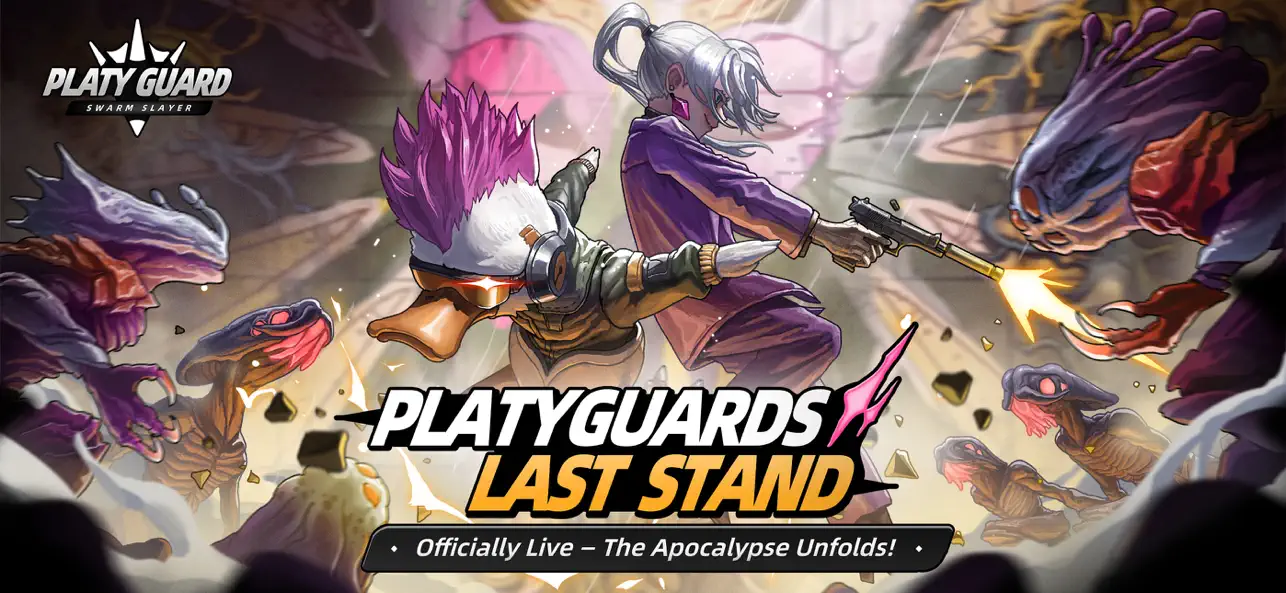
PlatyGuard is Now Live. Mix & match 100+ items, master counters and combos!
PlatyGuard: Swarm Slayer is a 2D action roguelike platformer RPG set in a post-apocalyptic wasteland, infused with biopunk and dark sci-fi flair. Survive the chaos, clash with mutant foes, and explore mysterious sites in this indie adventure!
Choose from over a dozen unique Platyguards, each with its own combat style—parry at the perfect moment, execute brutal combos, or unleash charged attacks. Hack and slash through hordes of enemies and build your own playstyle with hundreds of skills and items. Uncover the hidden truth behind the Hive Scourge and survive the apocalypse!
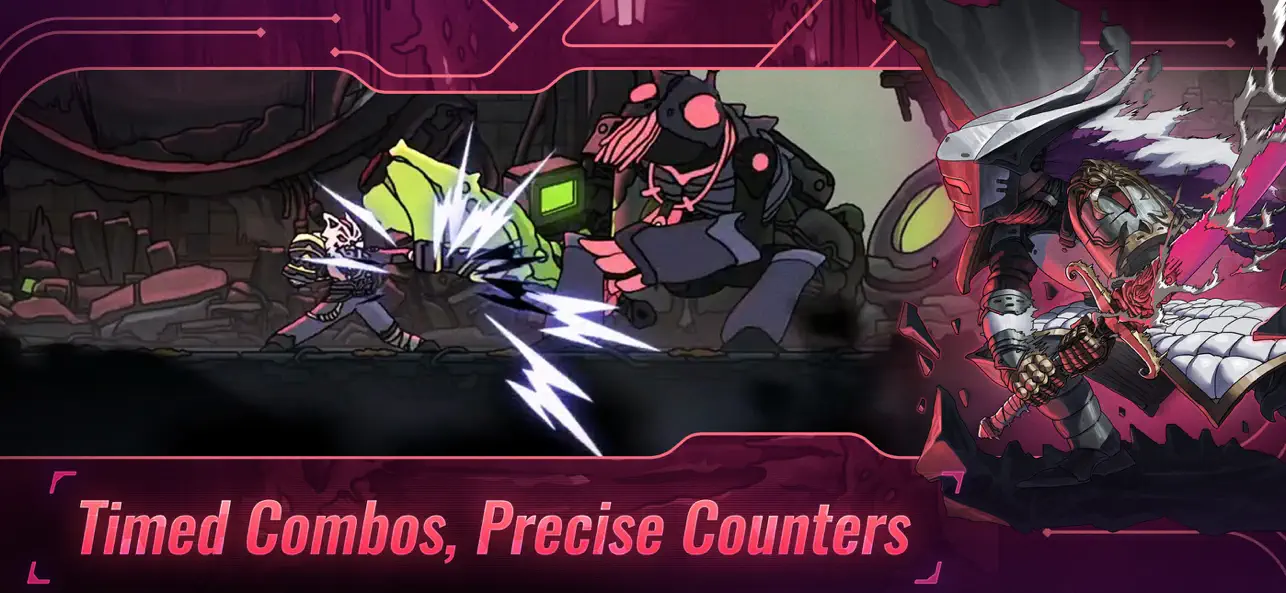
[Parry, Counter, Break with Style]
Spot enemy weaknesses, parry, dodge, and clash with precision. Shatter defenses, chain combos, and finish foes with decisive strikes. Experience the thrill of action-packed platformer combat!
[Unique Platyguards, Unleashed Power]
Over a dozen Platyguards await, each with unique mechanics: sword duels, brutal combos, charged attacks, or dodge-and-shoot styles. Whether you choose a samurai, ninja, or assassin, you'll find your signature hero in this roguelike action RPG!
[Endless Builds, Limitless Freedom]
Experiment with hundreds of skills, items, and synergies—summon armies, cast magic, or rain lightning storms. Forge extreme builds and turn despair into triumph in a dark fantasy wasteland!
[Wasteland Hunt, Truth Rebuilt]
Hive portals, mutant insects, corporate conspiracies—the cataclysm hides a secret born of mankind's survival instincts. Explore, fight, and uncover the dark mysteries and raw horrors that reshaped this post-apocalyptic world.
[Rich Scenes, Dynamic Battlefields]
6 vast stages, over 50 enemy types, elite monsters, and formidable bosses await. The battlefield shifts with every run—no two fights are ever the same in this roguelike action adventure. Love dungeon games? From ruined shelters to plague-ridden zones, uncover relentless challenges in a world brimming with danger and thrill.
Unite, Platyguards! Adventure, survival, and action await in this epic 2D roguelike platformer!
[Community & Service]
Join our official Discord server for discussions: https://discord.gg/QutyVMGeHx
For support or feedback, please contact us via: [email protected]
[Follow us for more game updates]
Twitter: https://x.com/ChillyRoom
Instagram: https://www.instagram.com/chillyroominc/
YouTube: https://www.youtube.com/@ChillyRoom
- Niet-jailbroken/jailed of jailbroken iPhone of iPad.
- Sideloadly of alternatieven.
- Computer met Windows/macOS/Linux en iTunes geïnstalleerd.
STAP 1: Download het vooraf gehackte .IPA-bestand via de link hierboven naar uw computer. Om het te downloaden vanuit de iOSGods App, bekijk onze iOSGods App IPA-downloadhandleiding met een videovoorbeeld.
STAP 2: Download Sideloadly en installeer het op uw Windows of Mac.
STAP 3: Open Sideloadly op uw computer, sluit uw iOS-apparaat aan en wacht tot de naam van uw apparaat in Sideloadly verschijnt.
STAP 4: Zodra uw iDevice is herkend, sleept u het gedownloade gemodde .IPA-bestand naar de Sideloadly-applicatie.
STAP 5: Voer het e-mailadres van uw Apple Account in en druk op “Start”. U wordt vervolgens gevraagd om uw wachtwoord in te voeren. Geef de gevraagde informatie op.
STAP 6: Wacht tot Sideloadly het sideloaden/installeren van de gehackte IPA heeft voltooid. Als er problemen zijn tijdens de installatie, lees dan onderstaande opmerking.
STAP 7: Zodra de installatie is voltooid en u de app op uw beginscherm ziet, gaat u naar Instellingen → Algemeen → Profielen / VPN- en apparaatbeheer. Tik daar op het e-mailadres dat u in stap 6 hebt ingevoerd en tik vervolgens op “Vertrouw [email protected]”.
STAP 8: Ga nu naar uw beginscherm en open de zojuist geïnstalleerde app; alles zou correct moeten werken. Mogelijk moet u verdere app-specifieke instructies volgen in de hack-popup in het spel.
OPMERKING: Op iOS/iPadOS 16 en later moet u Ontwikkelaarsmodus inschakelen. Voor gratis Apple Developer-accounts moet u dit proces elke 7 dagen herhalen. Als u vragen of problemen hebt, lees dan onze Sideloadly FAQ-sectie van het onderwerp.