需要登入
請使用您的 iOSGods 帳戶登入以繼續。
請使用您的 iOSGods 帳戶登入以繼續。
透過解開拔針謎題來幫助媽媽和女兒逃離嚴寒,這款冒險遊戲現已推出破解版本,提供無限資源。Pull Pin - Home Escape Hack 消除了重複磨練,讓你專注於聰慧的謎題解答和家居修復,使這個逃脫故事更加引人入勝。
- 無限金幣 → 自由花費於維修和升級
此應用程式也內建 iGameGod,讓你可以使用 Auto Touch 自動執行重複操作、透過 App Speed Manager 調整遊戲速度、使用 Memory Engine 修改記憶體數值,以及更多強大的 iOS 遊戲工具。
從上方連結下載 Pull Pin - Home Escape Hack modded IPA。點選安裝按鈕並依照畫面指示在 iPhone、iPad 或 Apple Silicon 上安裝此 iOS 應用程式修改版。
需要更多協助?請查看我們的 iOSGods 應用程式常見問題 以獲得詳細解答與疑難排解。
Welcome to Home Escape: Pull The Pin Story!
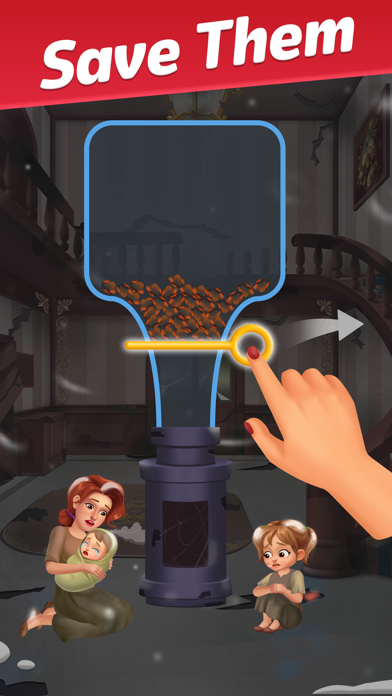
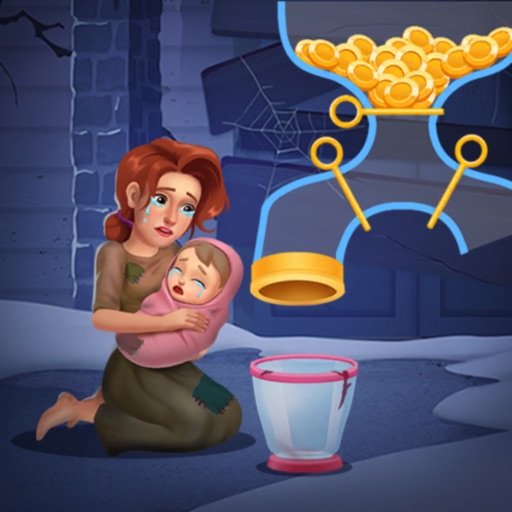
Home Escape: Pull The Pin is all about this poor lady who gets kicked out of her house 'cause her no-good cheating husband. Your job is to help a mom and her little girl survive the freezing cold in this abandoned house by yanking the pin. Use your smarts to snag the matchbox, charcoal, or even hustle some cash to fix up their swanky pad.
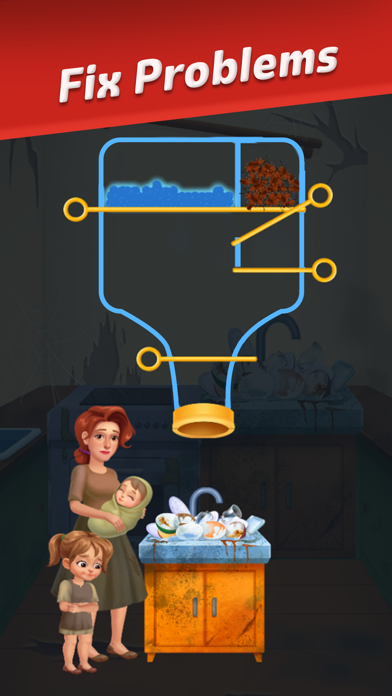
Encounter and solve challenging puzzle levels: Using your wisdom, deal with the pulling pins puzzles, the puzzles may be harder than your expectation. By solving the puzzle pin, you can get gold and facilities for the house, then you can unlock new rooms to make the mansion bigger. Be careful, there are bombs hidden behind those gold, get rid of those bombs with your smart strategy.
Let's see how you can overcome all pin-pulling game challenges. Easy to play but hard to master! Overcome obstacles in this game to unlock all storylines and find what is await you in the end.
HOW TO PLAY HOME ESCAPE: PULL THE PIN
- touch the screen to pull the pin, one-finger control gameplay
- get the right order when you pull the puzzle pin to earn gold and the necessary facilities
- Build your house and expand the mansion
FEATURES:
- Storylines with lots of backstories to be unveiled
- Nice graphic design, expressive characters
- A lot of objects to unlock: march, gold, table, chair, room...
- Pin puzzles: 100+ levels
Download Home Escape: Pull The Pin now and pulling pins to discover the secret stories!
- 未越獄/受限或已越獄的 iPhone 或 iPad。
- Sideloadly 或替代方案。
- 執行 Windows/macOS/Linux 且已安裝 iTunes 的電腦。
步驟 1: 透過上方連結將已破解的 .IPA 檔案下載到您的電腦。若要從 iOSGods App 下載,請參閱我們的 iOSGods App IPA 下載教學,其中包含影片範例。
步驟 2: 下載 Sideloadly 並將其安裝在您的 Windows 或 Mac 上。
步驟 3: 在電腦上開啟 Sideloadly,連接您的 iOS 裝置,並等待裝置名稱出現在 Sideloadly 中。
步驟 4: 當 Sideloadly 辨識到您的 iOS 裝置後,將下載好的修改版 .IPA 檔案拖曳並放到 Sideloadly 應用程式中。
步驟 5: 輸入您的 Apple Account 電子郵件,然後按下「Start」。系統會要求您輸入密碼,請依指示提供所需資訊。
步驟 6: 等待 Sideloadly 完成已破解 IPA 的旁載/安裝。如果安裝過程中發生問題,請閱讀下方的注意事項。
步驟 7: 安裝完成並在主畫面上看到該應用程式後,您需要前往 設定 → 一般 → 描述檔 / VPN 與裝置管理。進入後,點選您在步驟 6 中輸入的電子郵件,然後點選「信任 [email protected]」。
步驟 8: 現在回到主畫面並開啟新安裝的應用程式,一切應該都能正常運作。您可能需要依照遊戲內破解彈出視窗中的進一步指示操作。
注意: 在 iOS/iPadOS 16 及更新版本上,您必須 啟用開發者模式。若使用免費的 Apple Developer 帳號,您將需要每 7 天重複此程序。如有任何疑問或問題,請閱讀我們的 主題中的 Sideloadly 常見問題區段。