تسجيل الدخول مطلوب
سجّل الدخول بحساب iOSGods للمتابعة.
سجّل الدخول بحساب iOSGods للمتابعة.
This merge-and-match puzzle hack for Merge Village: Story & Puzzle Mod IPA lets you restore a ruined town by matching identical items to create higher-tier objects and unlock rewards. Play through the Sunshine Valley Restoration Project with unlimited resources to speed up your progress and enjoy the addictive puzzle gameplay without grinding.
- Unlimited Gems → spend freely on premium purchases
- Unlimited Coins → design and remodel buildings without limits
- Unlimited Energy → play continuously without waiting
يأتي هذا التطبيق أيضًا مع iGameGod، مما يتيح لك الوصول إلى Auto Touch لأتمتة المهام المتكررة، وApp Speed Manager لضبط سرعة اللعب، وتعديل القيم عبر Memory Engine، والمزيد من أدوات ألعاب iOS القوية.
قم بتنزيل Merge Village : Story & Puzzle iOS Mod IPA من الروابط أعلاه. اضغط على زر التثبيت واتبع التعليمات لتثبيت هذا التعديل لـ iOS على iPhone أو iPad أو Apple Silicon.
هل تحتاج إلى مزيد من المساعدة؟ راجع الأسئلة الشائعة لتطبيق iOSGods للحصول على إجابات مفصلة ونصائح لاستكشاف الأخطاء.
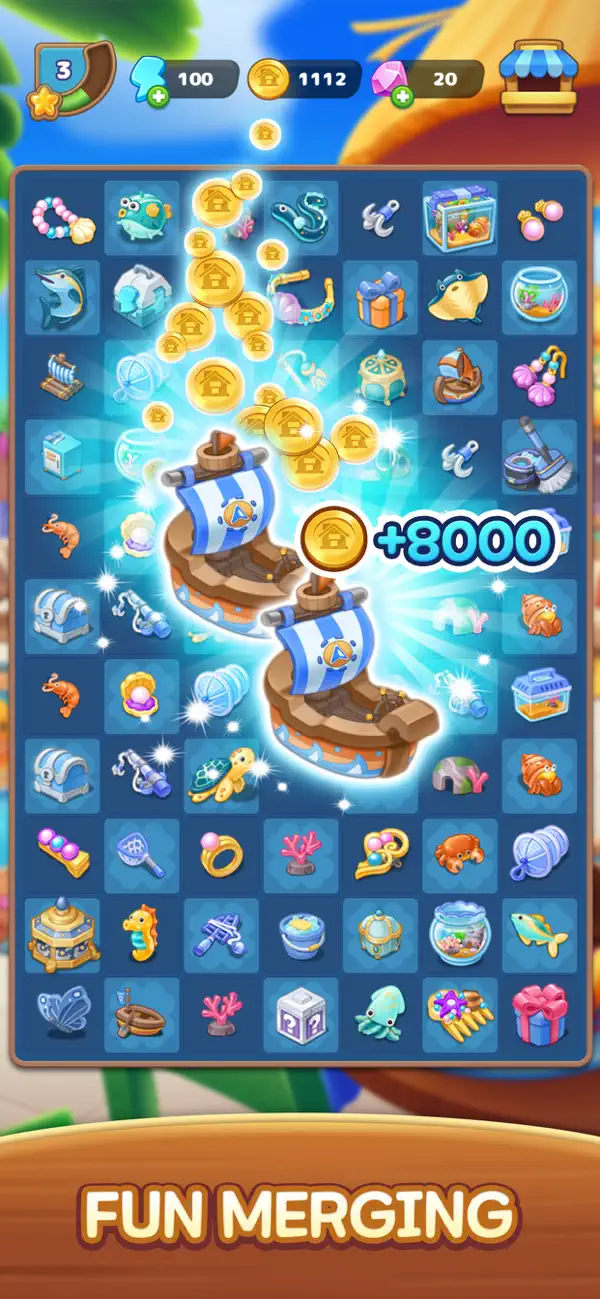
Match and merge 2 identical items!
Collect rewards to restore, upgrade, and beautifully decorate your ruined town
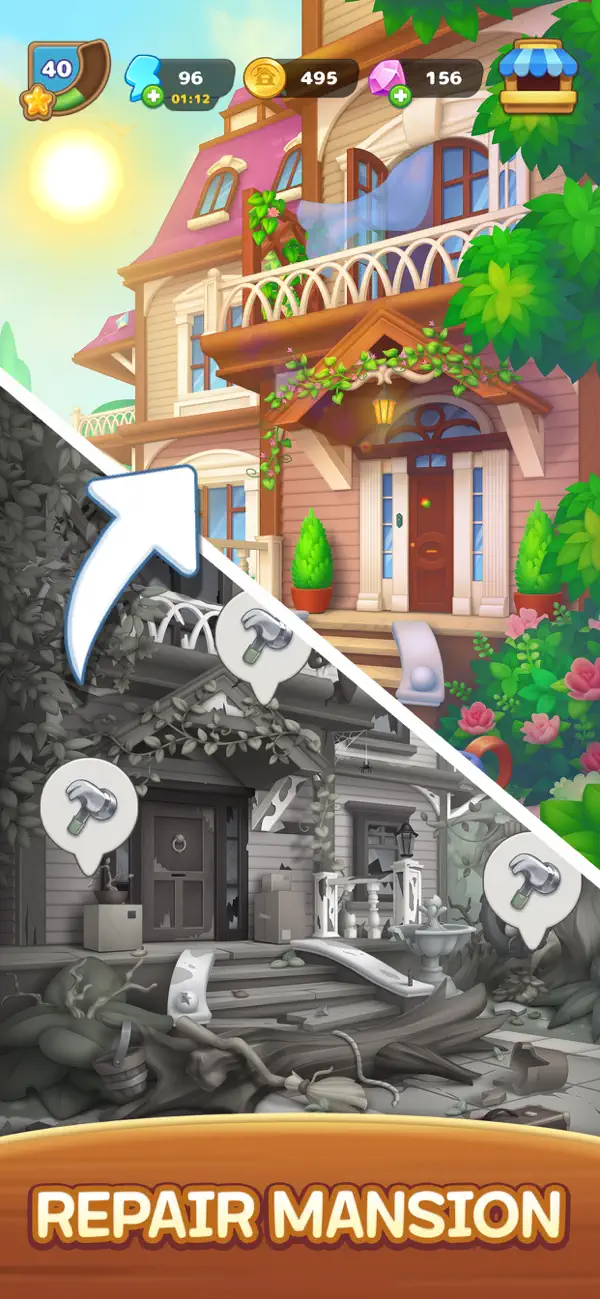
▶ Sunshine Valley Restoration Project After the Storm
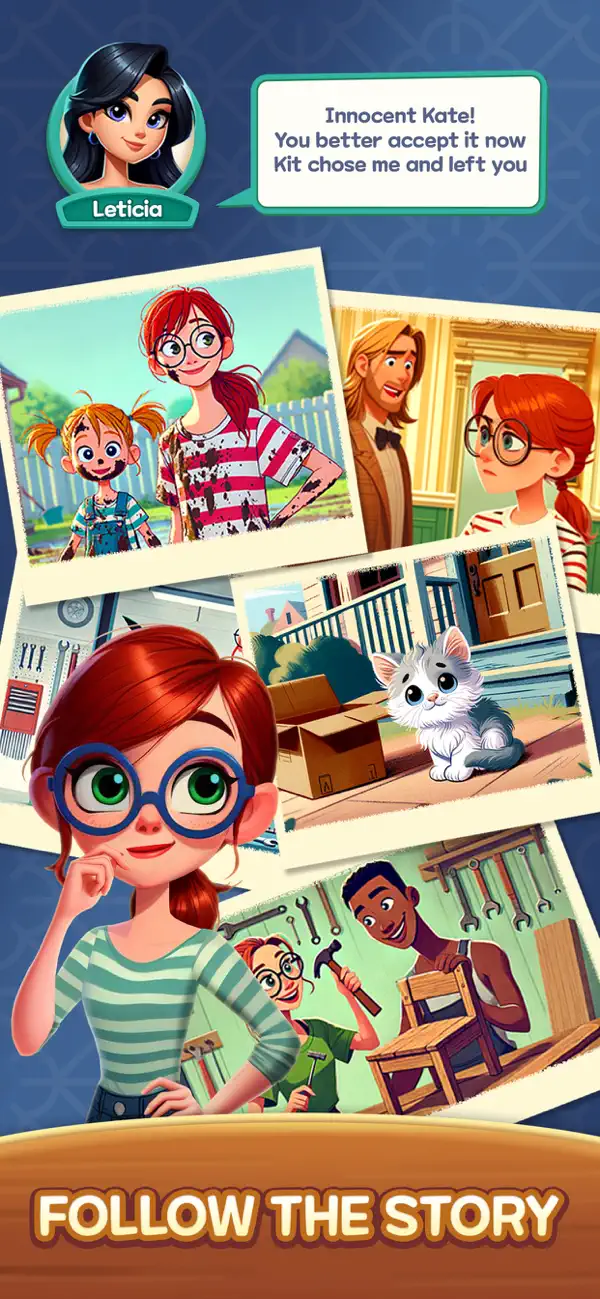
Join architect designer Kate
Repair old buildings and bring life back to the town!
Collect coins to design and remodel
houses, shops, gardens, and more!
▶ Merge & Match Puzzle
- Match 2 identical items to merge into higher-tier items
- Various objects: gardening tools, coffee, bread, toys, accessories, and more
- Create even more special items through merging
Enjoy an easy-to-play yet addictive match puzzle experience!
▶ Story & Town Quests
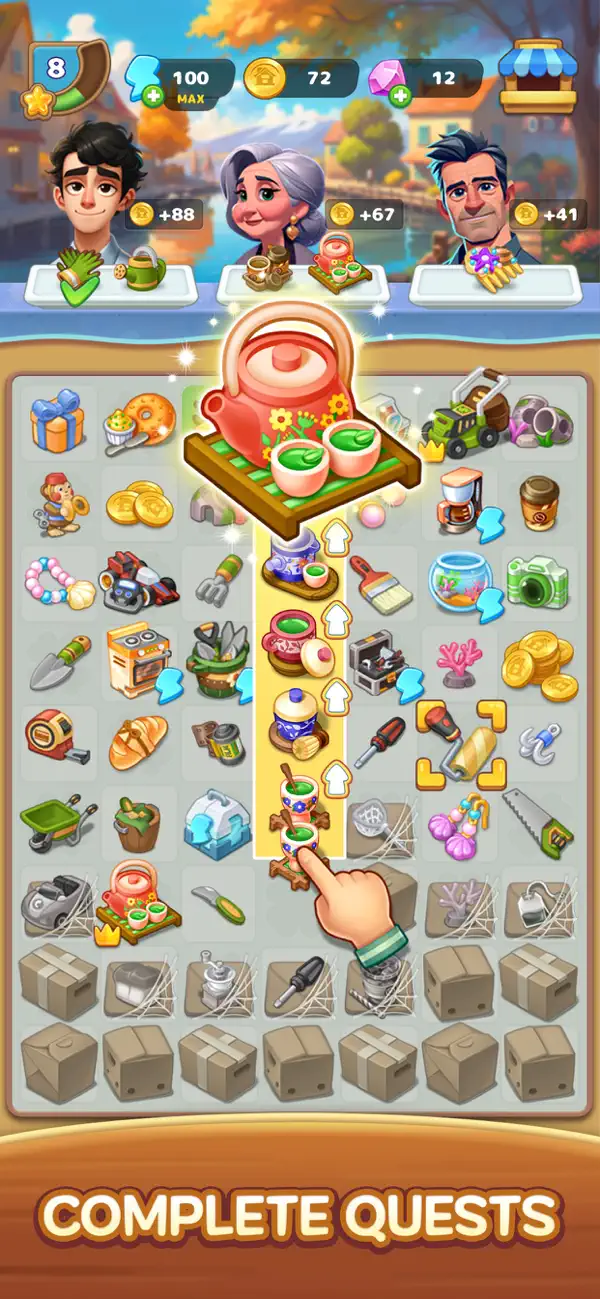
- Complete requests from town residents
- Discover hidden stories and the secrets of Sunshine Valley
- Clear missions and earn various rewards
A relaxing merge game combining puzzle + story + decoration!
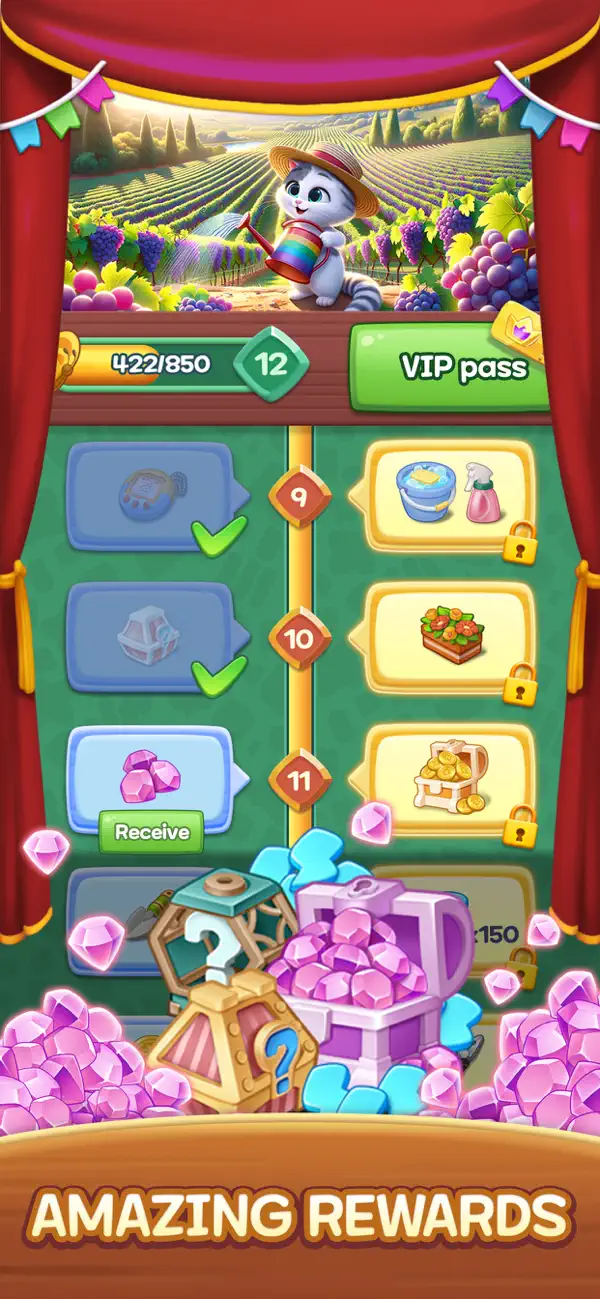
▶ Events & Rewards
- Earn various rewards just by progressing through the story
- Seasonal events and limited themes
- New content added through regular updates
Start now.
Merge, match, remodel, and decorate!
Make Sunshine Valley the most beautiful town
Official website: https://superboxgo.com
Facebook: https://www.facebook.com/superbox01
Email: [email protected]
Privacy Policy : https://superboxgo.com/privacypolicy_en.php
Terms of Service : https://superboxgo.com/termsofservice_en.php

- iPhone أو iPad بجيلبريك أو بدون جيلبريك.
- Sideloadly أو بدائلها.
- كمبيوتر يعمل بنظام Windows/macOS/Linux مع تثبيت iTunes.
الخطوة 1: قم بتنزيل ملف .IPA المعدّل مسبقًا من الرابط أعلاه إلى الكمبيوتر الخاص بك. للتنزيل من تطبيق iOSGods App، اطلع على دليل تنزيل IPA من تطبيق iOSGods App الذي يتضمن مثالًا بالفيديو.
الخطوة 2: قم بتنزيل Sideloadly وتثبيته على جهاز Windows أو Mac.
الخطوة 3: افتح Sideloadly على الكمبيوتر، ووصّل جهاز iOS الخاص بك، وانتظر حتى يظهر اسم جهازك داخل Sideloadly.
الخطوة 4: بمجرد التعرّف على جهاز iDevice الخاص بك، اسحب ملف .IPA المعدّل الذي قمت بتنزيله وأفلِته داخل تطبيق Sideloadly.
الخطوة 5: أدخل البريد الإلكتروني لحساب Apple Account الخاص بك، ثم اضغط على «Start». سيُطلب منك بعد ذلك إدخال كلمة المرور. تابع وأدخل المعلومات المطلوبة.
الخطوة 6: انتظر حتى ينتهي Sideloadly من تحميل/تثبيت ملف IPA المعدّل. في حال واجهت أي مشاكل أثناء التثبيت، يرجى قراءة الملاحظة أدناه.
الخطوة 7: بعد اكتمال التثبيت ورؤية التطبيق على الشاشة الرئيسية، انتقل إلى Settings → General → Profiles / VPN & Device Management. ثم اضغط على البريد الإلكتروني الذي أدخلته في الخطوة 6، ثم اضغط على «الوثوق بـ [email protected]».
الخطوة 8: الآن انتقل إلى الشاشة الرئيسية وافتح التطبيق الذي تم تثبيته للتو وسيعمل كل شيء بشكل صحيح. قد تحتاج إلى اتباع تعليمات إضافية خاصة بكل تطبيق داخل النافذة المنبثقة للتعديل أثناء اللعب.
ملاحظة: بدءًا من iOS/iPadOS 16 وما بعده، يجب تفعيل وضع المطور (Developer Mode). بالنسبة لحسابات Apple Developer المجانية، ستحتاج إلى تكرار هذه العملية كل 7 أيام. إذا كانت لديك أي أسئلة أو مشاكل، يرجى قراءة قسم الأسئلة الشائعة حول Sideloadly في الموضوع.