Accesso richiesto
Accedi con il tuo account iOSGods per continuare.
Accedi con il tuo account iOSGods per continuare.

Costruisci ed esplora il colorato mondo di Peppa Pig con i mattoncini LEGO DUPLO in questo gioco iOS modificato per bambini dai 2 ai 6 anni. Questo Mod IPA sblocca tutti i contenuti in modo che i più piccoli possano tuffarsi direttamente in avventure di gioco di fantasia, salti nelle pozzanghere di fango, costruzione di case sull'albero e sfide di problem-solving con Peppa e i suoi amici senza restrizioni.
- Tutto Sbloccato → tutte le attività e i contenuti disponibili fin dall'inizio
Questa app include anche iGameGod, che ti offre accesso ad Auto Touch per automatizzare attività ripetitive, App Speed Manager per regolare la velocità di gioco, modifica dei valori con Memory Engine e altri potenti strumenti per giochi iOS.
Scarica LEGO® DUPLO® Peppa Pig iOS Mod IPA dai link sopra. Tocca il pulsante di installazione e segui le istruzioni per installare questo hack iOS sul tuo iPhone, iPad o Mac con Apple Silicon.
Hai bisogno di altro aiuto? Consulta le nostre Domande frequenti sull'app iOSGods per risposte dettagliate e consigli per la risoluzione dei problemi.
LEGO® DUPLO® Peppa Pig brings together the beloved world of Peppa Pig and the creativity of LEGO DUPLO, offering a fun and playful learning experience.
Little ones aged 2-6 can explore, build, and engage in oinktastic pretend play adventures with Peppa and her friends.
• Play with Peppa Pig, her family and friends!
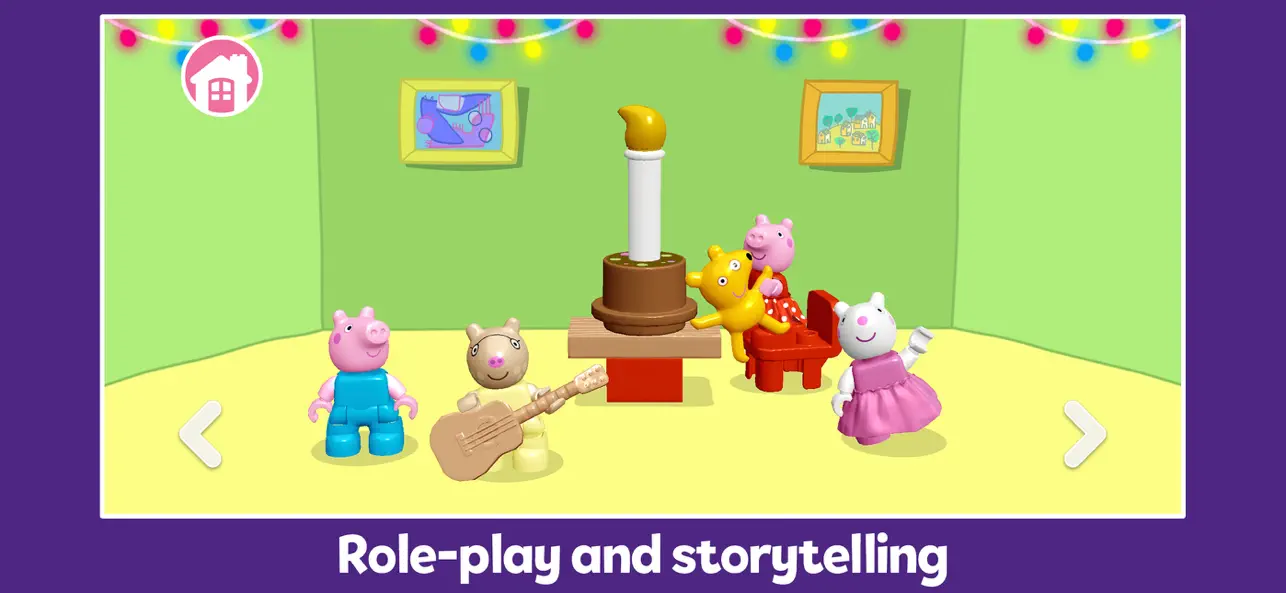
• Role-play and storytelling—perfect for little ones
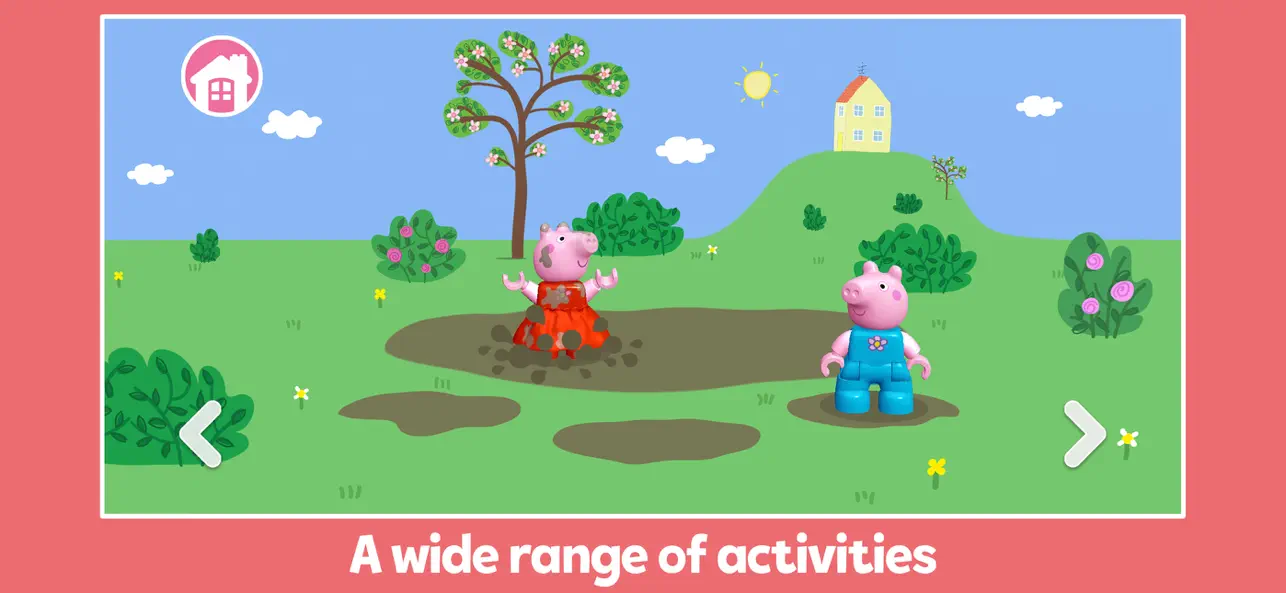
• A wide and varied range of activities
• Jump in muddy puddles or build a treehouse!
• Fun problem-solving challenges
• Build with colorful 3D LEGO DUPLO bricks
• Play together to nurture social skills
When young children have fun and play, it creates the perfect conditions to learn and grow. We have designed this app to help young kids develop a balance of the IQ skills (cognitive and creative) and EQ skills (social and emotional) they need for the best start in life.
CHARACTERS
Peppa Pig, her little brother George, Mummy Pig, Daddy Pig, Grandpa Pig, Suzy Sheep, and Pedro Pony.
Jump into happy and playful learning adventures, with giggles and snorts guaranteed!
AWARDS & ACCOLADES
• Kidscreen 2025 Nominee for Best Game App – Branded
FEATURES
• Safe and age-appropriate
• Designed responsibly to let your child enjoy screen time while developing healthy digital habits at a young age
• FTC Approved COPPA Safe Harbor Certification by Privo
• Play pre-downloaded content offline without wifi or internet
• Regular updates with new content
• Apple Family Sharing for easy subscription sharing with other family members
• No third-party advertising
• No in-app purchases for subscribers
SUPPORT
For any questions or assistance, please reach out to us at [email protected]
ABOUT STORYTOYS
Our mission is to bring the world's most popular characters, worlds, and stories to life for children. We make apps for kids that engage them in well-rounded activities designed to help them learn, play, and grow. Parents can enjoy peace of mind knowing their kids are learning and having fun at the same time.
PRIVACY & TERMS
StoryToys takes children's privacy seriously and ensures that its apps comply with privacy laws, including the Child Online Privacy Protection Act (COPPA). If you would like to learn more about the information we collect and how we use it, please visit our privacy policy at https://storytoys.com/privacy.
Read our terms of use here: https://storytoys.com/terms.
SUBSCRIPTION & IN-APP PURCHASE
This app contains sample content that is free to play. However, LOTS MORE fun and entertaining games and activities are available. You can buy individual units of content via in-app purchases. Alternatively, if you subscribe to the app you can play with EVERYTHING. We regularly add new stuff, so subscribed users will enjoy ever-expanding play opportunities.
• Subscriptions are billed monthly or annually according to the rate of the selected subscription plan.
• You can change your mind at any point. Cancelling can be done through your iTunes settings.
• Your subscription will auto-renew at the cost of the chosen package unless you cancel it 24 hours before the end of the current subscription period. Subscription fees are charged to your iTunes account.
• After purchase, you can manage your subscription and turn off auto-renewal by going to your Account Settings.
• When you purchase a subscription, you forfeit any unused portion of a free trial period.
• You can use your subscription on any device registered with the same Apple ID that you subscribed from.
LEGO®, DUPLO®, the LEGO logo, and the DUPLO logo are trademarks and/or copyrights of the LEGO® Group. © 2026 The LEGO Group. All Rights Reserved.
© 2026 ABD/Hasbro.
- iPhone o iPad non jailbroken/jailed oppure jailbroken.
- Sideloadly o alternative.
- Computer con Windows/macOS/Linux con iTunes installato.
PASSO 1: Scarica il file .IPA pre-modificato dal link sopra sul tuo computer. Per scaricarlo dall'iOSGods App, consulta il nostro Tutorial download IPA dell'iOSGods App, che include un esempio video.
PASSO 2: Scarica Sideloadly e installalo sul tuo Windows o Mac.
PASSO 3: Apri Sideloadly sul tuo computer, collega il tuo dispositivo iOS e attendi finché il nome del dispositivo non appare in Sideloadly.
PASSO 4: Una volta riconosciuto il tuo iDevice, trascina il file .IPA moddato che hai scaricato e rilascialo nell'applicazione Sideloadly.
PASSO 5: Inserisci l'email del tuo Apple Account, poi premi “Start”. Ti verrà quindi chiesto di inserire la password. Procedi e fornisci le informazioni richieste.
PASSO 6: Attendi che Sideloadly completi il sideload/installazione dell'IPA modificata. Se ci sono problemi durante l'installazione, leggi la nota qui sotto.
PASSO 7: Una volta completata l'installazione e vista l'app sulla schermata Home, dovrai andare in Impostazioni → Generali → Profili / Gestione VPN e dispositivi. Una volta lì, tocca l'email inserita al passo 6 e poi tocca “Autorizza [email protected]”.
PASSO 8: Ora vai sulla schermata Home e apri l'app appena installata: tutto dovrebbe funzionare correttamente. Potrebbe essere necessario seguire ulteriori istruzioni specifiche all'interno del popup dell'hack nel gioco.
NOTA: Per iOS/iPadOS 16 e versioni successive, devi attivare la Modalità sviluppatore. Per gli account Apple Developer gratuiti, dovrai ripetere questa procedura ogni 7 giorni. Se hai domande o problemi, leggi la nostra sezione FAQ Sideloadly del topic.