تسجيل الدخول مطلوب
سجّل الدخول بحساب iOSGods للمتابعة.
سجّل الدخول بحساب iOSGods للمتابعة.
Hack Features:
- Multiply Attack
- Multiply Defense
- Always Critical
- Skip Battle Intro
Support only iOS 18+
قم بتنزيل Tower of God: NEW WORLD iOS Mod IPA من الروابط أعلاه. اضغط على زر التثبيت واتبع التعليمات لتثبيت هذا التعديل لـ iOS على iPhone أو iPad أو Apple Silicon.
هل تحتاج إلى مزيد من المساعدة؟ راجع الأسئلة الشائعة لتطبيق iOSGods للحصول على إجابات مفصلة ونصائح لاستكشاف الأخطاء.
[The smash hit webtoon with over 6 billion views worldwide is now on your device!]
The international phenomenon Tower of God, reimagined by Netmarble.
[Experience all-new original stories!]
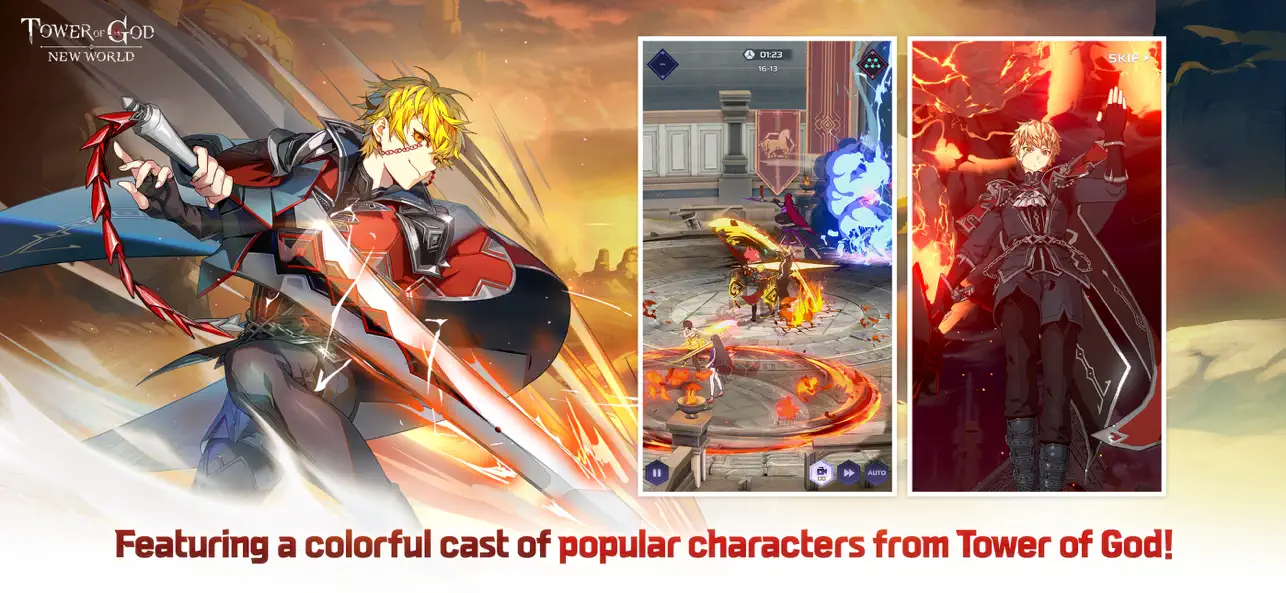
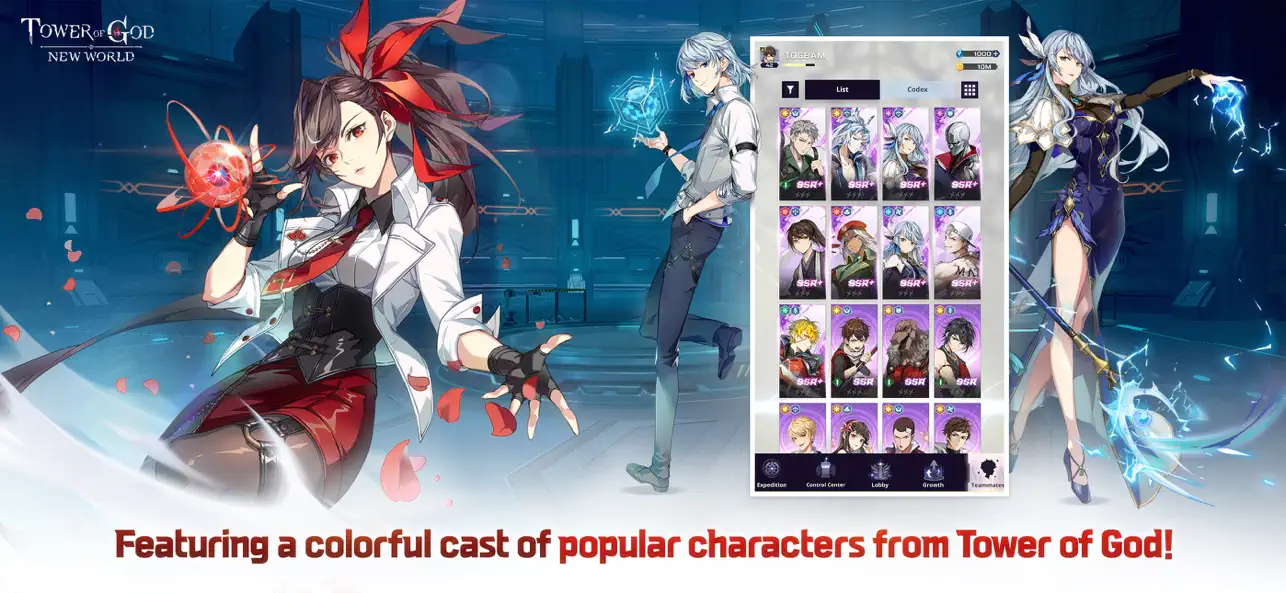
Meet Bam, Khun, and Rak as well as the entire supporting cast from the webtoon!
Become part of their adventure and experience exclusive original stories as you forge your path forward on your climb up the Tower of God!
[Go all out and unleash your ultimate skills!]
Webtoon fan or not, feast your eyes on stylish graphics that capture the comics' style!
Unleash your power with flair!
Meet Bam, Khun, and Rak as well as the entire supporting cast from the webtoon! Recruit your own team as you make your way up the Tower of God!
[Get tons of rewards & shared progress to switch freely between characters!]
Progress is shared across all characters!
Cut down on the time spent leveling each new character!
Get upgrade materials from the Loot system without having to grind!
[Use Elements and Positions to field your own strategies!]
Elements and Positions are easy to pick up, but hard to master!
Use Elements and Positions to your advantage
Create your own strategies in Tower of God: NEW WORLD!
Visit the Official Forums for the latest updates and more information about the game!
Official forum: https://forum.netmarble.com/towerofgod_en
Official Discord: https://discord.gg/tognewworld
Official Youtube: https://www.youtube.com/@tog_new_world
Official Facebook: https://www.facebook.com/tognewworldgob
Official Twitter: https://twitter.com/ToG_new_world
Official Instagram: https://www.instagram.com/tower_of_god_new_world/
Official Tiktok: https://www.tiktok.com/@tog.official_global
[Permissions]
No special permissions are required to use this app.
※ This app offers in-app purchases. You can disable this feature by adjusting your device’s settings.
※ By downloading this game, you are agreeing to our Terms of Service and Privacy Policy.
- Terms of Service: https://help.netmarble.com/terms/terms_of_service_en
- Privacy Policy: https://help.netmarble.com/privacy_policy/tog
- iPhone أو iPad بجيلبريك أو بدون جيلبريك.
- Sideloadly أو بدائلها.
- كمبيوتر يعمل بنظام Windows/macOS/Linux مع تثبيت iTunes.
الخطوة 1: قم بتنزيل ملف .IPA المعدّل مسبقًا من الرابط أعلاه إلى الكمبيوتر الخاص بك. للتنزيل من تطبيق iOSGods App، اطلع على دليل تنزيل IPA من تطبيق iOSGods App الذي يتضمن مثالًا بالفيديو.
الخطوة 2: قم بتنزيل Sideloadly وتثبيته على جهاز Windows أو Mac.
الخطوة 3: افتح Sideloadly على الكمبيوتر، ووصّل جهاز iOS الخاص بك، وانتظر حتى يظهر اسم جهازك داخل Sideloadly.
الخطوة 4: بمجرد التعرّف على جهاز iDevice الخاص بك، اسحب ملف .IPA المعدّل الذي قمت بتنزيله وأفلِته داخل تطبيق Sideloadly.
الخطوة 5: أدخل البريد الإلكتروني لحساب Apple Account الخاص بك، ثم اضغط على «Start». سيُطلب منك بعد ذلك إدخال كلمة المرور. تابع وأدخل المعلومات المطلوبة.
الخطوة 6: انتظر حتى ينتهي Sideloadly من تحميل/تثبيت ملف IPA المعدّل. في حال واجهت أي مشاكل أثناء التثبيت، يرجى قراءة الملاحظة أدناه.
الخطوة 7: بعد اكتمال التثبيت ورؤية التطبيق على الشاشة الرئيسية، انتقل إلى Settings → General → Profiles / VPN & Device Management. ثم اضغط على البريد الإلكتروني الذي أدخلته في الخطوة 6، ثم اضغط على «الوثوق بـ [email protected]».
الخطوة 8: الآن انتقل إلى الشاشة الرئيسية وافتح التطبيق الذي تم تثبيته للتو وسيعمل كل شيء بشكل صحيح. قد تحتاج إلى اتباع تعليمات إضافية خاصة بكل تطبيق داخل النافذة المنبثقة للتعديل أثناء اللعب.
ملاحظة: بدءًا من iOS/iPadOS 16 وما بعده، يجب تفعيل وضع المطور (Developer Mode). بالنسبة لحسابات Apple Developer المجانية، ستحتاج إلى تكرار هذه العملية كل 7 أيام. إذا كانت لديك أي أسئلة أو مشاكل، يرجى قراءة قسم الأسئلة الشائعة حول Sideloadly في الموضوع.





![[The Battle Cats JP] にゃんこ大戦争 iOS Mod IPA](https://is1-ssl.mzstatic.com/image/thumb/Purple221/v4/d5/5d/5e/d55d5ecc-9bbd-3446-2092-56eef81db097/AppIcon-0-0-1x_U007epad-0-1-85-220.png/100x100bb.jpg)