تسجيل الدخول مطلوب
سجّل الدخول بحساب iOSGods للمتابعة.
Hack Features
- Debugger (+10 Cheats) - Require restart to see changes
- Auto updates on .deb
قم بتنزيل Zone X: Wasteland Survival Hack modded IPA من الروابط أعلاه. اضغط على زر التثبيت واتبع التعليمات لتثبيت هذا التعديل لـ iOS على iPhone أو iPad أو Apple Silicon.
هل تحتاج إلى مزيد من المساعدة؟ راجع الأسئلة الشائعة لتطبيق iOSGods للحصول على إجابات مفصلة ونصائح لاستكشاف الأخطاء.
Escape. Survive. Uncover the truth.
Zone X thrusts you into a post-apocalyptic nightmare inside a secret facility gone wrong. What was once a secure military base has become an abandoned maze of danger, darkness, and buried secrets. In this immersive blend of action-adventure and 3D survival RPG, you’ll explore, craft, and fight to stay alive — while uncovering the terrifying truth behind Project X.
Every corridor hides new threats. Every decision shapes your fate. Zone X captures the tension of top survival games 3D, combining intense combat, atmospheric exploration, and a gripping narrative. Whether you enjoy action games or offline RPG survival experiences, Zone X offers a challenge built for true survivors.
EXPLORE AND SURVIVE
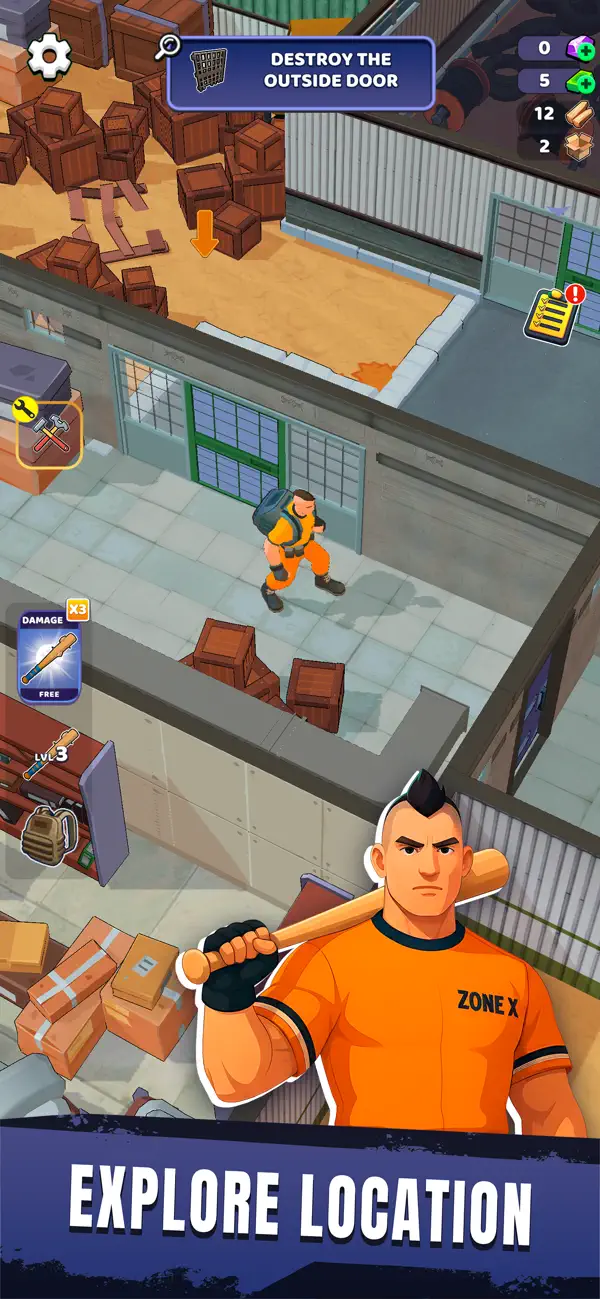
Journey through two contrasting zones — one still crawling with active security drones and deadly traps, the other decayed and overrun by failed experiments. Each area reveals fragments of the facility’s downfall, making Zone X one of the most captivating apocalyptic games out there.
CRAFT AND UPGRADE
Collect resources, craft essential tools, and upgrade your gear. Fans of survival crafting games will find deep, rewarding progression as you adapt to an environment that never stops pushing back.
UNCOVER SECRETS
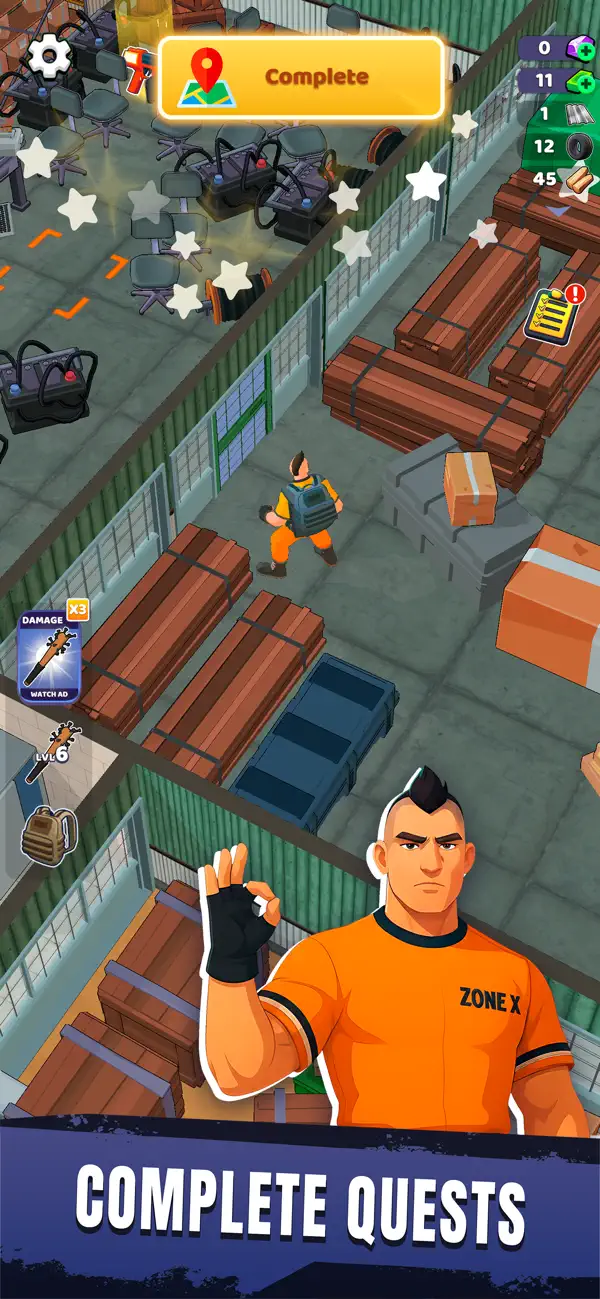
Search classified archives, decrypt terminals, and explore abandoned labs. The mystery of a scientific catastrophe unfolds piece by piece, merging the intrigue of wasteland survival games with a dark sci-fi story.
FIGHT AND ADAPT
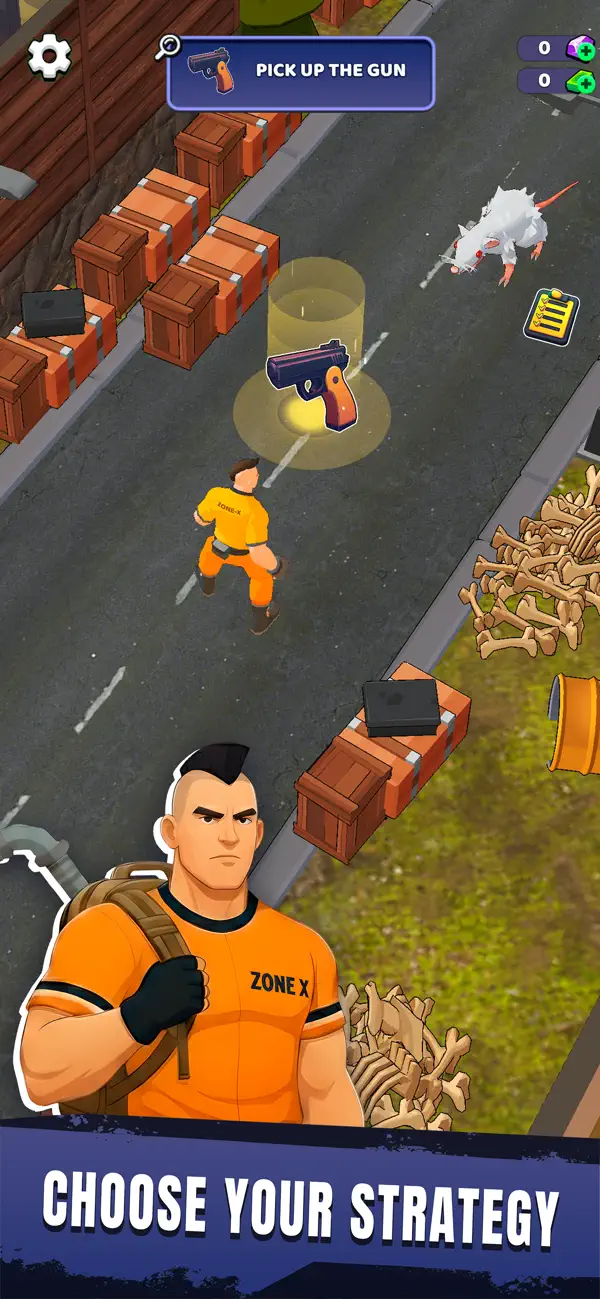
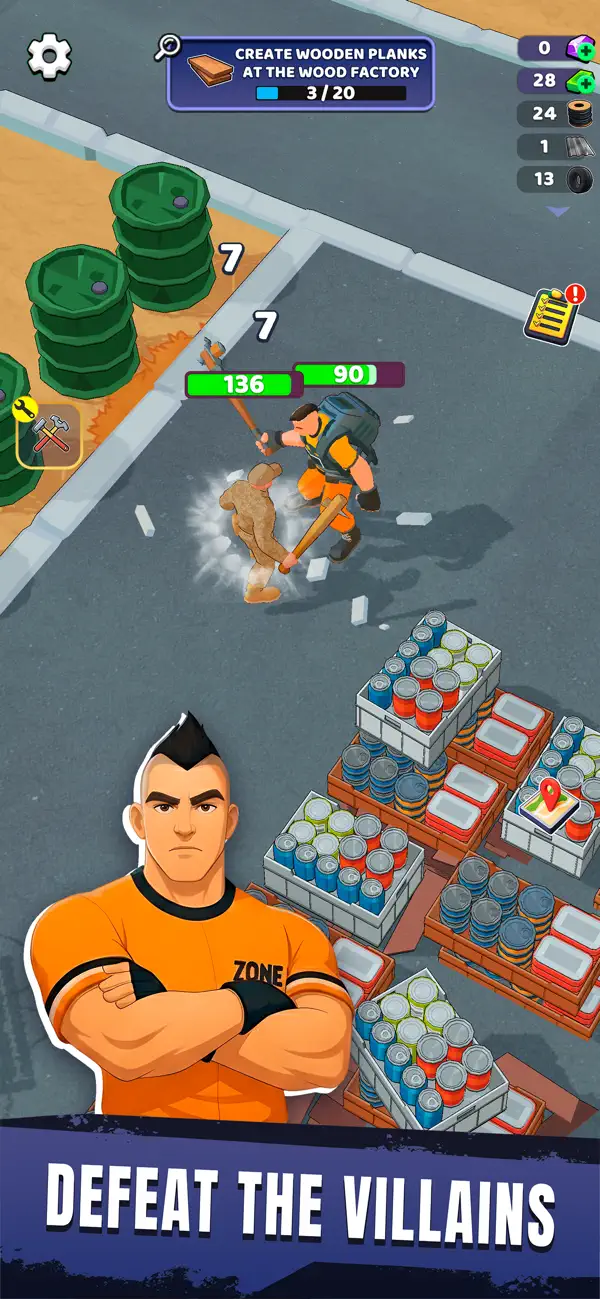
Take on mutated subjects, rogue machines, and lurking horrors. With fluid combat and exploration inspired by action-adventure and survival games, every encounter feels unpredictable and intense.
CONQUER THE WASTELAND
In a world where the rules of survival have collapsed, only those who adapt will endure. Whether you prefer post-apocalyptic tension or the tactical depth of RPG survival, Zone X challenges you to master both.
YOUR STORY. YOUR SURVIVAL.
Each step brings you closer to the truth. Each choice carves your path. From stealthy infiltrations to desperate firefights, Zone X redefines survival gameplay — proving that only the strongest escape alive.
Will you expose the truth behind Project X… or join the countless who never made it out?
Download Zone X now and begin your escape.
- iPhone أو iPad بجيلبريك أو بدون جيلبريك.
- Sideloadly أو بدائلها.
- كمبيوتر يعمل بنظام Windows/macOS/Linux مع تثبيت iTunes.
الخطوة 1: قم بتنزيل ملف .IPA المعدّل مسبقًا من الرابط أعلاه إلى الكمبيوتر الخاص بك. للتنزيل من تطبيق iOSGods App، اطلع على دليل تنزيل IPA من تطبيق iOSGods App الذي يتضمن مثالًا بالفيديو.
الخطوة 2: قم بتنزيل Sideloadly وتثبيته على جهاز Windows أو Mac.
الخطوة 3: افتح Sideloadly على الكمبيوتر، ووصّل جهاز iOS الخاص بك، وانتظر حتى يظهر اسم جهازك داخل Sideloadly.
الخطوة 4: بمجرد التعرّف على جهاز iDevice الخاص بك، اسحب ملف .IPA المعدّل الذي قمت بتنزيله وأفلِته داخل تطبيق Sideloadly.
الخطوة 5: أدخل البريد الإلكتروني لحساب Apple Account الخاص بك، ثم اضغط على «Start». سيُطلب منك بعد ذلك إدخال كلمة المرور. تابع وأدخل المعلومات المطلوبة.
الخطوة 6: انتظر حتى ينتهي Sideloadly من تحميل/تثبيت ملف IPA المعدّل. في حال واجهت أي مشاكل أثناء التثبيت، يرجى قراءة الملاحظة أدناه.
الخطوة 7: بعد اكتمال التثبيت ورؤية التطبيق على الشاشة الرئيسية، انتقل إلى Settings → General → Profiles / VPN & Device Management. ثم اضغط على البريد الإلكتروني الذي أدخلته في الخطوة 6، ثم اضغط على «الوثوق بـ [email protected]».
الخطوة 8: الآن انتقل إلى الشاشة الرئيسية وافتح التطبيق الذي تم تثبيته للتو وسيعمل كل شيء بشكل صحيح. قد تحتاج إلى اتباع تعليمات إضافية خاصة بكل تطبيق داخل النافذة المنبثقة للتعديل أثناء اللعب.
ملاحظة: بدءًا من iOS/iPadOS 16 وما بعده، يجب تفعيل وضع المطور (Developer Mode). بالنسبة لحسابات Apple Developer المجانية، ستحتاج إلى تكرار هذه العملية كل 7 أيام. إذا كانت لديك أي أسئلة أو مشاكل، يرجى قراءة قسم الأسئلة الشائعة حول Sideloadly في الموضوع.