Anmeldung erforderlich
Melde dich mit deinem iOSGods-Konto an, um fortzufahren.
Melde dich mit deinem iOSGods-Konto an, um fortzufahren.
Kontrolliere das Spielfeld in PES 2019 PRO EVOLUTION SOCCER mit diesem modifizierten IPA Hack, der die gegnerische KI deaktiviert und dir ermöglicht, Spiele nach deinen Vorstellungen zu dominieren. Wichtig: Gegnerische Abstoße, Freistöße, Einwürfe oder Fouls erzwingen einen App-Neustart und Vertragsverlust. Verwende diesen Hack mit Vorsicht und auf eigenes Risiko.
- Hohe KI (KI bewegt sich nicht) → Gegner bleibt während des Spiels bewegungslos
BEACHTE, DASS WENN DER GEGNER EINEN ABSTOPP ODER EINEN FREISTOSS ODER EINEN EINWURF ERHÄLT (JEDE ART VON FOUL USW.), DIES DICH ZWINGT, DIE APP NEU ZU STARTEN UND DAS SPIEL ZU VERWERFEN. DU WIRST DEINEN VERTRAG VERLIEREN. DU WURDEST GEWARNT. ICH BIN NICHT VERANTWORTLICH FÜR IRGENDWELCHE SPERREN ODER ANDERE VERLUSTE AUFGRUND DIESES HACKS. DIESER HACK WIRD WIE BESEHEN BEREITGESTELLT.
Diese App wird zusätzlich mit iGameGod geliefert und bietet dir Zugriff auf Auto Touch zur Automatisierung sich wiederholender Aufgaben, App Speed Manager für eine anpassbare Spielgeschwindigkeit, Memory Engine zur Wertbearbeitung und weitere leistungsstarke iOS-Spielwerkzeuge.
Lade PES 2019 PRO EVOLUTION SOCCER Hack modded IPA über die obigen Links herunter. Tippe auf den Installations-Button und folge den Anweisungen, um diese iOS-App auf deinem iPhone, iPad oder Apple Silicon zu installieren.
Brauchst du mehr Hilfe? In unseren iOSGods App häufig gestellten Fragen findest du ausführliche Antworten und Tipps zur Fehlerbehebung.
■ "eFootball™" - An Evolution from "PES"
It's an all-new era of digital football: "PES" has now evolved into "eFootball™"! And now you can experience the next generation of football gaming with "eFootball™"!
■ Welcoming Newcomers
After downloading, you can learn the basic controls of the game via a step-by-step tutorial that includes practical demonstrations! Complete them all and receive Lionel Messi!
We have also added the Smart Assist setting to help users enjoy the fun and excitement of playing matches, even if they are new to the game.
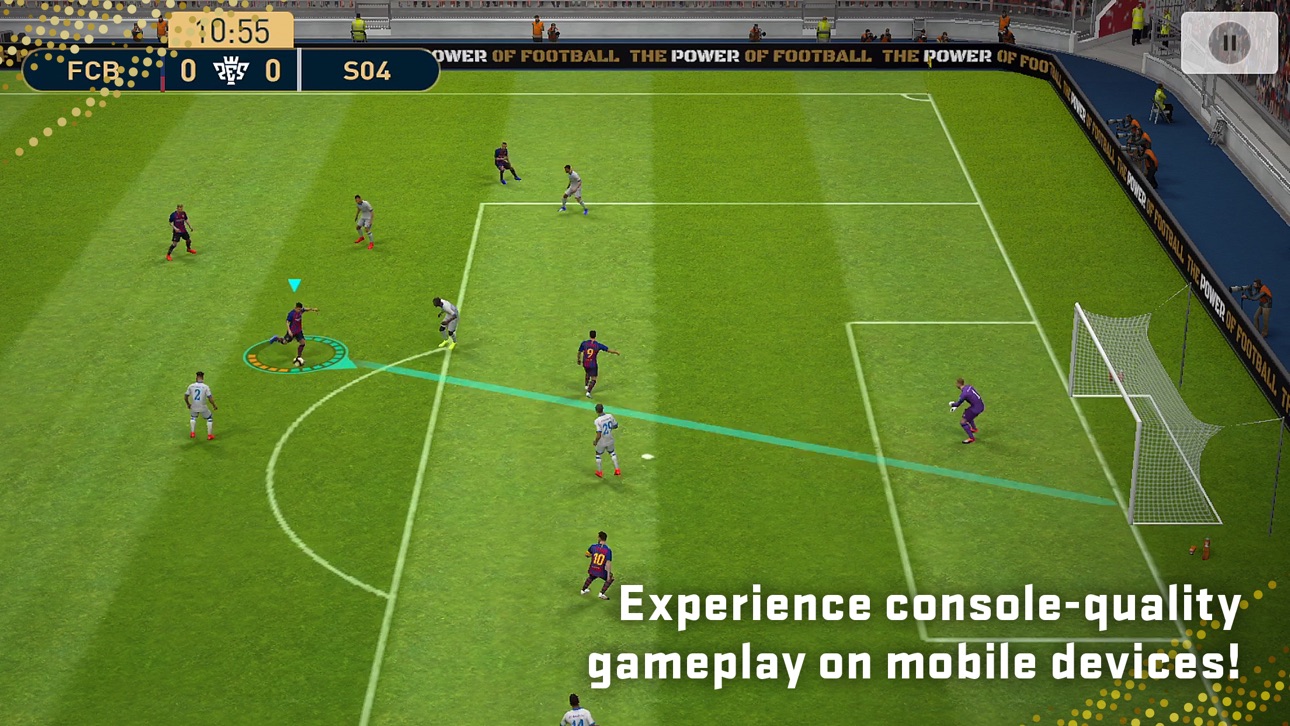
Without entering complex commands, get past the opposing defence with a brilliant dribble or pass, then score a goal with a powerful shot.
[Ways of Playing]
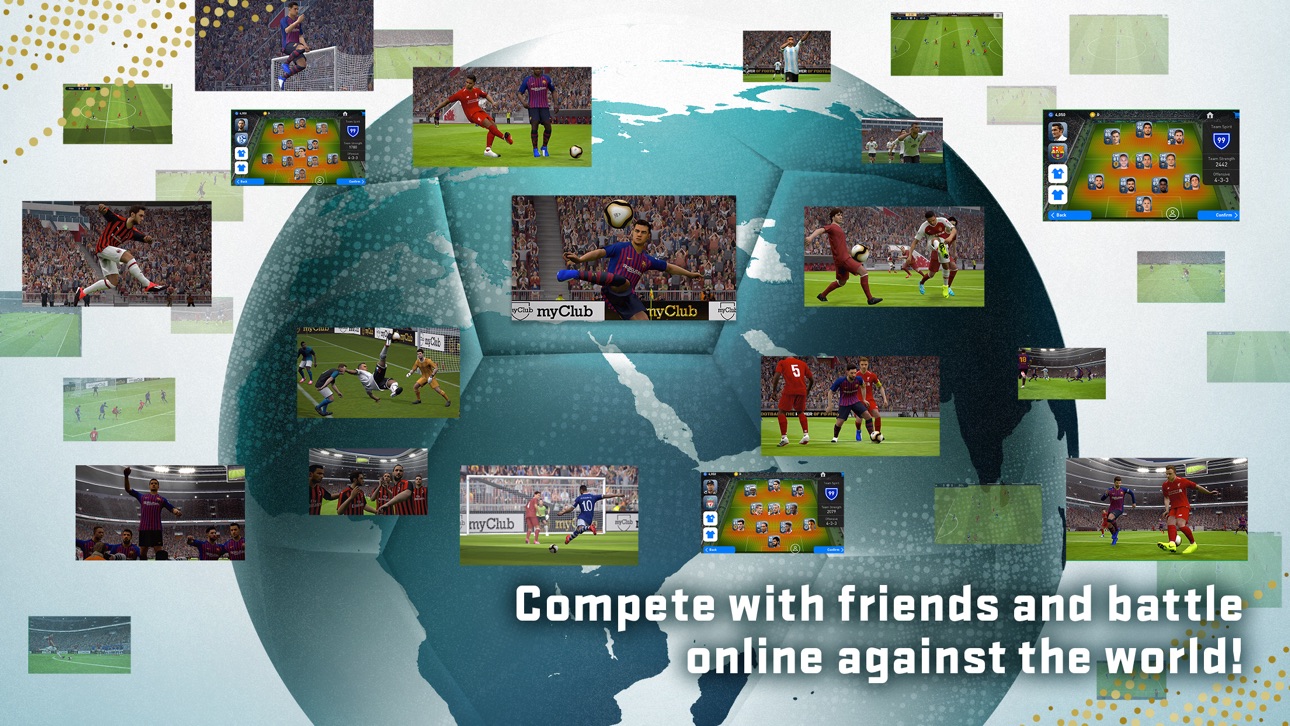
Friend Matches and Co-op Matches with up to three a side are also in store. So get together with some mates and have a blast.
■ Player Development
Develop players through matches and special items, and strengthen their abilities.
Improve players the way you like, or use the "Auto Select" setting to develop them automatically.
[For More Fun]
■ Enjoy Each Phase of the Football Season
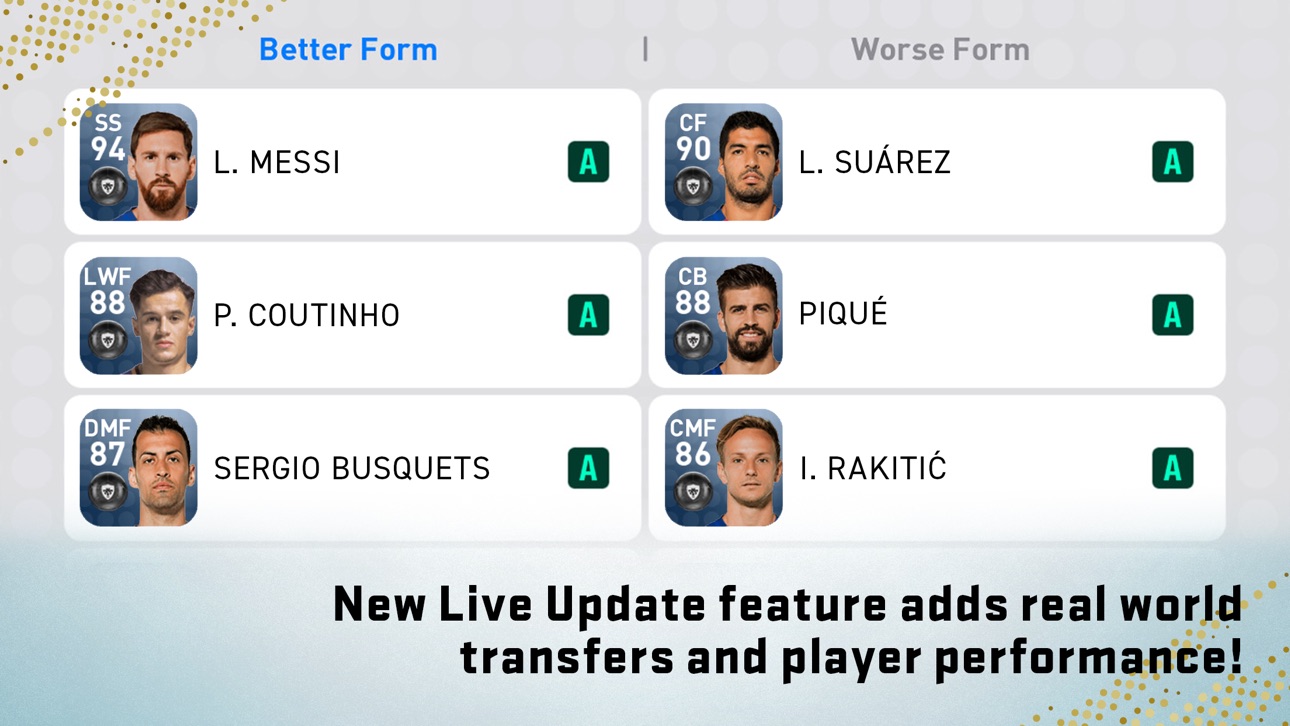
Download weekly data that reflects player transfers and match achievements from real life.
Build up your team and play thrilling matches based on the latest happenings in the world of football.
■ Customise a Stadium
Get Stadium Elements, such as Choreos and Giant Props, and customise your own stadium.
Add colour to the game by arranging your stadium however you like!
*Users with one of the following nations as their Country/Region of Residence will not have access to loot boxes that require eFootball™ Coins as payment.
Belgium, Brazil (users under 18 years of age)
*Users that have set the following as their Country/Region of Residence will require consent from a parent or legal guardian in order to access loot boxes that utilise eFootball™ Coins.
Germany (users under 12 years of age), Denmark (users under 15 years of age), United States (users under 16 years of age)
[For the Latest News]
New features, modes, events and gameplay improvements will be continuously implemented.
For more details, see the official eFootball™ website.
[Downloading the Game]
Approximately 3.5 GB of free storage space is required to download and install eFootball™.
Please make sure you have enough free space before beginning the download.
We also recommend that you use a wi-fi connection to download the base game and any of its updates.
[Online Connectivity]
An internet connection is required in order to play eFootball™. We also strongly recommend playing with a stable connection to ensure you get the most out of the game.
Screenshots © der jeweiligen Inhaber · App Store


iOSGods ist nicht mit Apple Inc., Google LLC oder den Entwicklern der hier aufgeführten Apps verbunden und wird von ihnen weder unterstützt noch gesponsert. Apple, iOS und App Store sind Marken von Apple Inc. Android und Google Play sind Marken von Google LLC. Alle weiteren App-Namen, Symbole, Grafiken und Marken gehören ihren jeweiligen Inhabern.
- Nicht-Jailbroken/Jailed oder Jailbroken iPhone oder iPad.
- Sideloadly oder Alternativen.
- Computer mit Windows/macOS/Linux und installiertem iTunes.
SCHRITT 1: Lade die vorinstallierte .IPA-Datei über den obigen Link auf deinen Computer herunter. Zum Herunterladen aus der iOSGods-App siehe unser iOSGods App IPA Download-Tutorial mit Videobeispiel.
SCHRITT 2: Lade Sideloadly herunter und installiere es auf deinem Windows oder Mac.
SCHRITT 3: Öffne Sideloadly auf deinem Computer, verbinde dein iOS-Gerät und warte, bis dein Gerätename in Sideloadly erscheint.
SCHRITT 4: Sobald dein iDevice erkannt wird, ziehe die heruntergeladene gemoddete .IPA-Datei in die Sideloadly-Anwendung.
SCHRITT 5: Gib deine Apple-Account-E-Mail ein und drücke „Start". Du wirst dann nach deinem Passwort gefragt. Gib die erforderlichen Informationen ein.
SCHRITT 6: Warte, bis Sideloadly das Sideloading/Installieren der gehackten IPA abgeschlossen hat. Bei Problemen während der Installation lies bitte den Hinweis unten.
SCHRITT 7: Sobald die Installation abgeschlossen ist und die App auf deinem Home-Bildschirm angezeigt wird, musst du zu Einstellungen → Allgemein → Profile / VPN & Geräteverwaltung gehen. Tippe dort auf die E-Mail, die du in Schritt 6 eingegeben hast, und dann auf „Trust [email protected]".
SCHRITT 8: Gehe nun zu deinem Home-Bildschirm und öffne die neu installierte App – alles sollte einwandfrei funktionieren. Möglicherweise musst du weitere App-spezifische Anweisungen im Hack-Popup im Spiel befolgen.
HINWEIS: iOS/iPadOS 16 und höher: Du musst den Entwicklermodus aktivieren. Bei kostenlosen Apple Developer-Accounts musst du diesen Vorgang alle 7 Tage wiederholen. Bei Fragen oder Problemen lies bitte unsere Sideloadly-FAQ-Sektion im Thema.
Game Name iOS Mod IPA is an action adventure game enhanced with powerful gameplay boosts and quality-of-life improvements. Win battles faster, earn rewards quicker, and enjoy uninterrupted play without ads.
- Unlimited Gold - spend freely to unlock premium content
- Damage Multiplier - deal significantly more damage in combat
- Defense Multiplier - take less damage and survive longer
- Reward Multiplier - earn more loot from every battle
- Max Level - instantly reach the highest player rank
- No Ads - play without interruptions or advertisements
This app also comes with iGameGod, giving you access to Auto Touch to automate repetitive tasks, App Speed Manager for adjustable gameplay speed, Memory Engine value editing, and more powerful iOS game tools.
Lade Game Name Mod IPA über die obigen Links herunter. Tippe auf den Installations-Button und folge den Anweisungen, um diese iOS-App auf deinem iPhone, iPad oder Apple Silicon zu installieren.
Brauchst du mehr Hilfe In unseren iOSGods App häufig gestellten Fragen findest du ausführliche Antworten und Tipps zur Fehlerbehebung.
----------------------------------------------------------
--------------------------------------------------