Login Diperlukan
Masuk dengan akun iOSGods kamu untuk melanjutkan.
Masuk dengan akun iOSGods kamu untuk melanjutkan.
Luncurkan penguin Anda ke langit dan saksikan ia memantul tanpa henti di Bouncemasters! Hack, di mana game iOS yang dimodifikasi ini menghilangkan grind dan memungkinkan Anda fokus pada penerbangan murni. Terbang melampaui rintangan, naik papan peringkat, dan tingkatkan kemampuan penguin Anda menuju penguasaan tanpa paywall biasa yang menghambat Anda.
Dengan hack ini aktif, Anda akan menghabiskan koin dan batu mulia dengan bebas tanpa menguras stash Anda, nikmati gameplay tanpa gangguan, dan buka perks premium secara instan. Baik Anda mengejar skor tinggi atau hanya menikmati pantulan, mod ini menghilangkan hambatan sehingga Anda dapat bermain dengan kecepatan Anda sendiri.
- Koin Tak Terbatas (Belanjakan beberapa/ Dapatkan beberapa) → belanjakan dengan bebas tanpa kehabisan
- Batu Mulia Tak Terbatas (Belanjakan beberapa/ Dapatkan beberapa) → gunakan mata uang premium tanpa batas
- Tanpa Iklan → gameplay tanpa gangguan
- Premium → semua fitur premium terbuka
Aplikasi ini juga dilengkapi dengan iGameGod, yang memberi Anda akses ke Auto Touch untuk mengotomatiskan tugas berulang, App Speed Manager untuk mengatur kecepatan permainan, pengeditan nilai Memory Engine, dan alat permainan iOS lainnya yang lebih canggih.
Unduh Bouncemasters! Hack modded IPA dari tautan di atas. Ketuk tombol pasang dan ikuti petunjuk di layar untuk memasang hack iOS ini di iPhone, iPad, atau Apple Silicon.
Butuh bantuan lebih lanjut? Lihat Pertanyaan yang Sering Diajukan untuk Aplikasi iOSGods kami untuk jawaban dan tips lengkap.
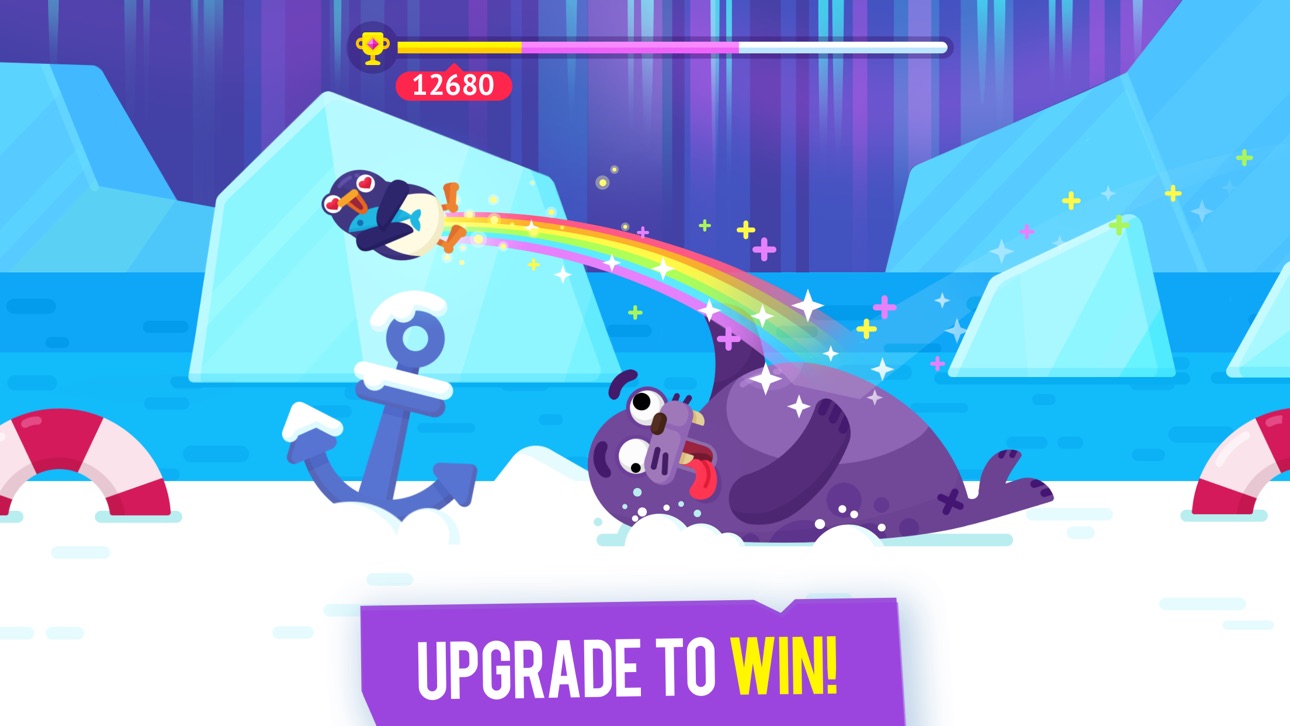
Bounce the penguin sky high! Bouncemasters is one of the funniest casual arcade games with endless replayability where you compete to beat your own and other players' records!
What awaits you in the Bouncemasters arcade:
- Simple but addictive gameplay
- Lots of bats and boosters to choose from
- Various upgrades and rewards
- Beautiful animations and funny characters
- Colorful and pleasant game locations
- Competitive leaderboards. Show the world your skill!
You'll definitely love Bouncemasters if you like endless runner arcades, jumping casual games or just nice and fun addicting tap games!
Choose the best bat and get ready to hit! Even a penguin can learn to fly high! Download Bouncemasters penguin game for free right now!
Tangkapan layar © pemiliknya masing-masing · App Store


iOSGods tidak berafiliasi, tidak didukung, dan tidak disponsori oleh Apple Inc., Google LLC, maupun pengembang aplikasi yang terdaftar di sini. Apple, iOS, dan App Store adalah merek dagang Apple Inc. Android dan Google Play adalah merek dagang Google LLC. Semua nama aplikasi, ikon, gambar, dan merek dagang lainnya adalah milik pemiliknya masing-masing.
- iPhone atau iPad tanpa Jailbreak atau dengan Jailbreak.
- Sideloadly atau alternatifnya.
- Komputer dengan Windows/macOS/Linux dan iTunes terpasang.
LANGKAH 1: Unduh file .IPA yang sudah di-hack dari tautan di atas ke komputer Anda. Untuk mengunduhnya dari iOSGods App, silakan lihat Tutorial Mengunduh IPA dari iOSGods App kami yang dilengkapi contoh video.
LANGKAH 2: Unduh Sideloadly dan pasang di Windows atau Mac Anda.
LANGKAH 3: Buka Sideloadly di komputer Anda, sambungkan perangkat iOS Anda, dan tunggu hingga nama perangkat Anda muncul di Sideloadly.
LANGKAH 4: Setelah iDevice Anda terdeteksi, seret file .IPA yang sudah dimodifikasi dan lepaskan ke dalam aplikasi Sideloadly.
LANGKAH 5: Masukkan email Apple Account Anda, lalu tekan "Start". Anda kemudian akan diminta memasukkan kata sandi. Silakan isi informasi yang diminta.
LANGKAH 6: Tunggu hingga Sideloadly selesai melakukan sideloading/pemasangan IPA yang di-hack. Jika terjadi masalah saat pemasangan, silakan baca catatan di bawah ini.
LANGKAH 7: Setelah pemasangan selesai dan Anda melihat aplikasi di Layar Beranda, Anda perlu masuk ke Pengaturan → Umum → Profil / VPN & Manajemen Perangkat. Setelah itu, ketuk email yang Anda masukkan pada langkah 6, lalu ketuk "Percayai [email protected]".
LANGKAH 8: Sekarang buka Layar Beranda dan jalankan aplikasi yang baru saja dipasang; semuanya seharusnya berjalan normal. Anda mungkin perlu mengikuti petunjuk tambahan per aplikasi yang muncul di popup hack di dalam game.
CATATAN: Pada iOS/iPadOS 16 dan yang lebih baru, Anda harus mengaktifkan Mode Pengembang. Untuk akun Apple Developer gratis, Anda perlu mengulangi proses ini setiap 7 hari. Jika Anda memiliki pertanyaan atau masalah, silakan baca bagian FAQ Sideloadly di topik tersebut kami.
Hack Features:
- Inf Coins (Spend)
App Installation Instructions:
---------------------------------------------------------
----------------------------------------------------------
If you require more information or help, please read our Frequently Asked Questions topic on iOSGods.com.
----------------------------------------------------------
--------------------------------------------------