需要登入
請使用您的 iOSGods 帳戶登入以繼續。
請使用您的 iOSGods 帳戶登入以繼續。
使用這個 Minetap Craft Idle Mine Tycoon Mod IPA 立即解鎖大量傷害輸出和高級內容,讓你從一開始就能以強化的屬性和無限資源主宰礦場。
跳過繁瑣的磨練,直接進入後期遊戲進度:強制稀有寶箱生成、啟動所有島嶼和訂閱福利,並保持你的能量、翡翠、方塊和物品源源不絕,這樣你就可以專注於製作傳奇裝備和建立你的大亨帝國,無需等待。
- 高傷害 → 對敵人和障礙物造成巨大傷害
- 傷害數值滑塊 → 將你的攻擊力微調到任何等級
- 強制寶箱生成(神秘寶箱和獎勵寶箱) → 在你需要時保證稀有戰利品掉落
- 高級島嶼已解鎖 → 立即進入所有獨家採礦區域
- 訂閱已啟動 → 享受所有訂閱福利,無需付費
- 無限翡翠(可消耗) → 貨幣在你使用時自動補充
- 無限能量(可消耗) → 無冷卻限制地採礦和製作
- 無限方塊(可消耗) → 無資源限制地合併和建造
- 無限物品(可消耗) → 在工作台上自由製作和交易
- 永久激活加成 → 永久屬性倍數和生產獎勵
此應用程式也內建 iGameGod,讓你可以使用 Auto Touch 自動執行重複操作、透過 App Speed Manager 調整遊戲速度、使用 Memory Engine 修改記憶體數值,以及更多強大的 iOS 遊戲工具。
從上方連結下載 Minetap Craft Idle Mine Tycoon iOS Mod IPA。點選安裝按鈕並依照畫面指示在 iPhone、iPad 或 Apple Silicon 上安裝此 iOS 應用程式修改版。
需要更多協助?請查看我們的 iOSGods 應用程式常見問題 以獲得詳細解答與疑難排解。
MineTap: The Clicker Hero of the Pixel World
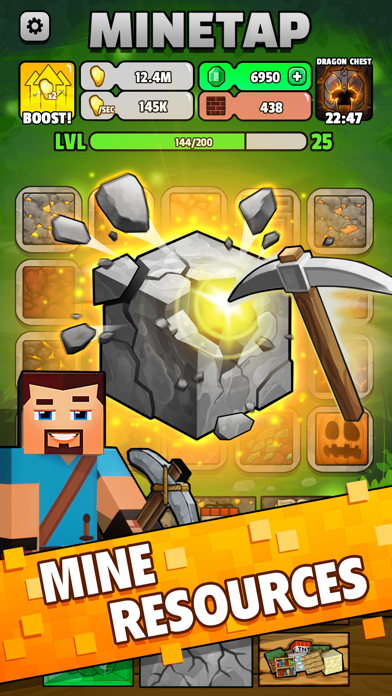
Classic pixel RPG meets merge, Crafting, and Idle Mining. A 2D pixel block game focused on tap-to-dig, mine, merge, and craft loops you can play offline.
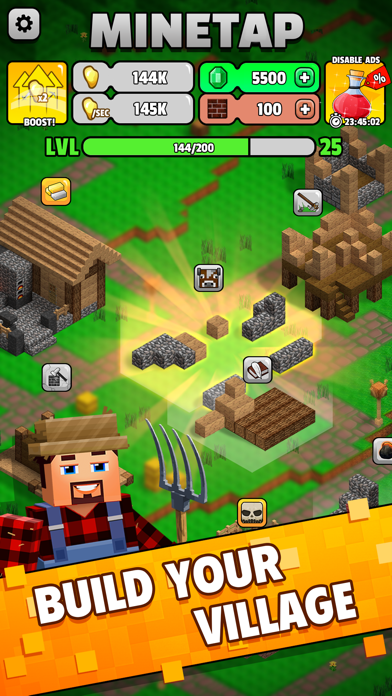
Start the saga. Pick up a pickaxe, Tap to dig, mine resources, merge blocks, and craft gear at the workbench and forge. Build a Miner hero, fight monsters, and grow from miner to Tycoon of treasure. No mod required.
Build your legend
- Create a unique Miner and go deep into the mine and treasure vaults
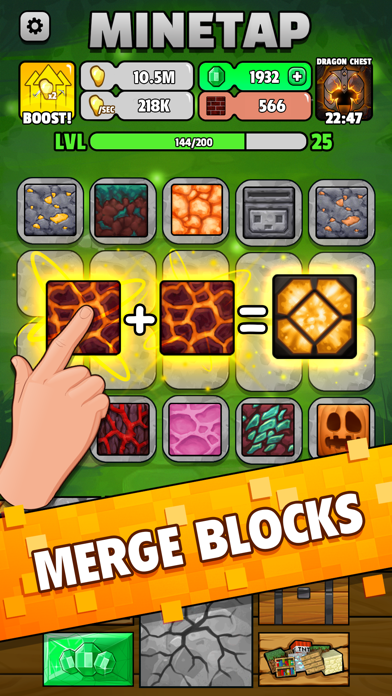
- Gather resources, merge matching block stacks into rare materials, craft legendary weapons and armor
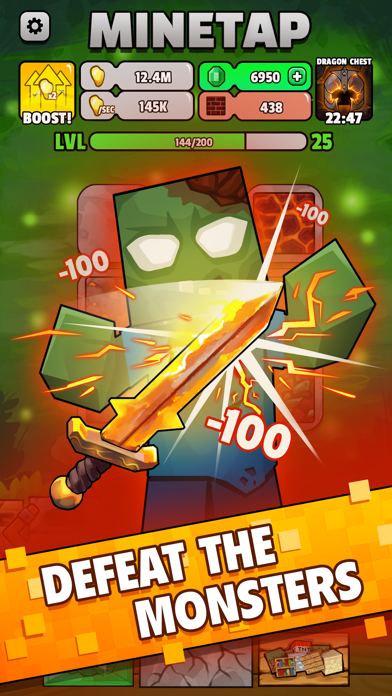
- Battle powerful foes and push deeper into the mine with every Tap and upgrade
Core features
- 2D pixel graphics with classic RPG identity
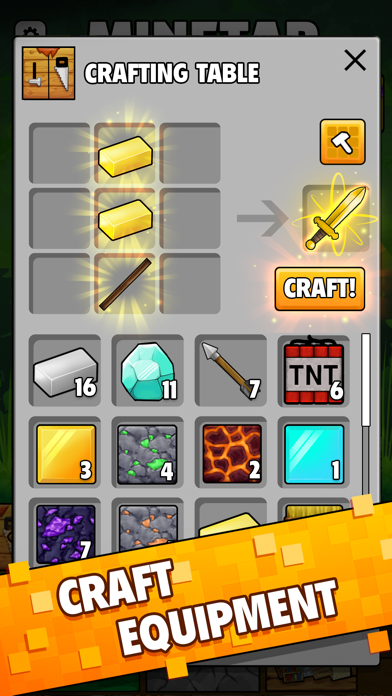
- Deep Crafting loop: mine, merge, and craft dozens of resources into unique items
- Chests and boosts that speed up Mining and item creation
- Hero progression: craft gear, upgrade armor, and ascend power levels like a true RPG
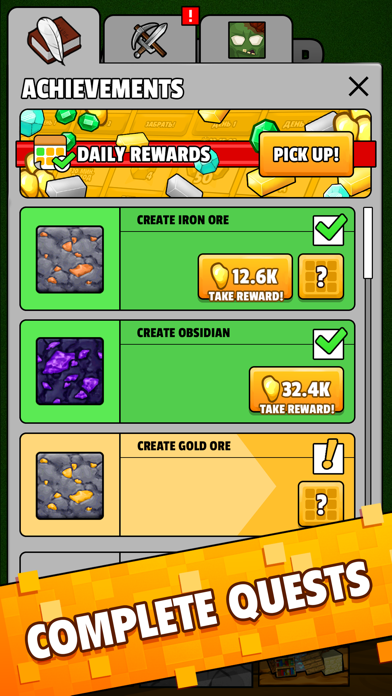
- 70+ quests that keep the grind focused, with grindcraft-style progression
- Secret treasure mine with daily rewards
- Offline Idle play: progress in short sessions anywhere, no connection needed
For players who want merge, Tap, Idle Clicker depth, pixel block Crafting, Mining tycoon pacing, and miners who prefer dig-and-craft gameplay in a mobile game. A compact 2D RPG clicker that fits alongside pixel games and mine-themed games

- 未越獄/受限或已越獄的 iPhone 或 iPad。
- Sideloadly 或替代方案。
- 執行 Windows/macOS/Linux 且已安裝 iTunes 的電腦。
步驟 1: 透過上方連結將已破解的 .IPA 檔案下載到您的電腦。若要從 iOSGods App 下載,請參閱我們的 iOSGods App IPA 下載教學,其中包含影片範例。
步驟 2: 下載 Sideloadly 並將其安裝在您的 Windows 或 Mac 上。
步驟 3: 在電腦上開啟 Sideloadly,連接您的 iOS 裝置,並等待裝置名稱出現在 Sideloadly 中。
步驟 4: 當 Sideloadly 辨識到您的 iOS 裝置後,將下載好的修改版 .IPA 檔案拖曳並放到 Sideloadly 應用程式中。
步驟 5: 輸入您的 Apple Account 電子郵件,然後按下「Start」。系統會要求您輸入密碼,請依指示提供所需資訊。
步驟 6: 等待 Sideloadly 完成已破解 IPA 的旁載/安裝。如果安裝過程中發生問題,請閱讀下方的注意事項。
步驟 7: 安裝完成並在主畫面上看到該應用程式後,您需要前往 設定 → 一般 → 描述檔 / VPN 與裝置管理。進入後,點選您在步驟 6 中輸入的電子郵件,然後點選「信任 [email protected]」。
步驟 8: 現在回到主畫面並開啟新安裝的應用程式,一切應該都能正常運作。您可能需要依照遊戲內破解彈出視窗中的進一步指示操作。
注意: 在 iOS/iPadOS 16 及更新版本上,您必須 啟用開發者模式。若使用免費的 Apple Developer 帳號,您將需要每 7 天重複此程序。如有任何疑問或問題,請閱讀我們的 主題中的 Sideloadly 常見問題區段。