需要登入
請使用您的 iOSGods 帳戶登入以繼續。
請使用您的 iOSGods 帳戶登入以繼續。

解鎖 500+ 教育遊戲、影片、書籍和音頻故事的高級存取權限,使用此 Papumba Mod APK for Android。此破解版本授予完整的高級會員資格,讓家長能夠為 2 至 7 歲的孩子提供不受限制的存取權限,無需訂閱費用即可使用屢獲殊榮的幼兒早期學習平台。享受無廣告、互動式內容,旨在透過遊戲建立基礎技能。
- 高級會員 → 完整存取所有教育內容和功能
從上方按鈕下載 Papumba: Games for Kids 2-7 Mod APK。點選下載後,只需依照畫面指示將修改版 APK 安裝到您的 Android 裝置或模擬器上。
需要協助?請查看我們的 Android 常見問題 以獲得詳細解答與疑難排解。
THE #1 APP FOR EARLY CHILDHOOD EDUCATION IN 2023*
Do you struggle with managing your kid’s screen time and wish they could engage with more educational and interactive content?
Say goodbye to screen time worries and hello to a brighter, smarter future for your child with Papumba.
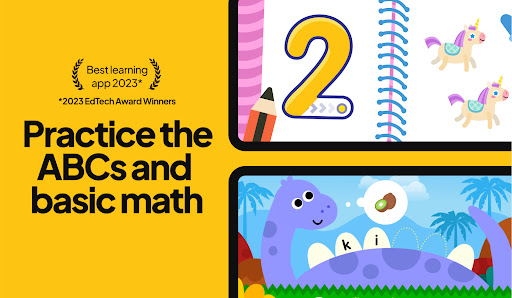
🏆 *2023 EdTech Award Winner: “Best Mobile App” for early childhood education!
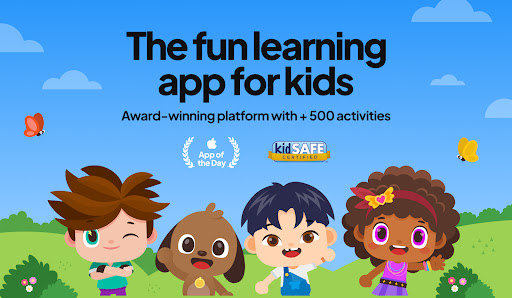
Trusted by parents of 2- to 7-year-olds around the world, Papumba is the top app for parents looking for an educational app for their kids.
500+ EDUCATIONAL GAMES, VIDEOS, BOOKS, AUDIO STORIES AND MUCH MORE!
LEARNING THROUGH PLAY
NO ADS, NO IN-APP PURCHASES
Papumba fits into your family's daily life: from independent playtime while you're making breakfast or working on tasks, to shared bonding moments like storytime before bed or fun family road trips.
Put simply, it’s just Good Screen Time! TRY 7 DAYS for FREE!
===============
kidSAFE® certified
Awarded the "Gold Seal of Approval” by Mom’s Choice
Associated with the Power of 0’s No-Bully program
Download our app and start the FREE 7-day trial:
→ Play 500+ educational games to learn the ABCs, 123s, and much more!
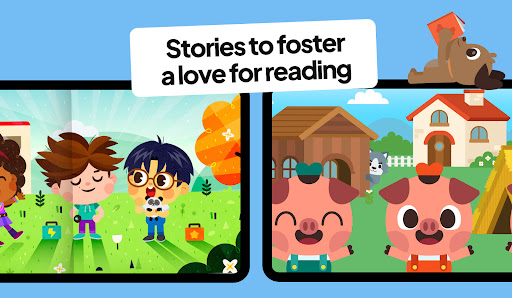
→ Read and listen to books and bedtime stories in English, Portuguese and Spanish
→ Learn first words in English, Portuguese and Spanish for toddlers and preschoolers
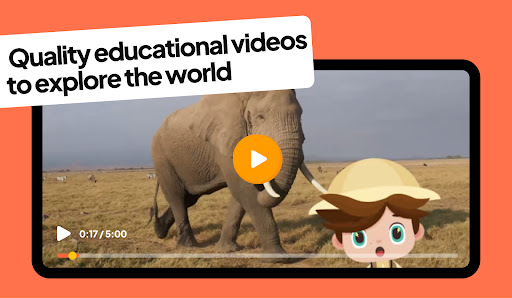
→ Watch videos in English, Portuguese and Spanish to explore the world
→ Enjoy a safe and 100% ad-free environment!
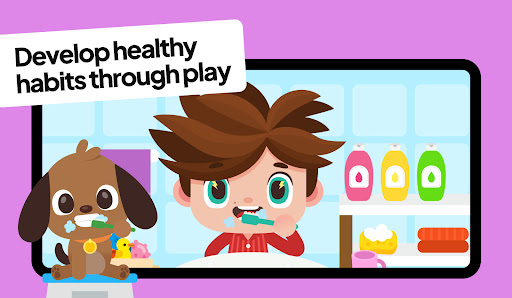
→ Dive into activities that foster social emotional learning, healthy habits and good social skills
→ Relax with interactive yoga videos in English, Portuguese and Spanish
Papumba is the go-to app for parents seeking engaging and educational playtime in English, Portuguese and Spanish for their toddlers and preschoolers.
Join the community that makes learning an exciting part of their kid’s daily life! 🧡
===============
THE SMALL PRINT, SUMMED UP IN SIMPLE TERMS
Papumba is a subscription-based app that you can try and enjoy for free for 7 days!
After 7 days, you will become a subscriber. The fee for your chosen plan, monthly or annual, will be charged through your Google Play account. Keep in mind that this transaction will renew automatically.
But fear not: you're always in control.
You can cancel your subscription at least 24 hours before the current renewal date. You can also manage and cancel it at any time, or turn off auto-renewal by signing into your Google Play account.
===============
Contact us and be part of the Papumba world! 🚀
✉️ Feel free to write to us at [email protected]
- Instagram: https://www.instagram.com/papumba
- YouTube: https://www.youtube.com/@Papumba
- Spotify: https://open.spotify.com/show/Papumba
- Facebook: https://www.facebook.com/papumbagames/
- Website: https://www.papumba.com/en/contact
- Privacy Policy: https://www.papumba.com/en/privacy/en
- Terms of Service: https://www.papumba.com/en/terms/