تسجيل الدخول مطلوب
سجّل الدخول بحساب iOSGods للمتابعة.
سجّل الدخول بحساب iOSGods للمتابعة.

افتح جميع عمليات الشراء داخل التطبيق على الفور باستخدام Almora Darkosen RPG Mod APK، مما يمنحك وصولاً مجانياً إلى العناصر والترقيات المميزة دون إنفاق أموال حقيقية. استكشف عالم Almora الشاسع بأسلوب ريترو مع توفر جميع ميزات الشراء داخل التطبيق منذ البداية، مما يتيح لك التركيز على القتال والمهام وتطوير الشخصيات عبر مواقع متنوعة وزنزانات وأسرار مخفية.
- الشراء داخل التطبيق المجاني → جميع عمليات الشراء داخل التطبيق مفتوحة
قم بتنزيل Almora Darkosen RPG Mod APK من الزر أعلاه. بعد الضغط على تنزيل، اتبع التعليمات لتثبيت ملف APK المعدل على جهاز Android أو المحاكي.
هل تحتاج إلى مساعدة؟ راجع الأسئلة الشائعة لـ Android للحصول على إجابات مفصلة ونصائح لاستكشاف الأخطاء.
A game created with passion by one person!
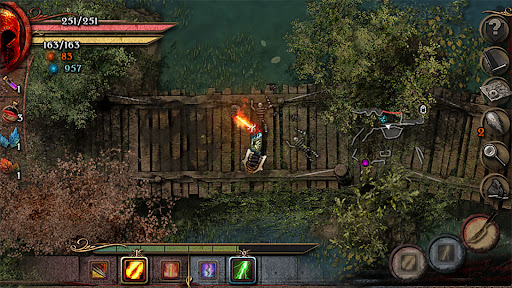
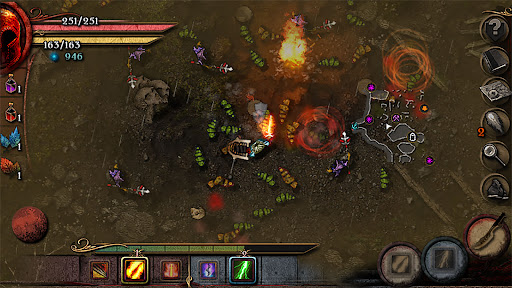
Embark on a journey to a vast world in Almora Darkosen RPG, a classic retro-style hack and slash game!
Immerse yourself in a huge, open world full of secrets and dangers, spend countless hours exploring, fighting, and developing your character.
DISCOVER THE EXPANSIVE ISLAND OF ALMORA:
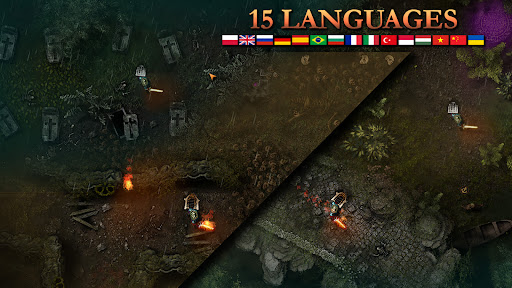
Traverse diverse locations, from lush fields and dark forests to treacherous swamps, ancient crypts, and vast deserts.
Discover hidden caves, dungeons, and towns, full of treasures, quests, and secrets to uncover.
KEY GAME FEATURES:
• Classic retro-style RPG: Feel the nostalgia of old-school RPGs with pixel art graphics and addictive gameplay.
• Engaging storyline: Take part in an epic adventure full of main and side quests that will provide you with many hours of entertainment.
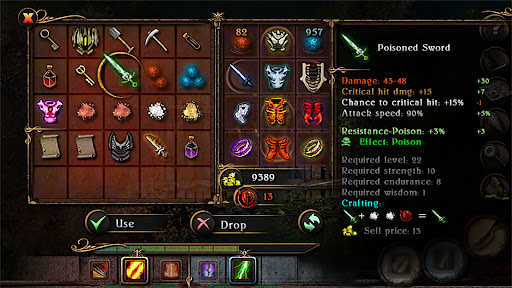
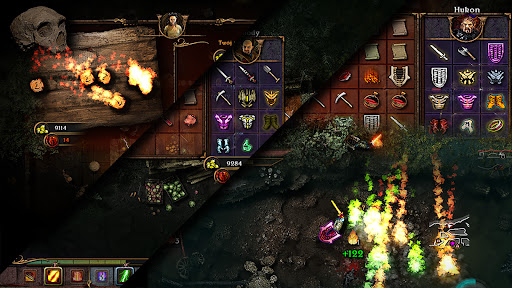
• Extensive item system: Find and use hundreds of items such as swords, axes, shields, armors, potions, and many more.
• Classic inventory: deposits and old-school inventory system.
• Crafting and mining: Create your own items, upgrade them, and search for valuable minerals in the mines.
• Mercenaries: Hire a helper to fight by your side and face hordes of monsters together.
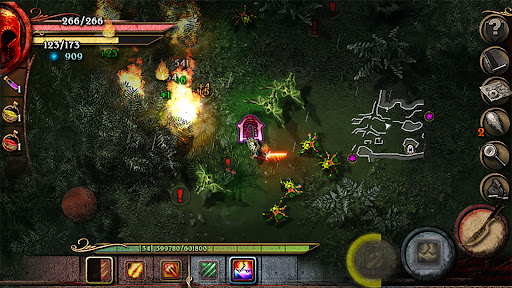
• Diverse opponents: Fight bosses and unique monsters, each with their own skills and tactics.
• Minigames: Relax and try your hand at various minigames available in taverns and hidden locations.
• NPC conversations: Meet the inhabitants of Almora, discover their stories, and complete tasks for them.
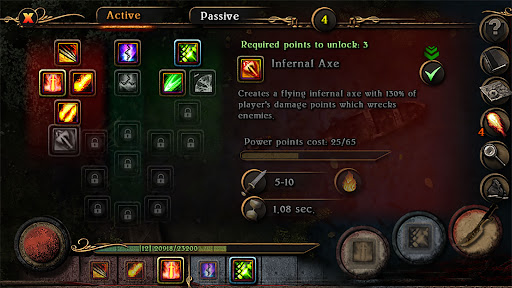
• Character development: Choose the skill path that best suits your playstyle and become a powerful hero.
• In-game encyclopedia: Gain knowledge about items, monsters, and crafting thanks to the built-in encyclopedia.
• Achievements and statistics: Track your progress and earn achievements for completing difficult challenges.
• New Game+: Finish the game and start a new adventure at a higher difficulty level.
• NO Pay to win!
JOIN THE ALMORA COMMUNITY:
• Official game website: https://almoradarkosen.com
• Facebook: https://www.facebook.com/AlmoraDarkosenRPG
• Discord: https://discord.gg/J8cDhzh
• YouTube: https://www.youtube.com/channel/UCj9CP_2jixcstempw294PFw