تسجيل الدخول مطلوب
سجّل الدخول بحساب iOSGods للمتابعة.
Mod Features
- God Mode
- One Hit Kill
- Infinite Card Energy
- Instant Deploy Card
- Free Store (not iAP)
قم بتنزيل Punko: Tower Defense Mod APK من الزر أعلاه. بعد الضغط على تنزيل، اتبع التعليمات لتثبيت ملف APK المعدل على جهاز Android أو المحاكي.
هل تحتاج إلى مساعدة؟ راجع الأسئلة الشائعة لـ Android للحصول على إجابات مفصلة ونصائح لاستكشاف الأخطاء.
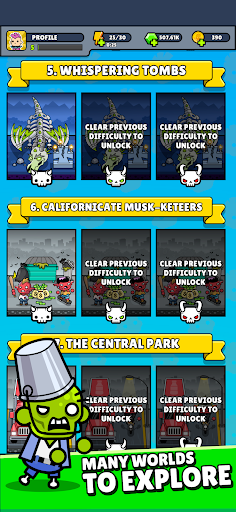
Zombies are everywhere. The war of Punks vs Zombies has begun!
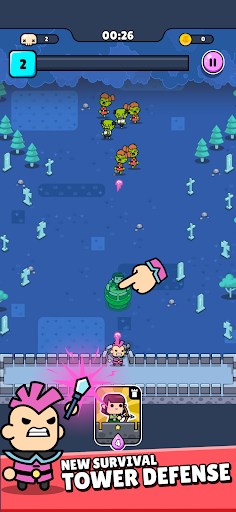
Punko.io™ is a tower defense where every decision shapes survival. Build smart defenses, unleash powerful magic spells, and lead a rebellious punk hero against endless waves of undead enemies controlled by the AI overlord Systemo. One mistake and humanity falls.
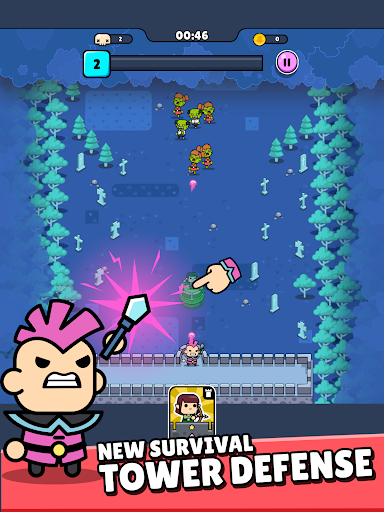
TACTICAL TOWER DEFENSE ACTION
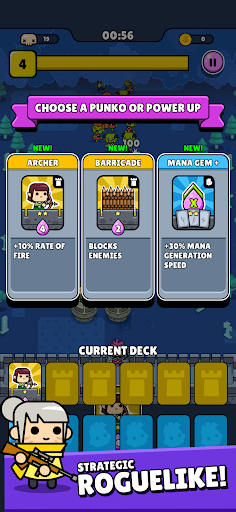
Place towers strategically, react to unpredictable enemy waves, and adapt to ever-changing battles. Each run is different, turning every arena into a fresh test of strategy and timing.
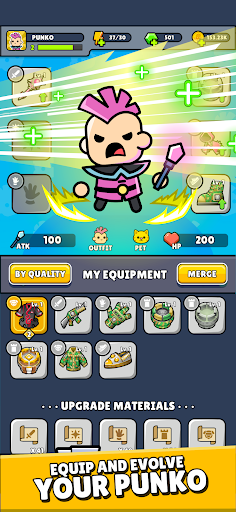
RPG HERO PROGRESSION
Level up your hero, unlock combat skills, collect valuable loot, and apply meaningful upgrades that shape your playstyle and survival chances.
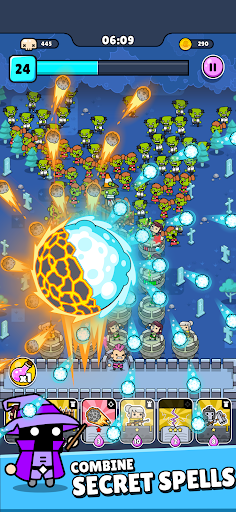
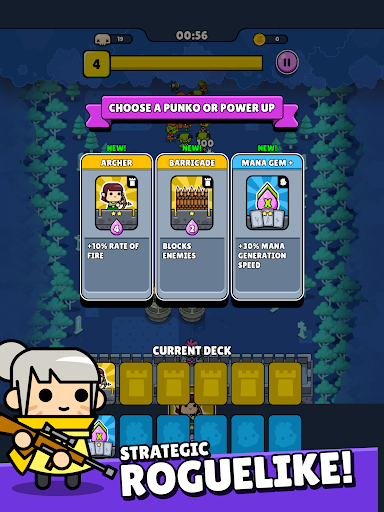
WIZARDS, SPELLS & STRATEGY
Play like a tactical wizard, combining towers and spells to control the battlefield and overwhelm increasingly dangerous enemies.
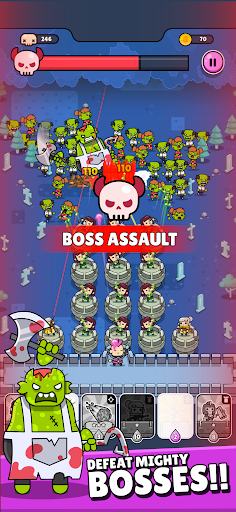
EPIC BOSS BATTLES
Face massive zombie bosses in high-stakes fights that push your planning, reactions, and upgrade decisions to the limit.
PLAY OFFLINE ANYTIME
No WiFi required. Enjoy full offline gameplay and defend humanity wherever you are.
Will you lead the last rebellion or be overrun by the living dead?
Download now and join the action. Humanity needs you.
Social: @Punkoio
Support: [email protected]
- iPhone أو iPad بجيلبريك أو بدون جيلبريك.
- Sideloadly أو بدائلها.
- كمبيوتر يعمل بنظام Windows/macOS/Linux مع تثبيت iTunes.
الخطوة 1: قم بتنزيل ملف .IPA المعدّل مسبقًا من الرابط أعلاه إلى الكمبيوتر الخاص بك. للتنزيل من تطبيق iOSGods App، اطلع على دليل تنزيل IPA من تطبيق iOSGods App الذي يتضمن مثالًا بالفيديو.
الخطوة 2: قم بتنزيل Sideloadly وتثبيته على جهاز Windows أو Mac.
الخطوة 3: افتح Sideloadly على الكمبيوتر، ووصّل جهاز iOS الخاص بك، وانتظر حتى يظهر اسم جهازك داخل Sideloadly.
الخطوة 4: بمجرد التعرّف على جهاز iDevice الخاص بك، اسحب ملف .IPA المعدّل الذي قمت بتنزيله وأفلِته داخل تطبيق Sideloadly.
الخطوة 5: أدخل البريد الإلكتروني لحساب Apple Account الخاص بك، ثم اضغط على «Start». سيُطلب منك بعد ذلك إدخال كلمة المرور. تابع وأدخل المعلومات المطلوبة.
الخطوة 6: انتظر حتى ينتهي Sideloadly من تحميل/تثبيت ملف IPA المعدّل. في حال واجهت أي مشاكل أثناء التثبيت، يرجى قراءة الملاحظة أدناه.
الخطوة 7: بعد اكتمال التثبيت ورؤية التطبيق على الشاشة الرئيسية، انتقل إلى Settings → General → Profiles / VPN & Device Management. ثم اضغط على البريد الإلكتروني الذي أدخلته في الخطوة 6، ثم اضغط على «الوثوق بـ [email protected]».
الخطوة 8: الآن انتقل إلى الشاشة الرئيسية وافتح التطبيق الذي تم تثبيته للتو وسيعمل كل شيء بشكل صحيح. قد تحتاج إلى اتباع تعليمات إضافية خاصة بكل تطبيق داخل النافذة المنبثقة للتعديل أثناء اللعب.
ملاحظة: بدءًا من iOS/iPadOS 16 وما بعده، يجب تفعيل وضع المطور (Developer Mode). بالنسبة لحسابات Apple Developer المجانية، ستحتاج إلى تكرار هذه العملية كل 7 أيام. إذا كانت لديك أي أسئلة أو مشاكل، يرجى قراءة قسم الأسئلة الشائعة حول Sideloadly في الموضوع.