需要登入
請使用您的 iOSGods 帳戶登入以繼續。
請使用您的 iOSGods 帳戶登入以繼續。
這款選擇驅動的犯罪敘事 Mod IPA 讓你透過高風險決策塑造你的故事,現在擁有無限資源,你可以探索每條路徑而無需磨練。Pawn to Don - Crime Story 是一款敘事豐富的模擬遊戲,你的選擇決定了關係和結果,這個破解版移除了資源限制,讓你專注於重要的故事和後果。
- 無限一切 → 自由賺取或花費
此應用程式也內建 iGameGod,讓你可以使用 Auto Touch 自動執行重複操作、透過 App Speed Manager 調整遊戲速度、使用 Memory Engine 修改記憶體數值,以及更多強大的 iOS 遊戲工具。
從上方連結下載 Pawn to Don Mafia Crime Story iOS Mod IPA。點選安裝按鈕並依照畫面指示在 iPhone、iPad 或 Apple Silicon 上安裝此 iOS 應用程式修改版。
需要更多協助?請查看我們的 iOSGods 應用程式常見問題 以獲得詳細解答與疑難排解。
Your child’s life depends on you
You have limited time to raise $100,000 for a life saving treatment. With no easy way out, every decision you make pulls you closer to hope - or ruin.
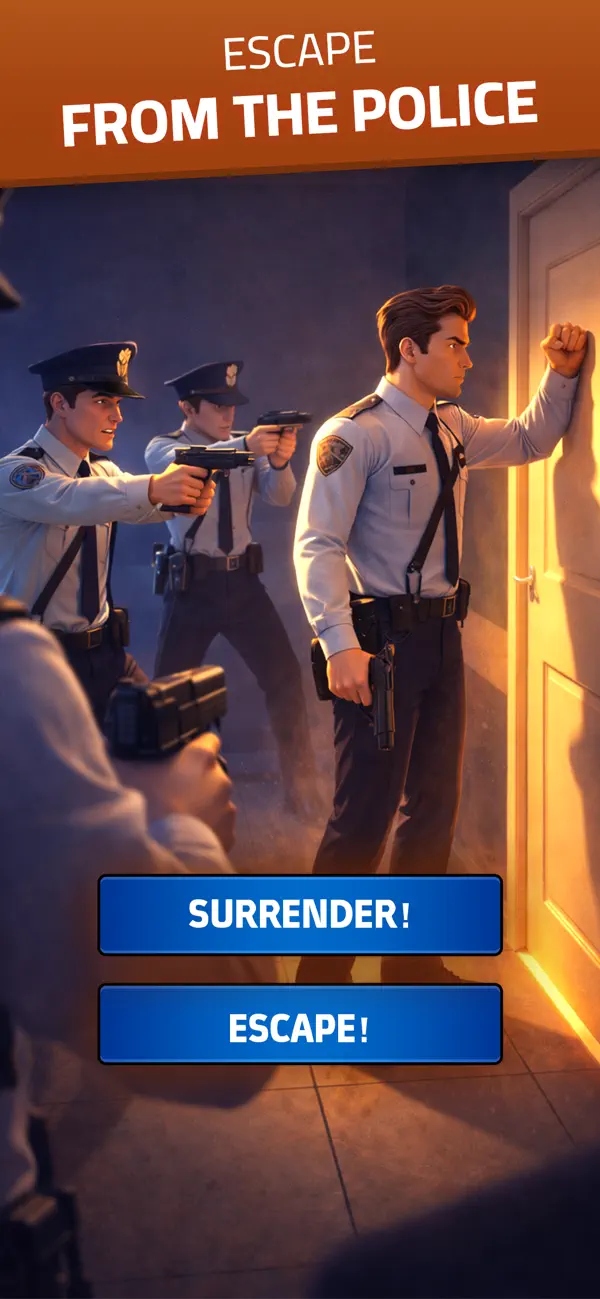
Pawn to Don - Crime Story is a choice driven crime narrative where your decisions shape the story, your relationships, and who you become. Will you take the honest path and risk running out of time, or step into the criminal underworld where fast money comes with lasting consequences?
There are no right answers. Only choices - and what they cost.
Features
• Choice-Driven Storytelling
Every decision affects the narrative and leads to different outcomes.
• Multiple Paths to Money
Work legal jobs, take financial risks, gamble, or rise through the criminal world.
• Moral Consequences
Each shortcut leaves a mark. Some choices can’t be undone.
• Time Pressure
Every day matters. Waste time, and the cost is permanent.
• Dark Crime Drama
An emotional story about desperation, power, and survival.
From pawn to don, your fate is in your hands.
Please find our Privacy Policy at this link https://www.funcellgames.com/privacy-policy
Terms of Use at this link https://www.apple.com/legal/internet-services/itunes/dev/stdeula/

- 未越獄/受限或已越獄的 iPhone 或 iPad。
- Sideloadly 或替代方案。
- 執行 Windows/macOS/Linux 且已安裝 iTunes 的電腦。
步驟 1: 透過上方連結將已破解的 .IPA 檔案下載到您的電腦。若要從 iOSGods App 下載,請參閱我們的 iOSGods App IPA 下載教學,其中包含影片範例。
步驟 2: 下載 Sideloadly 並將其安裝在您的 Windows 或 Mac 上。
步驟 3: 在電腦上開啟 Sideloadly,連接您的 iOS 裝置,並等待裝置名稱出現在 Sideloadly 中。
步驟 4: 當 Sideloadly 辨識到您的 iOS 裝置後,將下載好的修改版 .IPA 檔案拖曳並放到 Sideloadly 應用程式中。
步驟 5: 輸入您的 Apple Account 電子郵件,然後按下「Start」。系統會要求您輸入密碼,請依指示提供所需資訊。
步驟 6: 等待 Sideloadly 完成已破解 IPA 的旁載/安裝。如果安裝過程中發生問題,請閱讀下方的注意事項。
步驟 7: 安裝完成並在主畫面上看到該應用程式後,您需要前往 設定 → 一般 → 描述檔 / VPN 與裝置管理。進入後,點選您在步驟 6 中輸入的電子郵件,然後點選「信任 [email protected]」。
步驟 8: 現在回到主畫面並開啟新安裝的應用程式,一切應該都能正常運作。您可能需要依照遊戲內破解彈出視窗中的進一步指示操作。
注意: 在 iOS/iPadOS 16 及更新版本上,您必須 啟用開發者模式。若使用免費的 Apple Developer 帳號,您將需要每 7 天重複此程序。如有任何疑問或問題,請閱讀我們的 主題中的 Sideloadly 常見問題區段。






![Arrow Rush: Archer Roguelike [ Debug Menu ]](https://is1-ssl.mzstatic.com/image/thumb/Purple221/v4/0c/7c/c4/0c7cc403-8b09-7021-9af9-1043a46d8cf5/AppIcon-0-0-1x_U007emarketing-0-8-0-85-220.png/100x100bb.jpg)


