需要登入
請使用您的 iOSGods 帳戶登入以繼續。
請使用您的 iOSGods 帳戶登入以繼續。

這款休閒模擬遊戲讓你在格格巫的攻擊後重建藍精靈村莊,引導藍爸爸和朋友們在魔法森林中進行家庭娛樂冒險。Smurfs' Village Mod APK 包含強大的破解功能,可以凍結你的貨幣,讓你專注於建造和擴展藍精靈定居點,無需擔心資源耗盡。
- 凍結貨幣 → 在遊玩時保留你的資源
從上方按鈕下載 Smurfs' Village Mod APK。點選下載後,只需依照畫面指示將修改版 APK 安裝到您的 Android 裝置或模擬器上。
需要協助?請查看我們的 Android 常見問題 以獲得詳細解答與疑難排解。
The Smurfs are back for a brand-new adventure!
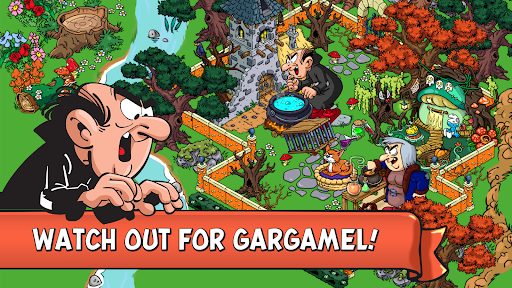
The evil wizard Gargamel and his cat Azrael finally found the Smurfs’ village and have scattered our lovable blue friends far and wide throughout the enchanted forest. Help Papa Smurf, Smurfette, Brainy, Jokey, Greedy and the rest of the Smurf family as they guide you on a family-fun adventure and defeat villainous Gargamel once and for all!
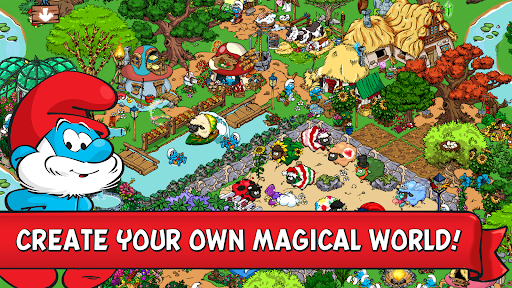
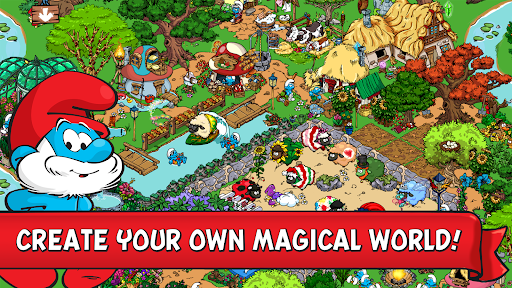
Based on the beloved classic Saturday morning cartoon, your adventure begins with a single mushroom home and a smurflightful plot of land. Your role is to help build a new forest village for the Smurfs to call home!
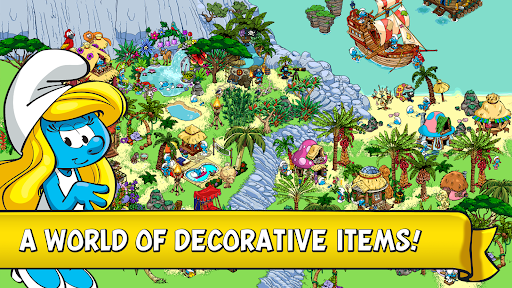
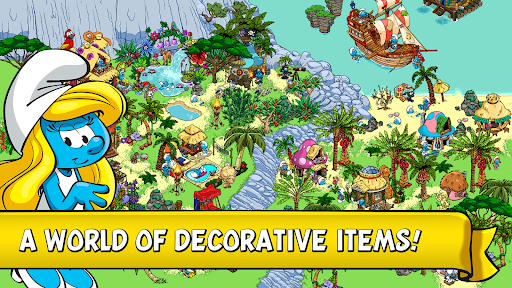
Harvest your smurfberries, build colourful huts, special mushroom houses, and beautiful bridges. Play several different mini games while your crops grow! Decorate your village with over 5,000 hand-crafted items including colorful gardens, lights, flower chairs, hammocks and more!
Create a Smurf ID for a secure way to add friends, explore and rate villages, and get a chance to become a Featured Village!👨🌾👩🌾
Download today and build the Best. Smurf. Village. Ever!🌾🚜
SMURFS’ VILLAGE FEATURES:
FAMILY ADVENTURE: Build your very own Smurfs' village and create a new home for the Smurfs.
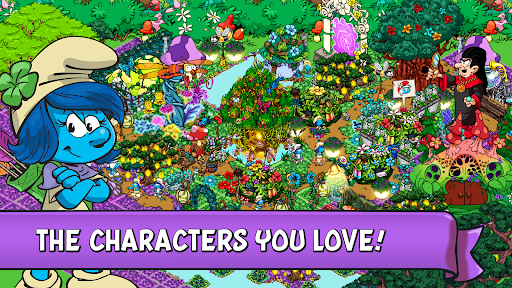
PLAY WITH YOUR FAVORITE SMURFS: The entire Smurf Family is here! Papa Smurf, Smurfette, Lazy Smurf, Baby Smurf, Handy Smurf, and Jokey Smurf.
HARVEST SMURFBERRIES: Use in-app purchase to speed up the growth of your crops and your blue village.
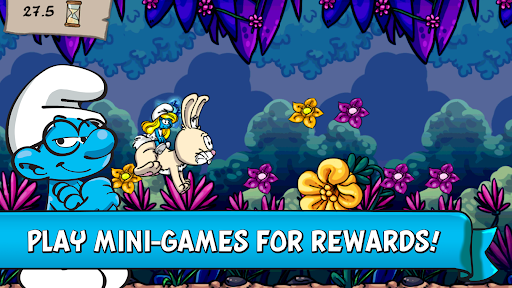
SMURFY MINI-GAMES: While your village is growing, play multiple mini games like: Greedy Smurf’s Baking Game, Papa Smurf’s Potion Mixing Game, Painter Smurf’s Painting Game, Lazy Smurf's Fishin' Game and Handy Smurf minigame to unlock additional bonuses.
CONNECT WITH FRIENDS: Share your Smurfs Experience on Facebook and Game Center and send gifts to your friends' villages.
PLAY OFFLINE: Manage your village anytime without having to connect to the internet.
---
Enjoying Smurfs’ Village? Learn more about the game!
Facebook: www.facebook.com/smurfsvillage
YouTube: www.youtube.com/@GCGGardenCityGames
Need help? Contact us: https://smurfs.zendesk.com
Privacy Policy: www.gardencitygames.uk/privacy-policy-2
Terms of Service: www.gardencitygames.uk/termsofservice