Cần đăng nhập
Đăng nhập bằng tài khoản iOSGods để tiếp tục.
Đăng nhập bằng tài khoản iOSGods để tiếp tục.

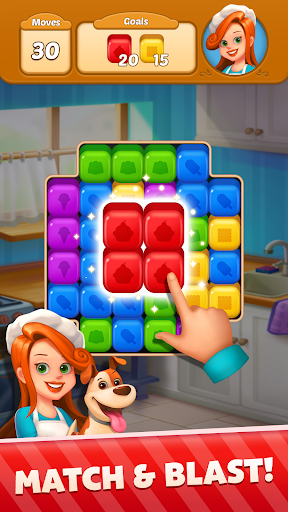
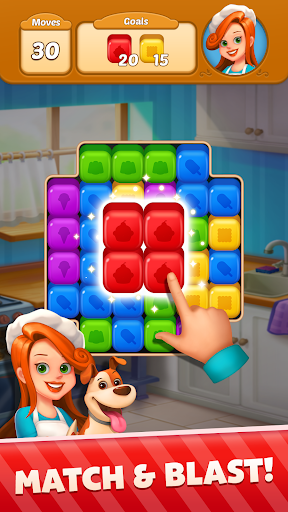
Sweet Cube Blast Mod APK là một trò chơi xếp hình nơi bạn ghép và nổ các khối lập phương đầy màu sắc cùng Nancy và Jack trong một cuộc phiêu lưu chủ đề tráng miệng, giờ đây với các cheat loại bỏ yêu cầu cấp độ và cấp chiến thắng tự động. Điều hướng qua các cấp độ thử thách, tạo các combo mạnh mẽ và giải các câu đố với các boost được mod hóa để tăng tốc độ tiến triển của bạn.
- Không Cần Sao / Nhiệm Vụ → bỏ qua yêu cầu sao cấp độ
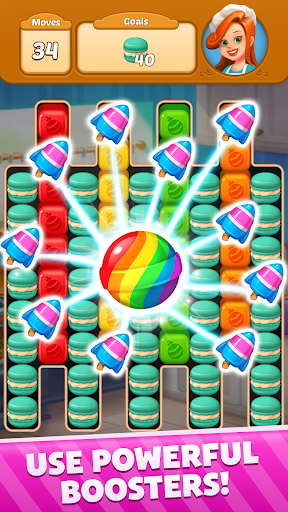
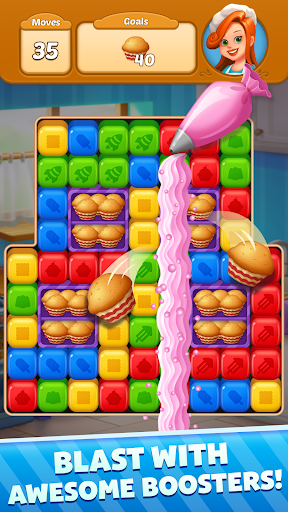
- Tăng Cường → các power-up nâng cao để chơi nhanh hơn
- Chiến Thắng Tự Động → hoàn thành cấp độ tức thì
Tải Sweet Cube Blast Mod APK từ nút ở trên. Sau khi nhấn tải, chỉ cần làm theo hướng dẫn để cài APK đã mod lên thiết bị Android hoặc trình giả lập.
Cần trợ giúp? Hãy xem Câu hỏi thường gặp Android để có câu trả lời chi tiết và mẹo khắc phục sự cố.
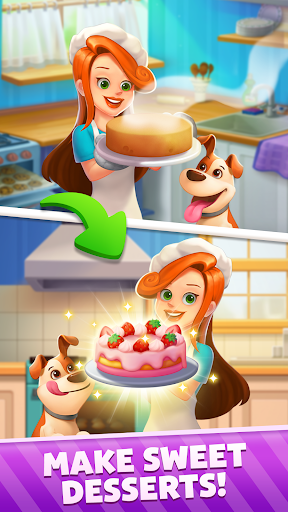
Immerse yourself in the world of delightful desserts with Sweet Cubes: Match & Blast, brought to you by the creators of Sweet Home!
Embark on a whimsical journey with Nancy the home baker and her faithful companion Jack, as you navigate through a realm filled with scrumptious levels! Blast through colorful cubes, craft powerful combos, and overcome captivating challenges. Help Nancy and Jack solve exciting puzzles as they bake their way to glory.
Join this gastronomic adventure and have a delicious BLAST!
FEATURES:
• Complete tons of challenging levels and get fantastic rewards!
• Meta Feature: Earn stars and help Nancy create scrumptious desserts!
• Team/Leaderboard: Join a team to rule the puzzle world!
• Premium Pass: Purchase the pass for even more rewards!
• Rocket Dream: Collect special rockets to get astronomical rewards!
• Baking Rush: A thrilling competition for top bakers!
• Nancy’s Picnic Box: Maintain a winning streak for extra benefits!
• Cake Party: Play a special weekend event!
• Doggy Derby: Clear levels fast to help your dog win the race!
Blast cubes, crush candies, and dive into the adventure with Nancy and Jack!
No time limit, no wifi needed. Enjoy endless fun, anywhere!
Need any help?
Visit our support page in the Sweet Cubes: Match & Blast app or email us at [email protected]