Cần đăng nhập
Đăng nhập bằng tài khoản iOSGods để tiếp tục.
Đăng nhập bằng tài khoản iOSGods để tiếp tục.

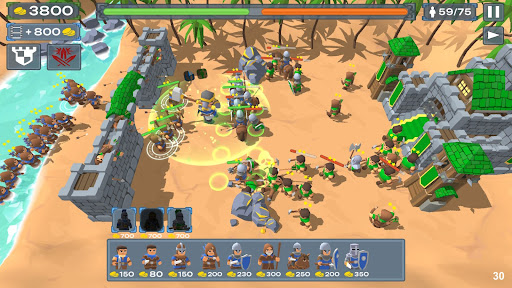
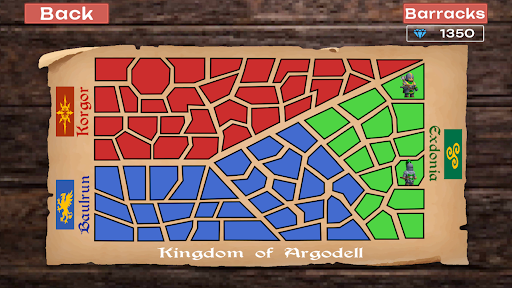
Dẫn dắt quân đội chiến binh của bạn qua cuộc chinh phục thời Trung Cổ trong Empire Battle: Kingdom Games Mod APK, nơi quản lý tài nguyên và triển khai chiến thuật quyết định liệu pháo đài của bạn có tồn tại hay sụp đổ. Hack này loại bỏ sự lặp lại, cho phép bạn tập trung vào chiến lược thuần túy và thống trị trên toàn bộ chiến dịch Argodell.
Với tài nguyên không giới hạn và không có giới hạn sinh tồn, bạn có thể thử nghiệm bất kỳ thành phần quân đội nào và cách tiếp cận trận chiến mà không sợ thất bại hoặc thiếu tài nguyên. Cho dù bạn đang kiểm tra các chiến thuật mới hay vượt qua những cuộc vây hãm khó nhất, phiên bản được sửa đổi này biến trải nghiệm thành tự do chiến lược thuần túy.
- Vàng Không Giới Hạn → xây dựng và nâng cấp mà không có ràng buộc tài nguyên
- Ngọc Không Giới Hạn (Kích Hoạt Và Thắng Trận) → kích hoạt trong chiến đấu để nhận tiền tệ cao cấp
- Không Có Giới Hạn Dân Số → triển khai quân đội có kích thước bất kỳ
- Không Bao Giờ Chết → sống sót qua bất kỳ trận chiến nào mà không bị đánh bại
Tải Empire Battle: Kingdom Games Mod APK từ nút ở trên. Sau khi nhấn tải, chỉ cần làm theo hướng dẫn để cài APK đã mod lên thiết bị Android hoặc trình giả lập.
Cần trợ giúp? Hãy xem Câu hỏi thường gặp Android để có câu trả lời chi tiết và mẹo khắc phục sự cố.
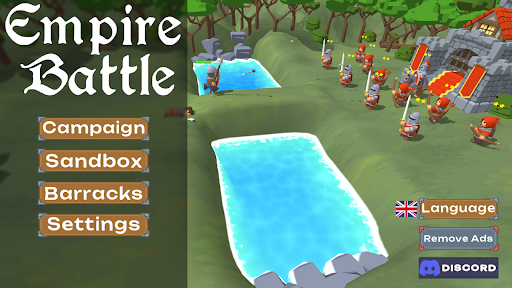
Welcome to Empire Battle, an all new experience of stick war medieval games. Deploy your army in classic medieval fashion.
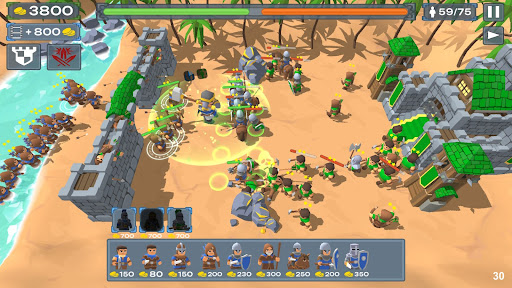
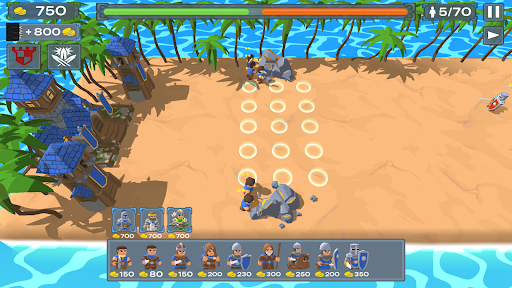
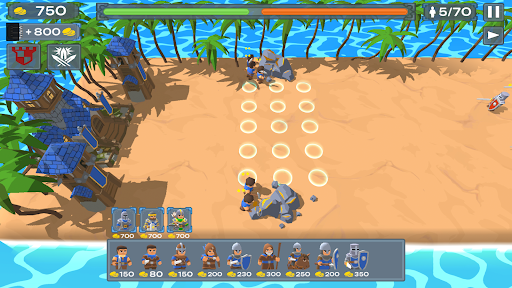
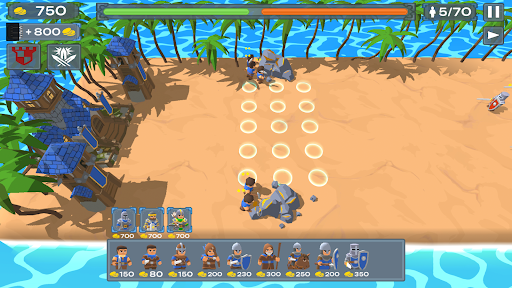
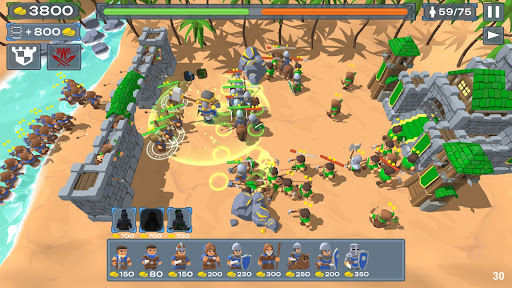
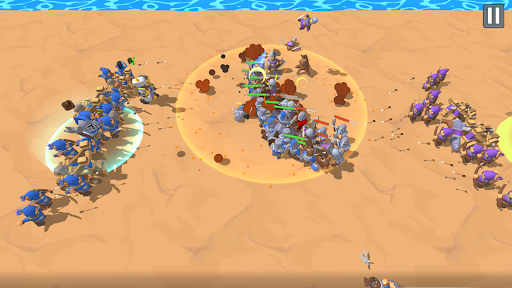
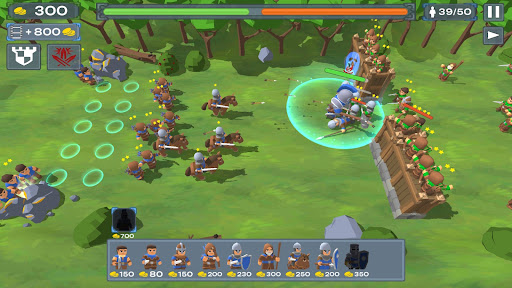
Dive into the heart of this medieval games where resource management and war strategies are the key to success. In this medieval games of castle defense you get to protect your stronghold in a stick war like battle. Timelines from the stronghold era advances in a completely different kind of game.
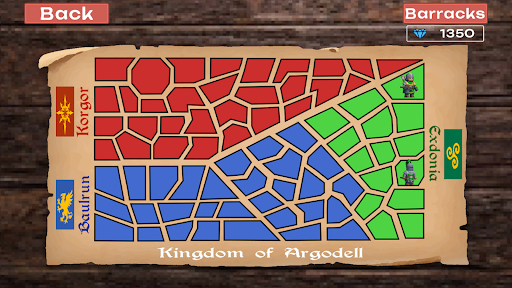
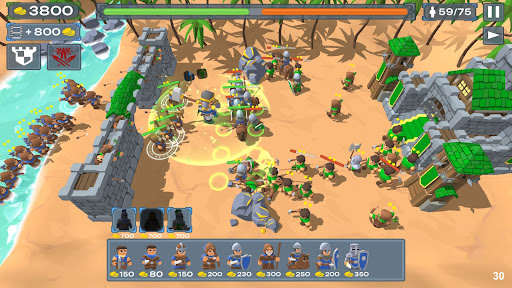
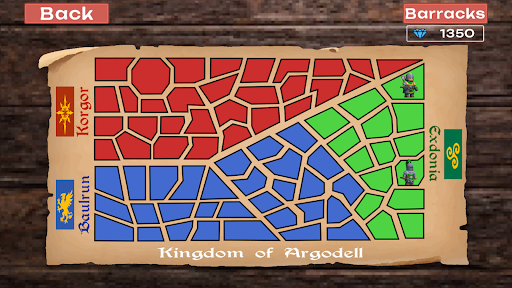
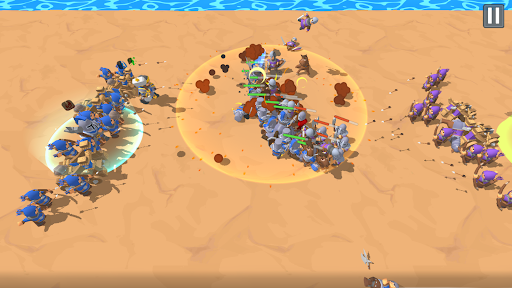
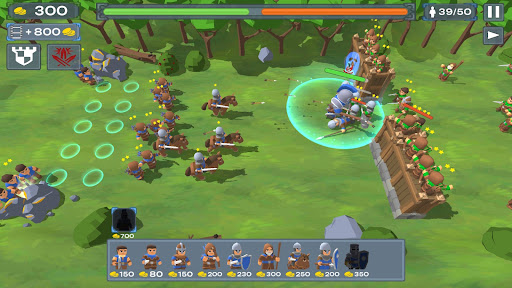
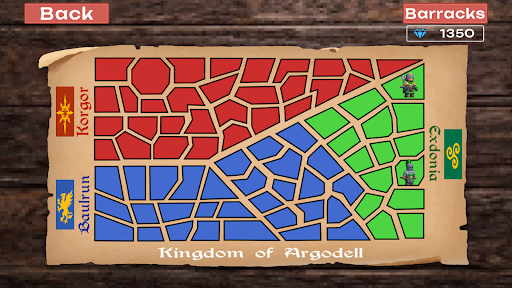
Deploy your mighty stick war army of Baulrun in epic offline experience to conquer the stronghold of Argodell. Advance in your conquests and take down the stronghold of your enemy in multiple strategy war games. An engaging offline medieval 3D stick war style story unfolds as your continue to crush your enemies in a unique battle simulator experience.
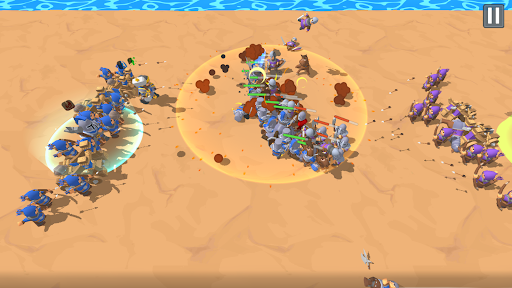
In this battle simulator war strategy game you would need to carefully select your medieval stronghold for all medieval games. The experience for each mission may be different but you must command your 3D stick war army to achieve victory. As you achieve victories brought forward by your battle simulator tactics you will be able to unlock more medieval games modes for you to enjoy in the battle for your stronghold.
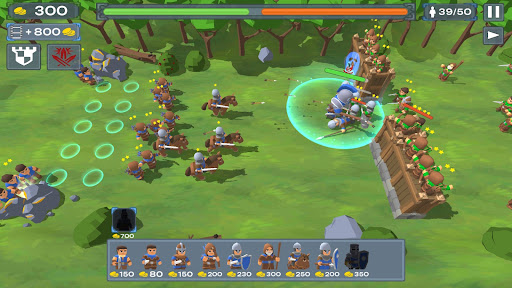
An epic game of medieval games calls upon your skills as a stronghold commander to lead your 3D stick war army into a series of castle defense battles. Medieval skills are needed to conquer the enemy stronghold in multiple castle defense missions.
CALL UPON MEDIEVAL GAMES KNOWLEGDE TO LEAD YOUR 3D STICK WAR INTO CASTLE DEFENSE OF YOUR STRONGHOLD.
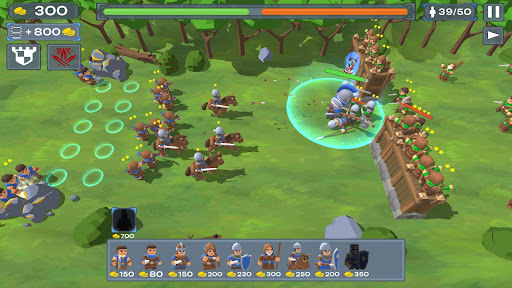
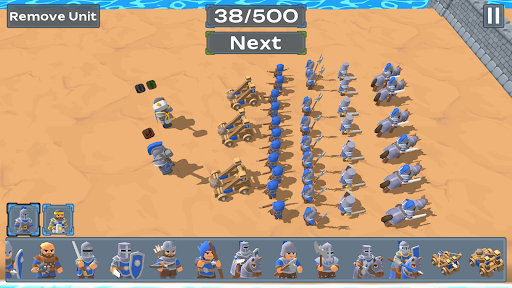
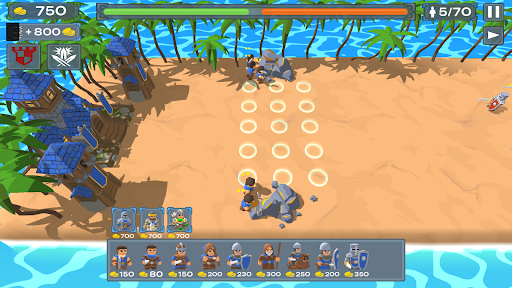
- Deploy your 3D stick war champions in this medieval games and lead them to the protection of your stronghold.
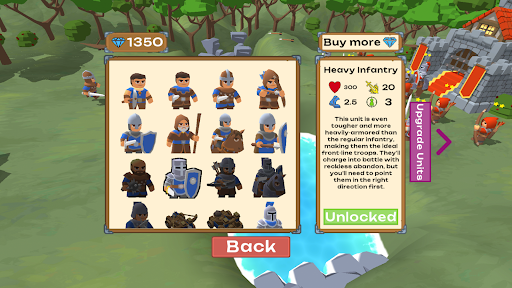
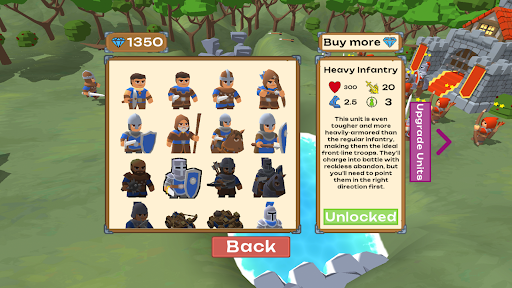
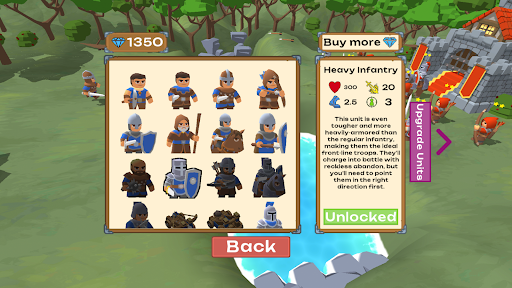
- Upgrade brave hero units so that they lead your stronghold in to an age of medieval prosperity.
STRATEGY WAR GAMES WITH AN ENGAGING CAMPAIGN STORY OF MEDIEVAL GAMES AND MORE
- 75+ challenging stronghold battles await you so that you can test your strategy war games skills to guide your 3D stick war army.
- 5 unique medieval games hero units with powerful special abilities.
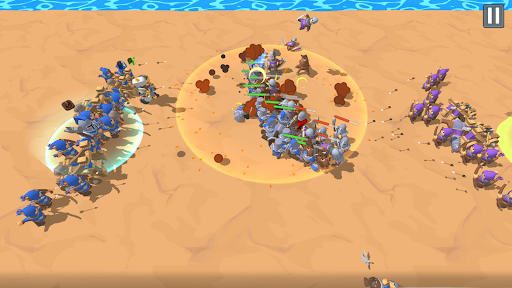
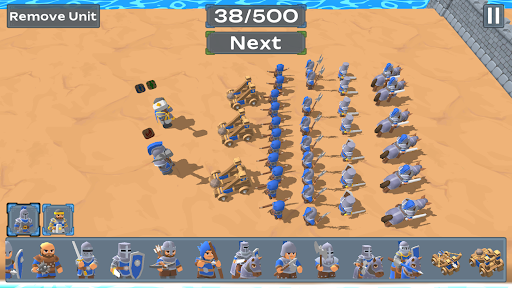
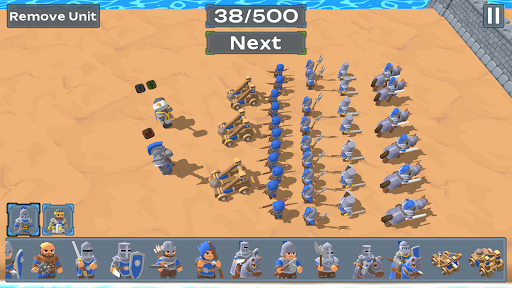
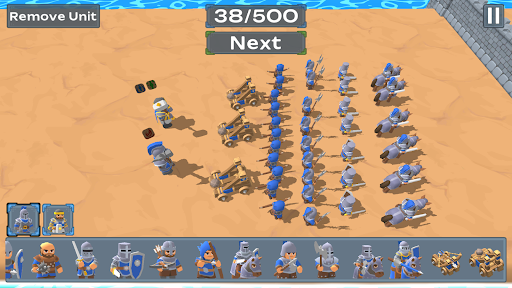
- A sandbox 3D stick war mode to simulate your strategy war games.
- All new stronghold like missions for that classic strategy war games battle simulator feeling.
- As the progress of your stronghold grows you will gain special abilities to help you in your battles.
Enjoy this stronghold style game for hours upon hours of castle defense content that are set in the medieval era. Stronghold protection never looked this good with medieval expert strategy war games tactics and special ability hero units.