Требуется вход
Войдите в учётную запись iOSGods, чтобы продолжить.
Войдите в учётную запись iOSGods, чтобы продолжить.

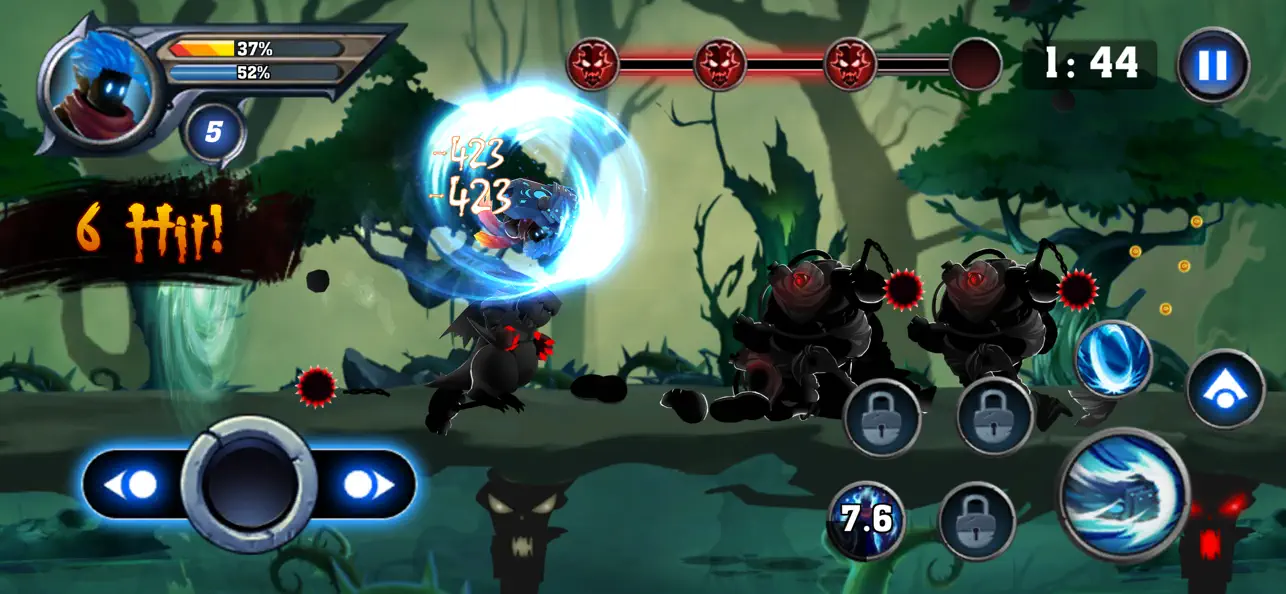
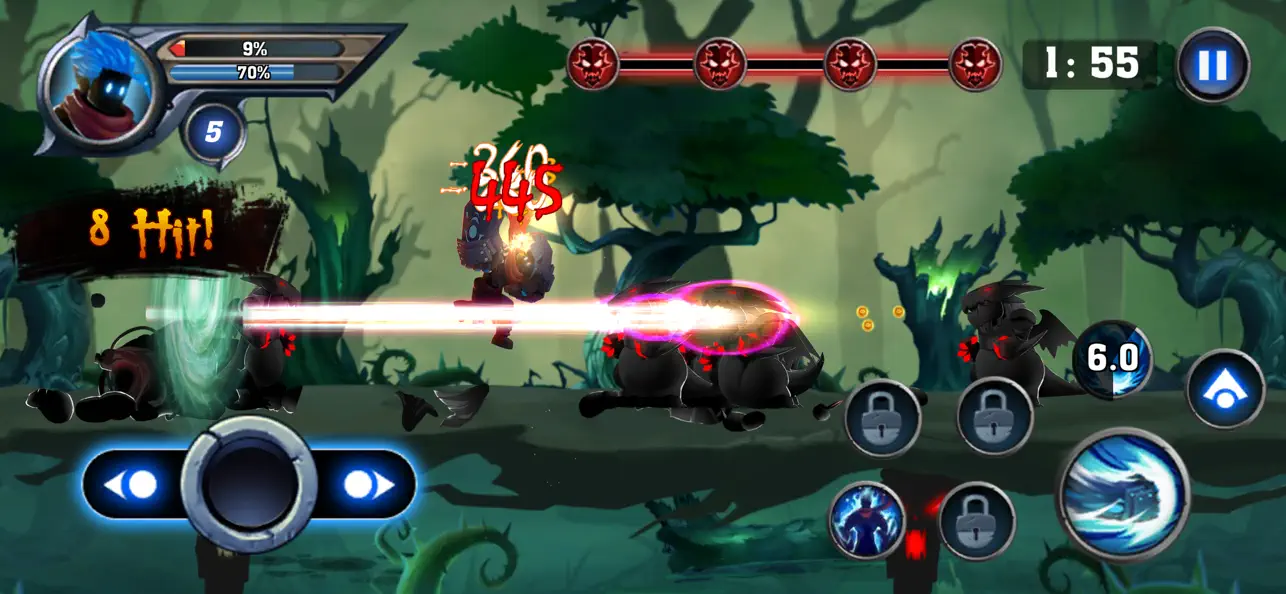
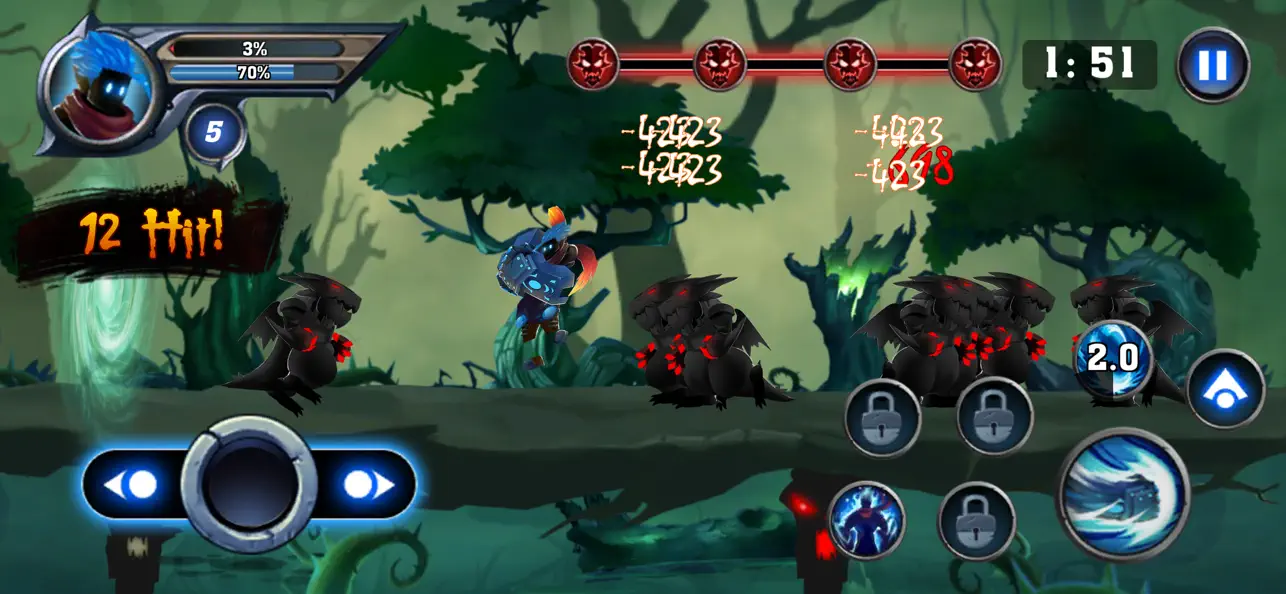
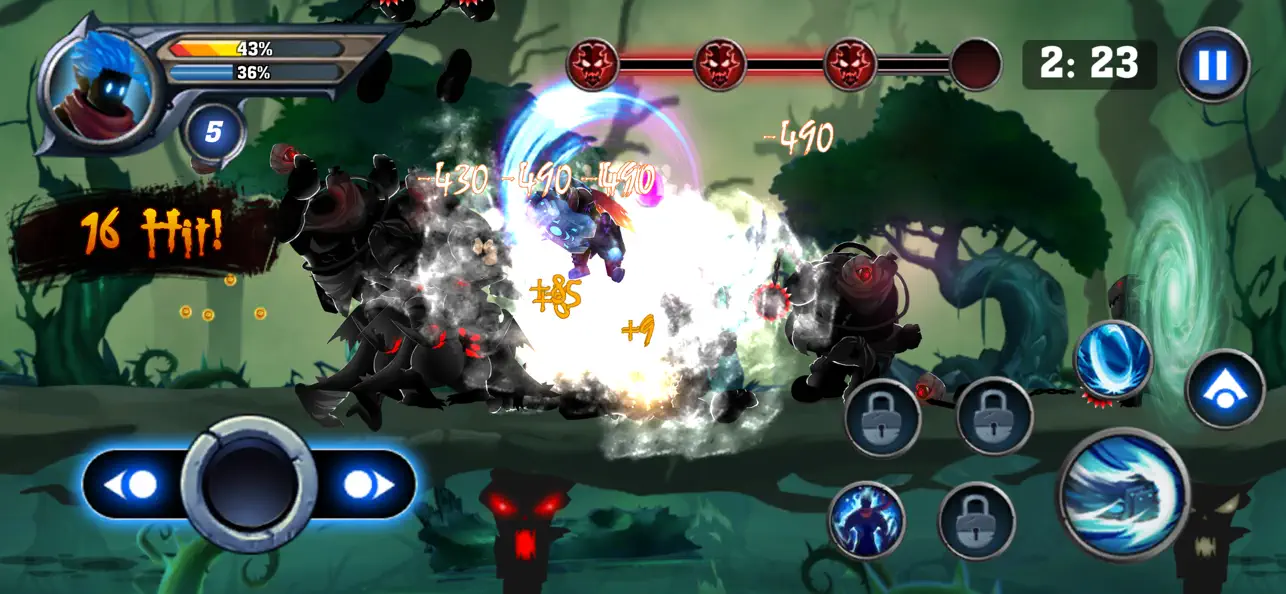
Сражайтесь с волнами врагов в роли рыцаря, связанного с драконом, в этом быстрогеймовом экшене-RPG с модифицированным Mod IPA, который открывает премиум-валюту. Dragon Shadow Knight предлагает плавное управление перетаскиванием, боевую систему, основанную на точности времени, и мощные воздушные атаки в мрачном фэнтезийном мире. Этот взлом дает вам неограниченные ресурсы, чтобы вы могли сосредоточиться на овладении плавным и удовлетворяющим боевым процессом без необходимости гринда.
- Неограниченные драгоценные камни → тратьте свободно на улучшения и предметы
- Неограниченные монеты → покупайте навыки и снаряжение без ограничений
Это приложение также поставляется с iGameGod, который открывает доступ к Auto Touch для автоматизации повторяющихся действий, App Speed Manager для регулируемой скорости игры, редактированию значений Memory Engine и другим мощным инструментам для iOS-игр.
Скачайте Dragon Shadow Knight iOS Mod IPA по ссылкам выше. Нажмите кнопку установки и следуйте инструкциям, чтобы установить этот хак iOS на iPhone, iPad или Mac с Apple Silicon.
Нужна помощь? Посмотрите наши Часто задаваемые вопросы по приложению iOSGods, чтобы получить подробные ответы и советы по устранению неполадок.
龍影騎士是一款高速動作 RPG,結合流暢操作、多樣技能與龍之力量變身,帶來爽快刺激的戰鬥體驗。
化身與巨龍締結契約的騎士,在黑暗奇幻世界中迎戰成群敵人。透過直覺的拖曳操作自由移動,抓準時機發動攻擊,並跳躍施展強力空中連擊,享受節奏明快、打擊感十足的動作戰鬥。
隨著冒險深入,你將解鎖多種技能。每種技能都擁有不同效果與戰鬥節奏,讓你能依照敵人特性靈活應戰,打出屬於自己的連招風格。
當戰況進入白熱化時,啟動龍之契約,進入強化變身狀態。大幅提升攻擊與防禦能力,釋放壓倒性的龍之力量,瞬間扭轉戰局。
[遊戲特色]
• 左右拖曳移動,操作流暢直覺
• 地面與空中攻擊結合的爽快戰鬥
• 多種技能自由搭配,戰鬥風格多變
• 龍之變身大幅強化攻擊與防禦
• 專為行動裝置打造的高速動作體驗
持續戰鬥、突破極限,成為真正的龍影騎士。
- iPhone или iPad без джейлбрейка/в обычном режиме или с джейлбрейком.
- Sideloadly или альтернативы.
- Компьютер с Windows/macOS/Linux и установленным iTunes.
ШАГ 1: Скачайте предварительно взломанный файл .IPA по ссылке выше на свой компьютер. Чтобы скачать его из приложения iOSGods, посмотрите наш Туториал по скачиванию IPA в приложении iOSGods, в котором есть видеопример.
ШАГ 2: Скачайте Sideloadly и установите его на Windows или Mac.
ШАГ 3: Откройте Sideloadly на компьютере, подключите iOS-устройство и дождитесь, пока его имя появится в Sideloadly.
ШАГ 4: Когда устройство будет распознано, перетащите скачанный модифицированный файл .IPA в окно Sideloadly.
ШАГ 5: Введите адрес электронной почты вашего Apple Account, затем нажмите «Start». После этого вас попросят ввести пароль. Укажите необходимые данные.
ШАГ 6: Дождитесь, пока Sideloadly завершит sideload/установку взломанного IPA. При возникновении проблем во время установки ознакомьтесь с примечанием ниже.
ШАГ 7: После завершения установки и появления приложения на главном экране перейдите в Настройки → Основные → Профили / VPN и управление устройством. Там нажмите на email, который вы ввели на шаге 6, а затем нажмите «Доверять [email protected]».
ШАГ 8: Теперь перейдите на главный экран и откройте установленное приложение — всё должно работать. Возможно, потребуется выполнить дополнительные инструкции в попапе мода внутри игры.
ПРИМЕЧАНИЕ: На iOS/iPadOS 16 и новее необходимо включить режим разработчика. Для бесплатных учётных записей Apple Developer этот процесс нужно повторять каждые 7 дней. Если возникнут вопросы или проблемы, ознакомьтесь с нашим разделом FAQ по Sideloadly в теме.