需要登入
請使用您的 iOSGods 帳戶登入以繼續。
請使用您的 iOSGods 帳戶登入以繼續。
這款閒置城市建築模擬破解版解鎖免費所有功能,讓你可以堆疊房屋、設計完美的佈局,並在不需要磨練的情況下擴展帝國。Idle City Builder Mod IPA 移除廣告,讓你免費升級建築物,同時保持貨幣凍結。以高級自由度按照自己的步調建造、自訂和擴展你的繁榮城市。
- 免費所有功能(凍結部分貨幣而非全部,也可免費升級) → 無需花費即可升級建築物和推進進度
- 無廣告 → 不間斷的遊戲體驗
此應用程式也內建 iGameGod,讓你可以使用 Auto Touch 自動執行重複操作、透過 App Speed Manager 調整遊戲速度、使用 Memory Engine 修改記憶體數值,以及更多強大的 iOS 遊戲工具。
從上方連結下載 Idle City Builder ! iOS Mod IPA。點選安裝按鈕並依照畫面指示在 iPhone、iPad 或 Apple Silicon 上安裝此 iOS 應用程式修改版。
需要更多協助?請查看我們的 iOSGods 應用程式常見問題 以獲得詳細解答與疑難排解。
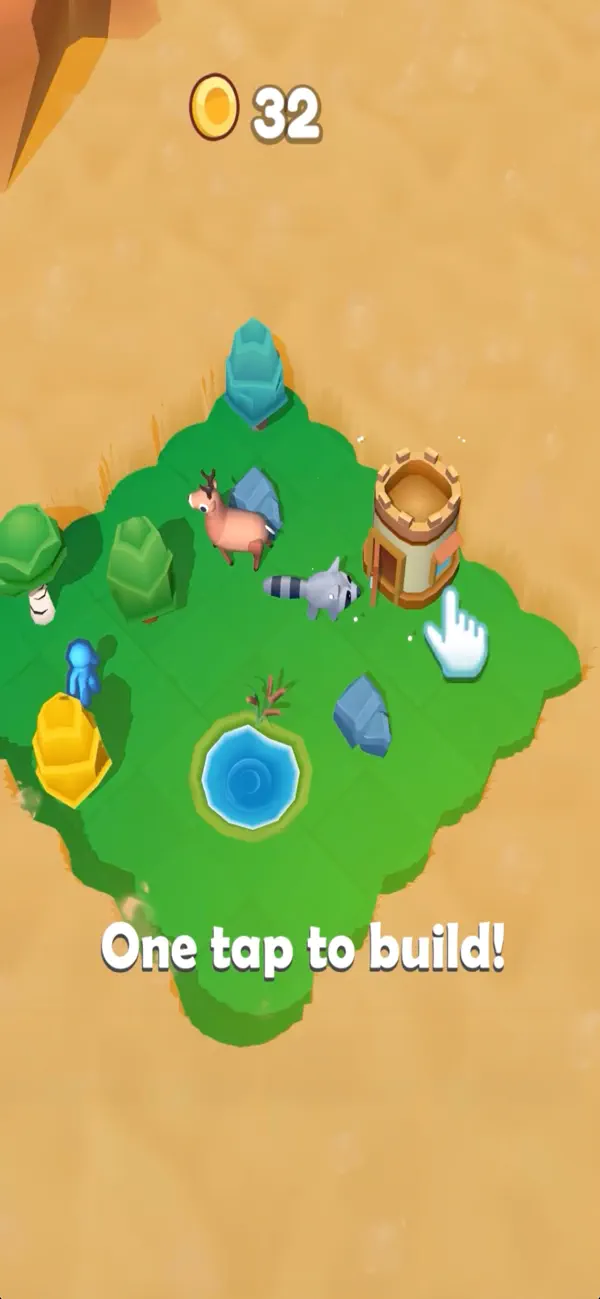
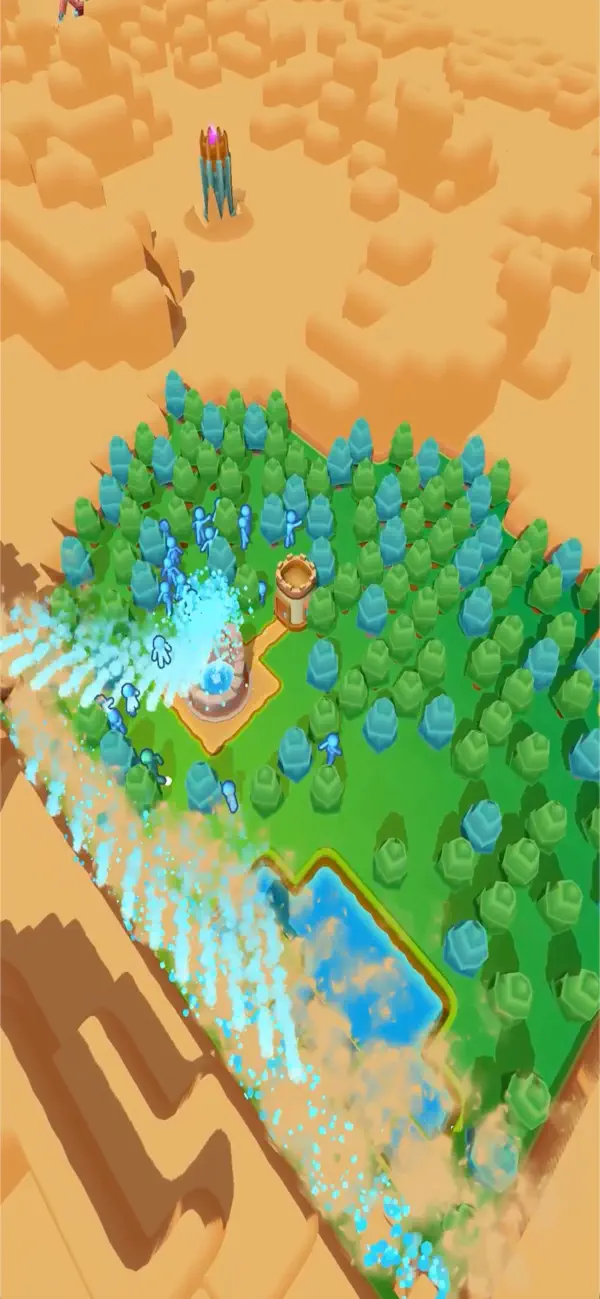
Create and grow your own thriving empire — start small, stack up, and watch your city come to life with new buildings, resources, and upgrades!
CUSTOMIZE
Stack houses to form cool vibrant city.
Unlock several different types of buildings.
Move your buildings to create your perfect layout.
Change villager skins to personalize your city.
Buy decorations like amusement park rides and more.
Total landscaping freedom in the end game
EXPLORE
Send explorers on expeditions to gather resources and discover treasures.
Discover new feature buildings as your city expands
MANAGE
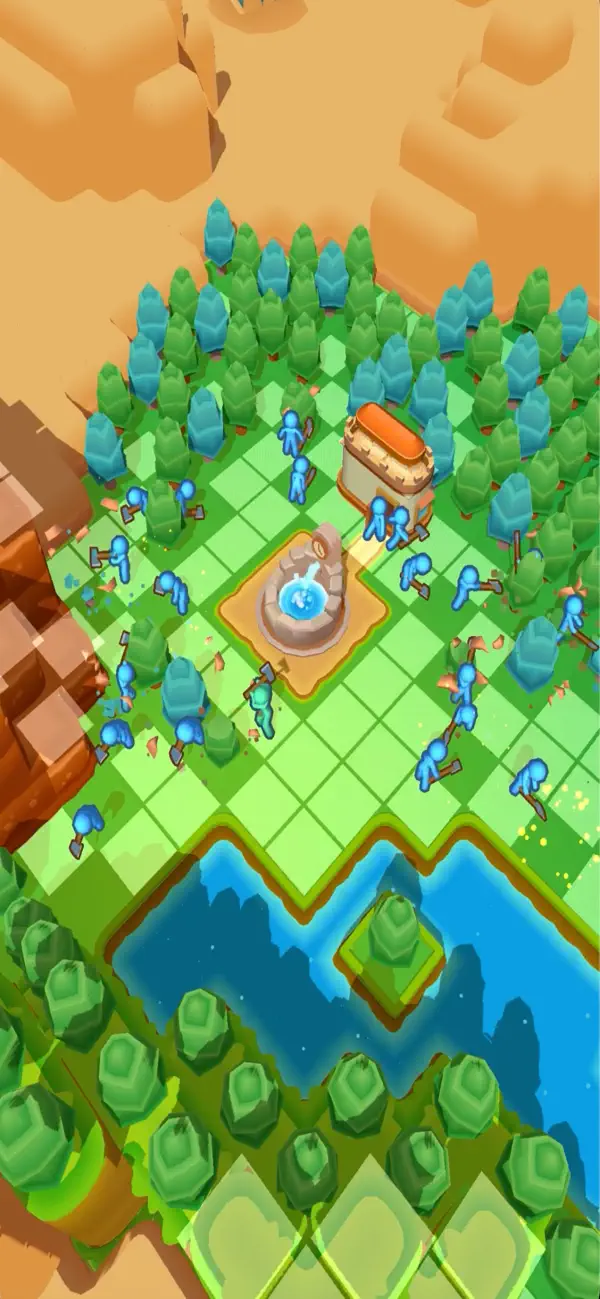
Assign your villagers to work to optimize resource production.
Command them to gather resources around your city
VISITORS
Fulfill visitor requests and trade resources with them.
Decorate your city to see visitors interact with it
REBUILD
Sell your old city to restart building a new one.
Unlock a reset feature that grants permanent perks (bonuses).
Discover new map themes with reset
Idle City Builder offers all this — and much more!
Build, manage, explore, and create the city of your dreams!
Please find our Privacy Policy at this link https://www.funcellgames.com/privacy-policy
Terms of Use at this link https://www.apple.com/legal/internet-services/itunes/dev/stdeula/

- 未越獄/受限或已越獄的 iPhone 或 iPad。
- Sideloadly 或替代方案。
- 執行 Windows/macOS/Linux 且已安裝 iTunes 的電腦。
步驟 1: 透過上方連結將已破解的 .IPA 檔案下載到您的電腦。若要從 iOSGods App 下載,請參閱我們的 iOSGods App IPA 下載教學,其中包含影片範例。
步驟 2: 下載 Sideloadly 並將其安裝在您的 Windows 或 Mac 上。
步驟 3: 在電腦上開啟 Sideloadly,連接您的 iOS 裝置,並等待裝置名稱出現在 Sideloadly 中。
步驟 4: 當 Sideloadly 辨識到您的 iOS 裝置後,將下載好的修改版 .IPA 檔案拖曳並放到 Sideloadly 應用程式中。
步驟 5: 輸入您的 Apple Account 電子郵件,然後按下「Start」。系統會要求您輸入密碼,請依指示提供所需資訊。
步驟 6: 等待 Sideloadly 完成已破解 IPA 的旁載/安裝。如果安裝過程中發生問題,請閱讀下方的注意事項。
步驟 7: 安裝完成並在主畫面上看到該應用程式後,您需要前往 設定 → 一般 → 描述檔 / VPN 與裝置管理。進入後,點選您在步驟 6 中輸入的電子郵件,然後點選「信任 [email protected]」。
步驟 8: 現在回到主畫面並開啟新安裝的應用程式,一切應該都能正常運作。您可能需要依照遊戲內破解彈出視窗中的進一步指示操作。
注意: 在 iOS/iPadOS 16 及更新版本上,您必須 啟用開發者模式。若使用免費的 Apple Developer 帳號,您將需要每 7 天重複此程序。如有任何疑問或問題,請閱讀我們的 主題中的 Sideloadly 常見問題區段。