需要登入
請使用您的 iOSGods 帳戶登入以繼續。
請使用您的 iOSGods 帳戶登入以繼續。
這款 Rush Defense 2 Mod IPA 塔防生存破解版讓你放大傷害輸出,無敵地對抗無盡的怪物波浪,橫掃異域地圖。賺取肉類升級英雄屬性,解鎖星級系統以獲得更深層的進度,征服海岸、沙漠、雨林和凍原,無懼失敗。
- 傷害倍數 → 提升你的攻擊力
- 永不死亡 → 無敵遊玩
此應用程式也內建 iGameGod,讓你可以使用 Auto Touch 自動執行重複操作、透過 App Speed Manager 調整遊戲速度、使用 Memory Engine 修改記憶體數值,以及更多強大的 iOS 遊戲工具。
從上方連結下載 Rush Defense2 Hack modded IPA。點選安裝按鈕並依照畫面指示在 iPhone、iPad 或 Apple Silicon 上安裝此 iOS 應用程式修改版。
需要更多協助?請查看我們的 iOSGods 應用程式常見問題 以獲得詳細解答與疑難排解。
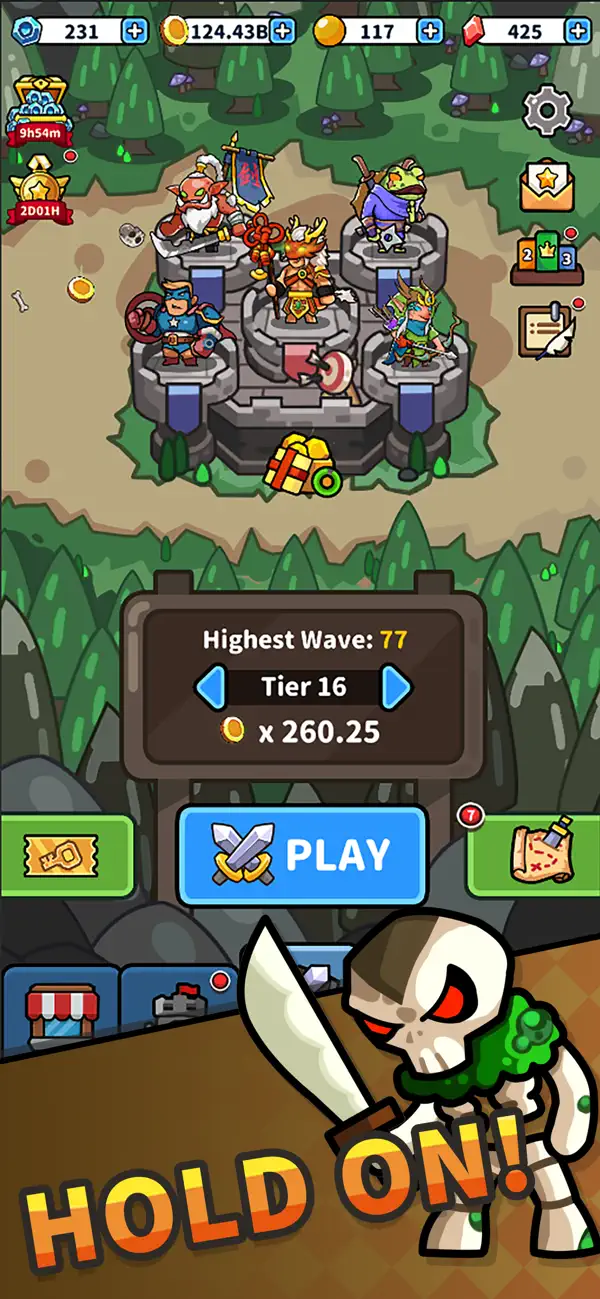
Welcome to Rush Defense 2!
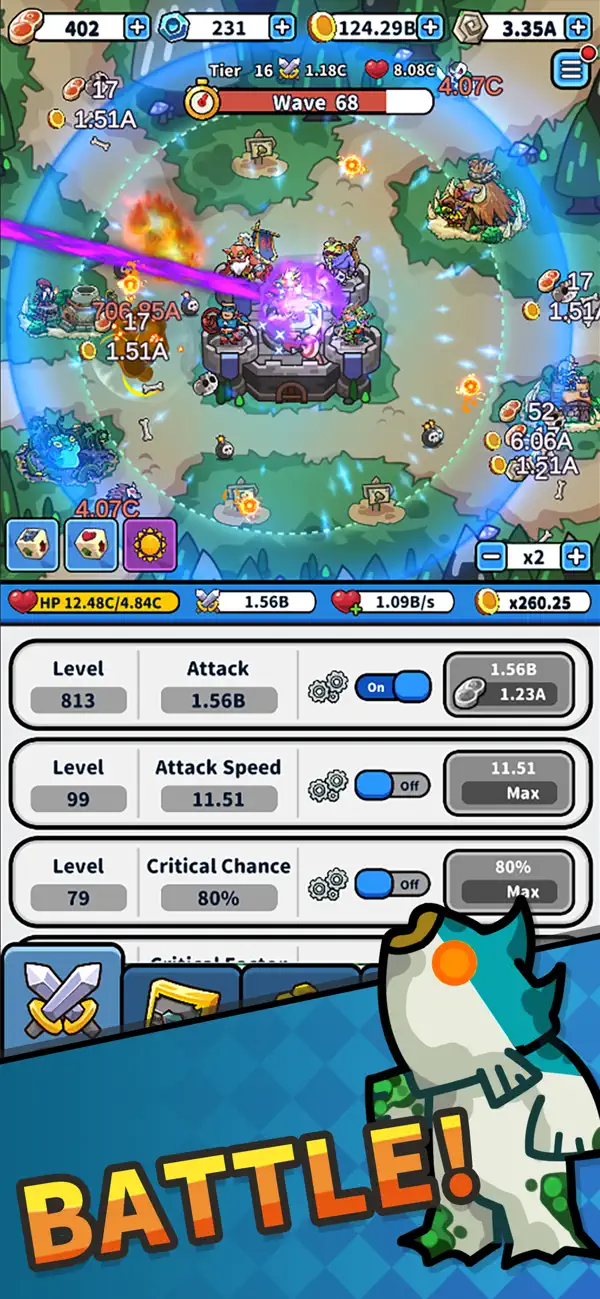
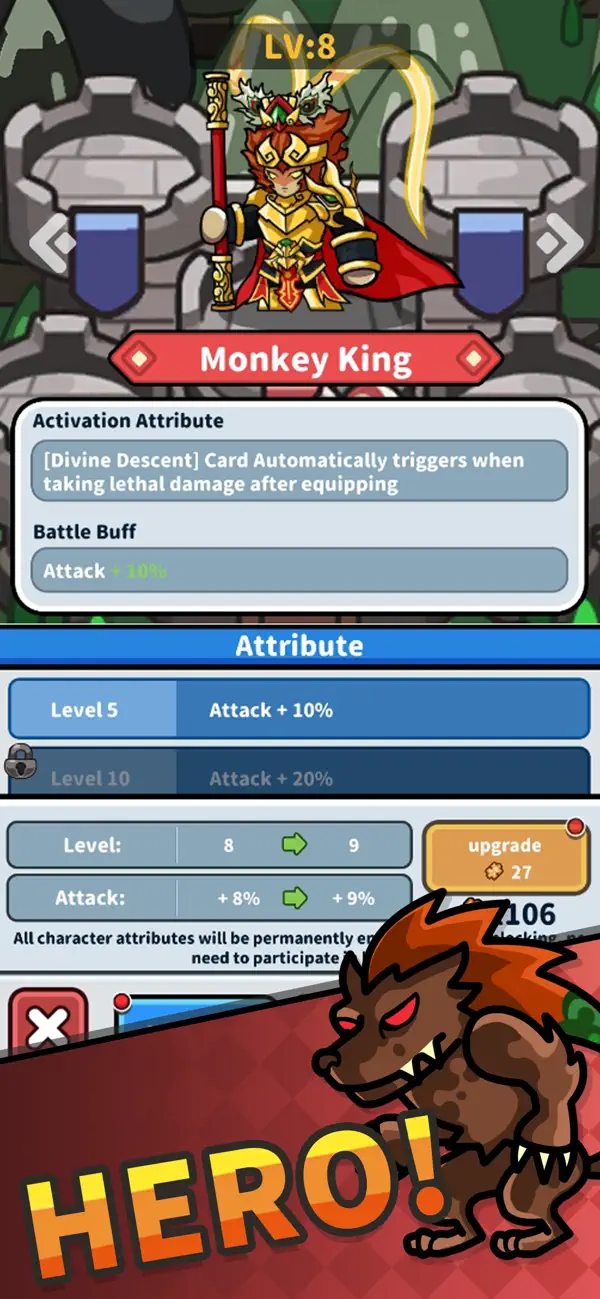
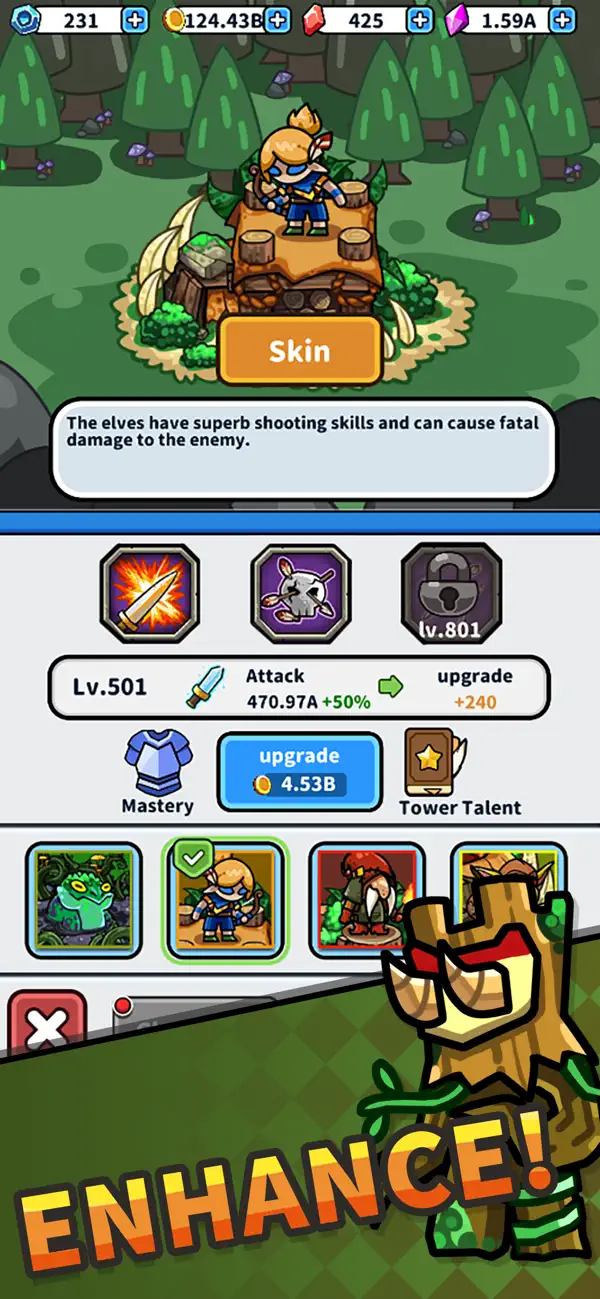
This enhanced sequel continues the classic survival experience where monsters swarm from all directions. While maintaining the original gameplay, Rush Defense 2 introduces the new Hero Star-Up system, allowing even deeper character progression.
Defeat monsters to earn meat, which you can use to upgrade your character’s various attributes. In this version, the Star-Up system lets your hero break past previous limits and grow even stronger.
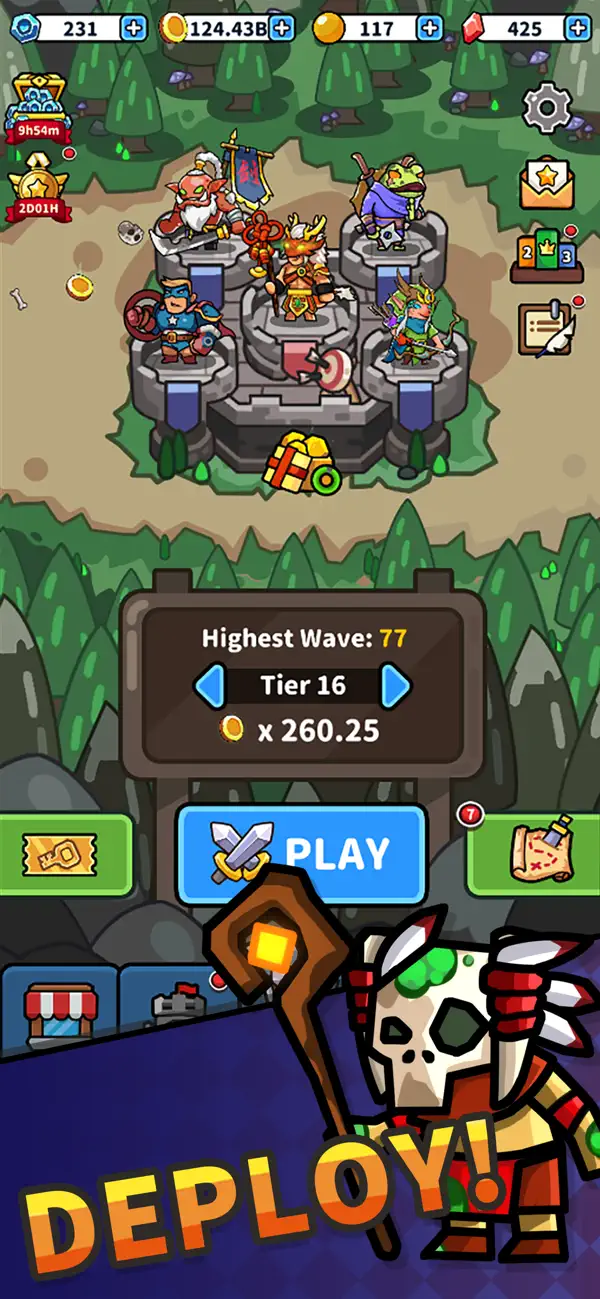
Explore new combat maps such as coasts, deserts, rainforests, and frozen plains. Each map features unique terrain and enemies, requiring you to adjust your strategy to overcome challenges.
The powerful skill cards return:
Death Ray – Charge up a devastating beam to sweep enemies
Battle Dash – Speed up the game by 5x for rapid mowing
Crazy Gambler – Each wave may boost or reduce your damage, testing your luck
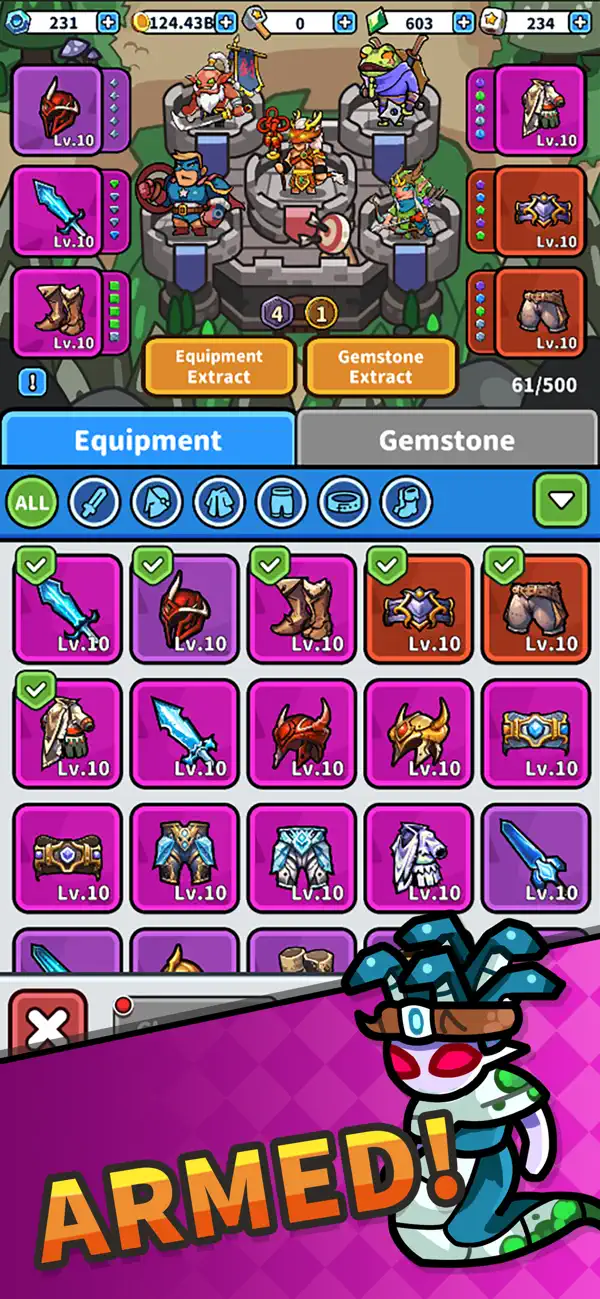
A variety of enhancement items and equipment further increase your combat strength. With star-up progression, attribute upgrades, and gear combinations, you can create your own unique and powerful combat style.
Compete with players around the world through real-time rankings. We will also launch regular competitive events to bring you more challenges and rewards.
Store Notice:
To maintain a fair gameplay environment, server connection is required to prevent cheating. Please follow the rules and avoid modifying the game to prevent penalties.
Enter the new world of Rush Defense 2 now—enhance and star-up your hero and become the unstoppable defender of your territory!

- 未越獄/受限或已越獄的 iPhone 或 iPad。
- Sideloadly 或替代方案。
- 執行 Windows/macOS/Linux 且已安裝 iTunes 的電腦。
步驟 1: 透過上方連結將已破解的 .IPA 檔案下載到您的電腦。若要從 iOSGods App 下載,請參閱我們的 iOSGods App IPA 下載教學,其中包含影片範例。
步驟 2: 下載 Sideloadly 並將其安裝在您的 Windows 或 Mac 上。
步驟 3: 在電腦上開啟 Sideloadly,連接您的 iOS 裝置,並等待裝置名稱出現在 Sideloadly 中。
步驟 4: 當 Sideloadly 辨識到您的 iOS 裝置後,將下載好的修改版 .IPA 檔案拖曳並放到 Sideloadly 應用程式中。
步驟 5: 輸入您的 Apple Account 電子郵件,然後按下「Start」。系統會要求您輸入密碼,請依指示提供所需資訊。
步驟 6: 等待 Sideloadly 完成已破解 IPA 的旁載/安裝。如果安裝過程中發生問題,請閱讀下方的注意事項。
步驟 7: 安裝完成並在主畫面上看到該應用程式後,您需要前往 設定 → 一般 → 描述檔 / VPN 與裝置管理。進入後,點選您在步驟 6 中輸入的電子郵件,然後點選「信任 [email protected]」。
步驟 8: 現在回到主畫面並開啟新安裝的應用程式,一切應該都能正常運作。您可能需要依照遊戲內破解彈出視窗中的進一步指示操作。
注意: 在 iOS/iPadOS 16 及更新版本上,您必須 啟用開發者模式。若使用免費的 Apple Developer 帳號,您將需要每 7 天重複此程序。如有任何疑問或問題,請閱讀我們的 主題中的 Sideloadly 常見問題區段。