Inicio de sesión requerido
Inicia sesión con tu cuenta de iOSGods para continuar.
Inicia sesión con tu cuenta de iOSGods para continuar.

Hack Features
- Gold
- Cash
- Player Energy
- Match Energy
- Tokens
- EXP User
- Scout Ticket +3
- Standard Scout +4
- Cube +4
- Training +3
- Upgrade Cost All Building [ Earn Cash ]
- Speed UP Cost All Building [ Earn Cash ]
Note:- Earn Then Work
Esta app también incluye iGameGod, que te ofrece acceso a Auto Touch para automatizar tareas repetitivas, App Speed Manager para ajustar la velocidad del juego, edición de valores con Memory Engine y más potentes herramientas para juegos de iOS.
Descarga Soccer Journey 2026 Hack modded IPA desde los enlaces de arriba. Toca el botón de instalación y sigue las instrucciones para instalar este hack iOS en tu iPhone, iPad o Mac con Apple Silicon.
¿Necesitas más ayuda? Consulta nuestras Preguntas frecuentes de la app iOSGods para respuestas detalladas y consejos de solución de problemas.
Soccer Journey is a football management game where you step into the shoes of a club manager, starting from scratch and building your team into a world-renowned powerhouse. With 15 competitive leagues and a massive database of over 15,000 players, you’ll scout, train, and develop your dream squad your way.
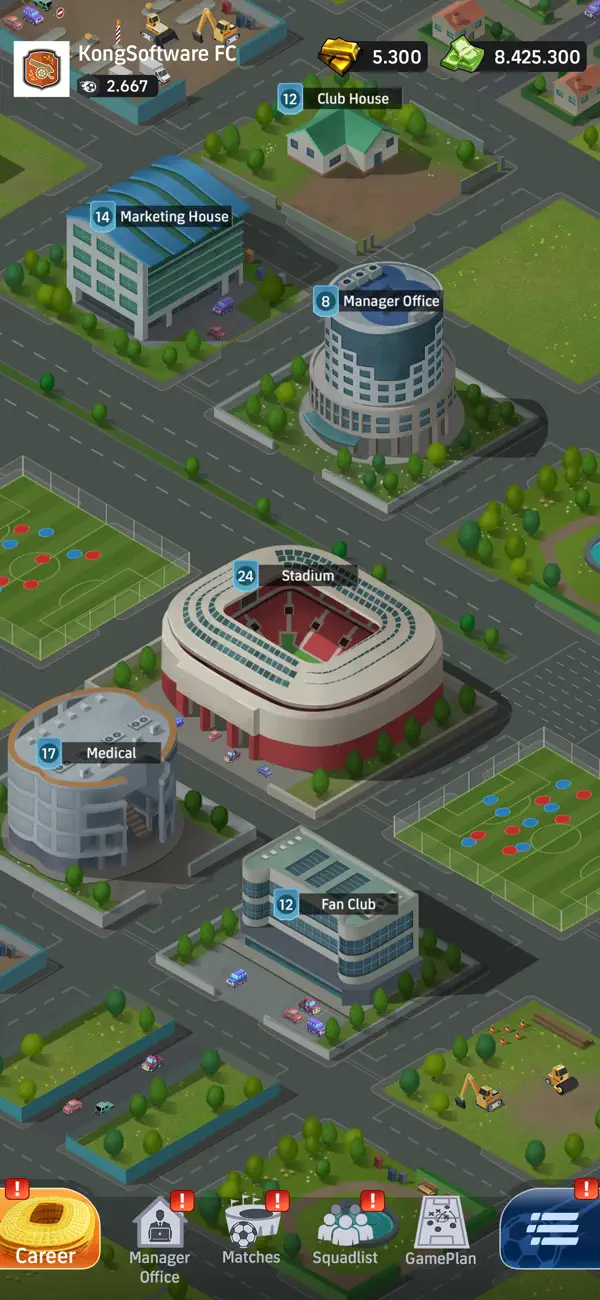
Construct training centers, upgrade stadiums, and invest in infrastructure to elevate your club to the next level. Grow your fanbase, create a unique club identity, and build strong community support that fuels your team’s rise to glory.
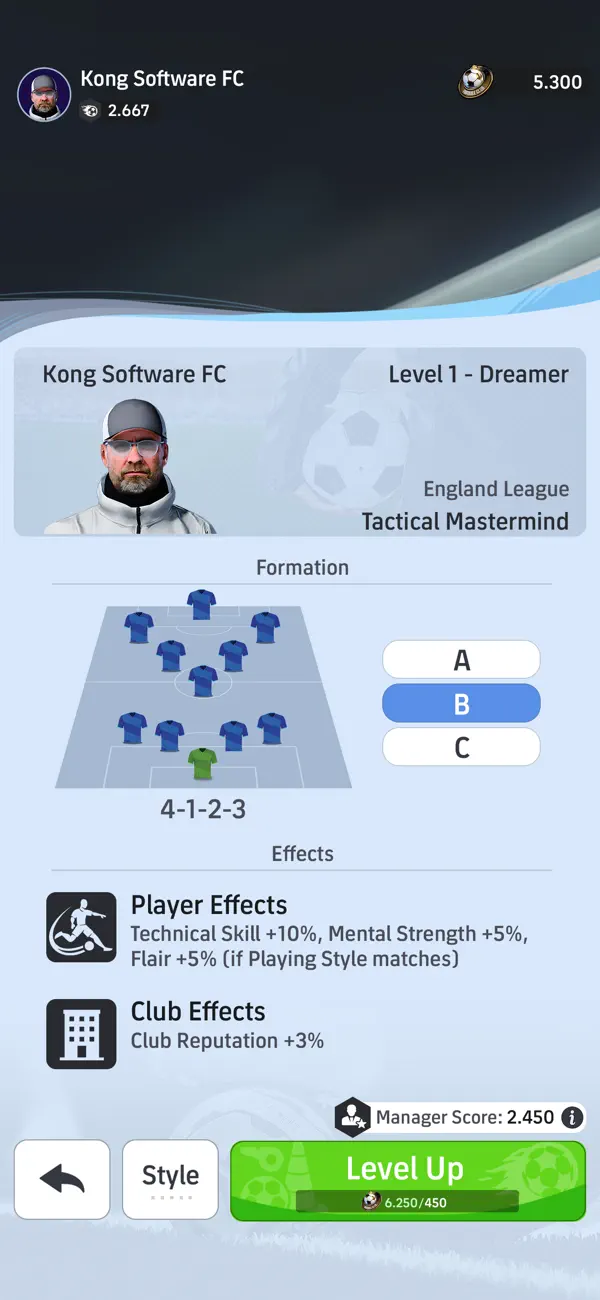
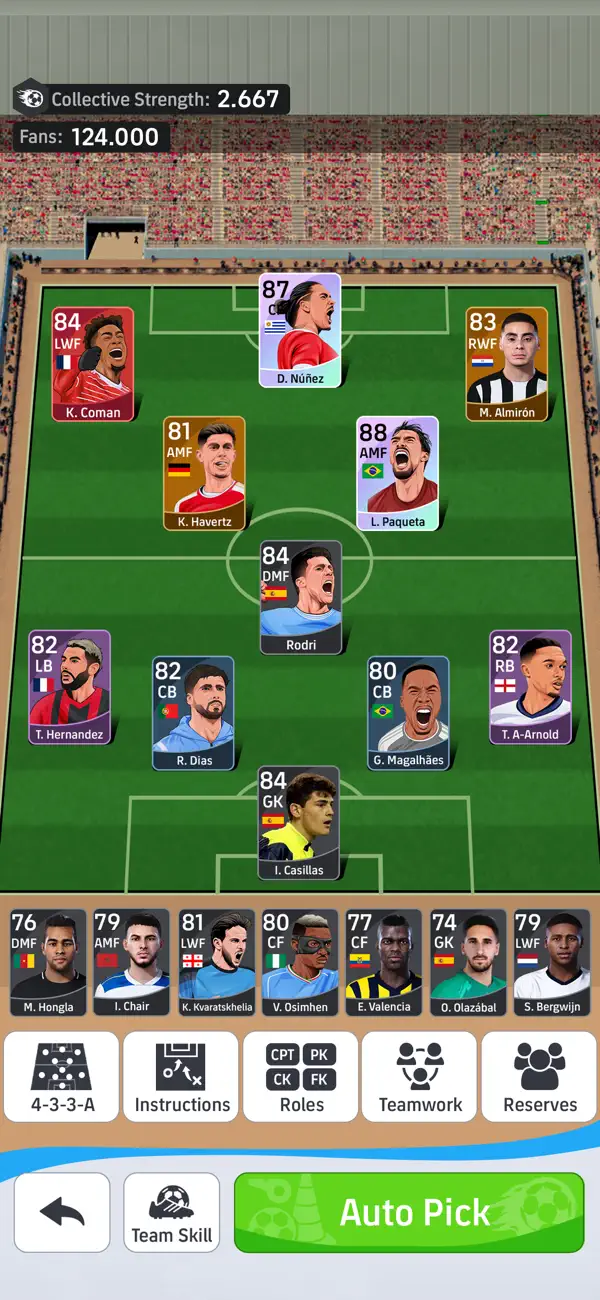
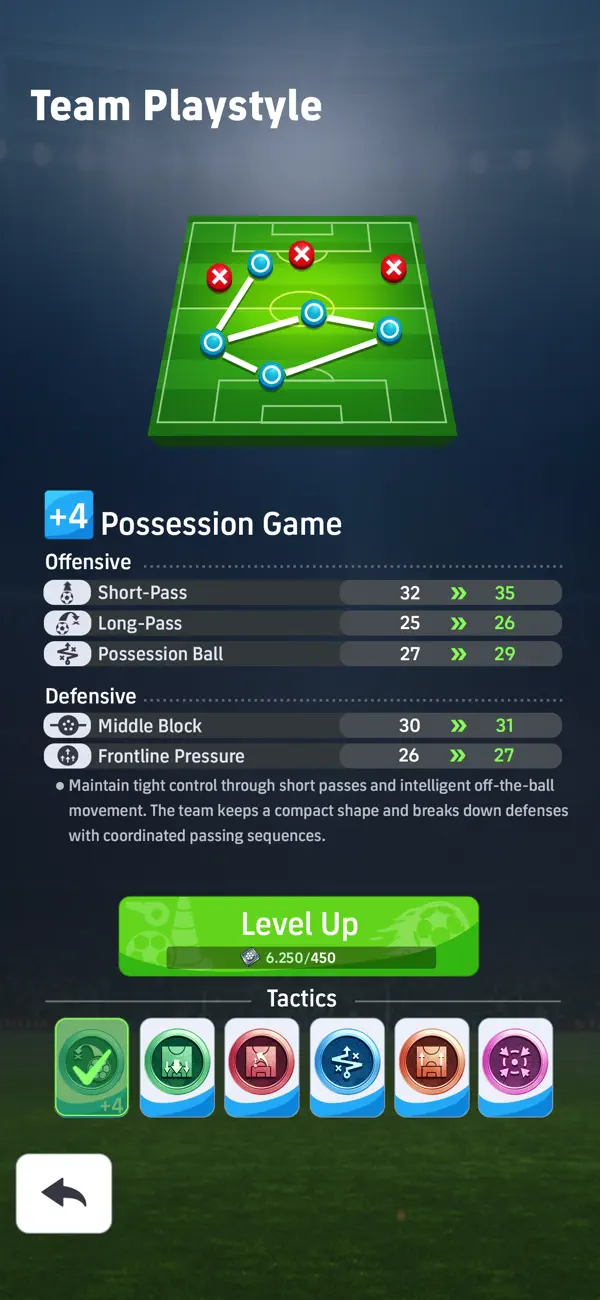
Master the tactical side of football with deep customization tools that let you fine-tune strategies to match your playstyle and philosophy.
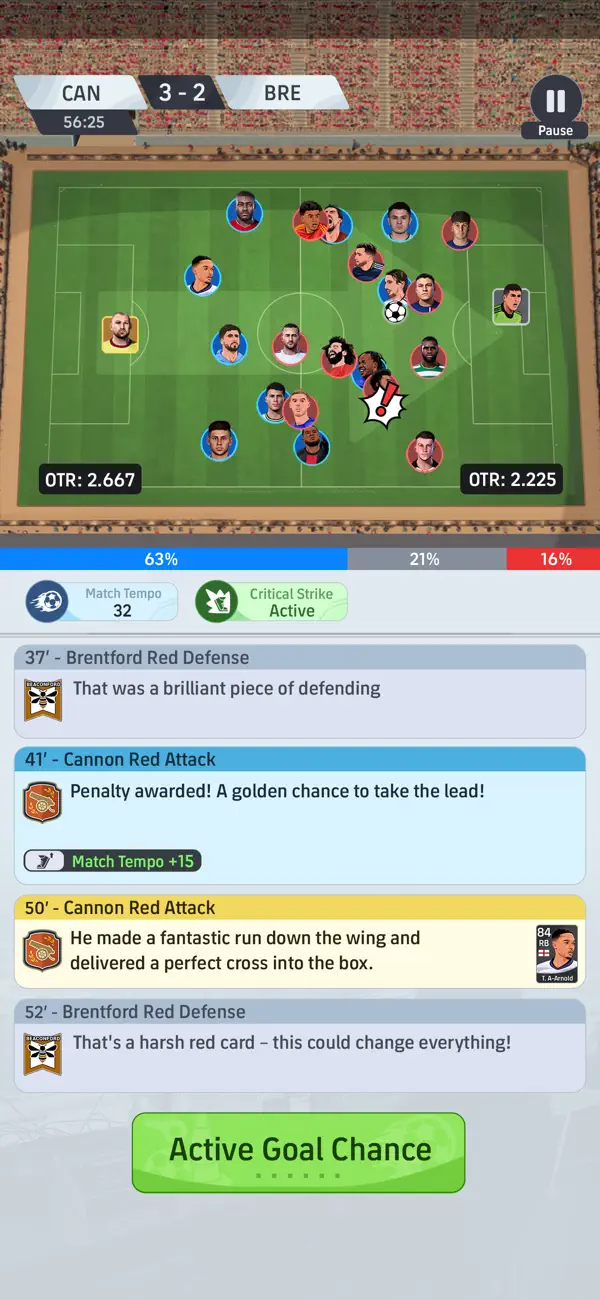
Choose from multiple exciting game modes:
Exhibition Mode – Test and tweak your lineups
League Mode – Compete in dynamic league campaigns
Rank Mode (PvP) – Battle real players in ranked matches and climb the global leaderboard
Your choices shape the legacy. Begin your Soccer Journey and write the story of a legendary club.
- iPhone o iPad con o sin Jailbreak.
- Sideloadly u otras alternativas.
- Ordenador con Windows/macOS/Linux e iTunes instalado.
PASO 1: Descargue el archivo .IPA pre-modificado desde el enlace de arriba a su ordenador. Para descargarlo desde la iOSGods App, consulte nuestro Tutorial de descarga del IPA desde la iOSGods App, que incluye un ejemplo en vídeo.
PASO 2: Descargue Sideloadly e instálelo en su Windows o Mac.
PASO 3: Abra Sideloadly en su ordenador, conecte su dispositivo iOS y espere hasta que el nombre del dispositivo aparezca en Sideloadly.
PASO 4: Una vez que su iDevice sea reconocido, arrastre el archivo .IPA modificado que descargó y suéltelo en la aplicación Sideloadly.
PASO 5: Introduzca el correo electrónico de su Apple Account y, a continuación, pulse «Start». Le pedirá que introduzca su contraseña. Proporcione la información solicitada.
PASO 6: Espere a que Sideloadly termine de hacer sideload/instalar el IPA modificado. Si surgen problemas durante la instalación, por favor lea la nota a continuación.
PASO 7: Una vez completada la instalación y al ver la app en la pantalla de inicio, deberá ir a Ajustes → General → Perfiles / VPN y Gestión de Dispositivos. Una vez allí, toque el correo electrónico que introdujo en el paso 6 y, después, toque en «Confiar en [email protected]».
PASO 8: Ahora vaya a la pantalla de inicio y abra la app recién instalada; todo debería funcionar correctamente. Es posible que tenga que seguir instrucciones adicionales específicas de cada app dentro del popup del hack en el juego.
NOTA: En iOS/iPadOS 16 y posteriores, debe activar el Modo Desarrollador. Para cuentas gratuitas de Apple Developer, deberá repetir este proceso cada 7 días. Si tiene alguna pregunta o problema, lea nuestra sección de Preguntas Frecuentes de Sideloadly del tema.