需要登入
請使用您的 iOSGods 帳戶登入以繼續。
請使用您的 iOSGods 帳戶登入以繼續。
在紙筆騎士的奇幻世界Paperos中擲骰子,帶領你的自訂隊伍冒險。Knights of Pen and Paper 3 Hack是一款回合制RPG Mod IPA,讓你從一開始就獲得大量金幣、即時勝利和滿級裝備。
無論你是想體驗故事劇情而不用磨等級,還是想以滿等狀態測試隊伍配置,這個破解版都能消除進度磨練,讓你專注於冒險、boss戰鬥和重要的故事情節。
- 高額金幣獲得(啟用並贏得戰鬥) → 每場戰鬥後獲得大量貨幣獎勵
- 隨時可領取成就 → 無限制地解鎖所有成就獎勵
- 自動勝利(在戰鬥中啟用) → 自動擊敗戰鬥中的敵人
- 升級角色(啟用後你的英雄會升級) → 立即將隊伍提升至最高等級
- 最高等級裝備(啟用後所有裝備都會升至最高等級) → 為你的英雄配備完全升級的裝備
此應用程式也內建 iGameGod,讓你可以使用 Auto Touch 自動執行重複操作、透過 App Speed Manager 調整遊戲速度、使用 Memory Engine 修改記憶體數值,以及更多強大的 iOS 遊戲工具。
從上方連結下載 Knights of Pen and Paper 3 Hack modded IPA。點選安裝按鈕並依照畫面指示在 iPhone、iPad 或 Apple Silicon 上安裝此 iOS 應用程式修改版。
需要更多協助?請查看我們的 iOSGods 應用程式常見問題 以獲得詳細解答與疑難排解。
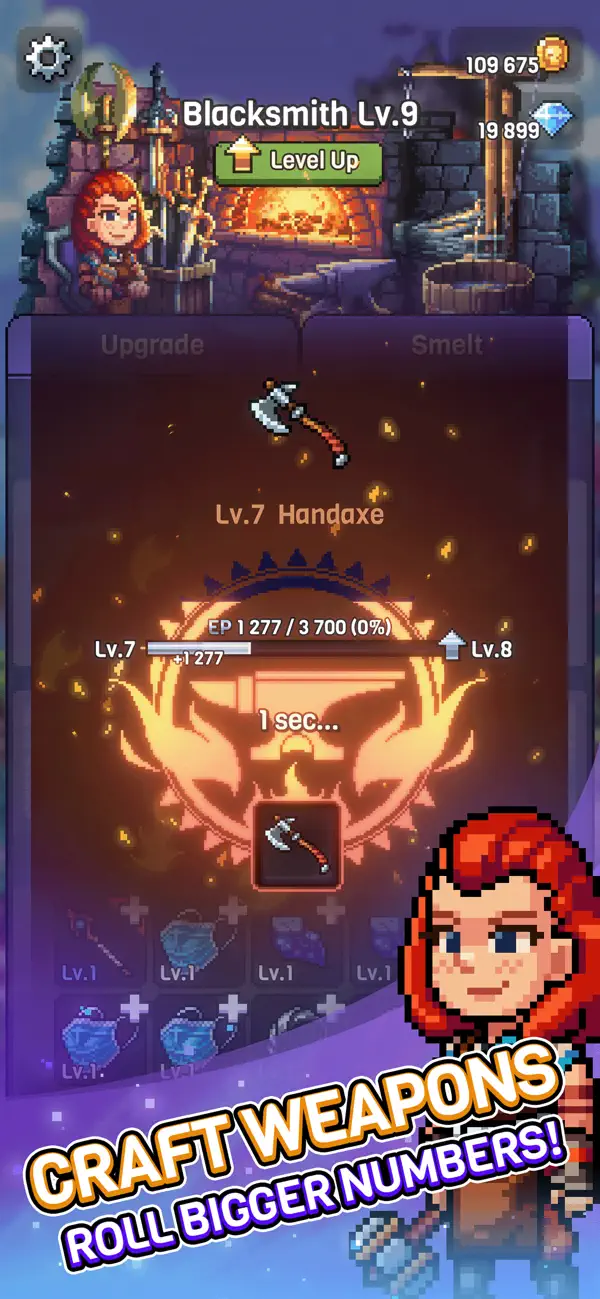
Knights of Pen and Paper 3 RPG is a game of Great Adventures, fearsome Monsters and top-tier Stories.
Combining the Classic Turn-Based Battles with Story Driven Campaign, Knights of Pen and Paper brings you a full and rich RPG experience.
So let the dice roll, customize your party and let the bosses know who you are! Battle your way to the mysterious realm of Upsi-Daisies and save the Fantasy world of Paperos.
* Beautiful Pixel Graphics. Yes, the game has graphics and it looks better than ever.
* Create your own party and customize the characters whenever you want!
* Full Story Driven Campaign for dozens of hours of Role Playing!
* Plenty of hand crafted Side Quests.
* Build and Upgrade your home Village.
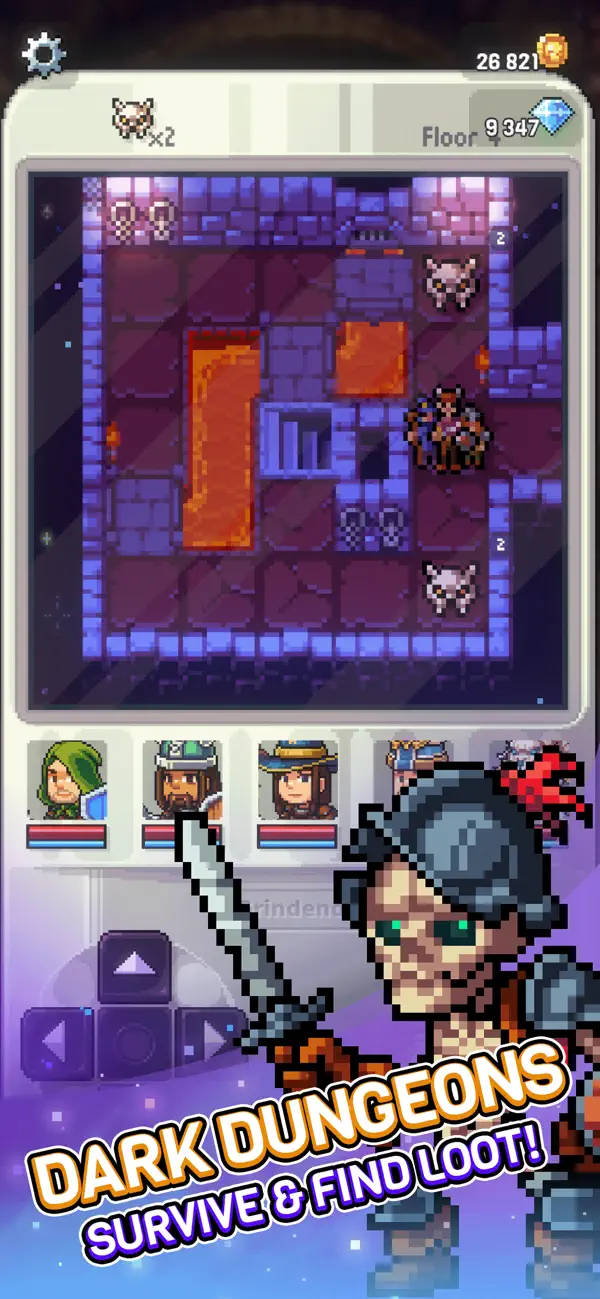
* Dark Dungeons and generated Side Quests for meaningful endless content.
* Daily Challenges, Item Upgrading, Hidden Secret Codes and more!
—
The ultimate Role Playing experience where you play the players who play Role Playing games brings you that Dungeons & Dragons feel once more!
--
Officially published by Northica under license from Paradox Interactive AB.
©2025 Paradox Interactive AB. KNIGHTS OF PEN PAPER and PARADOX INTERACTIVE are trademarks and/or registered trademarks of Paradox Interactive AB in Europe, the U.S., and other countries.

- 未越獄/受限或已越獄的 iPhone 或 iPad。
- Sideloadly 或替代方案。
- 執行 Windows/macOS/Linux 且已安裝 iTunes 的電腦。
步驟 1: 透過上方連結將已破解的 .IPA 檔案下載到您的電腦。若要從 iOSGods App 下載,請參閱我們的 iOSGods App IPA 下載教學,其中包含影片範例。
步驟 2: 下載 Sideloadly 並將其安裝在您的 Windows 或 Mac 上。
步驟 3: 在電腦上開啟 Sideloadly,連接您的 iOS 裝置,並等待裝置名稱出現在 Sideloadly 中。
步驟 4: 當 Sideloadly 辨識到您的 iOS 裝置後,將下載好的修改版 .IPA 檔案拖曳並放到 Sideloadly 應用程式中。
步驟 5: 輸入您的 Apple Account 電子郵件,然後按下「Start」。系統會要求您輸入密碼,請依指示提供所需資訊。
步驟 6: 等待 Sideloadly 完成已破解 IPA 的旁載/安裝。如果安裝過程中發生問題,請閱讀下方的注意事項。
步驟 7: 安裝完成並在主畫面上看到該應用程式後,您需要前往 設定 → 一般 → 描述檔 / VPN 與裝置管理。進入後,點選您在步驟 6 中輸入的電子郵件,然後點選「信任 [email protected]」。
步驟 8: 現在回到主畫面並開啟新安裝的應用程式,一切應該都能正常運作。您可能需要依照遊戲內破解彈出視窗中的進一步指示操作。
注意: 在 iOS/iPadOS 16 及更新版本上,您必須 啟用開發者模式。若使用免費的 Apple Developer 帳號,您將需要每 7 天重複此程序。如有任何疑問或問題,請閱讀我們的 主題中的 Sideloadly 常見問題區段。