تسجيل الدخول مطلوب
سجّل الدخول بحساب iOSGods للمتابعة.
سجّل الدخول بحساب iOSGods للمتابعة.
تحكم بطائرة حربية عبر معارك جوية مكثفة في War Plane Strike: Sky Combat Mod IPA، لعبة قتال بأسلوب أركيد حيث تفتح طائرات وأسلحة جديدة للهيمنة على سماء العدو. يمنحك هذا التهكير إمكانية الوصول إلى الميزات المميزة وقائمة التصحيح لتحكم محسّن باللعب.
- قائمة التصحيح (Setting > Privacy > Float icon > Game Process) → الوصول إلى عناصر التحكم المتقدمة في اللعبة والتشخيص
- المميز (Setting > Privacy > Float icon > In-App Purchase > VoodooPremium) → فتح جميع المحتوى والميزات المميزة
يأتي هذا التطبيق أيضًا مع iGameGod، مما يتيح لك الوصول إلى Auto Touch لأتمتة المهام المتكررة، وApp Speed Manager لضبط سرعة اللعب، وتعديل القيم عبر Memory Engine، والمزيد من أدوات ألعاب iOS القوية.
قم بتنزيل War Plane Strike: Sky Combat Hack modded IPA من الروابط أعلاه. اضغط على زر التثبيت واتبع التعليمات لتثبيت هذا التعديل لـ iOS على iPhone أو iPad أو Apple Silicon.
هل تحتاج إلى مزيد من المساعدة؟ راجع الأسئلة الشائعة لتطبيق iOSGods للحصول على إجابات مفصلة ونصائح لاستكشاف الأخطاء.
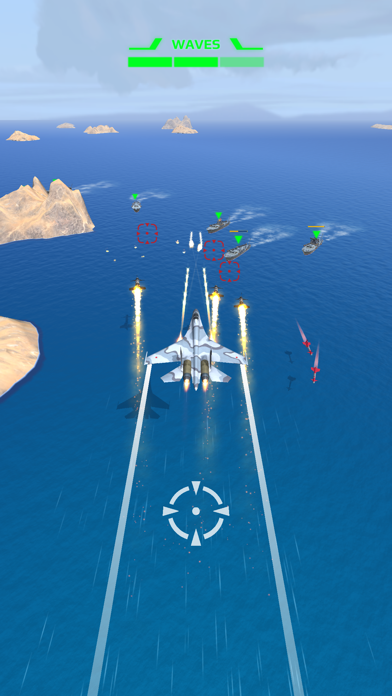
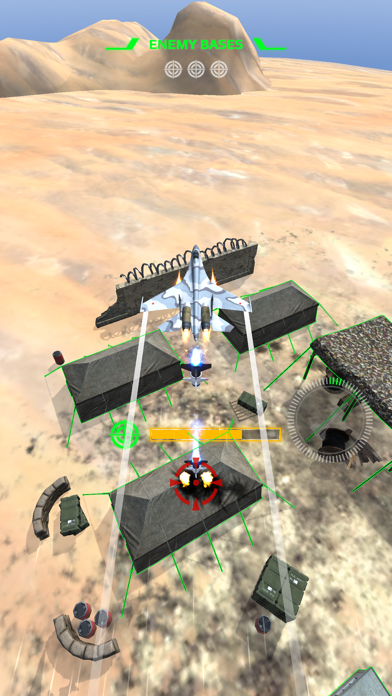
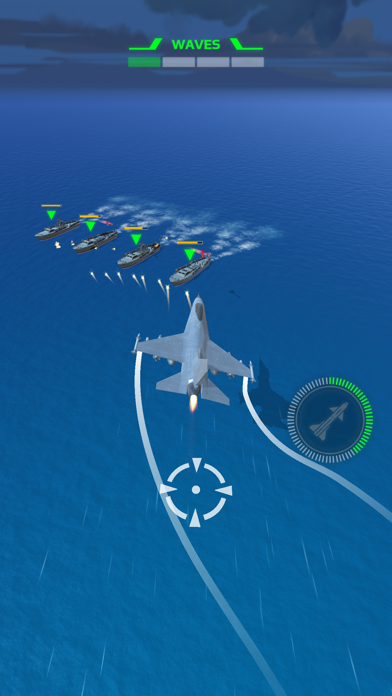
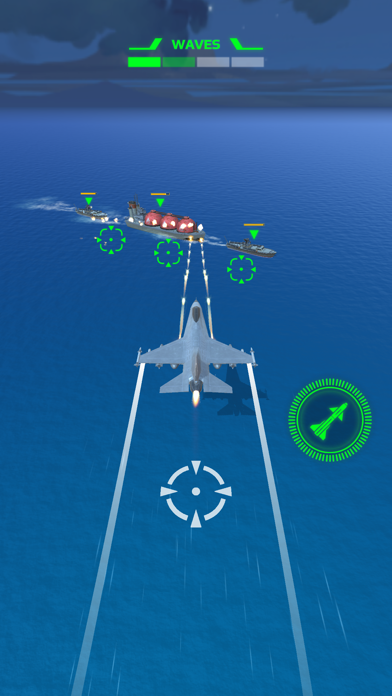
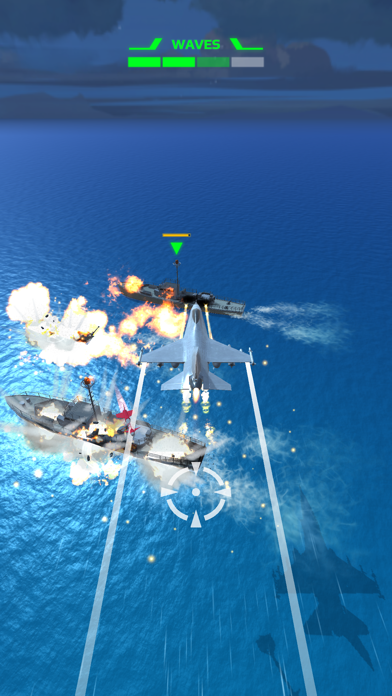
Get ready for an adrenaline-fueled adventure in War Plane Strike: Sky Combat, the ultimate aerial combat game for thrill-seekers! In this action-packed game, you'll take control of a warplane and engage in epic battles against enemy forces.
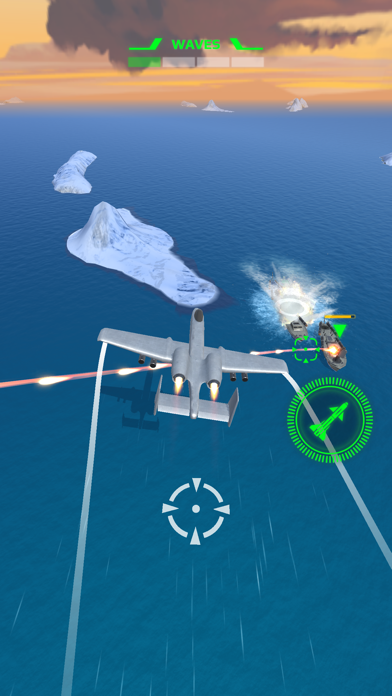
With intuitive controls and fast-paced gameplay, War Plane Strike: Sky Combat is perfect for anyone who loves arcade-style games. Featuring bright graphics and interesting landscapes, you'll feel like you're really flying through the skies.
One of the key features of this air combat game is the ability to unlock new planes with different weapons and power-ups. With a variety of warplanes to choose from, you can customize your gameplay experience and take on increasingly challenging missions.
Whether you're battling enemy planes in dogfights, taking out ground targets with precision bombing runs, or engaging in intense boss battles, War Plane Strike: Sky Combat has it all. As the ace solider in your army, take on targets and missions, fight enemy forces and destroy threats in the sky!
Be swift, be accurate, and complete your mission with precision! Become the ultimate fighter pilot!
- iPhone أو iPad بجيلبريك أو بدون جيلبريك.
- Sideloadly أو بدائلها.
- كمبيوتر يعمل بنظام Windows/macOS/Linux مع تثبيت iTunes.
الخطوة 1: قم بتنزيل ملف .IPA المعدّل مسبقًا من الرابط أعلاه إلى الكمبيوتر الخاص بك. للتنزيل من تطبيق iOSGods App، اطلع على دليل تنزيل IPA من تطبيق iOSGods App الذي يتضمن مثالًا بالفيديو.
الخطوة 2: قم بتنزيل Sideloadly وتثبيته على جهاز Windows أو Mac.
الخطوة 3: افتح Sideloadly على الكمبيوتر، ووصّل جهاز iOS الخاص بك، وانتظر حتى يظهر اسم جهازك داخل Sideloadly.
الخطوة 4: بمجرد التعرّف على جهاز iDevice الخاص بك، اسحب ملف .IPA المعدّل الذي قمت بتنزيله وأفلِته داخل تطبيق Sideloadly.
الخطوة 5: أدخل البريد الإلكتروني لحساب Apple Account الخاص بك، ثم اضغط على «Start». سيُطلب منك بعد ذلك إدخال كلمة المرور. تابع وأدخل المعلومات المطلوبة.
الخطوة 6: انتظر حتى ينتهي Sideloadly من تحميل/تثبيت ملف IPA المعدّل. في حال واجهت أي مشاكل أثناء التثبيت، يرجى قراءة الملاحظة أدناه.
الخطوة 7: بعد اكتمال التثبيت ورؤية التطبيق على الشاشة الرئيسية، انتقل إلى Settings → General → Profiles / VPN & Device Management. ثم اضغط على البريد الإلكتروني الذي أدخلته في الخطوة 6، ثم اضغط على «الوثوق بـ [email protected]».
الخطوة 8: الآن انتقل إلى الشاشة الرئيسية وافتح التطبيق الذي تم تثبيته للتو وسيعمل كل شيء بشكل صحيح. قد تحتاج إلى اتباع تعليمات إضافية خاصة بكل تطبيق داخل النافذة المنبثقة للتعديل أثناء اللعب.
ملاحظة: بدءًا من iOS/iPadOS 16 وما بعده، يجب تفعيل وضع المطور (Developer Mode). بالنسبة لحسابات Apple Developer المجانية، ستحتاج إلى تكرار هذه العملية كل 7 أيام. إذا كانت لديك أي أسئلة أو مشاكل، يرجى قراءة قسم الأسئلة الشائعة حول Sideloadly في الموضوع.