需要登入
請使用您的 iOSGods 帳戶登入以繼續。
請使用您的 iOSGods 帳戶登入以繼續。
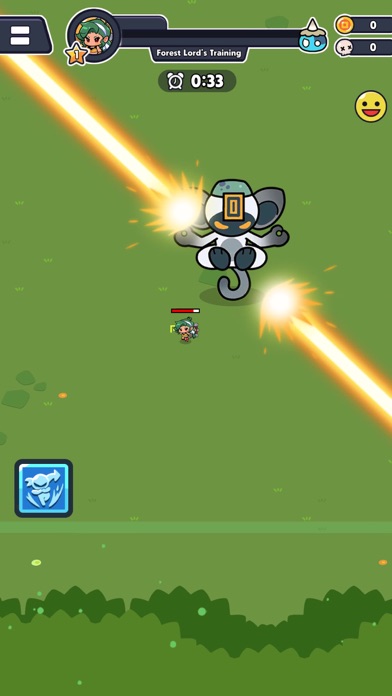
這款 Ninja Survivors Online Hack 動作冒險多人生存角色扮演遊戲透過戰鬥速度加成和即時技能可用性來強化您的忍者,讓您能夠輕鬆擊敗敵人波浪,無需承受通常的冷卻延遲。
啟動後,此模組將您的遊戲風格從謹慎的位置調整轉變為無情的進攻,非常適合想要以最高強度體驗遊戲合作首領戰鬥和新週年紀念內容的玩家,無需磨練技能計時器或等待能力重置。
- 快速移動 → 增加戰場上的機動性
- 無技能冷卻 → 立即施放能力而無需等待
- 快速攻擊 → 加速攻擊速度
- 攻擊速度 x20 → 攻擊速度 20 倍乘數
- 自動拾取物品 → 自動收集掉落物和戰利品
- 技能最大等級 → 所有能力達到最高威力
此應用程式也內建 iGameGod,讓你可以使用 Auto Touch 自動執行重複操作、透過 App Speed Manager 調整遊戲速度、使用 Memory Engine 修改記憶體數值,以及更多強大的 iOS 遊戲工具。
從上方連結下載 Ninja Survivors Online Hack modded IPA。點選安裝按鈕並依照畫面指示在 iPhone、iPad 或 Apple Silicon 上安裝此 iOS 應用程式修改版。
需要更多協助?請查看我們的 iOSGods 應用程式常見問題 以獲得詳細解答與疑難排解。
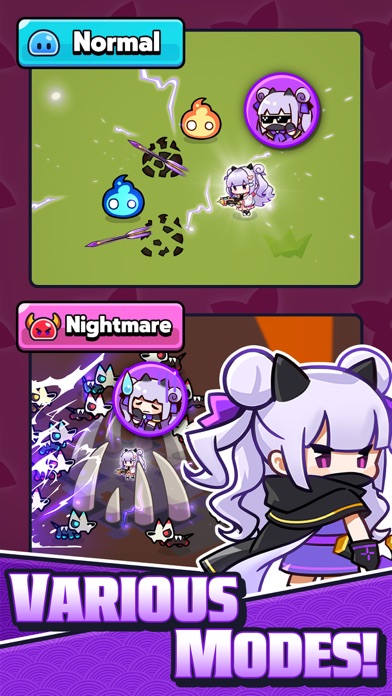
Enjoy Multiplayer Survival RPG!
Join forces with other ninjas and survive together!
Game Features
- True Multiplayer Survival: A complete online multiplayer experience anytime, anywhere!
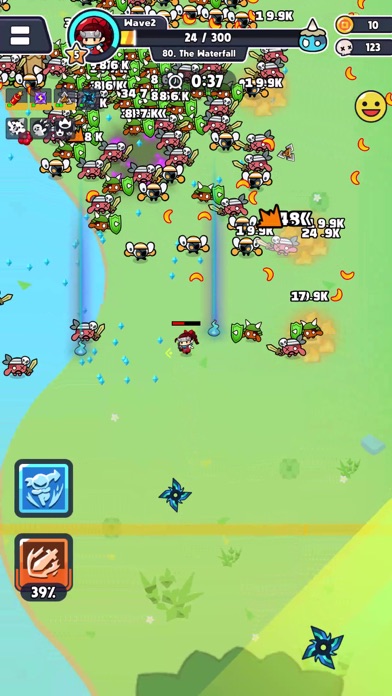
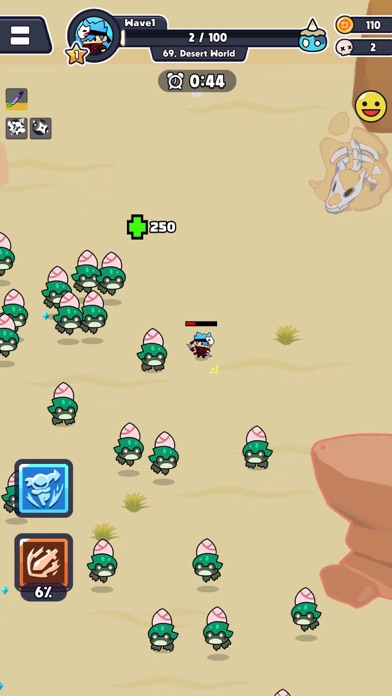
- Short and Intense Gameplay: Quick, powerful survival experience within 7 minutes each stage!
- Various Ninja Characters: Choose from a diverse range of ninjas with different skills and stats.
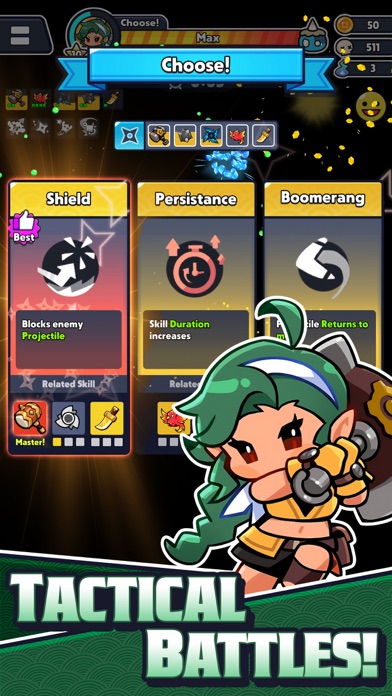
- Intelligent Skill combinations: Strategically combine random skills for victory in battles.
- Growth and Adventure: Train and upgrade your character, enhance your abilities, and grow into a powerful ninja.
- Multiplayer Modes: Obtain epic rewards in endless competition 'Midnight Parade'and the 10-player PVP 'Ninja Brawl'
Official Community
Check out the latest events, coupons, equipment combinations, and more in the official community!
- https://discord.gg/Z9c7q536Nr
Start a new adventure in Ninja Survivor.io right now!

- 未越獄/受限或已越獄的 iPhone 或 iPad。
- Sideloadly 或替代方案。
- 執行 Windows/macOS/Linux 且已安裝 iTunes 的電腦。
步驟 1: 透過上方連結將已破解的 .IPA 檔案下載到您的電腦。若要從 iOSGods App 下載,請參閱我們的 iOSGods App IPA 下載教學,其中包含影片範例。
步驟 2: 下載 Sideloadly 並將其安裝在您的 Windows 或 Mac 上。
步驟 3: 在電腦上開啟 Sideloadly,連接您的 iOS 裝置,並等待裝置名稱出現在 Sideloadly 中。
步驟 4: 當 Sideloadly 辨識到您的 iOS 裝置後,將下載好的修改版 .IPA 檔案拖曳並放到 Sideloadly 應用程式中。
步驟 5: 輸入您的 Apple Account 電子郵件,然後按下「Start」。系統會要求您輸入密碼,請依指示提供所需資訊。
步驟 6: 等待 Sideloadly 完成已破解 IPA 的旁載/安裝。如果安裝過程中發生問題,請閱讀下方的注意事項。
步驟 7: 安裝完成並在主畫面上看到該應用程式後,您需要前往 設定 → 一般 → 描述檔 / VPN 與裝置管理。進入後,點選您在步驟 6 中輸入的電子郵件,然後點選「信任 [email protected]」。
步驟 8: 現在回到主畫面並開啟新安裝的應用程式,一切應該都能正常運作。您可能需要依照遊戲內破解彈出視窗中的進一步指示操作。
注意: 在 iOS/iPadOS 16 及更新版本上,您必須 啟用開發者模式。若使用免費的 Apple Developer 帳號,您將需要每 7 天重複此程序。如有任何疑問或問題,請閱讀我們的 主題中的 Sideloadly 常見問題區段。