Login Diperlukan
Masuk dengan akun iOSGods kamu untuk melanjutkan.
Masuk dengan akun iOSGods kamu untuk melanjutkan.
Buka fitur premium dan booster tak terbatas dalam Mod IPA gratis ini untuk RECOLLECT: Color by Number, permainan puzzle yang menenangkan di mana Anda melukis berdasarkan angka untuk mengungkap karya seni yang indah. Nikmati power-up tanpa batas dan semua konten premium tanpa mengeluarkan uang sungguhan, memungkinkan Anda mewarnai dengan kecepatan Anda sendiri dan mengatasi setiap puzzle tanpa batasan.
- PREMIUM → semua fitur berbayar dibuka
- Infinite Boosters → power-up tanpa batas untuk setiap puzzle
Aplikasi ini juga dilengkapi dengan iGameGod, yang memberi Anda akses ke Auto Touch untuk mengotomatiskan tugas berulang, App Speed Manager untuk mengatur kecepatan permainan, pengeditan nilai Memory Engine, dan alat permainan iOS lainnya yang lebih canggih.
Unduh RECOLLECT: Color by Number Hack modded IPA dari tautan di atas. Ketuk tombol pasang dan ikuti petunjuk di layar untuk memasang hack iOS ini di iPhone, iPad, atau Apple Silicon.
Butuh bantuan lebih lanjut? Lihat Pertanyaan yang Sering Diajukan untuk Aplikasi iOSGods kami untuk jawaban dan tips lengkap.
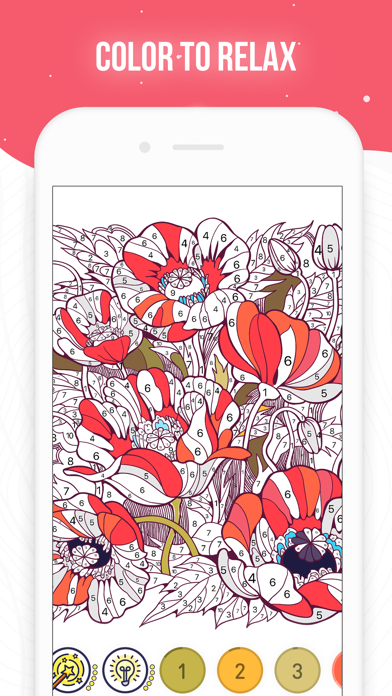
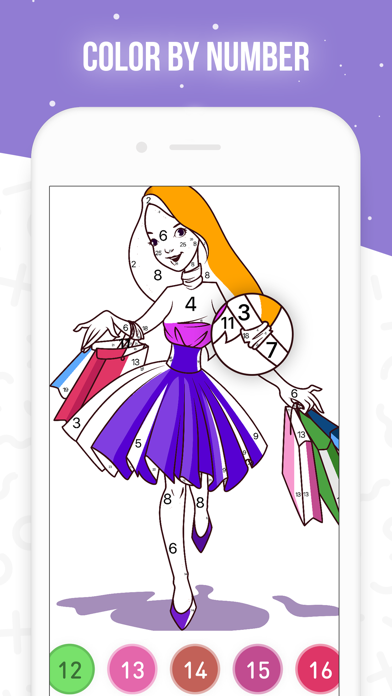
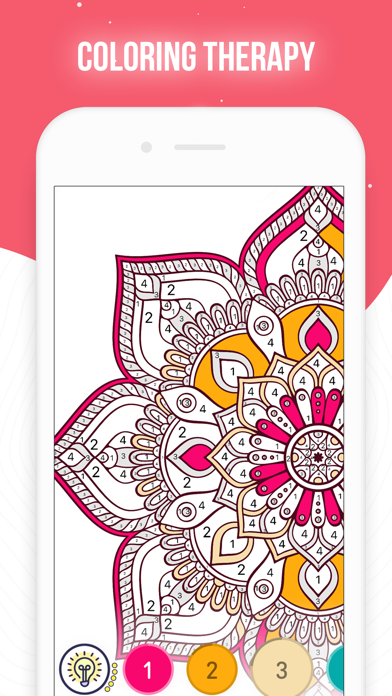
Take your time with Recollect — top coloring book for adults! This color puzzle game lets your inner artist roam and create masterpieces in a simple way.
Color and recolor cute pictures — no special set of skills needed!
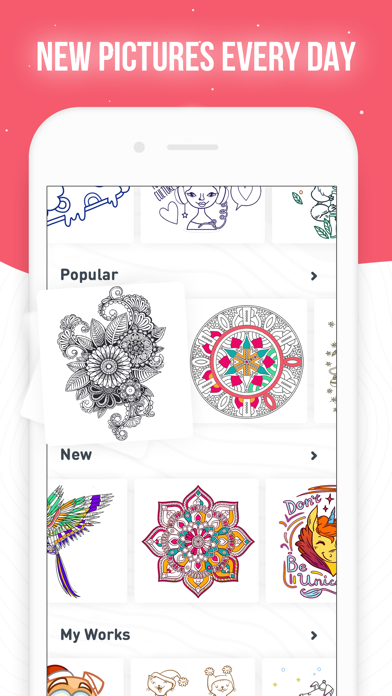
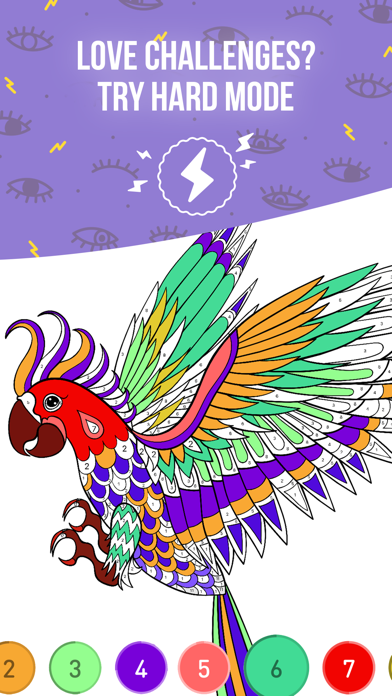
- Amazing choice of wonderful drawing pages: Mandalas, Patterns, Masks, Sea Creatures, Animals, Birds, Flowers, Places, Food — lots of pictures to explore;
- New images are added daily: explore tons of collections and categories;
- No wifi needed — color top art works anytime, anywhere;
- Various colouring tools. Use Magic Hat to color picture in one touch and Magic Wand to color all areas with matching symbols;
- Share your artworks with friends in one tap.
Painting has never been easier! Relax and enjoy Recollect app!
Recollect Premium.
Recollect Premium is a paid subscription that allows you to unlock unlimited pictures and sounds, get rid of interstitials and banner ads.
Weekly subscription with 3-day free trial period is $7.99, monthly $17.99, and annually $69.99 or equal to the same price in USD.
Payment will be charged to iTunes Account at confirmation of purchase.
Subscription will be automatically renewed for the same price and duration period, auto-renew can be turned off at least 24 hours before the end of the current period.
Your account will be charged for the subscription fee within 24 hours prior to the end of the current period for the price initially selected.
Subscriptions may be managed by you and auto-renewal may be turned off by going to the user's iTunes Account Settings. For more information please visit the link https://support.apple.com/HT202039.
No cancellation of the current subscription is allowed during the active subscription period.
Unused portion of a free-trial period will be forfeited when a user decides to subscribe.
EULA: http://severex.io/terms/
Privacy Policy: http://severex.io/app/PrivacyPolicy.html

- iPhone atau iPad tanpa Jailbreak atau dengan Jailbreak.
- Sideloadly atau alternatifnya.
- Komputer dengan Windows/macOS/Linux dan iTunes terpasang.
LANGKAH 1: Unduh file .IPA yang sudah di-hack dari tautan di atas ke komputer Anda. Untuk mengunduhnya dari iOSGods App, silakan lihat Tutorial Mengunduh IPA dari iOSGods App kami yang dilengkapi contoh video.
LANGKAH 2: Unduh Sideloadly dan pasang di Windows atau Mac Anda.
LANGKAH 3: Buka Sideloadly di komputer Anda, sambungkan perangkat iOS Anda, dan tunggu hingga nama perangkat Anda muncul di Sideloadly.
LANGKAH 4: Setelah iDevice Anda terdeteksi, seret file .IPA yang sudah dimodifikasi dan lepaskan ke dalam aplikasi Sideloadly.
LANGKAH 5: Masukkan email Apple Account Anda, lalu tekan "Start". Anda kemudian akan diminta memasukkan kata sandi. Silakan isi informasi yang diminta.
LANGKAH 6: Tunggu hingga Sideloadly selesai melakukan sideloading/pemasangan IPA yang di-hack. Jika terjadi masalah saat pemasangan, silakan baca catatan di bawah ini.
LANGKAH 7: Setelah pemasangan selesai dan Anda melihat aplikasi di Layar Beranda, Anda perlu masuk ke Pengaturan → Umum → Profil / VPN & Manajemen Perangkat. Setelah itu, ketuk email yang Anda masukkan pada langkah 6, lalu ketuk "Percayai [email protected]".
LANGKAH 8: Sekarang buka Layar Beranda dan jalankan aplikasi yang baru saja dipasang; semuanya seharusnya berjalan normal. Anda mungkin perlu mengikuti petunjuk tambahan per aplikasi yang muncul di popup hack di dalam game.
CATATAN: Pada iOS/iPadOS 16 dan yang lebih baru, Anda harus mengaktifkan Mode Pengembang. Untuk akun Apple Developer gratis, Anda perlu mengulangi proses ini setiap 7 hari. Jika Anda memiliki pertanyaan atau masalah, silakan baca bagian FAQ Sideloadly di topik tersebut kami.